
Why Are College Students Building Personal Servers Instead of Paying for More Cloud Storage?


College students are not replacing every cloud service with a box under the desk. They are building small personal servers when storage growth, Linux practice, project hosting, privacy, and ownership can share one modest piece of hardware.
The useful model is hybrid: keep active experiments and large local data under personal control, while retaining cloud or another off-site destination for collaboration, emergency access, and recovery from theft or room-level loss.
Combine storage spending with practical learning
A personal server can hold coursework archives, media, photos, Git repositories, databases, and container projects without increasing a monthly storage tier for every new dataset. The hardware cost becomes easier to justify when it serves several recurring tasks.
The same machine makes Linux permissions, SSH, DNS, Docker, firewalls, monitoring, backups, and incident recovery tangible. These are operational skills that a fully managed sync folder deliberately hides.
Savings are not automatic. Include drives, backup media, electricity, replacement parts, and the student’s maintenance time before comparing the server with a cloud subscription.
Gain control without pretending the server is a cloud region
Local storage gives the student control over accounts, retention, software, and data location. Large files move at LAN speed, and services can continue inside the room when the internet connection is poor.
A dorm server does not inherit the geographic redundancy, support staff, and polished sharing experience of a mature cloud platform. Hardware theft, spills, power loss, graduation moves, and campus-network restrictions are real parts of the design.
Use the role split below to keep each platform where it is strongest.
| Decision area | Assessment | Boundary |
|---|---|---|
| Large local projects and labs | Personal server | Fast LAN access and full control |
| Group editing and public availability | Cloud service | Lower operational burden |
| Irreplaceable data | Both | Local working copy plus off-site recovery |
Choose a small service set with visible value
Start with one anchor workflow such as project storage, Git plus a test database, automatic laptop backup, or a media library. Add services only when they support that workflow and have a named backup path.
Use private VPN access instead of casual public port forwarding, separate administrator and roommate accounts, and keep course deadlines independent of experimental upgrades. The daily laptop should remain usable while the server is offline.
A related ZimaSpace three-service setup provides a manageable starting boundary for a student homelab.
An independent home-server trend analysis weighs subscription fatigue, privacy, learning, power use, and maintenance.

Keep cloud for the risks the room cannot cover
Export irreplaceable projects, documents, photos, and password recovery material to an encrypted off-site location. Sync alone is not enough when deletion or corruption propagates, so preserve version history or immutable copies.
Use cloud collaboration when classmates need effortless sharing, university identity integration, or guaranteed reachability. The personal server should not turn a group assignment into an unpaid operations job.
The student-server setup succeeds when it teaches useful skills, reduces a measured storage constraint, restores from another copy, and can move between residences. If those conditions are absent, a larger cloud plan may remain the simpler choice.

Recommended products

NAS & Server Setup
More to Read
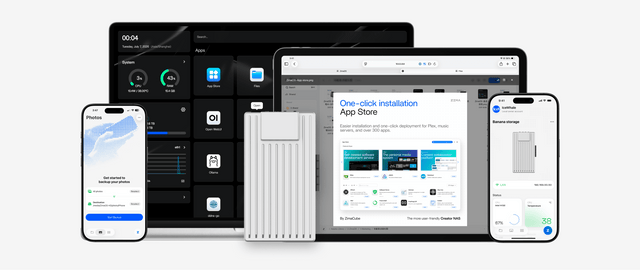
How to Build a Dorm-Room Home Server Without Taking Over the Only Desk
A dorm server should fit one small, quiet, low-power service boundary with contained cables, private access, and recovery outside the room.
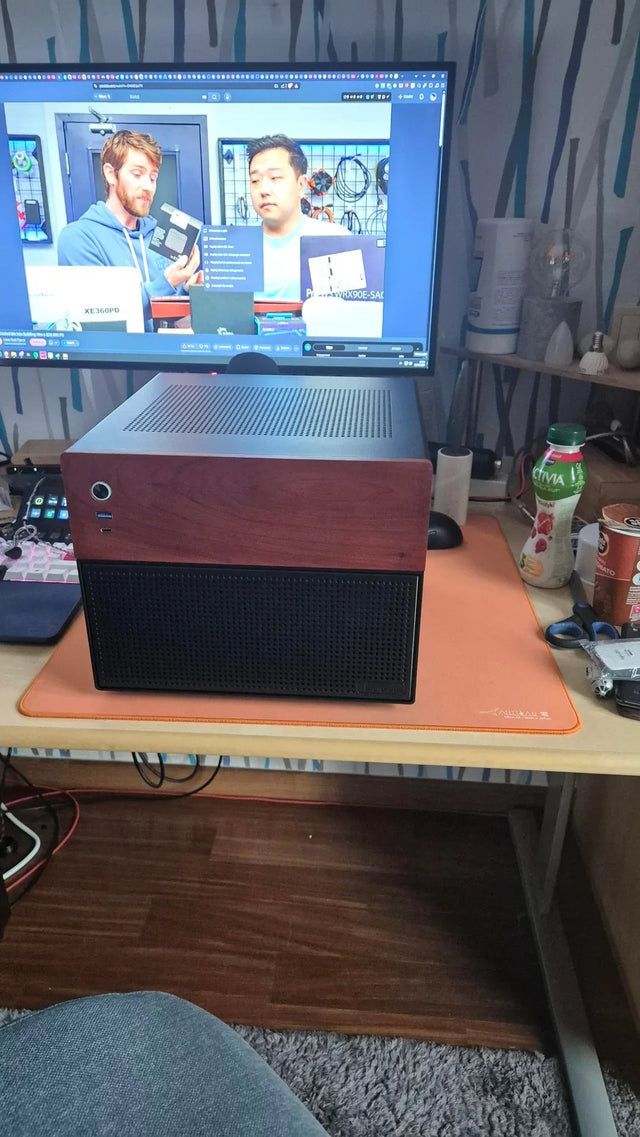
A Recoverable Developer Homelab Setup for Boot-Drive Replacement
Keep the boot disk disposable by moving definitions, persistent state, secrets, and recovery evidence into documented, independently backed-up layers.
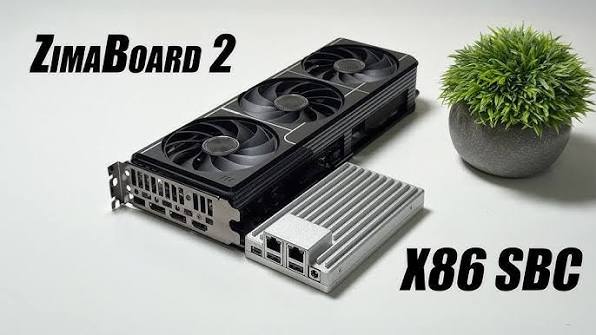
A Local RAG Setup for Research Papers, Notes, and Private Documents
Keep original documents authoritative, make indexing repeatable, require citations, and separate replaceable models from private source data.


