
Home Lab Server Guide for Small Desks and Shared Rooms


A home lab server for a small desk or shared room should minimize disruption before it maximizes expansion. The safest default is one compact, low-power host for a clearly limited service stack, with drives, cables, heat, and maintenance kept away from the person using or sleeping in the room. Move to larger storage or multiple nodes only when the workload cannot fit the same acoustic, thermal, and physical boundary.
Define the Home Lab Job Before Measuring the Desk
A small-room home lab can mean one DNS filter, several Docker services, a test virtual machine, a media server, a compact NAS, or a miniature cluster. Those jobs create different storage, memory, port, and maintenance needs. The hardware should be sized from the services that must run together rather than from how many devices look impressive on a shelf.
Recent reporting on home server experimentation describes home servers as sandboxes for local apps, storage, automation, and virtual machines. That is useful for buyers because a sandbox can start small; it does not need the footprint or noise of enterprise rack hardware.
The ZimaSpace guide to the first three services helps turn curiosity into a bounded first stack. A desk-sized server is easier to justify when its recurring jobs are known, while an undefined future lab tends to accumulate idle hardware, adapters, and cables.
The first decision output should be one workload sentence: “two lightweight services,” “several containers and one VM,” or “storage-first lab with a media app.” Choose a single compact host when that sentence fits one platform. Plan a second node only when isolation, learning goals, or downtime requirements create a real reason to separate workloads.
Set a Footprint and Cable Budget Before Choosing Expansion
Measure the surface, shelf, or under-desk zone that can remain dedicated to the lab. Include the server, power supply, storage enclosure or drives, Ethernet switch, cable bends, and the hand space required to remove a connector. A device that technically fits but cannot be serviced without moving the monitor is too large for the location.
Desk cable organization matters because a small lab adds power, Ethernet, SATA, and sometimes USB or display connections to an already occupied workspace. A practical guide to desk cable routing shows how clips, sleeves, and under-desk trays can keep cables from pooling around feet or pulling against ports.
The apartment media server guide covers a related space constraint, but a shared-room lab needs extra maintenance clearance because experiments create more cable and device changes. Keep frequently changed ports reachable and route permanent power and Ethernet separately from temporary test connections.
Choose integrated memory, boot storage, and networking when they remove extra boxes from the desk. Choose modular expansion only when the expected card, drive, or network upgrade already has a safe place to live. Expansion that requires an exposed adapter, unsupported weight, or a second power brick may defeat the small-desk goal.
Control Noise and Vibration at the Listener’s Position
Shared rooms make irregular sound more noticeable than steady background noise. HDD seeks, spin-up events, a small fan changing speed, or vibration transferred into a wooden desk can interrupt sleep, calls, or focused work even when the average sound level seems modest.
A current NAS noise guide notes that desks can amplify vibration and enclosed cabinets can trap heat, which then raises fan activity. The buying implication is to judge the server, drives, surface, and room together rather than treating a quiet processor as a silent complete system.
The quiet NAS decision provides the storage-focused version of this test. For a lab, schedule backups, indexing, and VM snapshots outside sleep or call hours, and place mechanical drives on a stable non-resonant surface rather than directly beside the keyboard.
Choose SSD-first storage when the capacity requirement is modest and irregular seek noise would be distracting. Choose HDD capacity only when the room can tolerate the drive behavior or the storage can sit farther from the listener. A small desk is not automatically the right place for every drive attached to a small server.

Preserve Airflow and Maintenance Access in a Tight Space
Compact placement should not mean sealed placement. The server needs an unobstructed intake and exhaust path, and attached drives or adapters need enough space to release heat. A shelf packed against a wall can create a warmer local environment than the rest of the room.
A server-room airflow guide explains that hot-air recirculation raises inlet temperature when exhaust returns to the intake. A desk-sized lab is far smaller than a data center, but the mechanism is the same: avoid pointing warm exhaust into a wall, another device, or a closed cable cavity.
The ZimaSpace low-power server guide helps separate low processor power from total system heat. Drives, switches, adapters, and expansion cards still add energy and must be included in the room and power budget.
Choose a location that allows dust cleaning, drive replacement, and cable checks without dismantling the desk. If maintenance requires disturbing another person’s work or sleep setup, reduce the hardware count or move the storage to a different zone before buying a larger chassis.
Match Compute, Memory, and Storage to the Shared-Room Limit
Light network services, Home Assistant, dashboards, and a few containers can run on modest hardware. Several databases, media conversion, nested labs, photo indexing, and virtual machines require more memory and burst performance. The smaller room should not force the workload onto hardware that remains heavily loaded and hot all day.
The self-hosting beginner baseline keeps reused hardware as a valid zero-cost test. Reuse is sensible when the machine is quiet, stable, Ethernet-connected, and physically suitable. It becomes a poor fit when external adapters, high idle draw, or desktop use create more shared-room friction than a dedicated compact host.
Memory should be chosen for simultaneous services, while storage should be chosen for durable data. Keep the operating system and application state on reliable solid-state storage, then decide whether shared files or media need one or two direct drives. A VM-heavy lab can justify more memory without requiring a large NAS, while a storage-heavy lab can require more bays without needing maximum CPU.
Choose the smallest tier that completes normal work with enough headroom to return to a quiet idle state. Upgrade when services compete for memory, scheduled jobs miss their window, storage adapters multiply, or the lab cannot be maintained safely within the desk boundary.
Choose the Platform and Package by Growth Pattern
For a first experiment with one or two light services, the ZimaBlade 3760 Starter Bundle is the budget-first route when the buyer wants memory and power included. Choose the 7700 Starter Bundle when more Docker services, light media work, multitasking, or a small DIY NAS already belongs in the plan.
Choose ZimaBoard 2 when integrated memory and boot storage, the Intel N150 platform, dual 2.5GbE, and more application headroom reduce desk clutter or replace adapters. The 832 fits everyday apps and a first compact lab, while the 1664 is better for more containers, media, indexing, or a first virtual machine.
Storage-oriented kits add mounting and connection accessories, but HDDs and SSDs remain separate purchases. Before checkout, confirm the complete footprint with the intended drives, power supply, Ethernet switch, expansion card, and cable paths rather than comparing the server body alone.
Choose ZimaBlade when learning and a light workload matter more than integration. Choose ZimaBoard 2 when fewer external parts, faster networking, and broader growth improve the shared-room setup. Skip a larger multi-bay platform unless the storage requirement already has a separate, ventilated place outside the working surface.
Verify the Shared-Room Fit Before Checkout
Mark the server footprint on the desk or shelf, place temporary cables along the planned routes, and confirm that chairs, doors, drawers, and other users do not collide with them. Check that the device can be reached without moving the main computer or monitor.
Estimate the loudest normal events: drive seeks, backups, VM snapshots, media conversion, and restart fans. The 24/7 household server model helps buyers include updates, alerts, and recovery rather than judging only the first setup day.
Confirm the number of power outlets, Ethernet ports, storage connections, and included accessories. Decide who can unplug or restart the lab, where backups live, and whether a failed experiment can interrupt shared household services.
The right small-room home lab is not the server with the most unused expansion. It is the complete system that fits the desk, stays tolerable during real workloads, remains cool and serviceable, and can grow without turning the shared room into a server closet.

Recommended products

Buying Guide
More to Read
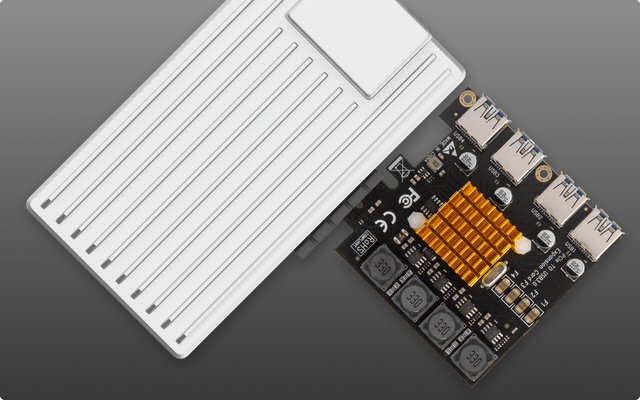
Single-Pool Home Server Failure Risk Assessment
One pool is operationally simple, but apps, media, and backups share capacity, maintenance, and outage risk unless recovery leaves the host.
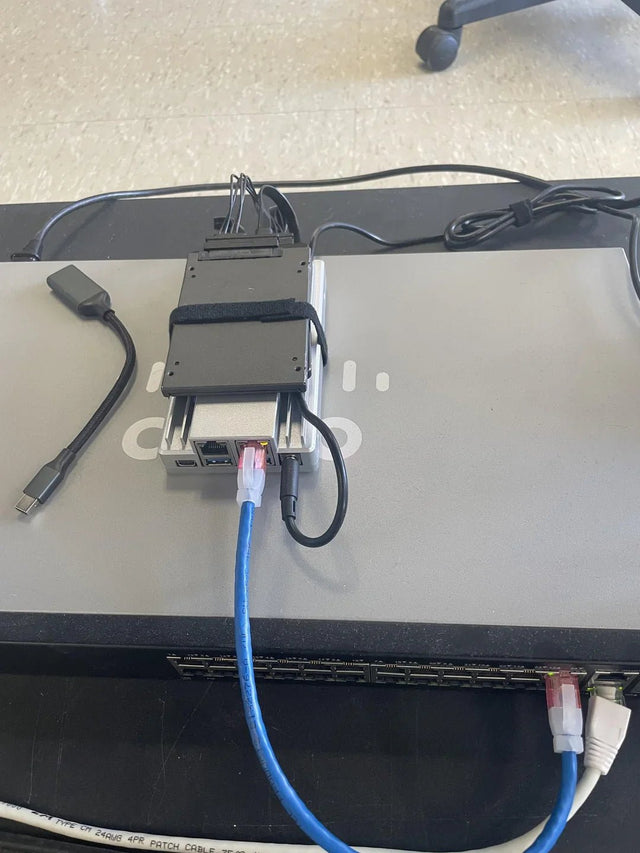
USB Storage Expansion Reliability Risk Guide
USB expansion fits backup and movable data best; primary pools demand stable power, identity, monitoring, and tested disconnect recovery.
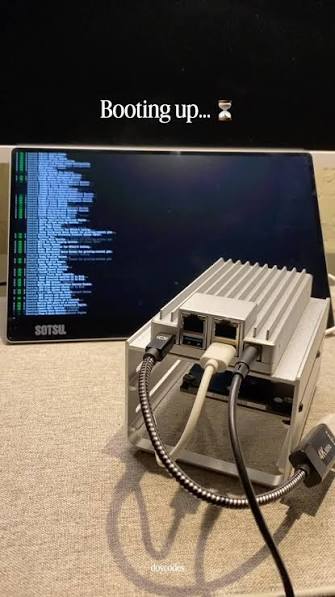
Mixed-Capacity NAS Upgrade Risk Checklist
A mixed-capacity upgrade is safe only when the array supports the exact sequence, every rebuild is protected, and unused capacity is understood.


