
One Blade, Three Households: How a Tiny x86 Board Became My Family’s IT Department


Vladimir’s two compact x86 servers help him support three households from another country. One became a Tailscale exit node at his parents’ home; his projects later included direct SATA drive maintenance and Immich photo uploads to an SSD. The useful lesson is how a small general-purpose server can take on another family task without a complete redesign every time.
Thank you, Vladimir Penkin, for sharing how those jobs developed, why the living-room cabinet suits your home and what made the first monitor connection inconvenient. We have retained your account below, including the Mini DisplayPort adapter criticism, so readers can judge the experience from the details you actually lived with.
ZimaBlade has been renamed ZimaBoard SE. Vladimir bought his machines under the earlier name, which remains in his original narrative. The current product link uses ZimaBoard SE; today’s kit contents differ from the accessories supplied with his older units.
A Community Story From Vladimir
Some homelabs start with a rack. This one started with a website saying “access denied.” Vladimir Penkin is a software generalist with a computer science background who likes writing code, learning new things, and tinkering with technology. When he shared his ZimaBlade story with us, what caught our attention wasn't a complicated server architecture or an enormous storage array. It was something much more familiar: helping family with tech. Except Vladimir happens to do it across countries — and, eventually, across three different households.
We asked if he'd be open to sharing the story on the Zima blog. He said yes. So we'll let him take it from here.

Confession #1: I Thought I Was Done With VPNs
Back home, a VPN was part of my daily routine — the usual workaround for geo-blocked services. When I moved abroad, I figured that chapter was closed. Then I tried to log into some government services from my new country and got blocked. The irony was pretty good: now I needed a VPN to get into my own country. So I needed something that could stay online back home, require very little maintenance, and give me a reliable way into the local network whenever I needed it.
That sounded simple enough. It wasn't my first attempt.
Round 1: The NAS That Wasn't
My first solution was a small single-bay NAS from a big-name brand. It didn't last. Power management was unreliable, the ecosystem was closed, and doing anything beyond the basics felt like a struggle. What I actually wanted wasn't complicated:
- one-click apps,
- easy remote access,
- low power consumption,
- and enough freedom to experiment when I wanted to.
I didn't really need a traditional NAS. I needed a small computer that could quietly live somewhere in the house and do whatever job I gave it.
Round 2: Enter the Blade
So I started looking for something small, affordable and x86. That's how I found ZimaBlade. And here's confession #2: I like beautiful hardware. I'm not really a rack-of-blinking-servers person. The Blade looks more like a gadget than an appliance. It's compact, slightly unusual, and honestly, I liked having it around. There wasn't much else in the category that looked quite like it. But looking nice wasn't the actual job. I set the Blade up as a Tailscale exit node and shipped it to my parents' house.
That was it. Now, whenever a website tells me “access denied,” my traffic can simply make the trip through Mom and Dad's living room. Problem solved. From another country.
Blade #2: Apparently, I Missed It
About a year later, I caught myself missing the Blade. So I ordered another one for my own homelab abroad. At first, there wasn't even a grand plan for it. I just wanted a small, low-power x86 machine to play with. It earned its keep surprisingly fast. One day I needed to connect and wipe two HDDs. The problem? My house is basically all Macs. No SATA ports anywhere. I already had a roughly $20 USB-to-SATA dongle sitting in my shopping cart when I remembered:
the Blade has SATA built in. I plugged the drives in. Wiped them. Done. The dongle is still sitting in that shopping cart. Sometimes the best use case is just realizing you already own the tool you were about to buy.
Then Came the Immich Effect
The next project started with my parents' photos. I wanted to give them a simple way to back everything up without adding another cloud subscription to their monthly bills. So I remotely installed Immich on their local network and set their photos to back up to a silent SSD. No complicated workflow. No recurring storage subscription. And, more importantly, no family phone call every time something needed to be backed up.
It worked. Maybe a little too well. My parents liked it enough that word eventually reached my in-laws. You can probably see where this is going. Blade #2 got packed up and shipped to them. What had started as my little x86 homelab toy had become another household's server.

Current Score: Two Blades, Three Households
So after roughly two years, the score looks like this: My household. My parents' household. My in-laws' household. Three homes. Two ZimaBlades. And Blade #3 is already on my list. None of this was really planned. I didn't sit down one day and decide to build a “multi-household family infrastructure.” Each machine simply solved the problem in front of me. First, I needed a reliable way back into my home country.
Then I wanted a low-power x86 machine to experiment with. Then there were hard drives to wipe. Then family photo backups. Then another family wanted the same thing. One useful little box turned into another.
The Setup Is Hidden in Plain Sight
There's another part of the setup I like. It doesn't look like a server rack. The hardware lives inside a ventilated wooden cabinet in the living room, alongside the networking equipment and the other small machines I've collected. Doors closed, it looks like furniture. Doors open, it's a small homelab. That's much closer to the kind of setup I want at home.

The One Gripe
It hasn't been 100% dongle-free, though. The Blade uses Mini DisplayPort instead of full-size HDMI. The first time I wanted to connect it directly to a monitor, I had to buy a Mini DisplayPort-to-HDMI adapter. So, yes. The universe eventually got its dongle money after all. It's a small thing, but I would have appreciated either a full-size HDMI port or an adapter in the box to make that first setup a little smoother.
No hardware is perfect. And if I'm telling the story, that part belongs in it too.
What I Actually Like About It
Looking back, the interesting part isn't that the Blade performs one particular task exceptionally well. It's that it never really had just one job. One was a remote exit node. Another became a homelab machine. Then a quick SATA workstation. Then a photo backup server. Then family infrastructure. For me, that's the appeal of a small general-purpose x86 box. You don't necessarily have to know what its final job will be when you buy it.
Sometimes the use case shows up later.
TL;DR
I bought a NAS to solve a VPN problem. I ended up with a tiny, good-looking x86 box that became the family tech support I can run from another continent. Two Blades. Three households. And, apparently, I'm not finished yet. — Vladimir Penkin You can find more about Vladimir and his work at penk.in.
From the Zima Team
We talk a lot about homelabs, self-hosting and personal servers. But sometimes “personal” really does mean personal. A machine sitting quietly in one living room gives someone thousands of miles away access back home. Another keeps family photos somewhere the family controls. And a piece of hardware originally bought just to experiment with eventually gets boxed up and sent to someone else's house because it turned out to be useful there too.
We didn't design Vladimir's family IT system. There wasn't really a system to begin with. It grew one problem at a time. And that's probably why we like this story so much. Thanks, Vladimir, for letting us share it.
FAQ
Are there three servers in the installed setup?
No. Vladimir describes two machines serving needs across three households. The third is a planned purchase.
What does the Tailscale exit node do?
It routes an authorized client’s internet traffic through the chosen device. In this story, that device is at his parents’ home. See Tailscale’s exit-node documentation for the routing model.
Is an Immich upload the whole backup plan?
Vladimir describes the photo service and SSD, but not a separate off-site recovery system. Readers should protect both the database and media files, following Immich’s backup guidance.
Which current product corresponds to the earlier hardware?
ZimaBoard SE is the current family. Its kits include installed RAM, 64GB eMMC, ZimaOS Plus, a USB-C PD adapter and SATA-Y cable. The NAS Kit also adds a drive rack tray and 4K Mini DP cable.
Conclusion
A blocked website prompted the first purchase. Useful SATA ports and family photos gave the next machine its work. Vladimir’s setup grew because the hardware kept solving everyday problems—and because a good experience in one household made another family want to try it.

Produtos recomendados
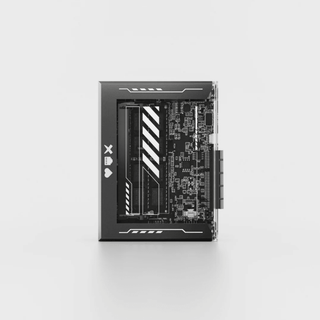
Centro de campanhas Zima
Mais para ler
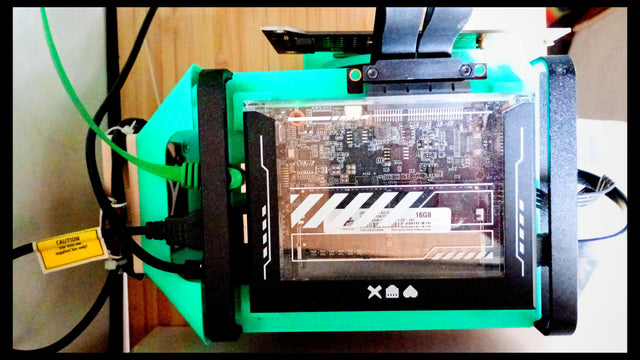
From a Patchwork ARM Homelab to Three x86 Servers: Julien’s Migration
Julien moved a varied ARM homelab to three compact x86 hosts with Debian, Docker, ZFS, Borg and Caddy, migrating services one at a time.
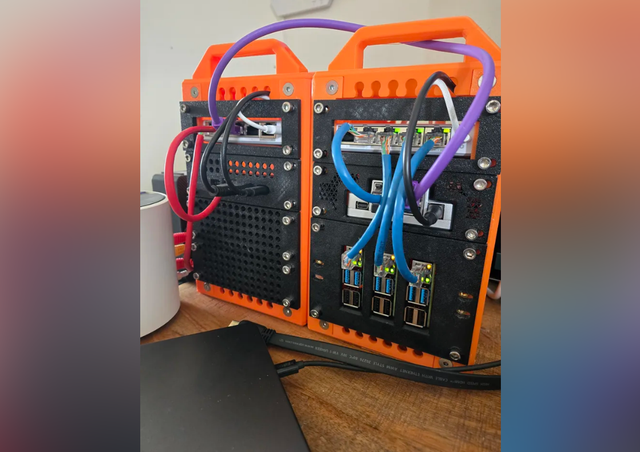
Barely Works, but Getting There: Chris’s Mixed x86 and ARM Homelab
Chris pairs a dependable two-drive Debian NAS with a ZimaBoard 2 and Raspberry Pi cluster, experimenting with k3s, Ollama and a Pi Pico backup...
Dia Mundial da Televisão de 2026: traga as suas histórias de volta ao ecrã
Para o Dia Mundial da Televisão, crie uma seleção de filmes para ver em casa, com contexto, reprodução acessível e um fluxo de trabalho...


