


A Budget ZimaOS Homelab for Nextcloud, Remote Access and Automation


Thank you to u/Emotional_Pumpkin_77 for sharing a budget ZimaOS homelab organized around files, remote access and automation. Nextcloud, Tailscale, Hermes and n8n give the machine practical roles beyond being another computer in a corner.
The original Reddit story pairs a photograph of the equipment with a ZimaOS dashboard. Its strongest idea is straightforward: choose services that help with everyday projects, then make them usable when away from home as well as at the desk.
The Hardware Grew from Available Budget Parts
The owner describes assembling the setup from affordable parts and recently adding an RTX 3060 Ti. The source does not provide a complete CPU, memory or drive inventory, so the build is best understood through its documented applications and original images.

A visible graphics upgrade can easily dominate a build story. Here, the daily workflow is more informative. Keeping documents accessible, reaching the home network from campus and handling recurring tasks are the reasons for the server to stay useful after the hardware work is finished.
That is a helpful starting point for another budget build. List what needs to work each week before selecting more components. Then separate a genuine resource limit from a configuration problem: an unreachable service and an overloaded processor can look equally unhelpful from a phone screen.
Each Application Has a Recognizable Job
The creator identifies Tailscale for reaching the network away from home, Nextcloud for personal cloud storage, Hermes for organizing documents and receipts, and n8n for background automations. These are reported roles, rather than a published set of workflow definitions.
| Component | Role in the owner’s account |
|---|---|
| ZimaOS | Application installation and day-to-day management |
| Nextcloud | Self-hosted cloud storage for files and projects |
| Tailscale | Access to the home network from campus or elsewhere |
| Hermes | Document and receipt organization |
| n8n | Background workflow automation |
| RTX 3060 Ti | Recent hardware upgrade; a specific GPU workload is not documented |
Giving each application a job also makes failures easier to describe. If a file opens at home but not away, start with access and networking. If the file opens but an automation never handles it, investigate the workflow and its permissions. Those are different questions even though both involve the same server.
Our small homelab story from jc-21 offers another way to think about a compact installation through the services it provides.
Remote Access Connects the Lab to Daily Life
The owner reports using Tailscale while on campus or out elsewhere, and says the initial networking took some learning. That detail matters because a server’s usefulness depends on reaching it in the places where its files are needed.
The Tailscale quickstart covers connecting devices to a tailnet and testing access between them. For a reader following this pattern, first confirm that the application works locally, then test from a second device over a different internet connection.
A successful login is a useful first test, but daily work needs more. Open an actual document, upload a small file and check that the expected account can see it. This distinguishes a reachable machine from a working application path.
Network access also does not replace application permissions. A device joining the private network still needs the right account and authorization within the service. Recording those two layers separately makes future troubleshooting easier when a phone, laptop or user account changes.
A Personal Cloud Needs More Than Its Data Folder

Nextcloud has a central role in this setup because the creator wants control over cloud storage without depending on third-party subscriptions. Taking on that role also means understanding the application state needed to recover it.
The Nextcloud administration backup guide identifies configuration, data, the database, themes and any custom applications as relevant backup material. Its maintenance guidance addresses keeping those pieces consistent during the backup process.
For someone building a similar personal cloud, copying a visible collection of documents is only one question. Can the application be reconstructed with its accounts and configuration? Can the owner find the matching database backup? A small restoration exercise answers more than an unchecked backup schedule.
The original post does not document that recovery procedure. These are next-step considerations for readers, rather than additional accomplishments assigned to the creator.
Automation Adds State Worth Preserving
Documents and receipts are useful automation targets because they recur. They also make correctness important: a workflow should leave the owner able to find the original and understand what changed.
For a reader exploring the same pattern, begin with a copy of a small input folder and one task. Check the result before expanding the scope. Avoid letting several automations rename, move and classify the same originals until their responsibilities are clear.
n8n introduces another recovery detail. Its encryption-key documentation explains that stored credentials are encrypted with a key. A recovery plan should preserve the necessary configuration and key securely along with the application’s persisted data.
The family photo server troubleshooting story gives a related example of why application data deserves its own attention. Readers exploring a dedicated compact host can also consider ZimaBoard 2 against their actual workloads; the creator’s budget computer is not identified as that product.
FAQ
Which GPU did the creator add?
The owner names an RTX 3060 Ti. The post does not provide a specific GPU workload or controlled performance results.
Is this a complete reproducible build guide?
No. The source shares photographs and application roles, without a full hardware inventory or exported configurations.
Does Tailscale make every application available automatically?
No. Network reachability, routing and application configuration still need to fit the intended access pattern. Test the actual service from the remote device.
Are the Hermes and n8n workflows published?
The owner describes their purposes, but the post does not supply enough configuration to reproduce those workflows exactly.
Conclusion
This budget homelab has a clear purpose: make personal files and recurring work easier to manage, including away from home. Its useful lesson is to give each service a defined job, then pay attention to access, application state and recoverability as the setup becomes part of daily life.
Welcome to the ZimaSpace community! Share your setup, ask questions, and explore practical build guides, real user stories, and product updates with fellow self-hosters.

Recommended products

Zima Campaign Hub
More to Read
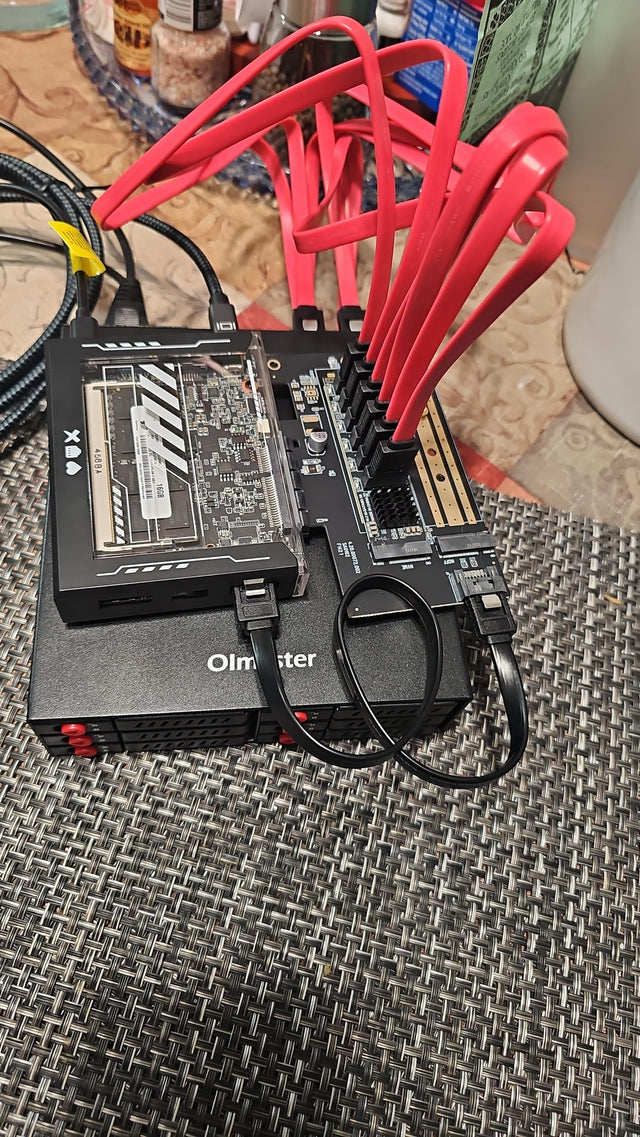
Before First Boot: A ZimaBlade 7700 NAS Plan with Six Drives
A first ZimaBlade 7700 assembly pairs a six-drive cage with plans for TrueNAS, Jellyfin and Minecraft, before power and storage configuration are verified.
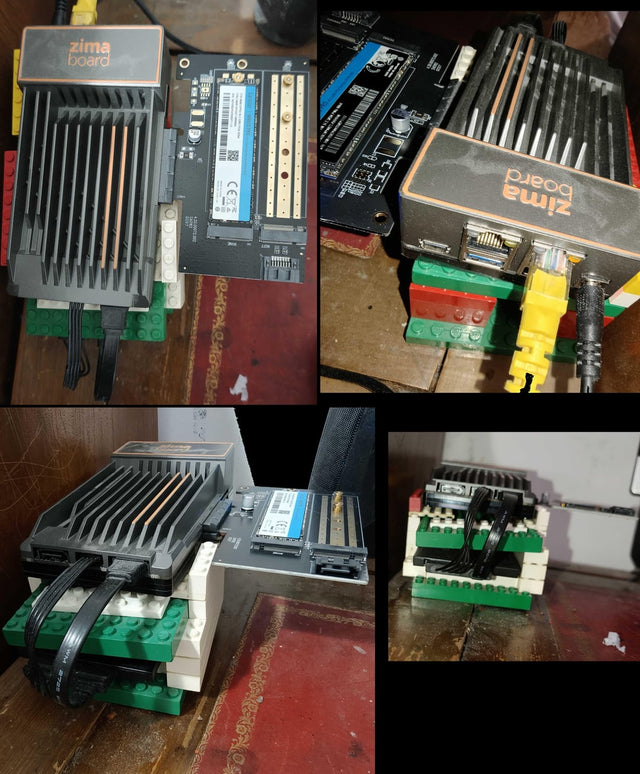
A ZimaBoard LEGO Prototype Looking for a Permanent Enclosure
A temporary LEGO support holds a ZimaBoard and NVMe card while the owner plans a low-cost enclosure for two extra SSDs without a 3D...
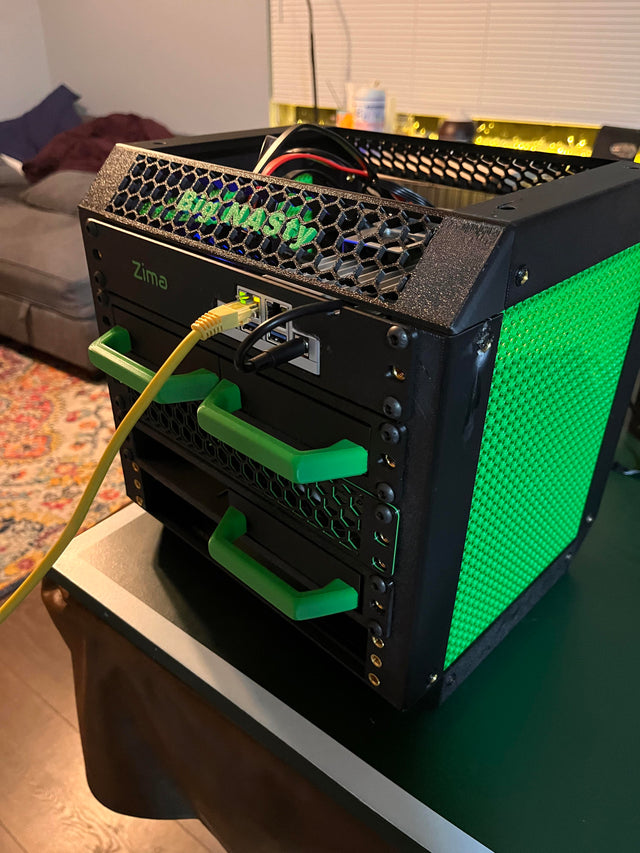
A Printed Ten-Inch ZimaBoard 2 Rack with Four Drive Trays
Gerrit3D documents a printed ZimaBoard 2 rack from threaded rails to drive trays and cabling, with original construction photographs and clear limits.


