


A First ZimaOS Laptop Server for Personal Data and Hermes Experiments


Thank you to u/dede279 for sharing a first home server running ZimaOS on an old laptop. The project combines personal data storage with early Hermes Agent experiments, and its most useful details appear when the creator explains how they investigate applications and what still needs improving.
The original Reddit post and the owner’s replies describe an installation that is already useful while its backup strategy remains unfinished. That makes this a practical account of the stage between installing applications and learning to operate them.
An Old Laptop Lowered the Barrier to Starting
The creator places the laptop at approximately 2016 or earlier and chose ZimaOS because it seemed approachable out of the box. The exact laptop model, processor and storage arrangement are not supplied. The original illustration is a dashboard screenshot, rather than a photograph identifying the computer.

Starting with a computer already available changes the first decision. Instead of designing a final system immediately, an owner can find out which applications become part of daily life. A service that remains useful after the first week deserves more attention than one installed only out of curiosity.
This approach also leaves a clear boundary around the hardware evidence. A responsive dashboard demonstrates that the interface is accessible at that moment. It cannot establish the machine’s sustained cooling, battery condition, storage health or power consumption over a month.
The Stack Mixes Daily Use with Exploration
The owner mentions storing data, trying Hermes, entering information manually in Sure and using Portainer to inspect logs. A future 3-2-1 backup arrangement and automation involving bank statements, OCR and models remain ideas described in the discussion.
| Area | Reported state |
|---|---|
| Personal storage | Already being used |
| Hermes Agent | Installed and being explored |
| Sure | Manual information entry at the time of the discussion |
| Portainer | Used to inspect logs when applications were difficult to deploy |
| Statement processing | Possible future OCR and model workflow |
| 3-2-1 backup | Planned improvement, rather than a documented completed setup |
For another beginner, those categories provide a useful way to organize a server notebook: what is depended on today, what is experimental, and what has only been proposed. They help decide which application deserves a recovery plan first and which one can be removed without disrupting a routine.
The journey from Pi-hole to a family server provides a related example of a small starting point acquiring more household responsibilities over time.
Reading Logs Was the Next Learning Step
The creator’s reason for adding Portainer is specific: it provided a convenient route to logs while investigating deployment problems. That is a useful transition from seeing that an application failed to asking what it was doing when it failed.
Portainer’s container log documentation describes searching, filtering, timestamps and downloading output. For a reader troubleshooting a similar installation, these tools help keep the evidence tied to the attempt being investigated.
For example, note the time, reproduce the problem once, and inspect the affected application’s output before changing several settings. A connection error, missing directory or permission message points toward different follow-up work. The value lies in narrowing the question, rather than reinstalling the whole stack repeatedly.
The discussion does not establish one universal cause for the creator’s deployment problems. It supports the smaller and more useful conclusion that access to application evidence helped the owner continue learning.
Trying an Agent Is Different from Completing an Automation
The owner says they followed the ZimaOS Hermes tutorial and then the Hermes documentation, while still exploring what the agent could do. The proposed statement-processing workflow is an ambition, so this story does not describe it as an already working financial pipeline.
The official Hermes Agent setup guide covers configuration of a model provider and messaging integration. Running the agent on a home server and deciding where its model requests are processed are separate choices. A self-hosted interface alone does not prove that all inference happens locally.
For a reader exploring document automation, a small folder of disposable examples is a sensible first scope. Check what the workflow reads, what it changes, and whether its output is correct before giving it original documents. Keep a way to compare the result with the input.
That creates a clearer milestone than simply adding another icon: one repeatable task with an understandable outcome. Larger integrations can follow once the owner knows what must be preserved and how mistakes will be noticed.
Persistent Data Gives the Next Upgrade a Purpose
The creator’s planned backup improvement acknowledges an important change in the project. An experimental laptop can become the place where useful information lives, even before its owner thinks of it as permanent infrastructure.
Docker’s volume documentation explains the persistence of data outside a container’s writable layer. For a growing application stack, record both the deployment settings and the locations holding real data. Reinstalling an application image does not by itself reconstruct the information it previously stored.
As reader guidance, a 3-2-1 plan means identifying a primary copy and two additional copies across two media types, with one off-site. The practical test is a restore: retrieve an important item from an independent copy and confirm that it opens. For a database-backed application, follow that application’s recovery procedure as well.
Our recycled-hardware backup server story illustrates giving another machine an explicit backup role. A reader considering dedicated storage hardware can also explore ZimaCube 2; the laptop in this account was not identified as a ZimaCube.
FAQ
Which laptop model does this build use?
The source only gives an approximate age. It does not identify a model or publish a complete hardware specification.
Is the owner already running a complete 3-2-1 backup?
The post describes that as a future improvement. No completed arrangement or restoration result is documented.
Does the memory report establish a minimum requirement?
No. The owner’s reply about roughly 4GB while idling is a personal observation about that installation, rather than a general requirement or controlled measurement.
Was automatic bank-statement processing already finished?
No. The owner reported manual entry in Sure and discussed automation as something to explore later.
Conclusion
This first server is useful because it remains understandable as a learning project. Storage has an immediate role, logs help explain failures, and an agent provides room to experiment. Keeping those uses distinct from future plans makes the next decisions about backups and automation much clearer.
Welcome to the ZimaSpace community! Share your setup, ask questions, and explore practical build guides, real user stories, and product updates with fellow self-hosters.

Recommended products
Zima Campaign Hub
More to Read
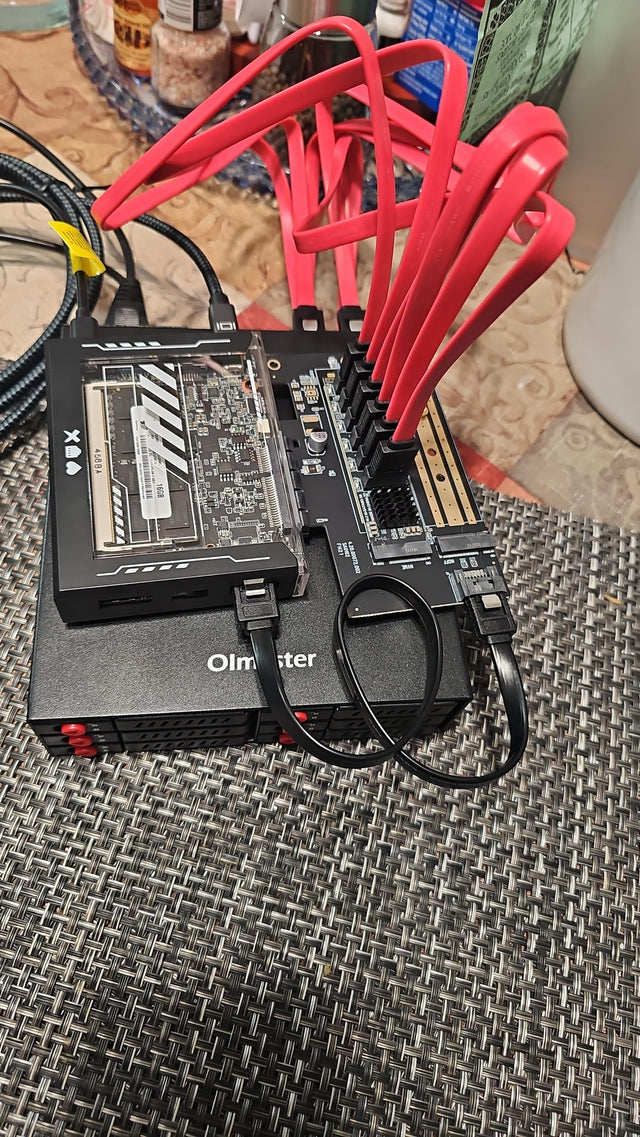
Before First Boot: A ZimaBlade 7700 NAS Plan with Six Drives
A first ZimaBlade 7700 assembly pairs a six-drive cage with plans for TrueNAS, Jellyfin and Minecraft, before power and storage configuration are verified.
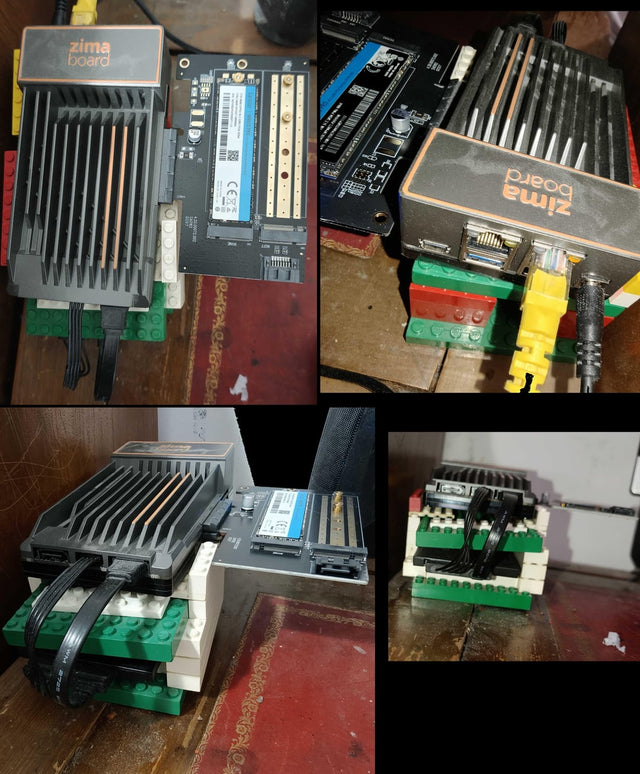
A ZimaBoard LEGO Prototype Looking for a Permanent Enclosure
A temporary LEGO support holds a ZimaBoard and NVMe card while the owner plans a low-cost enclosure for two extra SSDs without a 3D...
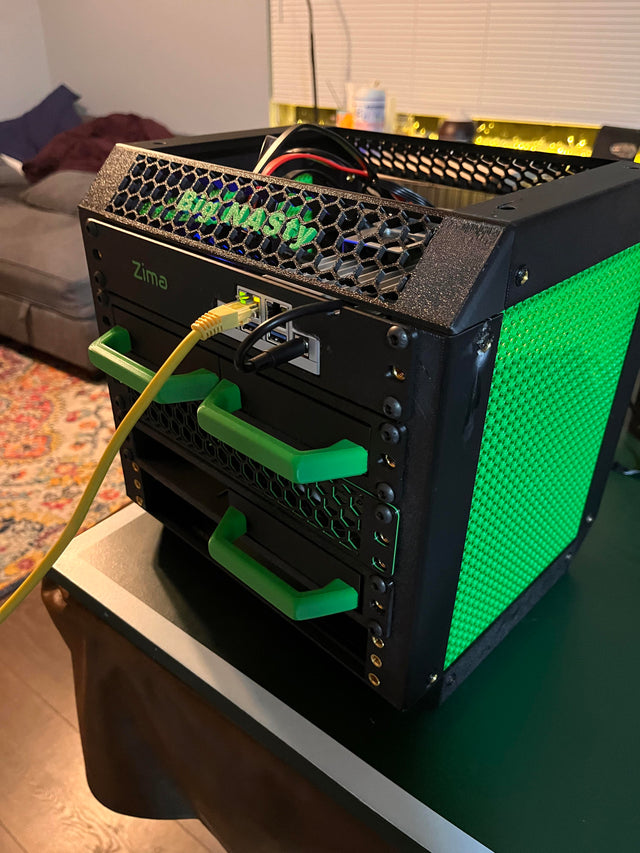
A Printed Ten-Inch ZimaBoard 2 Rack with Four Drive Trays
Gerrit3D documents a printed ZimaBoard 2 rack from threaded rails to drive trays and cabling, with original construction photographs and clear limits.


