


A ZimaBoard Unraid NAS in a Small Networking Rack


Thank you to u/subhumann for sharing a compact networking rack in which a ZimaBoard runs Unraid and manages a reported 30 TB array, while other small computers handle media and application workloads. The build brings storage, routing and services into a Rackmate T1 without making one machine responsible for the entire home lab.
The original Reddit post and the creator’s follow-up show why the back of a small rack deserves as much attention as its front. A storage controller, its cables and a large cooling fan all need space. Here, that became a practical lesson when the printed ZimaBoard mount did not account for the full depth of its PCIe card.
A Small Rack with Separate Jobs for Each Host
The Rackmate T1 is the organizing frame for this setup. A UniFi UX7 provides routing and VPN access, alongside a UniFi PoE switch. The ZimaBoard takes the storage role, a Raspberry Pi 3 runs Pi-hole and some Home Assistant services, and a Beelink S13 handles Plex transcoding and a handful of game servers.
That division is the useful part of the design. A media request does not require the NAS to perform every related task itself. Files can remain on the storage host while another machine does application work. Likewise, the DNS and home automation services have a home outside the Unraid machine. These are separate responsibilities, even though the hardware occupies one small rack.

| Part of the setup | Role reported by the creator |
|---|---|
| Rackmate T1 | Compact rack holding the equipment together |
| UniFi UX7 and PoE switch | Routing, VPN access and network connections |
| ZimaBoard with an HBA | Unraid, the reported 30 TB array and media automation applications |
| Raspberry Pi 3 | Pi-hole and some Home Assistant services |
| Beelink S13 | Plex transcoding and game servers |
Our small homelab story from u/jc-21 offers another example of choosing compact machines around service roles. The common question is which jobs need to live together and which can be maintained separately.
The ZimaBoard Connects to Drives Through an HBA
The storage host is an original ZimaBoard, rather than a ZimaBoard 2. The creator identifies the expansion controller in a follow-up as an LSI 9211. A four-way SAS breakout cable connects the controller to the hard drives. That follow-up explains a connection that is difficult to see in the main photograph.
This is an important difference between a board with storage ports and an assembled NAS. Once an expansion card is involved, the design includes the controller’s dimensions, the cable exits and the position of the disks. A rack opening that fits the board alone may still be too shallow for the complete storage path.
The reported 30 TB describes the creator’s array. The post does not give a complete disk inventory or a usable-capacity calculation, so it should not be read as a confirmed 30 TB of protected, usable space. For the software’s own description of arrays, pools and optional parity, see Unraid’s platform overview.
A Printed Mount Met the Depth of a Real Expansion Card
The creator printed a rack mount for the ZimaBoard, then discovered that the PCIe card extended farther than the design allowed. Adjustments made the assembly fit for the photographed version, and a reprint was planned. The post does not establish that this replacement mount was subsequently completed.
This is a familiar point in a physical build: the outline of the computer is only one of the dimensions that matters. A cable connector may need room behind the card, and a stiff breakout cable needs a route that does not press against adjacent equipment. The final assembly also has to remain accessible when a drive or controller needs attention.
A useful way to approach a similar mount is to test it with the complete card and connected cables before filling the rest of the rack. That is a planning lesson from the fit problem, rather than a claim that a particular bracket design will work for every ZimaBoard and HBA combination.

Cooling and Power Continue Behind the Front Panels
A 200 mm Noctua fan is part of the creator’s solution for cooling the HBA and drives. The post says it draws power from the hard-drive power arrangement. The drives themselves use an external power brick with a Molex connection. This is why the neat rack front does not tell the whole electrical story.
The creator also describes the ZimaBoard setup as PoE-powered. The post does not identify the PoE conversion hardware or provide a power budget. The separate drive supply should remain part of any reading of the build; the description does not demonstrate that the full disk array runs from a single Ethernet power feed.
For someone adapting the idea, cooling and cable clearance belong in the same drawing. A fan needs a clear route for moving air, and a drive connector needs clearance for removal. Neither a large fan nor a tidy front panel establishes measured temperatures, noise levels or energy use. Those measurements are absent from the source.
Storage and Transcoding Have Different Maintenance Needs
Keeping Plex transcoding on the Beelink gives the ZimaBoard a more focused storage role. Plex’s explanation of transcoding provides background on that media-processing task. The separation also makes dependencies easier to describe: a working Plex host still needs access to the media files, and a working storage host does not guarantee that the media application is available. A simple inventory should name both sides of that relationship.
The same approach helps with troubleshooting. If clients cannot reach several services, check routing and DNS before restarting each application host. If only media playback is affected, the storage connection and transcoding host can be checked individually. These are operational implications of the reported layout, rather than recovery tests performed by the creator.
For a different separation of storage and applications, our ZimaBlade family photo server story follows a household lab through real troubleshooting. Both builds make more sense when the service map is read alongside the hardware photograph.
FAQ
Which ZimaBoard model is in this rack?
The source calls it a ZimaBoard and identifies an LSI 9211 expansion controller. It does not confirm a specific memory SKU, and this story does not relabel it as a ZimaBoard 2.
How are the hard drives connected?
The creator says a four-way SAS breakout cable connects the disks to the HBA. The hard drives use an external power brick, separately from the reported PoE arrangement.
Does the ZimaBoard handle Plex transcoding?
In this setup, Plex transcoding and game servers run on the Beelink S13. The ZimaBoard runs Unraid, manages storage and hosts the reported media automation applications.
Are the printed mount files available?
The source describes a printed mount and a planned revision, but does not provide verified download files. The fit issue is useful context, not a ready-to-print compatibility guarantee.
Conclusion
Subhumann’s rack puts the ZimaBoard in a clearly defined place: a compact Unraid storage host with an expansion controller, supported by separate networking and application machines. The most transferable detail is the fit problem behind the front panel. Card depth, cables, airflow and drive power all belong in the plan before a small rack can be considered finished.
Welcome to the ZimaSpace community! Share your setup, ask questions, and explore practical build guides, real user stories, and product updates with fellow self-hosters.

Zima Campaign Hub
More to Read
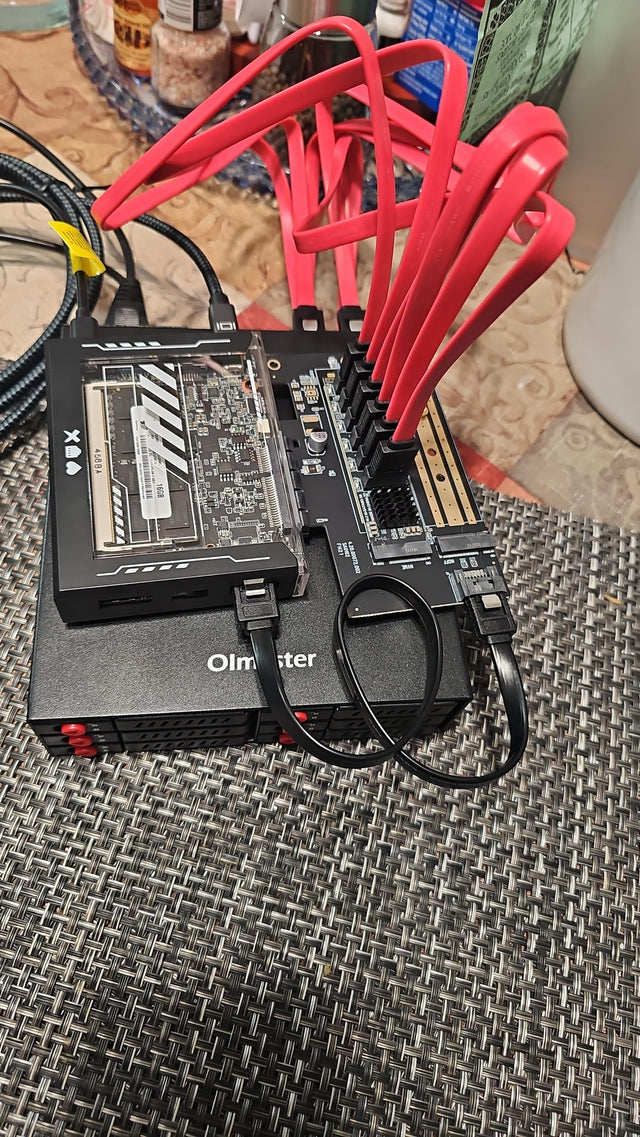
Before First Boot: A ZimaBlade 7700 NAS Plan with Six Drives
A first ZimaBlade 7700 assembly pairs a six-drive cage with plans for TrueNAS, Jellyfin and Minecraft, before power and storage configuration are verified.
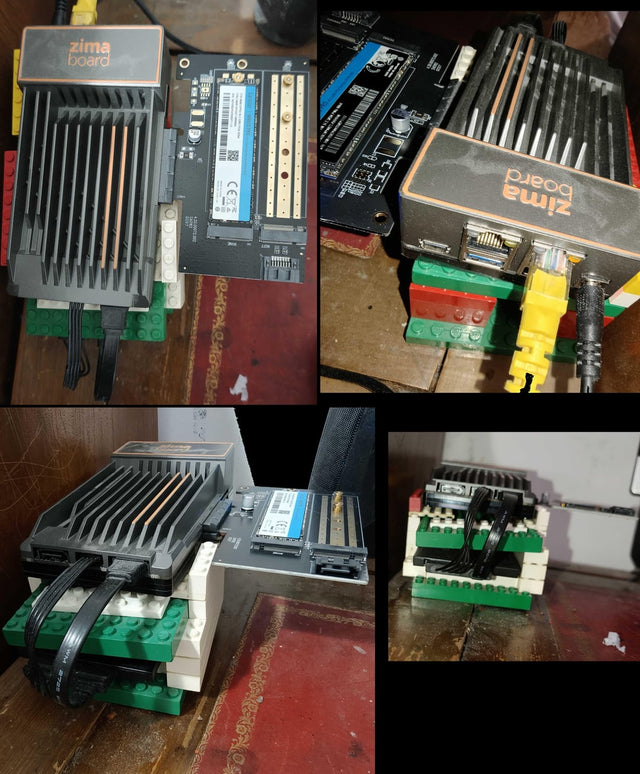
A ZimaBoard LEGO Prototype Looking for a Permanent Enclosure
A temporary LEGO support holds a ZimaBoard and NVMe card while the owner plans a low-cost enclosure for two extra SSDs without a 3D...
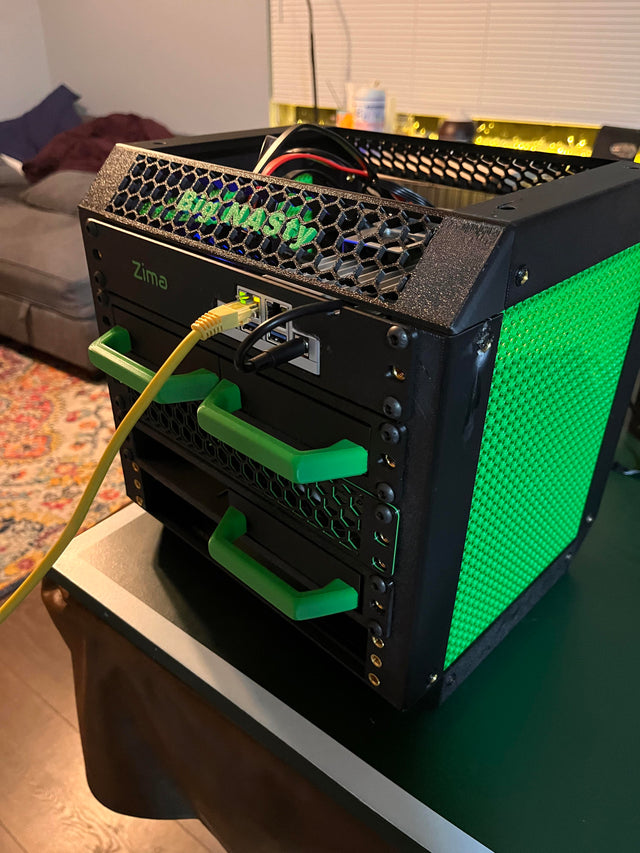
A Printed Ten-Inch ZimaBoard 2 Rack with Four Drive Trays
Gerrit3D documents a printed ZimaBoard 2 rack from threaded rails to drive trays and cabling, with original construction photographs and clear limits.


