
Home Lab Server Guide for Budget-Conscious Tinkerers


A budget-conscious homelab should buy only the hardware required for measured services, clean storage boundaries, and a tested recovery path.
The cheapest successful build is not necessarily the least expensive computer. It is the smallest system that can run the chosen workloads, remain quiet and affordable to operate, keep persistent data separate from experiments, and move to new hardware without rebuilding everything. Budget discipline therefore starts with service scope, a reuse period, a complete cost model, and explicit upgrade triggers.
Set the Learning Goal Before Setting the Hardware Budget
A budget homelab should begin with two or three outcomes that will be used every week. Examples include a private file share, a light media service, a network utility, a small Git service, or a test application stack. The hardware list should follow those outcomes instead of beginning with a rack, a hypervisor cluster, or a long wishlist of parts.
TechRadar’s 2026 look at home-server adoption describes people using modest local systems for media, private storage, automation, and experimentation rather than treating a homelab as miniature enterprise infrastructure. That outcome-first home-server pattern keeps the first purchase tied to real use.
Write a first-month service contract: which services stay online, who uses them, what data must survive, and which experiments may be deleted. A service with no user, no recovery requirement, and no planned test does not justify additional hardware. This single page prevents most budget drift.
Reuse Existing Hardware for the First Measurement Period
The lowest-risk starting point is often a stable laptop, office mini PC, or desktop already available at home. Reusing it reveals actual memory use, storage growth, network demand, idle power, and maintenance tolerance before money is committed to a dedicated system. It also exposes whether the intended services are genuinely useful.
Budget Homelab’s 2026 beginner guide recommends starting with hardware already owned and moving to dedicated equipment only after real limits appear. That reuse-before-upgrade rule turns the first machine into a measurement platform rather than a permanent architectural promise.
Use the trial period for noncritical services and copied data. Record idle and peak memory, storage growth, temperatures, reboot behavior, and which apps the household actually uses. Replace the machine only when a measured problem—availability, power, noise, storage attachment, or performance—cannot be solved cleanly.
Spend First on the Bottleneck That Blocks the Workload
A low-cost server can still fail as a design when money goes to the wrong layer. More CPU does not fix a full boot disk, more RAM does not protect irreplaceable data, and a fast network port does not make a single slow storage path resilient. The budget should be allocated in the order the workflow can actually fail.
ServeTheHome’s compact-server project shows how small systems can be designed around a defined mix of memory, storage, and networking rather than expanded without a role. That role-bounded compact-server model supports measured upgrades instead of specification collecting.
Prioritize dependable boot storage, enough memory for the measured stack, stable Ethernet, and a separate backup target. Add faster networking, a GPU, extra nodes, or managed switching only when a real workload produces a repeatable limit. A budget build is successful when every purchased component removes a known constraint.

Separate Boot, App State, and Bulk Data Even on Cheap Hardware
A single inexpensive SSD can host the operating system and light app data initially, but the roles still need explicit paths. The boot layer should remain replaceable, persistent databases and configurations need independent backup, and large media or backup files should have a capacity path that can grow without reinstalling the host.
LinuxBlog’s beginner hardware guide treats storage, heat, power, and physical placement as connected home-lab decisions. That whole-system hardware check prevents a cheap compute node from becoming expensive when storage and recovery are added later.
Use readable mount points such as /srv/appdata, /srv/data, and /srv/backup. Keep caches and downloads bounded. The physical devices may be simple, but the logical separation should let the boot drive, data drive, or backup destination change independently.
Budget for Power, Noise, Drives, and Replacement—Not Only the Server
A used enterprise server can look inexpensive before electricity, noise, cooling, replacement parts, and drive purchases are included. A tiny system may have a higher purchase price but remain cheaper and easier to place over several years. The relevant number is the complete path to a stable service, not the bare compute price.
Cloudwards’ comparison of local storage and cloud backup highlights the trade-off between local ownership and the continuing responsibility for hardware, maintenance, and protection. That ownership-cost boundary belongs in the first budget worksheet.
List the host, memory, storage, adapters, cables, UPS decision, power use, backup capacity, and expected replacement horizon. Keep a reserve for one failed drive or adapter. Spending the entire budget on compute while leaving no independent backup is not a low-cost design; it is deferred risk.
Keep the First Network and Software Stack Deliberately Small
A first homelab normally needs one wired connection, a stable local address, a protected administrator account, and a small set of reproducible services. VLANs, reverse proxies, central authentication, and public remote access can be useful later, but they multiply failure paths before the owner has learned the basic recovery sequence.
WIRED’s NAS setup guide moves from local installation and account protection toward sharing and backup rather than beginning with advanced network exposure. That local-first setup sequence is a useful discipline for a budget lab because complexity also consumes time and support capacity.
Install one service, map its persistent data, reboot, back it up, and restore it before adding the next. Use Compose files or another readable definition. The most valuable software feature in a low-cost lab is reproducibility, because it lets inexpensive hardware be replaced without rebuilding every service from memory.
Define the Upgrade and Stop Boundaries Before the Budget Expands
The build should state what will trigger more memory, storage, compute, or a separate NAS. It should also state what does not justify an upgrade. One slow experimental job, unused drive bay, or attractive used server is not enough. Repeated service contention, full capacity forecasts, unacceptable downtime, or a missing expansion path are stronger signals.
Backblaze’s 3-2-1 strategy separates the active system from additional local and off-site copies. That independent-copy requirement should be funded before optional homelab features.
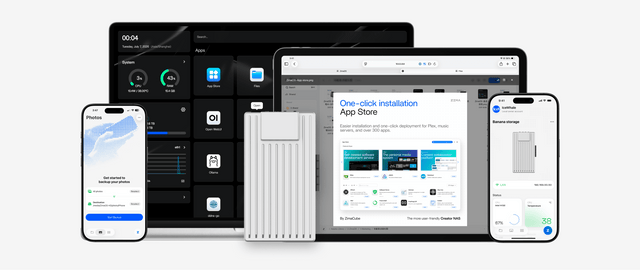
The ZimaSpace first-time home NAS setup guide provides the storage-side sequence. A ZimaBoard 2 Mini Home Server fits a compact compute-first route with direct storage expansion. A ZimaCube 2 AI NAS becomes the clearer platform when multi-drive capacity, heavier concurrency, longer retention, or storage-first recovery are explicit requirements. Stop buying when the initial services are stable, documented, backed up, and no measured limit prevents the next planned experiment.
The final budget topology should be simple enough to draw on one page: one host, one boot path, one persistent app-data path, one bulk-data path, one backup destination, and a short list of services. Record what can be rebuilt, what must be restored, and who notices when something stops. Run the system through a cold reboot, an update, a failed service, and a small restore before declaring the build complete. The owner should also know which future purchase solves which measured limit. When that map remains stable for a month, the homelab has reached a better milestone than owning more hardware.

Recommended products

NAS & Server Setup
More to Read
How to Build a Dorm-Room Home Server Without Taking Over the Only Desk
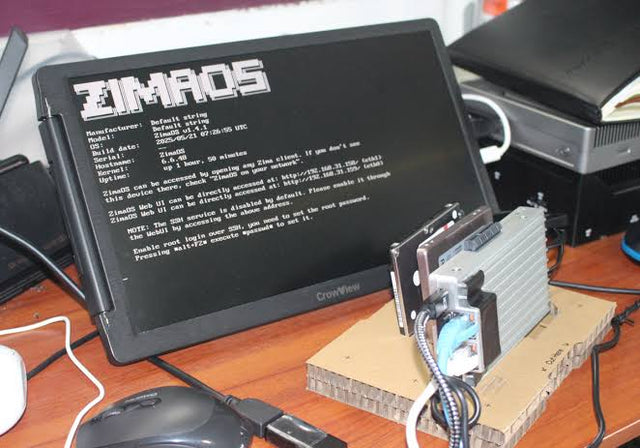
A dorm server should fit one small, quiet, low-power service boundary with contained cables, private access, and recovery outside the room.
Why Are College Students Building Personal Servers Instead of Paying for More Cloud Storage?
Students gain storage control and practical systems skills from a personal server, but cloud remains valuable for off-site safety and simple collaboration.
A Recoverable Developer Homelab Setup for Boot-Drive Replacement
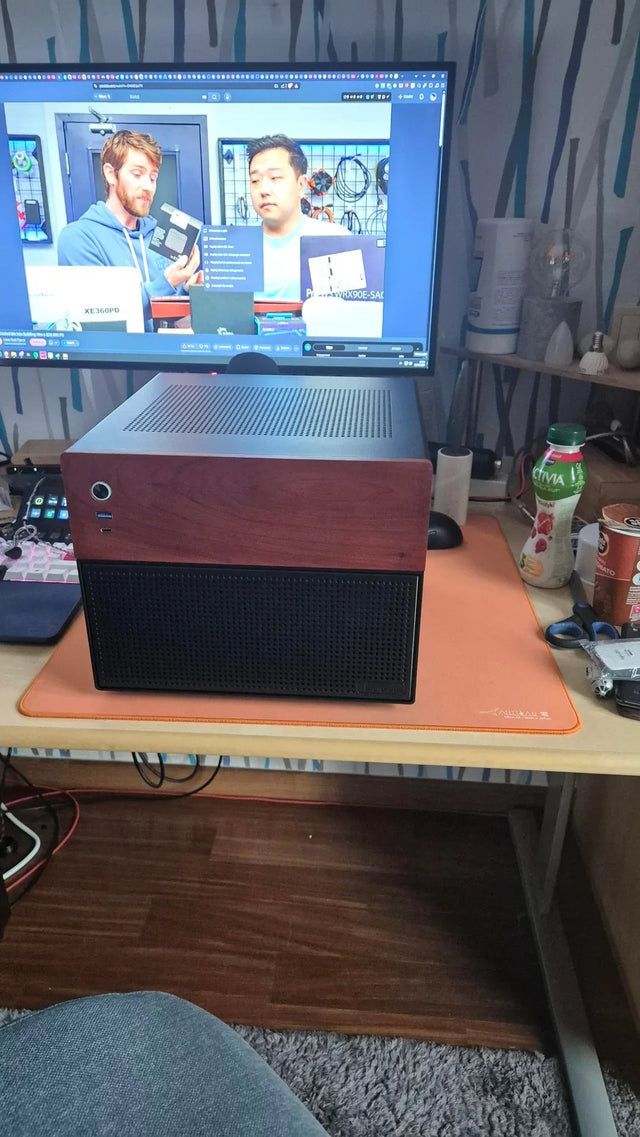
Keep the boot disk disposable by moving definitions, persistent state, secrets, and recovery evidence into documented, independently backed-up layers.


