


A Printed Mini-ITX Adapter for a ZimaBoard and SATA Card


Thank you to u/RobertClarke64 for sharing a printed adapter that fits an original ZimaBoard and a SATA PCIe card into a Mini-ITX NAS case. The project addresses a specific mechanical problem: a compact board and its expansion card need a supported position inside an enclosure designed around a different motherboard layout.
The original Reddit post includes photographs of the installation and links to both the adapter and the separate case design. The creator makes that distinction explicit: the adapter is their own model, while the enclosure was designed by someone else.
A Small Adapter Connects Two Different Hardware Layouts
A compact server board does not automatically line up with the mounting layout of a Mini-ITX case. The printed part gives the ZimaBoard and its SATA card an arrangement that can be accommodated inside that enclosure. The useful result is visible in the photographs: the computing board and storage expansion are installed as part of a complete case assembly.
The board in this story is the original ZimaBoard. The post does not identify a specific RAM SKU, so the build should not be relabeled as a ZimaBoard 2 or assigned a memory configuration based on the photographs alone.

Our Proxbox 360 enclosure-reuse story explores another way of fitting server hardware into an existing shape. Here, the intervention is smaller: a purpose-made carrier connects the compact board to the chosen case.
The SATA Card Belongs in the Mounting Plan
The creator says the adapter allows the ZimaBoard to fit alongside a SATA PCIe card. That is a more useful design target than fitting the board alone. The expansion card changes the occupied space, the connector positions and the route that the storage cables must take.
The second photograph gives a closer view of the installed board and card. It helps explain why the carrier matters: a case can have room overall while still lacking a convenient mounting arrangement for these particular parts. The printed model organizes their position within that available volume.
The electrical function remains separate from the mounting function. A printed carrier does not add PCIe lanes, change a controller’s capabilities or turn every available drive position into an attached disk. It supports the hardware that makes those connections. The source does not identify the SATA card’s chipset or provide transfer-rate measurements.
| Part of the build | What the source establishes |
|---|---|
| Original ZimaBoard | The compact server board being installed |
| SATA PCIe card | Storage expansion accommodated beside the board |
| Printed adapter | The creator’s model for fitting that arrangement into a Mini-ITX NAS case |
| NAS enclosure | A separate design linked and credited by the creator |
| Installation photographs | Views of the physical assembly and cable layout |
The Adapter and the Case Have Separate Design Credits
The adapter is linked as ZimaBoard to ITX adapter on MakerWorld. The enclosure is linked separately as NAS Case – 6 Bay + 3 SSD on Printables. Keeping both references makes the project easier to trace and credits the work at each level.
The enclosure listing’s drive positions describe the case design. They do not establish how many disks this owner installed, which capacities were used or how the storage was configured. The post is a mechanical showcase, with photographs and model references, rather than a complete software or array specification.
For anyone adapting the idea, the model pages are the appropriate place to check revisions, printing notes and usage terms. The Reddit photographs show one installation; they are not a guarantee that an arbitrary variation of the board, card, case or fasteners will fit without checking the combination.

The Photographs Make Cable Clearance Part of the Story
Storage cables occupy a noticeable part of the assembled enclosure. That is a useful reminder that a mounting footprint is only one part of the space requirement. Connectors project beyond their sockets, and a cable needs a route between the card and the drives.
For a similar installation, checking the assembled path is more informative than checking the bare card’s length alone. The case must also remain accessible when a connector needs to be reseated or a component replaced. These are practical implications of the pictured layout, not dimensions or service procedures supplied by the creator.
The same distinction applies to cooling. Enclosing the hardware changes the physical setting around it, but the post does not supply before-and-after temperatures or acoustic measurements. The photographs establish the arrangement. They cannot establish a thermal result on their own.
A Mechanical Build Does Not Prescribe the Operating System
The adapter post does not name the installed operating system, services or RAID layout. Those details should remain open rather than being filled with a typical NAS software stack. The completed work shown here is the physical installation of the board and SATA expansion inside the chosen enclosure.
The official ZimaBoard quick-start guide provides separate background on powering and reaching the board over a network. It does not replace the creator’s model notes, nor does its default software establish what is installed in this particular case.
Our custom ZimaBoard 2 dual-NVMe enclosure story shows another creator solving a different combination of board, expansion and case requirements. Reading the two as separate projects is useful: a successful mount is designed around the actual parts being fitted.
What Another Builder Can Take from the Adapter
The strongest idea is to treat the carrier as a small, specific solution. It lets the surrounding enclosure keep its own structural role while arranging the computing hardware in a usable position. A project does not always require redesigning the whole case to resolve a fit problem.
Before committing to a similar assembly, compare the board and expansion card against the model intended for them, then consider the installed cables and access to connectors. That comparison concerns physical compatibility. Disk health, software configuration and recoverable backups remain separate parts of building a working NAS.
FAQ
Did the Reddit creator design the whole case?
No. They identify the ZimaBoard-to-ITX adapter as their model and explicitly credit the enclosure as a separate design.
Does the adapter add storage ports?
No. The SATA PCIe card provides storage expansion. The printed adapter accommodates the board and card inside the case.
Which operating system is shown?
The source post does not establish one. This story describes the physical build without assigning unreported software or services.
Does this prove every ZimaBoard and SATA card will fit?
No. It documents the creator’s installation. Another combination requires checking the actual parts against the linked design and its current notes.
Conclusion
RobertClarke64’s adapter solves a narrow but useful part of a DIY NAS build: supporting a ZimaBoard and its SATA card inside a Mini-ITX enclosure. The photographs and separate model credits make the idea understandable and traceable. Its value lies in that specific physical solution, leaving the rest of the storage system to be chosen and verified on its own terms.
Welcome to the ZimaSpace community! Share your setup, ask questions, and explore practical build guides, real user stories, and product updates with fellow self-hosters.

Zima Campaign Hub
More to Read
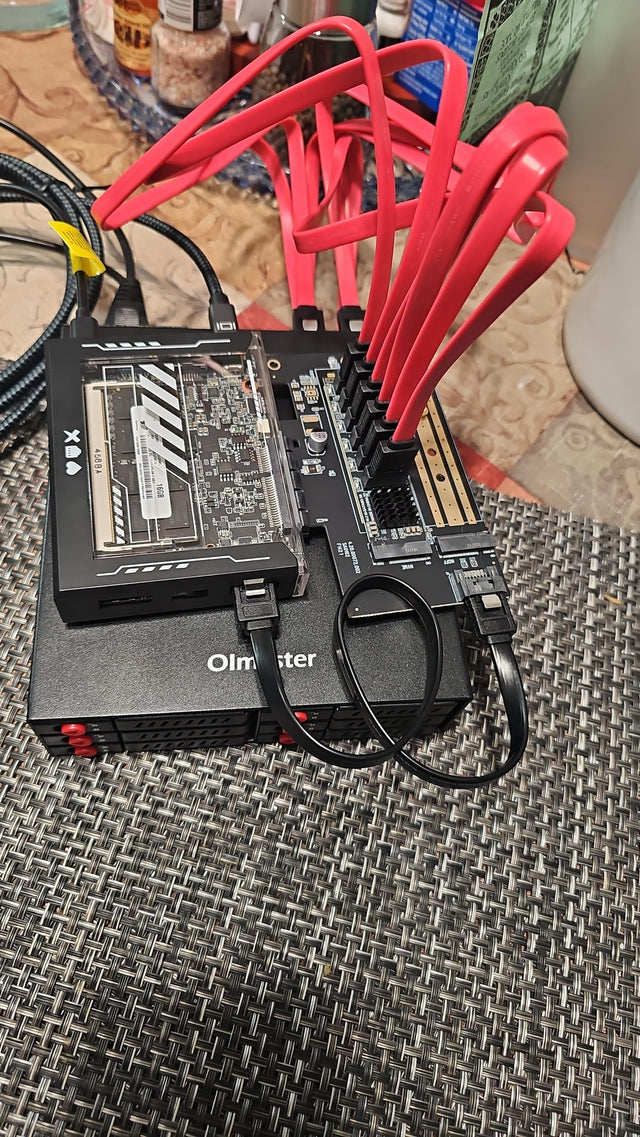
Before First Boot: A ZimaBlade 7700 NAS Plan with Six Drives
A first ZimaBlade 7700 assembly pairs a six-drive cage with plans for TrueNAS, Jellyfin and Minecraft, before power and storage configuration are verified.
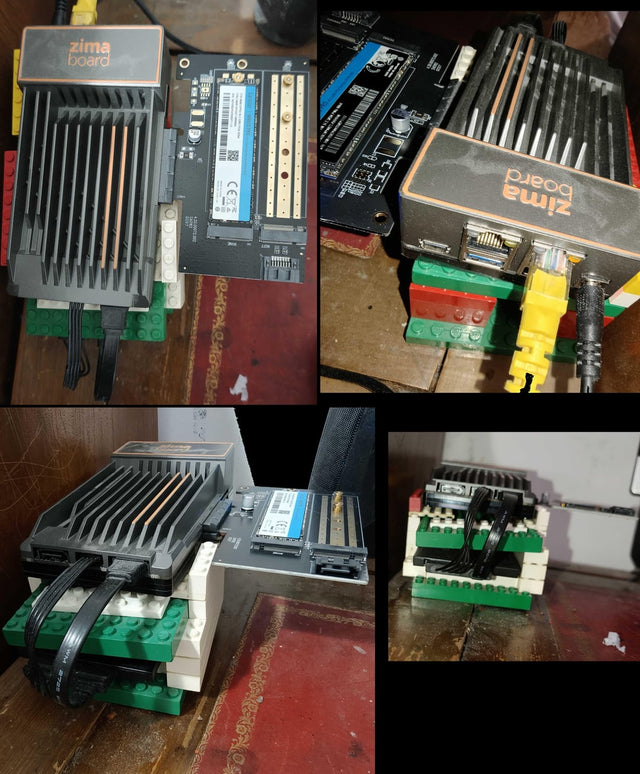
A ZimaBoard LEGO Prototype Looking for a Permanent Enclosure
A temporary LEGO support holds a ZimaBoard and NVMe card while the owner plans a low-cost enclosure for two extra SSDs without a 3D...
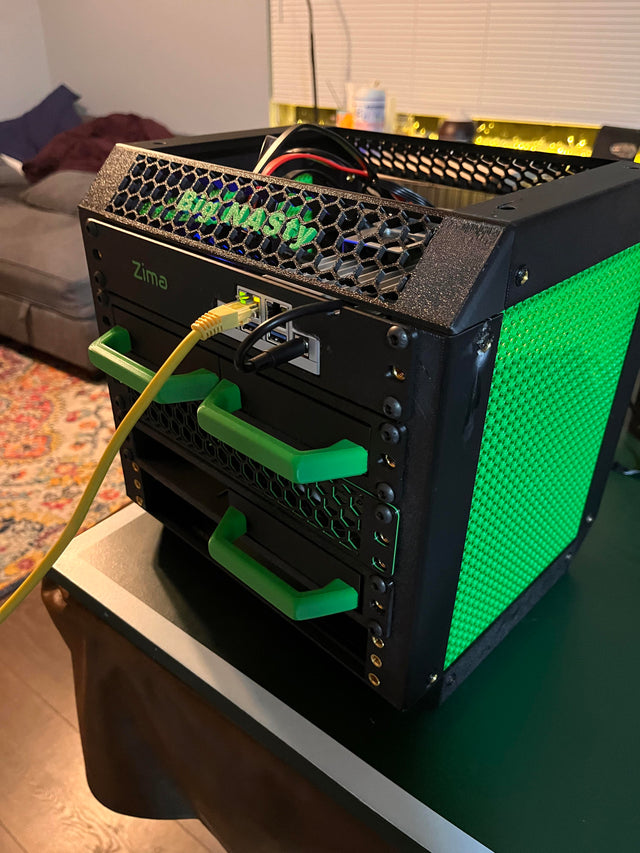
A Printed Ten-Inch ZimaBoard 2 Rack with Four Drive Trays
Gerrit3D documents a printed ZimaBoard 2 rack from threaded rails to drive trays and cabling, with original construction photographs and clear limits.


