


A First ZimaBoard 2 Server with Proxmox, VLANs and a Recovery Plan


Thank you to u/comptonmj for sharing a first home server built around a ZimaBoard 2, together with a detailed network diagram and the lessons learned while documenting it. The setup runs Proxmox, an OPNsense gateway and an OpenMediaVault guest, with Gitea, local backups and an encrypted cloud-copy workflow included in the plan shown by the creator.
The original Reddit contribution makes a practical point for first-time builders: getting services running is only part of the work. The creator reports writing 32 pages of setup documentation, plus restoration instructions, because remembering the reasons behind a configuration would matter when something eventually needed attention.
A First Server Designed Around Specific Functions
The creator wanted a system that met current needs, could be transferred or repurposed later, and was inexpensive to operate. The starting point was a ZimaBoard 2 with 16 GB RAM and a 1 TB WD_BLACK SN7100 NVMe SSD connected through PCIe. The published diagram identifies that SSD as the boot and storage drive.
The ZimaBoard 2 sits at the center of several roles, but the diagram keeps their boundaries visible. Proxmox is the host. OPNsense provides the gateway. OpenMediaVault supplies the storage environment, with Gitea and backup tooling shown inside that guest. This is a virtualized network and storage build, rather than a ZimaOS installation.

Our small homelab story from u/jc-21 also starts with service responsibilities. Here, that inventory becomes especially valuable because the gateway and storage services depend on the same physical host.
Proxmox Separates the Gateway from the Storage Guest
The diagram assigns two virtual CPU cores and 4 GB RAM to the OPNsense VM, and one core with 4 GB RAM to OpenMediaVault. It also records a WAN bridge and a VLAN-aware LAN bridge. Those labels make it possible to follow traffic through the design without assuming that every service is installed directly on the board’s host operating system.
Boot order is documented too: OPNsense starts before the storage guest, with a 45-second delay recorded for the gateway. The value belongs to this owner’s configuration; it is not a universal delay that every virtualized router requires. Its importance is that the intended startup sequence has been written down.
| Layer in the diagram | Assigned responsibility |
|---|---|
| ZimaBoard 2 and NVMe SSD | Physical host and local boot/storage device |
| Proxmox VE | Virtual machines, network bridges and host management |
| OPNsense VM | Gateway, DNS and traffic rules between network segments |
| OpenMediaVault VM | Storage services and the application environment |
| Gitea | Private source-code hosting within the service environment |
| USB media and rclone | Separate local VM-backup and cloud-copy paths |
This arrangement also explains why a host restart matters. Even if the guest roles are separate, a restart of the physical server affects all of them. Understanding that shared dependency is part of understanding the build.
The Network Map Gives Each Group of Devices a Place
The creator identifies a management LAN and four numbered VLANs. VLAN 20 is for storage and services, VLAN 30 for trusted personal devices, VLAN 40 for untrusted or guest devices, and VLAN 50 for development and lab testing. The map includes permitted paths between selected services, rather than treating every connected device as one undifferentiated network.
OPNsense’s VLAN documentation explains the underlying distinction: VLANs create separate logical networks, and routed traffic between them can be controlled through firewall rules. A diagram is useful here because it connects a policy to the people or devices that need access.
The posted rules remain the creator’s design record, not a verified security audit or a configuration to paste into another home. A different access point, switch or administration path can change the requirements. The transferable habit is naming each group and documenting the specific services that should cross its boundary.

Local VM Backups and Encrypted Cloud Copies Have Separate Roles
The diagram shows a 128 GB USB drive for VM backups, with a weekly schedule and a keep-last-five retention setting. It separately shows rclone handling NAS and Gitea copies through an encrypted remote, with Google Drive as the destination. These are distinct paths serving different parts of the setup.
rclone’s crypt documentation describes encryption layered over another storage remote. In a recovery plan, the data destination and the information needed to decrypt it both matter. A cloud copy that exists is only useful if the owner can access the destination and recover the necessary configuration.
The creator’s restoration notes are therefore a meaningful part of the project. The public post does not demonstrate a complete restore test, so it cannot establish a recovery-time guarantee. It does show that recovery was considered alongside installation, rather than left as an unnamed future task.
Documentation Records the Decisions a Dashboard Cannot Explain
Comptonmj’s strongest advice is to allow time for building, tweaking and writing things down. They describe outdated information, unfamiliar jargon and errors specific to the system as normal parts of a beginner’s experience. They also acknowledge using Gemini while working through parts of the setup, which reinforced the need to record why a configuration was chosen.
The accompanying documentation screenshot lists topics such as host networking, resource assignments, VLANs, backups and restoration. It is evidence of the scope being documented, not a public copy of all those procedures. The network diagram provides the overview that ties those topics together.
Our ZimaBoard 2 printed backup-NAS story follows a different physical build. Both projects become easier to understand when storage connections, service roles and the intended backup destination are stated explicitly.
Read the Power Figure as a Setup Measurement
The diagram reports 25.2 W under normal load, expressly including the UPS and ISP modem. It is not a measurement of the ZimaBoard 2 alone. The accompanying temperature and memory readings are also observations from this setup, rather than a workload-normalized benchmark.
That context matters when comparing home labs. A measurement covering several devices answers a different question from a board-only idle figure. Keeping the measurement boundary in the diagram makes the number more useful to another reader.
FAQ
Does this ZimaBoard 2 run ZimaOS?
The creator’s diagram shows Proxmox VE hosting OPNsense and OpenMediaVault. This story preserves that software arrangement.
Does 25.2 W describe the board alone?
No. The creator explicitly includes the UPS and ISP modem in the reported normal-load figure.
Are the VLAN numbers a recommended template?
No. They describe this owner’s network. Another installation needs its own addressing, equipment configuration and access requirements.
Were the recovery procedures tested publicly?
The post reports restoration documentation and shows backup paths. It does not establish a demonstrated full-system restore or a guaranteed recovery time.
Conclusion
This first ZimaBoard 2 server is distinctive because the creator shared both the system and the work needed to understand it. The diagram explains the relationships between routing, storage, private Git and backups; the written notes preserve the decisions behind them. For another beginner, that attention to documentation is as useful as the hardware arrangement itself.
Welcome to the ZimaSpace community! Share your setup, ask questions, and explore practical build guides, real user stories, and product updates with fellow self-hosters.

Recommended products

Zima Campaign Hub
More to Read
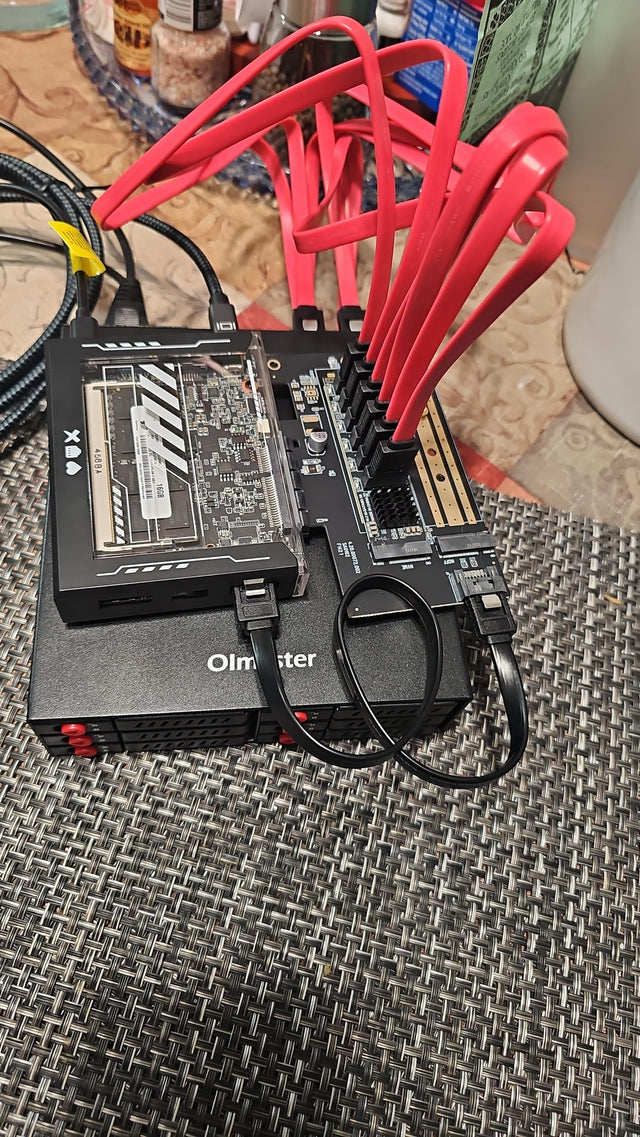
Before First Boot: A ZimaBlade 7700 NAS Plan with Six Drives
A first ZimaBlade 7700 assembly pairs a six-drive cage with plans for TrueNAS, Jellyfin and Minecraft, before power and storage configuration are verified.
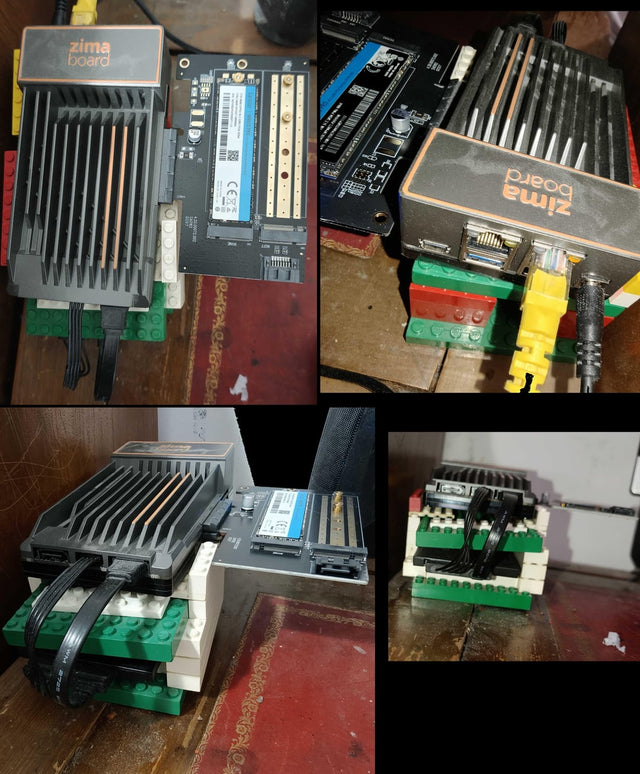
A ZimaBoard LEGO Prototype Looking for a Permanent Enclosure
A temporary LEGO support holds a ZimaBoard and NVMe card while the owner plans a low-cost enclosure for two extra SSDs without a 3D...
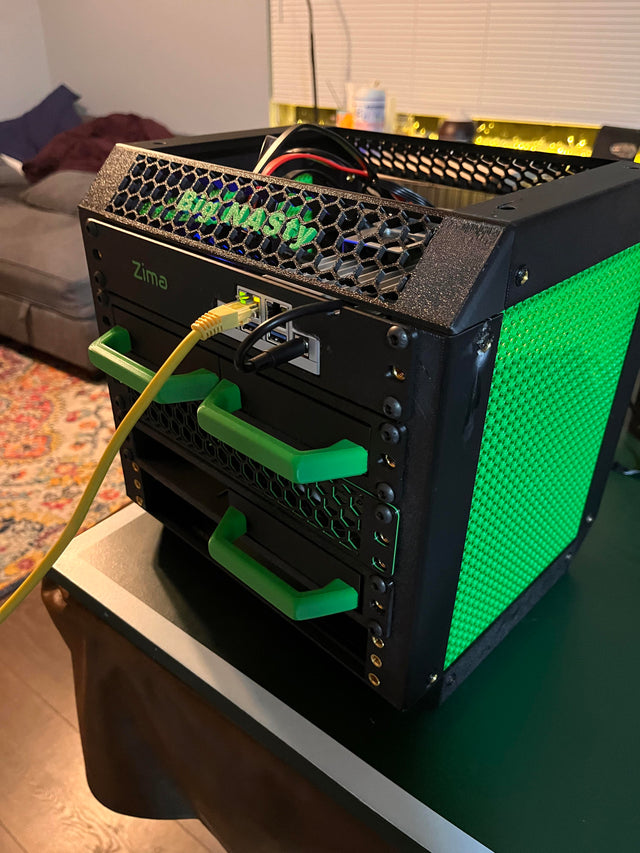
A Printed Ten-Inch ZimaBoard 2 Rack with Four Drive Trays
Gerrit3D documents a printed ZimaBoard 2 rack from threaded rails to drive trays and cabling, with original construction photographs and clear limits.


