Run Plex, Pi-hole, Proxmox, or even Minecraft - 24/7, cool and silent. ZimaBoard 2 handles media streaming, firewalls, homelabs, and AI containers with ease. Low power, high reliability.
Native SATA & PCIe - no hats, no hassles. Plug in 2.5" HDDs/SSDs, install a 10G NIC, GPU, or NVMe adapter. It's ready for your personal storage or expansion needs.
Dual 2.5G Ethernet built-in. Ideal for fast local NAS, low-latency remote access, or routing multiple network services at home.
Run what works for you - ZimaOS, TrueNAS, Proxmox, Debian, pfSense… Users love testing different OS setups for backups, Plex servers, Docker labs, or cluster builds.
Small, hackable, and kind of cute.Many call it "a mini server that looks like a toy but runs like a beast." Perfect for creative DIYers and tech lovers.
Used to run my selfhosted services with docker on my Synology NAS for years and decided I needed more powerful and dedicated hardware for this purpose with lower power consumption...
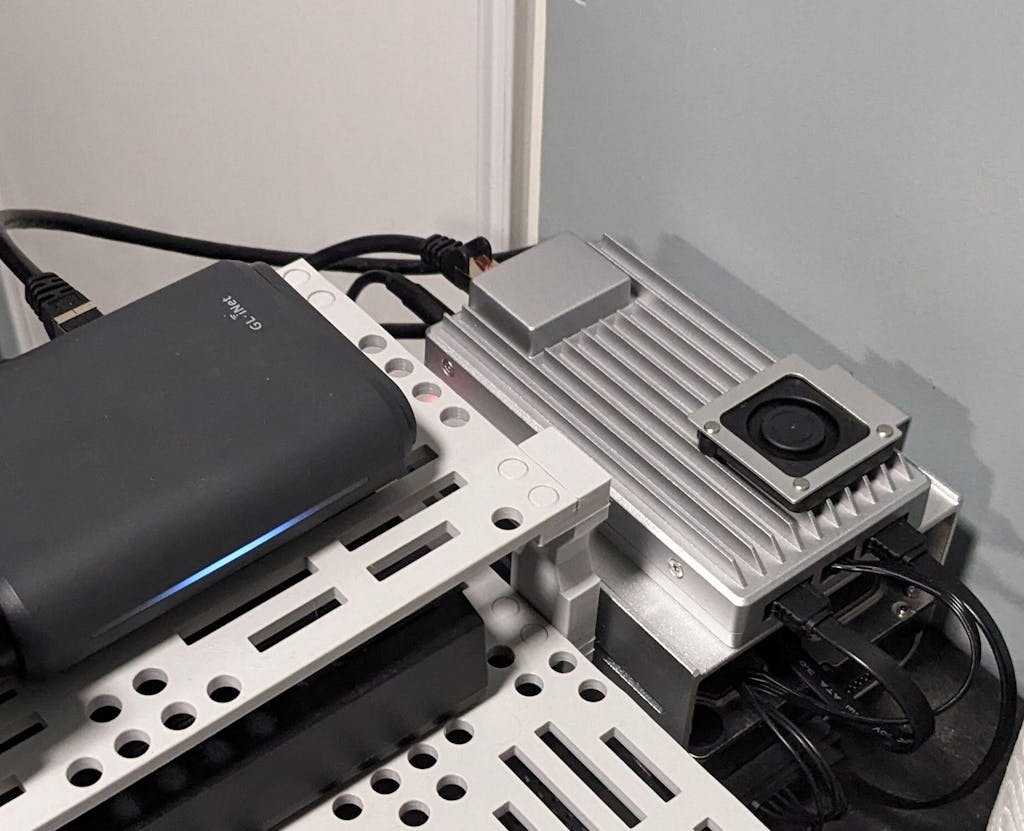
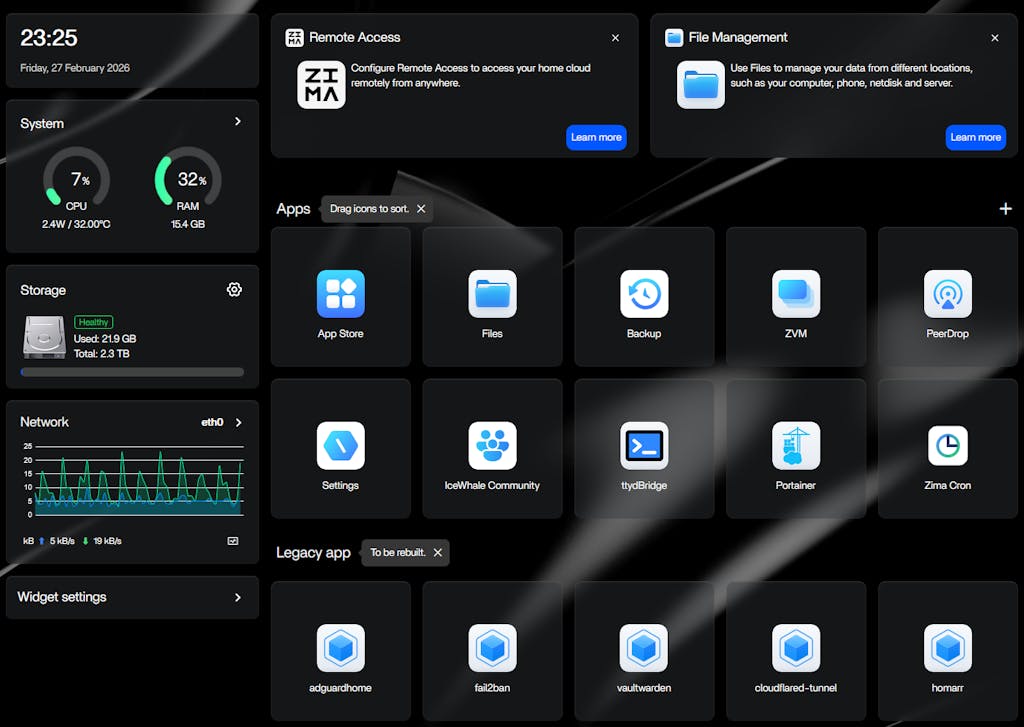
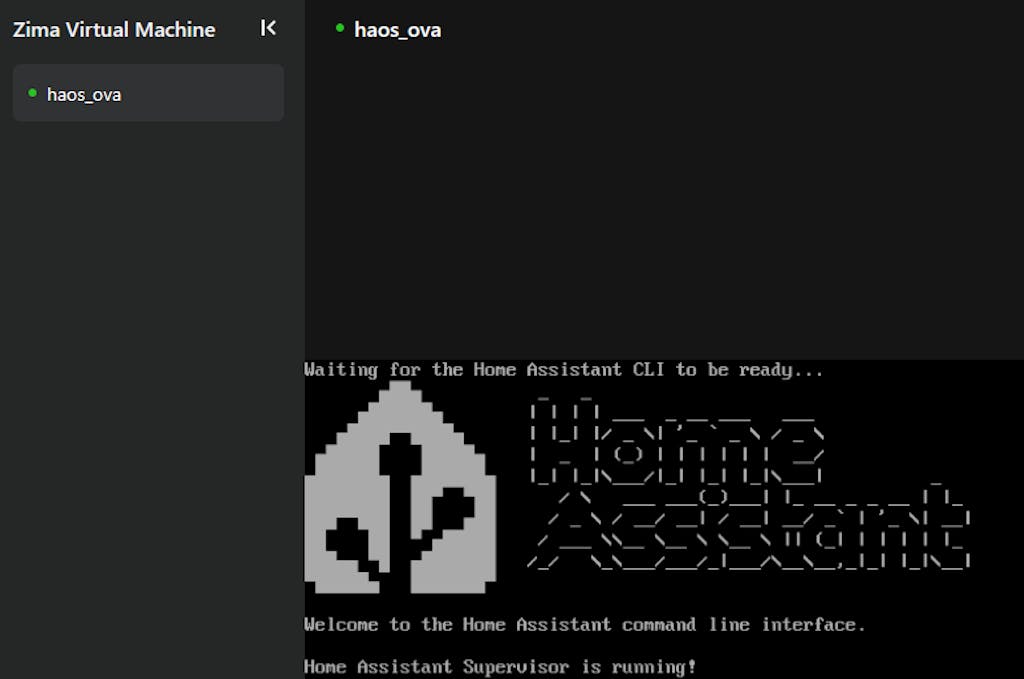
Now my Zimaboard 2 1664 (with 2TB 3.5" SATA HDD and 250GB 2.5" SATA SSD) is running my password manager, mediacenter, local DNS + adblocker, home assistant (fully managed in ZVM) and is much snappier than my 8 years old NAS and with very low power budget compared to my NAS.
Home Assistant and password manager are made available externally with cloudflare tunnel (cloudflared docker container).
Every container managed as stack in portainer (installed from the Zima appstore)
Perfect selfhosting device for me ... poweful but power efficient.
Not a single second of regret, would buy again (to build a cluster?).
Little trick/tip it you want your VM to auto start on zimaboard reboot ... can be achieved with the following commands in ttybridge :
sudo virsh list --all (to get your vm id/name)
then :
sudo virsh autostart (to set your vm to autostart when your zimaboard reboots)




 ZimaCube 2 パーソナルクラウド ホームNAS から $799.00 USD /
 ZimaBoard 2 - ハイパフォーマンスシングルボードホームサーバー から $339.00 USD /
 ZimaBlade - サイバーネイティブ向けシングルボードサーバー


