
How to Build a Reproducible App Stack With Compose Files, Secrets, and Persistent Data Separated


Build the stack around three separate assets: versioned Compose definitions, protected secrets, and persistent data with its own backup and restore path.
For a home or small-team server, the operating system and containers should be replaceable. The Compose project describes desired services, the secret system supplies credentials at deployment, and named data paths hold state. Recovery succeeds only when those three roles can be reunited on a clean host from records stored outside the failed machine.
Define the Rebuild Boundary Before Writing Compose
Treat the host OS, container runtime, and downloaded images as replaceable. Treat Compose files, custom configuration, credentials, databases, uploads, certificates, and encryption keys according to their actual recovery role.
Create one inventory row per service: image and version, ports, dependencies, secret names, persistent paths, backup method, and restore validation. The inventory exposes state that otherwise hides inside a container filesystem.
Stop if any application stores irreplaceable data in its writable container layer. Move that path to an explicit volume or bind mount before calling the stack reproducible.
Version Definitions Without Committing Secrets
Store Compose files, non-sensitive configuration, health checks, and deployment notes in version control. Pin image versions or digests according to your update policy so a rebuild does not silently select a different application release.
Do not place real passwords, API keys, or private certificates in the Compose file or repository. A practical discussion of keeping Docker secrets outside source explains why credentials need a separate delivery path.
Commit a secret-name manifest with placeholders, then keep the values in an encrypted password manager, encrypted file, or secret service that can be restored independently.
Give Persistent Data Explicit Owners and Paths
Separate each application's database, user uploads, generated cache, and replaceable thumbnails. Back up durable state; document which caches can be regenerated to avoid restoring unnecessary bulk.
Use stable, readable host paths or carefully documented named volumes. Permissions must be expressed through numeric IDs or an initialization step so a clean host does not depend on an old local username database.
For databases, coordinate logical dumps or application-consistent snapshots rather than copying live files blindly. Keep the dump destination outside the application volume so a broken stack cannot erase its own only backup.

Design Updates as a Reversible Deployment
Before updating, capture the current Compose revision, image identifiers, configuration, and a fresh recoverable copy of changed state. Pulling a new image is not a rollback plan when the application also migrates its database.
A self-hosting walkthrough shows how Compose centralizes multi-container definitions and operational commands. Use that Compose-based deployment pattern while keeping state and credentials outside the disposable layer.
Update one dependency group at a time, run health and login checks, then record the known-good revision. If rollback would require an older database format, restore into a separate path and validate before switching clients.
Prove the Stack on a Clean Recovery Host
Use a disposable VM or spare machine. Install only the documented prerequisites, clone the definitions, restore secrets through the approved channel, restore one application's data, and start the dependency chain in order.
Validate more than container status: sign in, read a known record, create and delete a test item, restart the host, and confirm backup monitoring reports the new location. Record every undocumented manual correction as a defect in the build process.
Continue with the ZimaSpace guide to separate Docker secrets from Compose files when choosing the credential delivery mechanism.
Final Setup Rule
The setup passes when a clean host can recreate service definitions, receive secrets without repository exposure, restore durable state, and complete an application-level validation. Expand to orchestration only when several hosts need the same controlled workflow.

Recommended products

NAS & Server Setup
More to Read
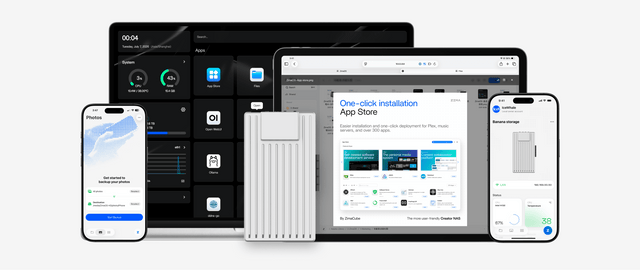
How to Build a Dorm-Room Home Server Without Taking Over the Only Desk
A dorm server should fit one small, quiet, low-power service boundary with contained cables, private access, and recovery outside the room.
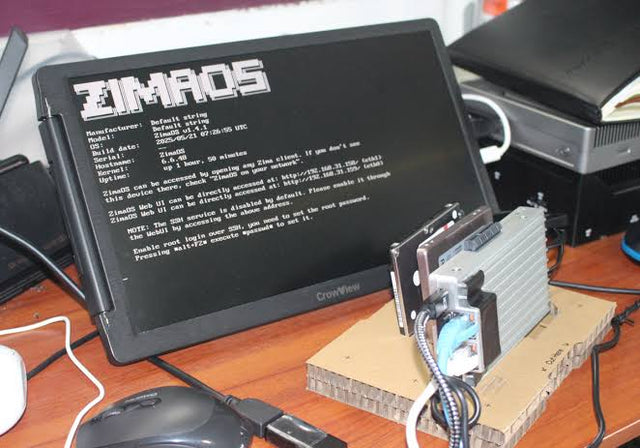
Why Are College Students Building Personal Servers Instead of Paying for More Cloud Storage?
Students gain storage control and practical systems skills from a personal server, but cloud remains valuable for off-site safety and simple collaboration.
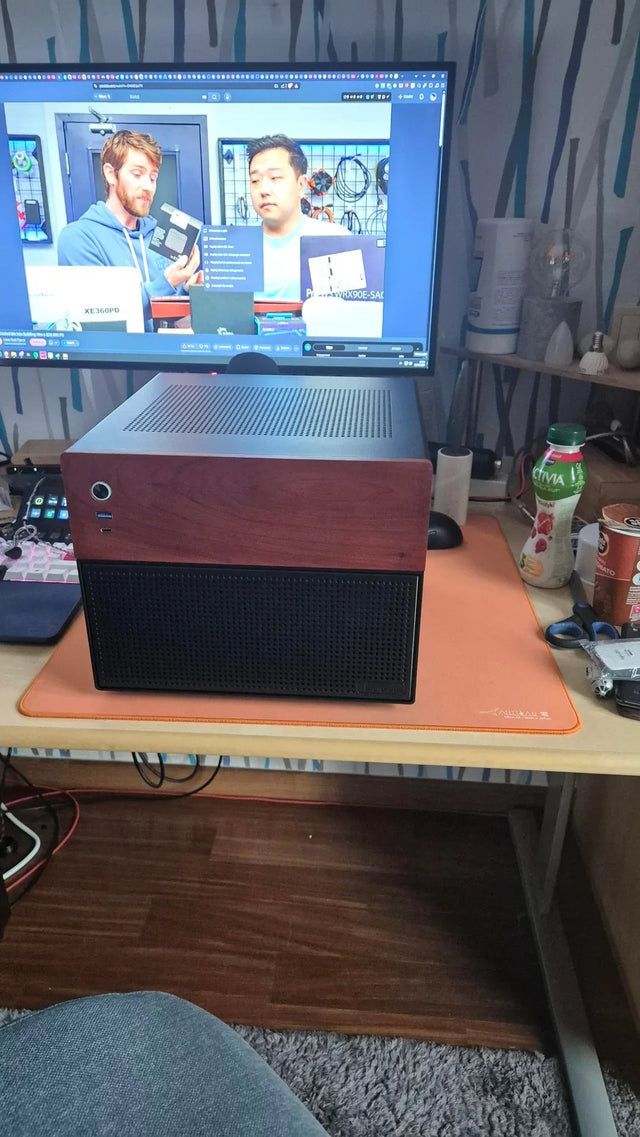
A Recoverable Developer Homelab Setup for Boot-Drive Replacement
Keep the boot disk disposable by moving definitions, persistent state, secrets, and recovery evidence into documented, independently backed-up layers.


