
A Home Assistant Server Blueprint for a Shared Household


Build a shared-household Home Assistant server around separate identities, local critical control, durable state, independent backups, and a recovery path another adult can follow.
The blueprint must serve daily users who want simple controls and administrators who maintain integrations, radios, storage, and updates. Place household access, automation state, network reachability, and recovery in named roles. Avoid making one person's phone, password, or memory the only route to operating the home.
Assign Household and Service Roles First
Create separate administrator and everyday user identities, then list which people may view history, operate locks or alarms, edit dashboards, or change integrations. Keep machine credentials for brokers, databases, backups, and proxies separate from human accounts. One shared login removes attribution and makes safe revocation difficult.
Requests for finer Home Assistant authorization show that broad admin and non-admin roles do not automatically express every household boundary. The role-control gap supports documenting where dashboard design, upstream device accounts, or network isolation must supplement local roles.
Store emergency administrator access and backup keys where a second trusted adult can retrieve them. The identity plan fails when removing one phone, person, or cloud account makes the house unmanageable.
Keep Critical Control on a Local Path
Place Home Assistant, required radio coordinators, the automation database, and essential device paths on stable local power and networking. Cloud integrations may add convenience, but lighting, heating, and safety routines should have a defined behavior when the internet, DNS provider, or remote-access service is unavailable.
Households that depend on Home Assistant during power events often ask about redundancy and local control. This blackout control dependency illustrates why the blueprint starts from required outcomes rather than from a second server alone.
Use wired Ethernet for the host where possible and document radio extensions, VLAN routes, DNS names, and manual device fallbacks. The local path is complete only when a normal user can perform critical actions during an internet outage.
Separate Live State, Backups, and Recovery Media
Keep configuration, integration state, and the active database on reliable local storage with enough working headroom. Send encrypted backups to a separate device or location and retain the key independently. A second copy on the same system disk is convenient versioning, not protection from host loss.
A household NAS workflow can hold Home Assistant backups without becoming the live database path. This account of NAS backup placement provides a concrete example of assigning the NAS a protection role.
Document the replacement host, radio reconnection order, database or broker dependency, and first post-restore checks. Restore a backup in isolation before declaring the design recoverable.

Validate the Blueprint With a Household Drill
Test four events: internet loss, Home Assistant restart, one unavailable device, and administrator-phone loss. Confirm everyday users retain permitted control, automations fail safely, history resumes, alerts reach the right person, and a second administrator can access the recovery material.
The ZimaSpace article on family identity design deepens the user and permission layer of this server blueprint.
Adopt the layout when critical local actions pass, identities can be revoked independently, backups survive host loss, and another adult can follow the runbook. Add a second host only when the drill shows that one compute failure exceeds the household outage limit.

Recommended products

NAS & Server Setup
More to Read
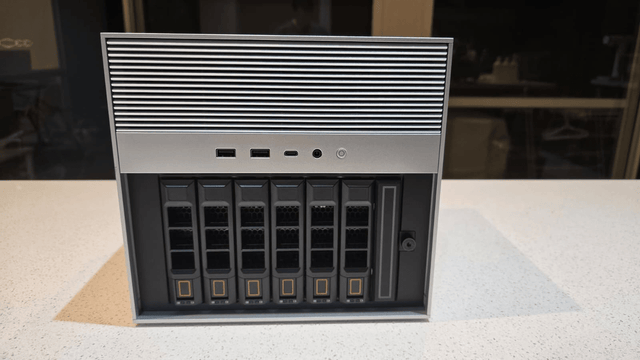
How New Home Assistant Features Change Home-Server Architecture
New Home Assistant features change service, network, data, and recovery roles. Protect core control, then integrate or isolate each feature by measured need.

Where to Place a Home Assistant Server for Cooling, Cabling, and Maintenance
The best Home Assistant location passes hot-day airflow, cable, radio, UPS, and maintenance drills. Ventilate, separate, or relocate when a hard gate fails.
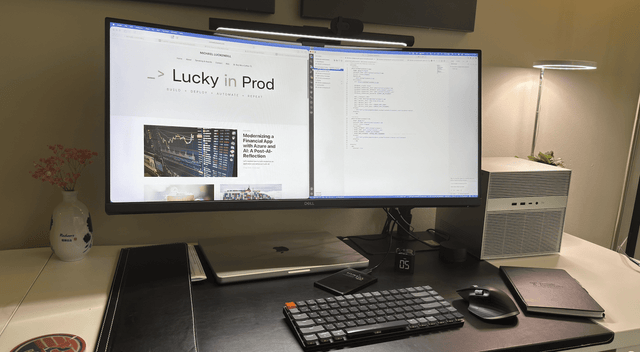
How to Size a Home Server for Home Assistant and Internet Outages
An outage-ready Home Assistant setup sizes compute, network, UPS, storage, and recovery together, then expands only where an acceptance test fails.


