


An Old Dell OptiPlex 3010 Becomes a ZimaOS Media and Minecraft Server


Thank you to u/mrcosti for sharing a first ZimaOS homelab built from a Dell OptiPlex 3010. An older office computer became a place to explore media hosting, Minecraft and personal storage, with memory and graphics upgrades added as the project grew.
The original Reddit story starts with uncertainty about where to begin. Its useful thread is the progression from trying an operating system to making decisions about the workloads that would share one machine.
A Familiar Office PC Became the Starting Point
The creator describes beginning with a 2012 OptiPlex and 4GB of RAM, then moving to 16GB, adding an RTX 3060 and reporting 4TB of storage. The photographs connect that account to a real installation: the tower sits beside the desk, and another image shows the ZimaOS interface on a nearby display.

For someone starting from spare hardware, that sequence is useful. An existing computer lets the first questions be practical: can the server stay reachable, can an application read its files, and can the owner understand what happens after a restart? Those answers make a later upgrade easier to justify.
It is also a different starting point from buying a complete NAS. There is room to learn how storage, applications and a graphics card interact, while accepting responsibility for an older computer’s condition, power use and maintenance.
Several Everyday Jobs Share the Same Resources
The post brings together entertainment, a Discord bot, network ad blocking, Minecraft, image backups and files produced for YouTube. Some are described as goals, while Minecraft and media transcoding receive more specific explanations. Keeping that distinction preserves the story’s actual level of detail.
| Part of the project | What the creator reports |
|---|---|
| Starting hardware | Dell OptiPlex 3010 with 4GB RAM |
| Later memory | 16GB RAM |
| Graphics upgrade | RTX 3060 added for movie and television transcoding |
| Storage | 4TB reported; disk layout and redundancy unspecified |
| Minecraft | Container deployment and Chunky world pre-generation |
| Other interests | Discord bot, ad blocking, image backups and YouTube files |
A workload list explains an upgrade more clearly than an application count. A background bot may be quiet much of the time, while world generation or video conversion can produce a burst of work. The relevant test is what happens when the owner actually uses those services together.
Our first ZimaOS homelab on an HP ProDesk offers another reused-office-PC starting point. The comparison is about identifying useful jobs before expanding the machine.
More Memory and a GPU Solve Different Problems
Increasing memory gives applications more room to coexist. A graphics card addresses a different part of a media workload: supported video processing. Neither change removes the need to check CPU activity, disk space and network conditions when playback or a game slows down.
For readers building a similar media service, the official Jellyfin NVIDIA acceleration documentation explains the relationship between the host driver, container GPU access and application settings. That is supporting guidance, rather than a claim that this creator used every step in that guide.
A card being physically installed is only one part of the path. Confirm acceleration during a real playback session, using the application’s status and GPU activity, before deciding whether a change helped. A successful test should use the files and clients the household normally plays.
The source does not supply a repeatable transcoding benchmark or simultaneous-stream test. Its reported positive experience is valuable as an owner’s account, while those missing measurements leave each reader’s capacity planning to actual testing.
Minecraft Shows Why Preparing Work Can Matter
The Minecraft detail is especially practical. The creator used Chunky to prepare the world in advance, with the intention of leaving more resources available for running mods during play.
Chunky’s upstream project describes its purpose as chunk pre-generation. Generating a chosen area ahead of time moves that work into a preparation stage. It does not make mod logic, entity simulation or every future exploration task disappear.
For a reader trying the same approach, choose a world boundary and available disk budget before starting. Schedule preparation when other services can tolerate the activity, then compare normal play afterward. This turns an appealing optimization into something that can be observed on the actual server.
The broader lesson is about timing. A home server can have enough resources for several useful jobs while still struggling if all the expensive work begins together. Moving a batch task away from a gaming session may help without changing any hardware.
Personal Files Make Persistence Part of the Project

Once a machine stores original photos or video projects, losing its configuration becomes more consequential. Docker’s volume documentation explains how application data can persist beyond a container’s lifecycle. Persistence is useful, but a surviving volume on the same failed drive would not be a separate backup.
A practical next step for a similar build is to record which folders contain original files, which contain application databases, and which are replaceable downloads or cache. Then restore a small sample somewhere separate. This is reader guidance; the post does not document a completed recovery test.
The ZimaBlade family photo server troubleshooting story explores why keeping files and application state identifiable matters. For readers considering dedicated hardware later, ZimaBoard 2 is another platform to evaluate against their storage and application needs; it is not the Dell used here.
FAQ
Did this project start with a new server?
No. The creator began with an older Dell OptiPlex 3010 and expanded it while learning ZimaOS.
Was the graphics card an RTX 3060 Ti?
The source names an RTX 3060. This account retains that model rather than substituting another card in the same family.
Does 4TB mean there is a protected storage array?
No array layout is documented. Capacity alone does not establish redundancy, a separate backup or recoverability.
Does Chunky remove all Minecraft performance problems?
No. Pre-generation addresses generating the selected world area ahead of time. Mods, simulation, memory use and other concurrent work still matter.
Conclusion
This homelab shows a useful way to begin: put an existing machine to work, learn which services matter, and make upgrades around those jobs. The details worth carrying forward are the workload choices and the preparation of Minecraft’s world, alongside the growing responsibility for personal files.
Welcome to the ZimaSpace community! Share your setup, ask questions, and explore practical build guides, real user stories, and product updates with fellow self-hosters.

Recommended products

Zima Campaign Hub
More to Read
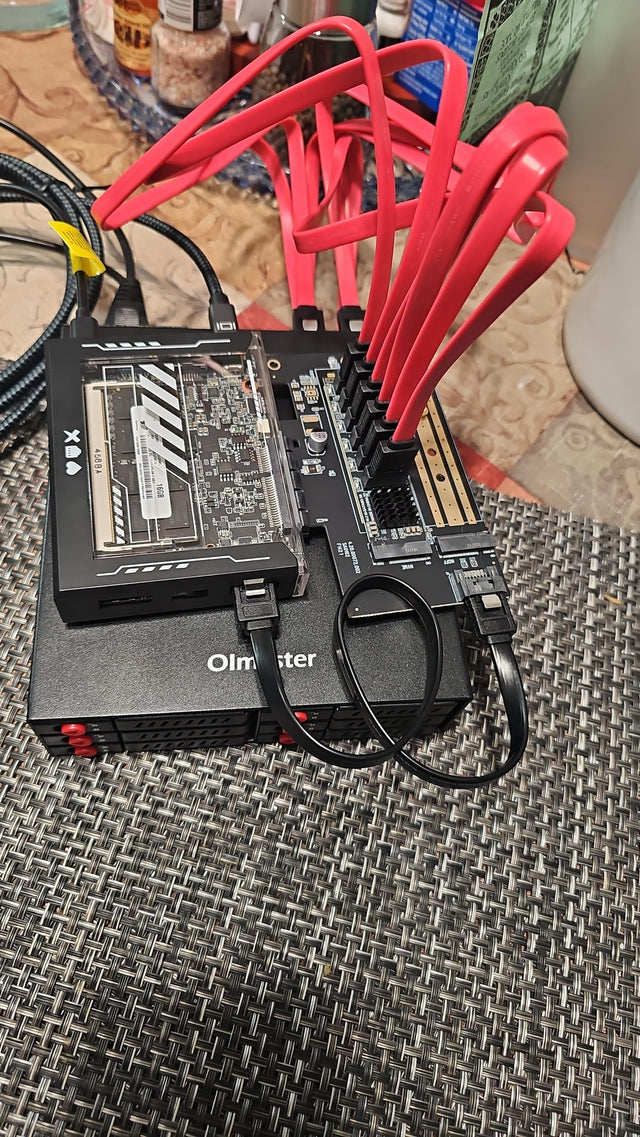
Before First Boot: A ZimaBlade 7700 NAS Plan with Six Drives
A first ZimaBlade 7700 assembly pairs a six-drive cage with plans for TrueNAS, Jellyfin and Minecraft, before power and storage configuration are verified.
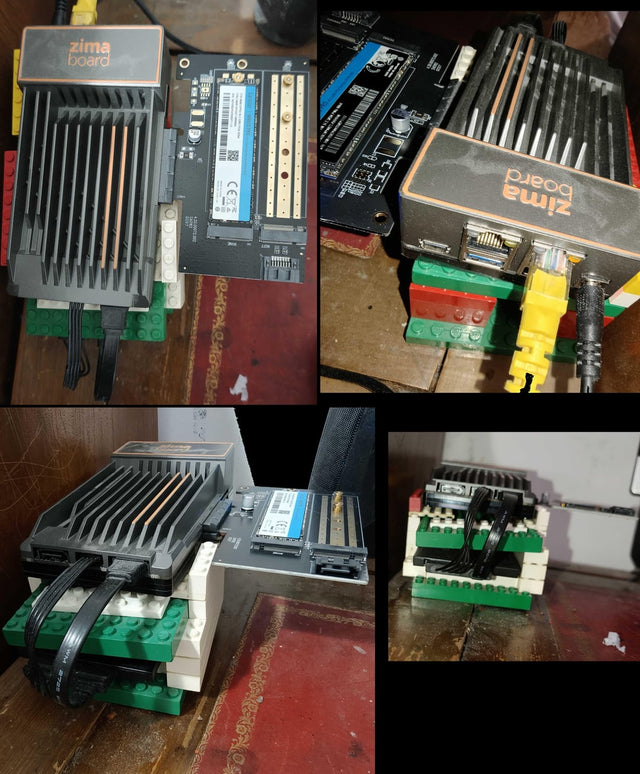
A ZimaBoard LEGO Prototype Looking for a Permanent Enclosure
A temporary LEGO support holds a ZimaBoard and NVMe card while the owner plans a low-cost enclosure for two extra SSDs without a 3D...
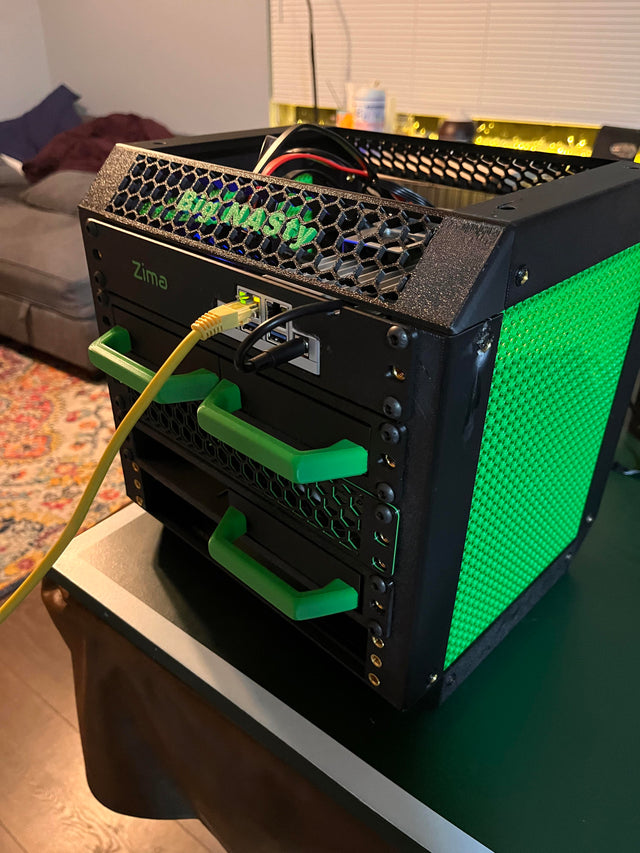
A Printed Ten-Inch ZimaBoard 2 Rack with Four Drive Trays
Gerrit3D documents a printed ZimaBoard 2 rack from threaded rails to drive trays and cabling, with original construction photographs and clear limits.


