
NAS Buying Guide for Homes With Frequent Power Outages


A home with frequent outages should choose a NAS as part of a power-and-recovery system, not as an isolated storage box. The safest default is a modest platform whose NAS, router, and essential switch fit on a communicative UPS long enough to finish writes and shut down cleanly, with tested restart behavior and an independent backup outside the chassis. The recommendation changes when the household must remain online for hours rather than simply protect data through short interruptions.
Define Whether the Goal Is Safe Shutdown or Continued Service
Frequent outages create two different buying jobs. One is data protection: keep the NAS alive for several minutes, signal the operating system, stop applications, unmount or secure storage, and shut down before the battery is empty. The other is continuity: keep internet, cameras, automation, or work systems running through a longer interruption. The second job requires much more battery capacity and sometimes a generator or another energy source.
A practical UPS sizing guide distinguishes runtime from power capacity: the unit must support the connected load, and the battery must last for the chosen action window. The important concept is UPS load and runtime, not only the large VA number printed on the box.
List the devices that truly belong on battery. The NAS, modem or ONT, router, and a small switch may preserve orderly shutdown and local communication. Displays, printers, speakers, and other high-draw devices usually reduce useful runtime without protecting the storage path. A current NAS UPS power plan uses the same priority: protect the storage and essential network, then test the shutdown sequence.
The first decision output is a runtime target. Choose a short, testable shutdown window when data safety is the goal. Choose a larger UPS or separate continuity plan only when specific household services must stay available during extended outages.
Require UPS Communication, Not Only Battery Outlets
A battery-backed outlet can keep the NAS running, but it cannot by itself tell the operating system that utility power has failed or that the battery is nearly empty. Graceful shutdown normally requires a supported USB data connection, network UPS service, or managed interface that the NAS software can monitor.
CyberPower's article on UPS protection for NAS also separates outage protection from voltage regulation and shutdown management. For buyers, the critical check is compatibility between the UPS communication method and the operating system—not whether the UPS merely has enough sockets.
The ZimaSpace guide to NAS outage and UPS protection explains why automatic shutdown requires the UPS and NAS to exchange status. Before buying, confirm how the platform detects battery operation, what threshold triggers safe mode or shutdown, and whether one NAS can notify another device if several systems share the UPS.
Choose a UPS with a communication path the NAS can actually use and a replaceable battery if frequent cycling is expected. A larger battery without shutdown signaling can still end in an abrupt loss when a long outage exceeds the runtime.
Size the UPS From Measured Watts and the Shutdown Sequence
Measure or estimate the combined wattage of the NAS, installed drives, router, modem, and essential switch under a realistic busy condition. Drive startup, scrubs, backups, and application load can draw more than an idle dashboard suggests. Keep headroom below the UPS watt limit and compare runtime at the expected load rather than at an unrelated marketing example.
A current NAS UPS guide recommends choosing by real watt capacity, voltage regulation, and enough time for a clean shutdown rather than chasing multi-hour runtime. The useful decision point is the clean shutdown runtime. In unstable-power regions, line-interactive regulation may also matter because repeated low or high voltage can be as disruptive as a full blackout.
Build the shutdown order before selecting battery size. Stop write-heavy applications and virtual machines, finish database transactions, pause backups, place the storage pool into a safe state, and shut down the host. Keep the router alive long enough for alerts or remote confirmation only when that does not compromise the NAS shutdown margin.
The buying boundary is the tested sequence, not a generic minute target. Choose the smallest UPS that supports the measured load with comfortable shutdown margin and battery aging allowance. Choose extended runtime only when the household has a defined continuity requirement.

Reduce the Work Exposed to Sudden Power Loss
A UPS reduces the number of abrupt stops, but the NAS still needs a storage and application design that recovers predictably. Databases, virtual machines, active backups, write-back caches, RAID reshapes, and filesystem metadata updates can all have in-flight state when power disappears. Frequent outages make this risk part of the buying decision rather than a rare edge case.
The ZimaSpace explanation of filesystem write ordering shows why journaling or transaction replay can preserve structural consistency without guaranteeing that every recent application write survived. A UPS remains useful because it gives applications and storage layers time to complete the operations they already know how to finish safely.
Avoid treating aggressive write cache as free performance in a power-unstable home. Verify whether drives, controllers, and SSDs provide power-loss protection, whether the cache is read-only or write-back, and whether the filesystem and application request durable writes correctly. Do not add a write-heavy cache tier until the UPS and recovery test are working.
Choose simpler storage behavior when the household cannot maintain the UPS or test recovery. A modest array with clean shutdown, snapshots, and separate backup is safer than a faster design whose correctness depends on several unverified volatile layers.
Plan Restart Behavior and Post-Outage Verification
Safe shutdown is only half the outage cycle. After utility power returns, the NAS may remain off, restart before the router is ready, mount storage slowly, or start applications before their databases and shares are available. Automatic restart can be useful, but only after the household knows which services must recover unattended and which should wait for inspection.
The ZimaSpace guide to a 24/7 server recovery plan treats power loss and reboot order as ownership requirements. Record firmware behavior after AC return, storage mount order, application dependencies, UPS status after recharge, and how alerts reach the owner.
Run a controlled outage test before trusting the system. Confirm the UPS detects utility loss, the NAS receives the event, shutdown occurs with reserve remaining, the battery does not collapse under load, and the system either restarts correctly or stays off as intended. Then verify the pool, logs, snapshots, applications, and a sample file restore.
Choose automatic restart for simple, well-tested services that the household needs without an administrator present. Choose manual inspection when the storage is rebuilding, power is still unstable, or application dependencies have not been validated.
Match the NAS Tier to the Protected Load
For a compact two-drive NAS, backups, shared files, and a few applications, the ZimaBoard 2 832 Mini NAS Kit is the more power-contained Zima route. A smaller platform and drive count can simplify UPS sizing and extend shutdown margin compared with a larger multi-bay system. HDDs and SSDs are not included, and the UPS must still be selected for the measured final configuration.
Choose ZimaCube 2 Standard when the household needs several HDD bays, an SSD tier, longer retention, or more services. The larger platform increases the load and number of components the UPS must support, so size the battery after drives and network gear are chosen. Move to Pro only when heavier multitasking, 10GbE, or faster active storage is already required.
Do not choose a larger NAS as a substitute for backup. The ZimaSpace article on RAID recovery after power loss shows that an outage can expose missing members, metadata uncertainty, or hardware faults on the next boot. Keep snapshots for quick version recovery and follow the ZimaSpace independent recovery copy principle with another device or off-site destination.
The correct platform is the smallest NAS that meets capacity and application needs while leaving room in the budget for a compatible UPS, replacement battery, and independent recovery. Power resilience is a system purchase, not a chassis feature.
FAQ
Should the router and modem share the NAS UPS?
They can when their combined load still leaves enough reserve for the NAS to shut down safely. Keeping the network alive may preserve alerts and local access, but the NAS shutdown margin has priority over nonessential runtime.
How long should the UPS run the NAS?
Long enough to detect the outage, complete the configured shutdown sequence, and retain reserve as the battery ages. Measure the final load and test the real sequence instead of relying on a generic runtime claim.
Does RAID protect data from frequent outages?
No. RAID helps availability after certain drive failures; it does not replace graceful shutdown, snapshots, or a separate backup against corruption, deletion, theft, and chassis loss.

Recommended products

Buying Guide
More to Read
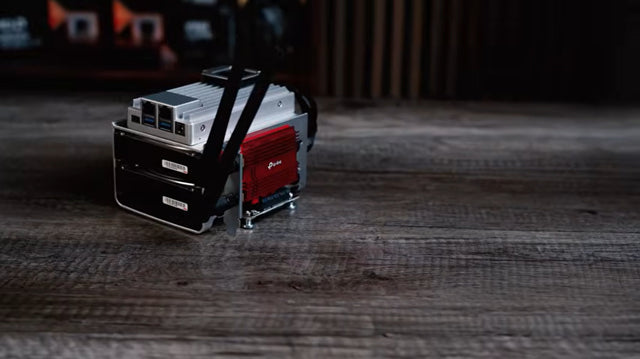
Used Enterprise Server Noise and Power Risk Guide
A used enterprise server is a bargain only when measured noise, idle power, parts, and placement costs fit the home for its full service...
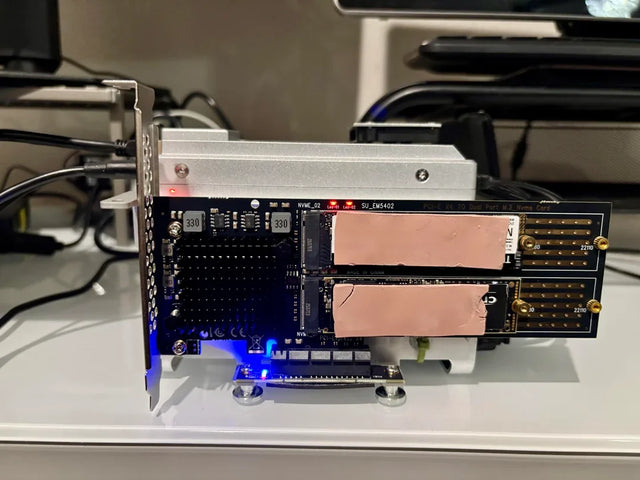
Fanless Home Server Thermal Risk Assessment
A fanless server is safe only when sustained workload and hot-room tests leave thermal margin without hidden throttling or storage heat.
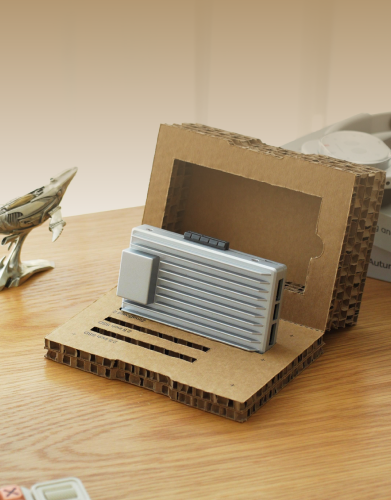
Drive Bay Expansion Risk Assessment for a Value NAS
A value NAS is expansion-ready only when its pool rules, power budget, rebuild plan, and total enclosure cost pass before purchase.


