


When Does Jellyfin Need Dedicated Compute, Storage, or Networking?


Jellyfin needs dedicated compute, storage, or networking when shared resources create repeatable contention, unacceptable failure coupling, or a growth trigger that cannot be named.
Dedicated does not mean automatically faster. Start with a shared baseline and observe the actual workload: playback, scans, transcodes, backups, and other services at the same time. Split only the role that fails the boundary, then validate the new path from client to media and recovery copy.
Dedicate compute when transcoding queues are repeatable
Count concurrent conversions and identify whether hardware acceleration is available for the codecs, tone mapping, and subtitle path in use. If Jellyfin regularly queues transcodes while neighboring services consume CPU or GPU time, a dedicated compute node can restore predictable latency.
If most clients Direct Play and the shared host has margin, keep compute shared. The mixed-stream workload discussion illustrates why actual transcode type matters more than a headline stream count.
Dedicate storage when state and bulk media need different guarantees
Separate the Jellyfin database and cache from large media when disk latency, drive spin-up, or maintenance jobs affect playback. A dedicated NAS is useful when capacity and disk replacement are the primary growth drivers, while local SSD remains the better home for application state and temporary work.
Do not split storage merely to add boxes. The new topology must provide a stable mount, an independent backup destination, and a restore action for every persistent role.
Dedicate networking when the shared path is the bottleneck
Measure the path between Jellyfin, clients, storage, and remote users. A dedicated interface or VLAN earns its place when backups, file transfers, or another service saturate the same link and create playback stalls. If the bottleneck is the WAN upload or a client codec, another LAN port will not change the result.

Use failure coupling as the final gate
Ask what happens when the shared host, storage pool, or switch is restarted. Keep roles together when a single restore is simple and the blast radius is acceptable; split them when one failure would take out both the service and its only recovery copy.
Choose shared resources when the measured peak passes, recovery is tested, and the next upgrade is still one component. Choose dedicated resources when the same contention or failure repeats. Stop splitting when no new boundary improves playback, recovery, or expansion.

Recommended products

NAS & Server Setup
More to Read
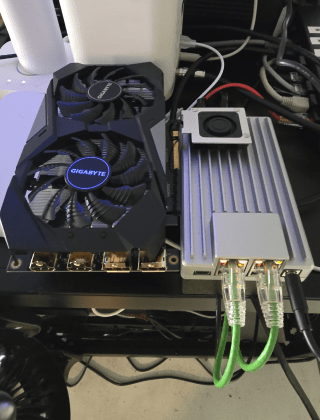
Can a Dorm Server Run Quietly Enough for Sleep, Study, and Video Calls?
Yes—a dorm server can stay unobtrusive when hardware is low-power, storage vibration is controlled, heavy jobs are scheduled, and noise is tested in the...
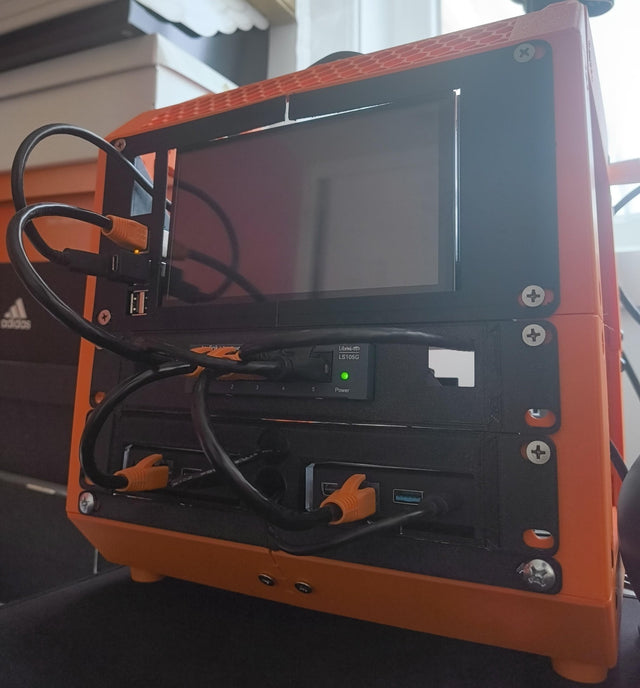
A Student Homelab That Can Move From Dorm Room to First Apartment
Keep a student homelab portable by separating services from room-specific networking, minimizing hardware, backing up state, and rehearsing a clean move.
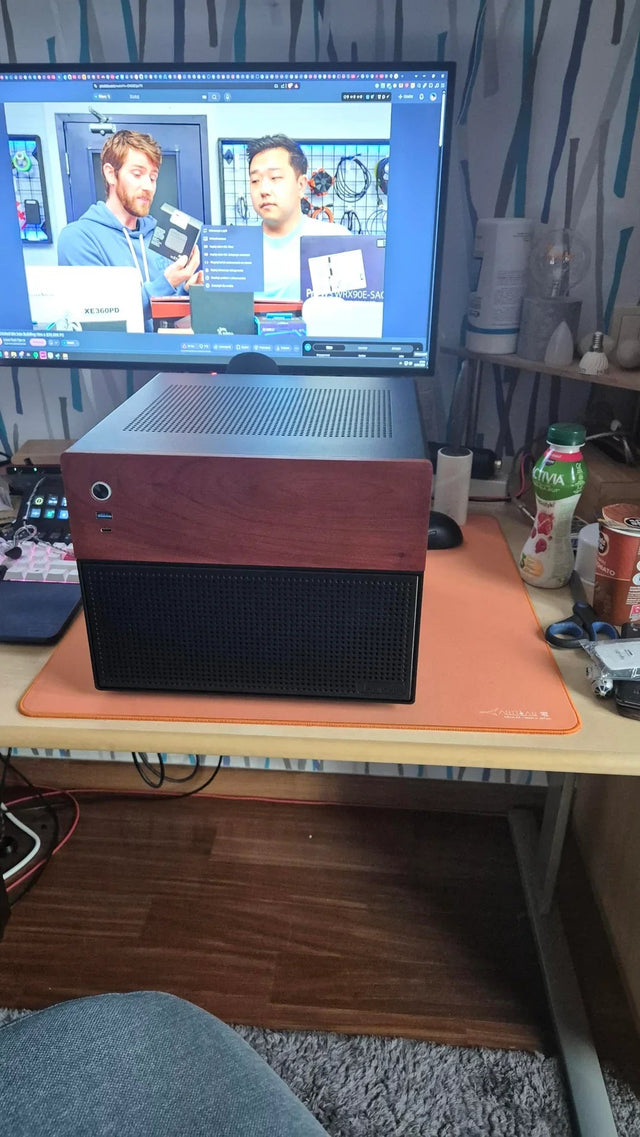
How to Share One Home Server With Roommates Without Sharing Accounts or Private Files
Give every roommate a named identity, private storage, and only the shared roles they need; keep administration, backups, and offboarding separate.


