
Home Lab Server Buying Guide for Budget-Conscious Tinkerers


A budget-conscious tinkerer usually needs less server than the shopping list suggests. The safest starting point is hardware you already own if it can run the first few experiments reliably; buy a dedicated home lab server only when power draw, noise, storage connections, memory, or the need for a 24/7 node creates a repeatable limitation. The variable that changes the answer is not how many projects you want to try someday, but which workloads must stay available after the learning session ends.
Start With the Experiments You Will Actually Run This Month
Write down the first three jobs before comparing processors. A DNS blocker, Home Assistant instance, lightweight dashboard, Git service, or a few Docker applications has a very different hardware profile from several virtual machines, game servers, media transcoding, or local AI. A budget disappears quickly when every possible future workload is treated as a day-one requirement.
A recent overview of why people are building first home servers from older PCs and mini computers makes the same practical point: beginners can start with existing hardware and scale once the purpose is clear. That approach turns the first purchase decision into a workload test instead of a spec contest.
Separate experiments from household dependencies. A server you reboot repeatedly while learning networking is a poor place for the only family backup or smart-home controller. If one service must remain stable, isolate it from the lab or choose a small dedicated node for that role while keeping the more disruptive experiments elsewhere.
The first decision exit is simple: reuse what you have if it can run the initial workload without disrupting anyone. A new server becomes justified when the old machine prevents a specific experiment, costs too much to leave on, lacks the storage or network path you need, or is too unreliable to become a permanent service host.
Count 24/7 Cost, Noise, and Heat Before Chasing Used Enterprise Hardware
Cheap used rack hardware can look unbeatable when judged only by purchase price. For a home lab, however, the server may sit powered on far longer than it spends at full load. Idle power, fan noise, heat, and the space required for a chassis or rack are recurring ownership costs that do not appear in the listing price.
VirtualizationHowto's mini PC versus server home-lab comparison highlights the trade-off: small systems are attractive for lower power and noise, while larger servers offer more memory, storage, and enterprise expansion. For a budget buyer, that means a low purchase price is not automatically the lower-cost choice over a year of operation.
Measure the old machine at idle if possible, then multiply its typical draw by the hours you expect it to remain on. You do not need a perfect electricity forecast; you need enough information to distinguish a machine that is nearly free because you already own it from one whose ongoing power and cooling erase the upfront savings.
ZimaSpace's low-power always-on server guide is the right boundary once an experiment becomes permanent. If the machine is only powered for weekend labs, reuse can win. If several useful services must run all week, efficiency and quiet operation become purchasing requirements rather than nice extras.
Buy Only the Resources and Expansion Paths Your Next Lab Needs
Memory often becomes the first dense-lab limit because every VM reserves a meaningful working set and containerized applications can grow with caches, databases, indexing, or user activity. But buying the maximum memory tier before you have measured any workload can strand more budget than it saves.
A 2026 home-lab starter guide argues that one small node is enough to begin and treats additional memory as headroom for denser VMs and containers rather than a universal first requirement. That is a useful purchasing model: memory should follow concurrency, not ambition.
Start the applications you actually use together and record normal and peak memory. Add the host operating system, filesystem cache, management services, and a reserve for updates or temporary spikes. If the combined working set still leaves comfortable headroom, buying more RAM will not make an otherwise light lab meaningfully more educational.
Upgrade memory capacity when you are regularly stopping one useful workload to start another, when a virtualization project cannot reserve what it needs, or when swapping begins to distort your tests. Do not upgrade merely because the server has empty memory slots or because another homelabber runs a much denser stack.
Budget labs become expensive when the compute box, bulk storage, backup target, and every experimental disk are treated as one inseparable purchase. A compact server can be a strong compute node even if it is not the final storage system, while a separate NAS can remain stable when you reinstall hypervisors or change container platforms.
ServeTheHome's TinyMiniMicro guide to a used business mini PC illustrates why these systems appeal to lab builders: they can be quiet and efficient, but physical expansion is limited. That limitation is acceptable when you intentionally separate compute experiments from large multi-drive storage.
Prioritize the ports that unlock your next known project. Native SATA matters if the box will become a small NAS; PCIe matters if you expect a network card, storage adapter, or accelerator; multiple network interfaces matter for routing and firewall labs. An unused enterprise management feature is less valuable than one expansion path you will actually exercise.
The stop boundary is reached when expansion starts requiring a chain of adapters, external enclosures, special power arrangements, or repeated migrations. At that point, a slightly more capable dedicated platform can be cheaper and easier to learn from than preserving the lowest initial hardware cost at all costs.

Map the Budget to the Smallest Zima Tier That Clears the Workload
If you only want to validate self-hosting, keep using a stable old computer first. That is the zero-cost baseline and the cleanest way to discover whether you enjoy maintaining an always-on system before buying dedicated hardware.
When you want a compact dedicated node for a few light services, ZimaBlade 3760 Starter Bundle is the budget-first fit for tasks such as AdGuard, Home Assistant, dashboards, simple file sharing, or a small Docker stack. Choose the 7700 Starter Bundle when several Docker services, media duties, multitasking, or a small DIY NAS create a real need for more headroom.
If the lab is becoming your first general-purpose home server or two-drive NAS, ZimaBoard 2 832 is the stronger step when everyday applications, direct SATA storage, dual 2.5GbE, and PCIe expansion are now part of the requirement. Move to the 1664 only when more containers, media services, indexing, or virtual machines repeatedly push beyond the lighter tier.
Do not jump to a multi-bay ZimaCube 2 simply because it is the largest option. A budget homelab should reach that class only when multi-drive capacity, long retention, heavy concurrency, 10GbE creator work, or GPU/local-AI expansion has become a separate purchasing requirement. Otherwise, keep the experiment small and spend the remaining budget on drives, backup, networking, or the next project that teaches you something.
Final Buy Check: Spend on the Constraint You Can Prove
Before buying, list the first three workloads, how many must run together, whether the box stays on 24/7, how much storage it needs locally, and which expansion you expect within the next year. If you cannot fill in those five lines, the safest purchase is usually no purchase yet.
Then test the hardware you already have. Record idle power, memory use with the initial stack running, storage availability, network ports, and the loudest normal operating condition. ZimaSpace’s first-month home server setup is a useful reality check for which services and maintenance tasks actually become permanent. A reused machine that passes those tests is not a temporary failure; it is a successful low-cost lab.
Buy a dedicated server when one measured constraint repeats often enough to matter. Choose ZimaBlade for a light, hackable always-on node; choose ZimaBoard 2 when the lab needs a more capable general-purpose server or small NAS. Keep higher tiers out of the decision until a workload threshold, not enthusiasm, demands them.
The best budget home lab is not the cheapest box or the largest bargain server. It is the smallest platform that keeps experiments easy to start, cheap to leave running, simple to recover, and flexible enough to teach the next skill without forcing an unnecessary hardware reset.

Recommended products

Buying Guide
More to Read
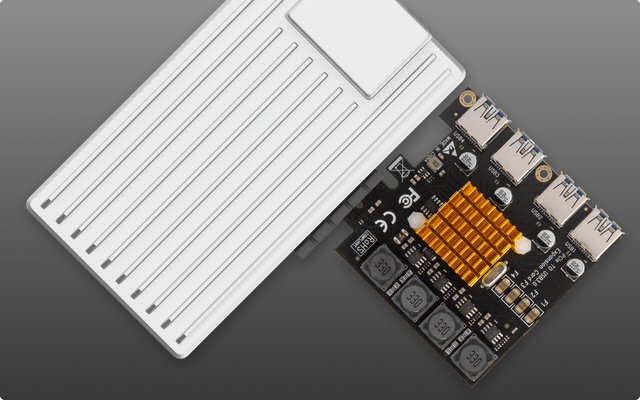
Single-Pool Home Server Failure Risk Assessment
One pool is operationally simple, but apps, media, and backups share capacity, maintenance, and outage risk unless recovery leaves the host.
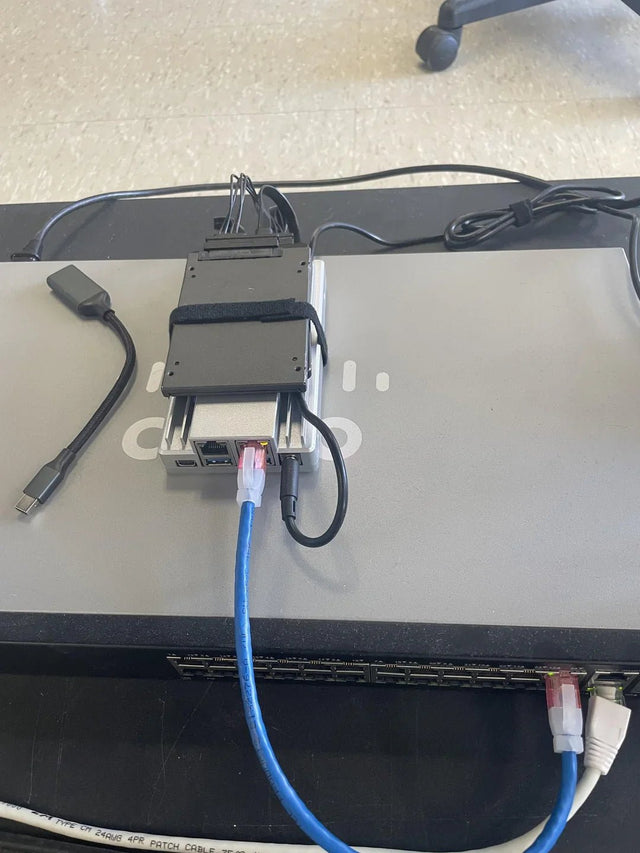
USB Storage Expansion Reliability Risk Guide
USB expansion fits backup and movable data best; primary pools demand stable power, identity, monitoring, and tested disconnect recovery.
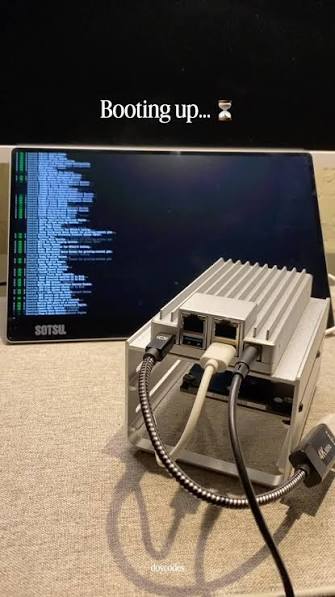
Mixed-Capacity NAS Upgrade Risk Checklist
A mixed-capacity upgrade is safe only when the array supports the exact sequence, every rebuild is protected, and unused capacity is understood.


