


ZimaCube 2 Review: Creator Pack, ZimaOS Apps and Virtual Machines


Thank you to IT-Connect's Florian Burnel for exploring ZimaCube 2 as a complete personal-cloud system. His June 1, 2026 video moves from the enclosure and expansion hardware into ZimaOS, applications, virtual machines, backups, and custom containers. It is an experience review of how the pieces work together, with specific reservations about the software controls available in the tested build.
The demonstrated machine is the Creator Pack, with a Core i5 processor, 64GB of DDR5 memory, a 1TB system SSD, and an NVIDIA RTX PRO 2000 Blackwell graphics card. It is a different configuration from the i3 Standard edition. IT-Connect discloses that IceWhale supplied the hardware. This article follows that provided-unit review and its June software experience; it does not present new laboratory measurements.
Watch the original review: IT-Connect / Florian Burnel's ZimaCube 2 Review: Creator Pack, ZimaOS Apps and Virtual Machines.
Unboxing: accessible drives inside a compact enclosure
The package includes the power supply, Ethernet cable, tools, drive screws, and NVMe thermal accessories. The six front SATA positions provide room for a conventional HDD array, while the removable four-drive NVMe module gives flash storage its own accessible location. A separate system SSD means the front data bays do not need to supply the operating-system boot drive.
Florian likes the ability to reach and change components. He is less enthusiastic about the flexible magnetic front cover, which feels less substantial than the rest of the machine. That is a useful distinction in an unboxing review: convenient access and perceived finish are related, but one does not guarantee the other.

Count drive positions and bandwidth separately. Six SATA locations, four NVMe positions, and a system SSD describe the arrangement of this platform; they do not imply that every drive receives the same link width or independent throughput. The current ZimaCube 2 edition comparison should be checked alongside the exact storage workload you intend to run.
The Creator Pack changes the available resources
Removing the side panel reveals the memory, system storage, cooling, and add-in hardware. The Creator Pack's installed GPU is part of the configuration being demonstrated, rather than an accessory present in every edition. Likewise, the built-in 10GbE connection associated with the higher configurations should not be assumed from the Standard model's dual 2.5GbE ports.

The 64GB memory allocation gives the reviewer room to explore virtual machines and several applications. It does not remove the need to allocate resources carefully. A VM reserves host resources, containers may grow their caches, and a GPU's presence does not make every application GPU-aware. Physical expansion also has a cost: a slot already occupied by a graphics card is not simultaneously available for an unrelated add-in card.
Florian discusses the broader possibilities of the machine, including alternative operating systems and future projects. Those are distinct from completed tests in this video. The review does not establish Proxmox performance, AI-model throughput, rendering speed, or a maximum number of simultaneous media transcodes. A visible graphics card and a resource widget confirm hardware availability, rather than every proposed workload's performance.
ZimaOS makes the first services easy to find
The dashboard gathers CPU, memory, storage, network activity, and application shortcuts in one place. On this Creator Pack, the GPU widget also exposes the installed NVIDIA device and its activity. The interface makes it possible to move from checking the system to opening a service without managing a separate desktop session on the NAS.

The app catalog is the natural next stop. Florian shows the installation workflow with Pi-hole and explores a system containing services such as Immich, Emby, Uptime Kuma, Vaultwarden, n8n, and Portainer. The useful point is the range of roles one server can host: photos, media, monitoring, passwords, automation, and container management can be arranged around the same storage machine.
An app appearing in the catalog is a starting point. It still needs the correct persistent directories, network settings, account protection, and recovery plan. Keep each service's data location clear before importing a large library or creating production credentials. A simple installation screen is valuable precisely because it saves setup work that can then be spent checking those details.
The Files interface adds practical daily tools, including previewing documents and video and editing text files. These conveniences make the NAS useful from a browser. They also make folder permissions important: give a household user access to the intended library rather than using an administrator account for every task. The current ZimaOS documentation provides the present-day reference as the interface develops.
Storage pools and backups solve different problems
The review treats HDD and SSD storage as separately managed pools. That lets the owner place different data or application workloads on the appropriate storage. In the build Florian tests, NVMe storage is not presented as an automatic cache layer for the HDD array. Do not buy several SSDs on the assumption that a cache checkbox shown in another NAS system exists in this particular workflow.
Start by deciding which data needs capacity, which needs responsiveness, and which must be recoverable after a mistake. A media archive and a container database may deserve different locations. Their backups still need to be considered together, especially if a service depends on both a database and files stored elsewhere.
Florian demonstrates backup destinations and connections involving USB storage, network shares, and cloud services. He also finds the tested retention and version-management controls less detailed than he would like. That is a June 2026 interface observation, rather than a permanent statement about every later release.
For a current deployment, consult the official ZimaOS backup and restore workflow. Then prove the result: create a sample file, back it up, change or remove it, and restore the required version. Copying between two pools inside the same ZimaCube does not protect against losing the entire enclosure.
ZVM brings virtual machines into the same interface
The ZVM section demonstrates guest creation, storage selection, resource allocation, and a browser console. Florian shows available templates and creates a Fedora 41 virtual machine. The review also includes a Windows 10 template in its historical interface. Those screenshots document what was offered during the test; choose an appropriately maintained guest operating system for a new installation.

The benefit is a shorter path from spare host resources to an isolated guest. The owner can select the destination pool and assign memory and CPU resources without first assembling a separate virtualization-management stack. The host still needs enough free resources for its own services, so allocating most of the installed RAM to one VM is not automatically the best use of the Creator Pack.
A VM console opening successfully demonstrates creation and access. It does not establish sustained disk latency, passthrough compatibility, migration capability, or enterprise cluster features. Start with the guest you actually need, install its workload, and evaluate responsiveness while the NAS is also serving files. Snapshot and recovery expectations should be checked against the installed ZVM version rather than inferred from another hypervisor.
Custom containers offer more control than an app tile
The custom-app workflow is one of the review's strongest demonstrations. Florian explores settings for container images, versions, ports, storage volumes, environment variables, and GPU assignment. Compose-based configuration gives experienced users another route when the catalog default is not enough for a particular service.

The GPU selector is useful evidence that hardware assignment is represented in the interface. It is not a benchmark. The application image must support the device, and the workload must actually use it. Check the service's own logs and behavior after deployment rather than assuming that selecting the GPU accelerates every operation.
Keep a record of the image version, persistent-data paths, and required settings. Exported configuration can help reproduce the application, but it is not a copy of the application data. A container definition and a database backup solve different recovery needs. The same is true of updates: changing an image tag should be followed by a working-service check and a clear route back if the application's data format changes.
Check the advanced controls before committing to the workflow
Florian appreciates the accessible dashboard but wants deeper controls in several places. In the reviewed network interface, VLAN tagging and bonding are not exposed as he expects. An SMB multichannel option is a different feature from creating a bonded network interface. Decide whether the visible controls meet your own network design rather than treating several Ethernet ports as automatic support for every topology.
He also discusses developer access, SSH, the web terminal, and remote access through the client workflow. These are useful tools for an owner who understands what is being enabled. Record which access methods the installation needs, keep accounts separate, and test remote connections with the permissions intended for everyday use.
The video's licensing discussion belongs to its June recording. Current store configurations list ZimaOS Plus as included, so do not turn a historical license screen into an assumed additional charge for every new buyer. Verify the entitlement of the current bundle and the features of the installed version when planning drive counts, users, and advanced functions.
For measured transfer speeds and media tests on another edition, see our Elevated Systems Standard-edition review. Its numbers are useful context, but they are not results produced by IT-Connect's Creator Pack walkthrough.
FAQ
Which configuration does IT-Connect demonstrate?
The Creator Pack with a Core i5 processor, 64GB of memory, a 1TB system SSD, and an RTX PRO 2000 Blackwell GPU. The hardware was supplied by IceWhale.
Does the video measure 10GbE throughput or AI speed?
No. It focuses on hardware access and the ZimaOS workflow. It should not be cited as a measured networking or AI benchmark.
Can NVMe drives automatically cache the HDD pool?
That cache workflow is not available in the software experience described in the review. Check the current release before buying SSDs for that purpose.
Does ZVM creation prove every advanced virtualization feature?
No. The demonstrated guest creation and console access should be distinguished from passthrough, migration, and sustained-workload validation.
Is a Compose export enough to restore an application?
It records deployment configuration. Persistent files and databases require their own backup and a tested restoration procedure.
Where is Florian's written review?
IT-Connect's French ZimaCube 2 personal-cloud review accompanies the video and provides its original publication context.
Conclusion
IT-Connect shows why the ZimaCube 2 Creator Pack can be appealing as one place for files, applications, and virtual machines: the hardware is accessible, the dashboard is approachable, and custom containers provide a route beyond catalog defaults. The review also identifies where an advanced user should look more closely—network controls, storage caching, and backup retention. Choose it around the services and management workflow you need, then validate recovery and real workloads on the exact configuration and software version you deploy.

Recommended products
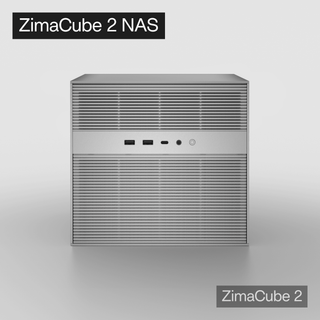
Zima Campaign Hub
More to Read
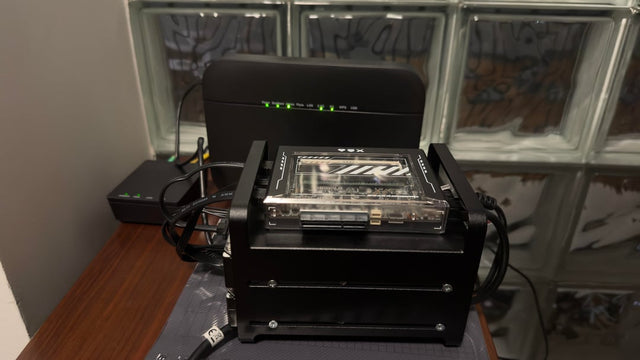
A First ZimaBlade 7700 NAS: Two 8 TB Drives and Learning CasaOS
A first ZimaBlade 7700 build pairs two 8 TB drives with CasaOS, raising practical questions about temperatures, shutdown and a recoverable backup workflow.
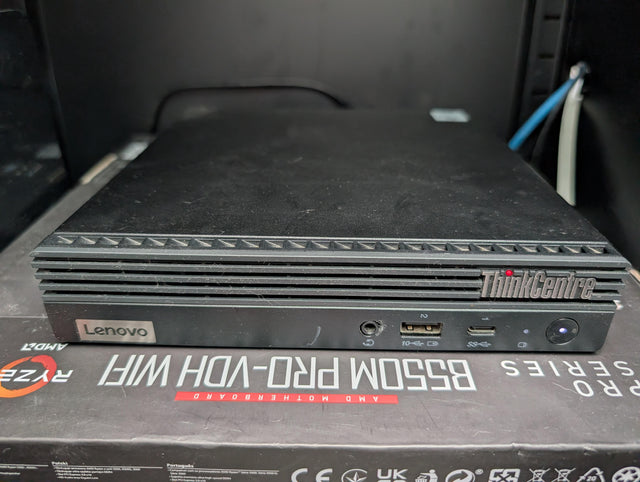
A Lenovo M80q ZimaOS Server for a Child’s Minecraft World
A reused Lenovo M80q runs ZimaOS and a child’s Minecraft server beside a 16 TB disk. Original photos show the hardware, dashboard and storage...
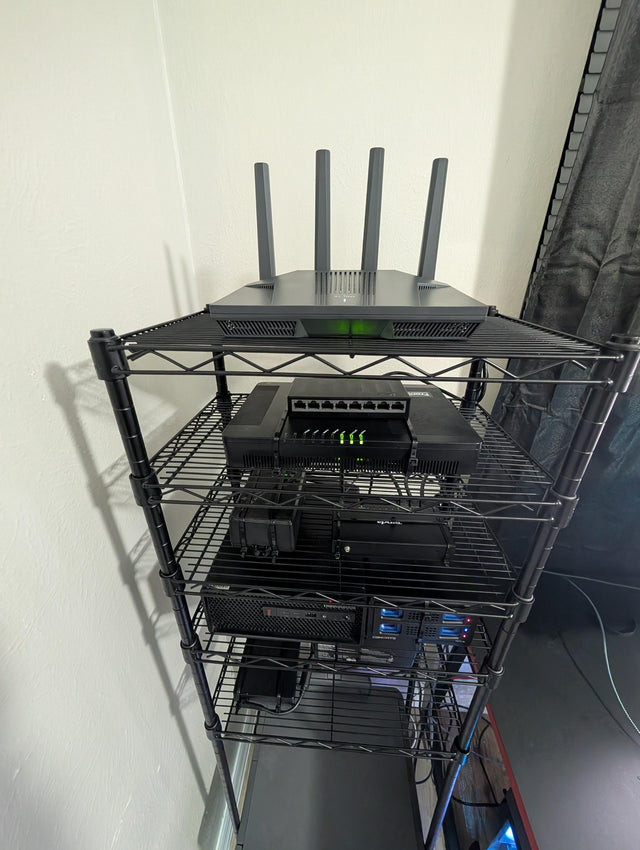
A P360 Ultra Homelab with ZimaOS Storage and Cockpit-Managed VMs
A P360 Ultra combines Ubuntu, Cockpit-managed VMs, ZimaOS storage and remote access, with a mirrored enclosure and a clear inventory of separate roles.


