
Why Do My Shoulders Hurt After Managing a Home Server From a Laptop?


The laptop is probably concentrating several small ergonomic loads into one long, still posture rather than creating one mysterious server-specific problem.
A low screen can pull the head forward, a distant keyboard can make the arms reach, and a trackpad can keep one shoulder working differently from the other. Test those variables one at a time over comparable sessions. Stop and seek professional advice if pain persists, radiates, follows an injury, or comes with numbness, weakness, chest pain, or shortness of breath.
Start With a Two-Minute Position Audit
Before changing hardware, take a side-view photo or ask someone to observe you while you use the actual server console. Note whether the top of the screen sits far below eye level, whether the elbows drift forward of the torso, and whether either shoulder rises while typing or using the trackpad.
screen height can change neck posture and shoulder-muscle activity. Research on different display heights found measurable changes in neck flexion and neck-and-shoulder muscle activity, so screen position is a real variable to test rather than a cosmetic preference.
Also record the task and time to first discomfort. Ten minutes of checking containers is different from ninety minutes of editing Compose files. That baseline lets you compare adjustments without relying on a vague memory of whether a session felt better.
Separate Screen Height From Keyboard Reach
A laptop couples the screen and keyboard, so moving one automatically moves the other. Raise the laptop until the upper screen is comfortable, then use an external keyboard and pointing device close to the body. If you cannot add peripherals, lower the screen enough to type comfortably and shorten the session instead of forcing a compromise for hours.
Keep the elbows near the sides and let the forearms rest lightly rather than hovering. The goal is not a rigid ninety-degree pose; it is to remove repeated reaching and shoulder elevation while leaving room to change position.
Run the same administrative task for twenty to thirty minutes with the new arrangement. If shoulder tension falls while the task and workload stay similar, the screen-keyboard coupling was a useful contributor. If nothing changes, restore the old layout and test the pointing device next.
Reduce One-Sided Trackpad Work
Trackpads encourage small, repeated motions near the laptop center while keyboard shortcuts may pull both hands in and out. Try a mouse or trackball that fits beside the keyboard, switch hands for low-precision navigation if practical, and use keyboard shortcuts for repetitive selection and window switching.
Do not solve reach by placing the mouse beyond a full-width keyboard. Center the keys you actually use and place the pointing device beside them. A compact keyboard can help if the numeric pad pushes the mouse so far outward that the upper arm stays abducted.
For long maintenance windows, remote into the server from a workstation that already fits you. ZimaSpace guide to a home lab on small desks and in shared rooms is useful when console access, cables, and hardware have crowded the working surface.

Break the Static-Posture Loop
computer-work research treats duration and physical exposure as interacting factors. Use a natural boundary such as the end of a log review, package update, or backup check to stand, look away, and move the arms. A short change of position is more useful than sitting perfectly still for an entire maintenance window.
Move high-risk work out of the browser when it reduces repetition: use saved shell aliases, scripts, and a password manager rather than repeatedly reaching through nested dashboards. Automation should remove mechanical repetition, not hide a risky command or eliminate the final verification step.
Compare two matched sessions: one uninterrupted and one divided into short blocks. Keep the chair, laptop height, and task similar. If the divided session is clearly easier, duration is part of the cause even when the workstation still needs improvement.
Know When the Laptop Is Not the Whole Explanation
If discomfort appears only with a particular chair, bag, injury, sport, or sleeping position, the laptop may be exposing a problem rather than causing it. Record when symptoms begin and what else changed that day; do not keep escalating workstation changes without a reproducible pattern.
Seek clinical guidance when pain is persistent, worsening, severe, or associated with weakness, numbness, tingling, swelling, fever, trauma, chest symptoms, or shortness of breath. General workstation changes cannot identify or rule out a medical cause.
A successful fix is modest and repeatable: the same task takes place with relaxed shoulders, ordinary movement, and no later flare. Keep the helpful change for a week, then reassess before buying furniture or accessories. If the result is mixed, test one remaining variable instead of rebuilding the whole desk.

Recommended products

Support & Tips
More to Read
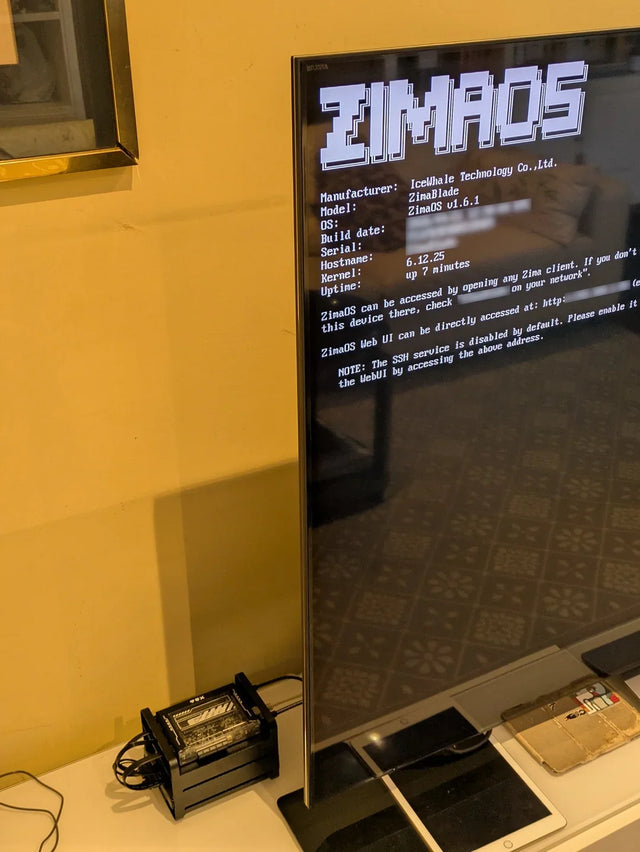
Why Does a Warm Mini PC Under the Desk Make a Small Office Uncomfortable?
Measure wall power and room temperature, clear the exhaust path, and compare placement before changing cooling hardware.
What Screen Distance Helps When Watching Several Server Dashboards?
Start at a comfortable arm's-length range, scale dashboard text, and verify posture instead of chasing one universal distance.
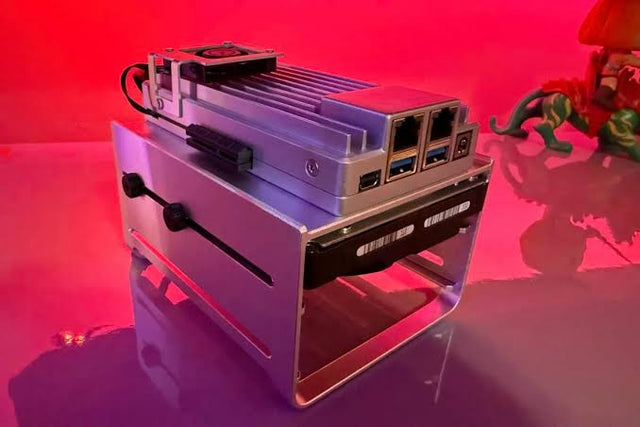
How to Reduce Glare When Reviewing Photos on a NAS-Connected Monitor
A controlled method for separating reflections from brightness and preserving consistent photo-review decisions.


