
How to Configure Separate Photo Upload Accounts for Family Members


Sharing one photo-service login makes uploads easy at first but mixes ownership, private memories, device backup status, and account recovery. One account per person preserves a clear boundary while shared albums provide the family view people actually want.
Configure identity before enabling automatic backup on every phone. Decide who administers the server, how accounts recover, which albums are shared, and whether any device should upload screenshots or messaging folders. Then run a private and shared pilot from every account before the first full camera-roll upload.
Create an Ownership and Sharing Model
Assign one Immich user to each person rather than each device. A person with two phones should normally use one account so their timeline and ownership remain coherent.
Use shared albums for collaborative events and partner sharing only when the household wants a broader ongoing view. Do not treat the administrator account as a universal uploader; administration and asset ownership are different responsibilities.
A household can keep private spaces while sharing selected collections, as reflected in community family-sharing workflows. Test the exact sharing features in your installed release before promising a Google Photos-like behavior.
Create Accounts and Secure Recovery
Create each user with a unique email-style identifier and a temporary password, then have the person sign in and change it. Keep the administrator account separate from daily browsing and mobile upload.
Document how an administrator resets an account and what happens to owned assets if a person leaves the household server. An account reset should not require sharing the person’s password or taking over their device.
Protect the small but critical application state with a tested backup. The Immich data reliability guide helps identify which storage paths must remain available and recoverable.
Configure Mobile Backup Per Person
Sign each phone into its owner’s account and select upload folders deliberately. Camera folders are usually wanted; screenshots, downloads, and messaging-media folders can create duplicates or expose content the user did not intend to share.
Enable background backup under the power and network conditions the household accepts. On a first upload, keep the phone charging and verify that operating-system battery restrictions do not suspend the client indefinitely.
Upload a small pilot from each device and confirm ownership in the web interface. A shared album should show the asset to another account without changing the original owner.

Test Privacy, Duplication, and Restore Paths
From one normal account, search for and browse another person’s unshared pilot photo. The asset should remain inaccessible until the owner shares an album or an approved broader sharing feature is enabled.
Test the same image arriving from two phones, an edited copy, and a reinstalled mobile client. Observe how duplicates are handled and confirm that backup status does not cause an unexpected second upload.
Complete the rollout only after each person can upload, view private assets, share a selected album, and recover access. Review permissions when children receive accounts or household membership changes.

Recommended products

Support & Tips
More to Read
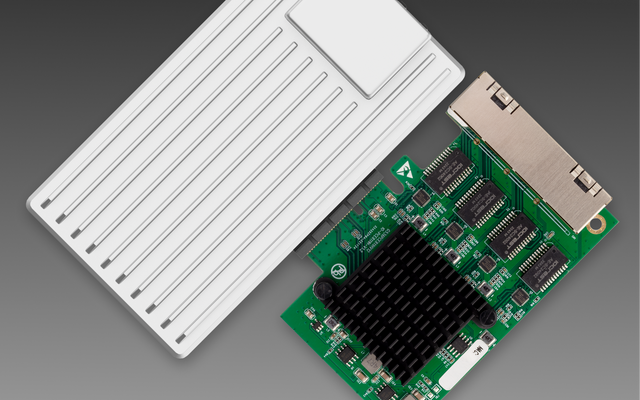
Can You Replace a Noisy Mini PC Fan Without Changing Thermal Control?
Yes—if the replacement matches the electrical interface, airflow, and feedback signals; connector fit alone does not preserve thermal control.
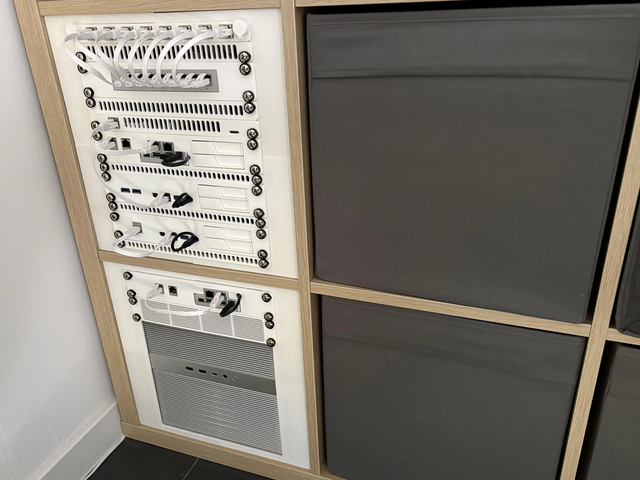
Can a Home Server Resume Services in Dependency Order After UPS Recovery?
Yes—use explicit boot dependencies and readiness checks; restart policies alone do not guarantee services become usable in the right order.
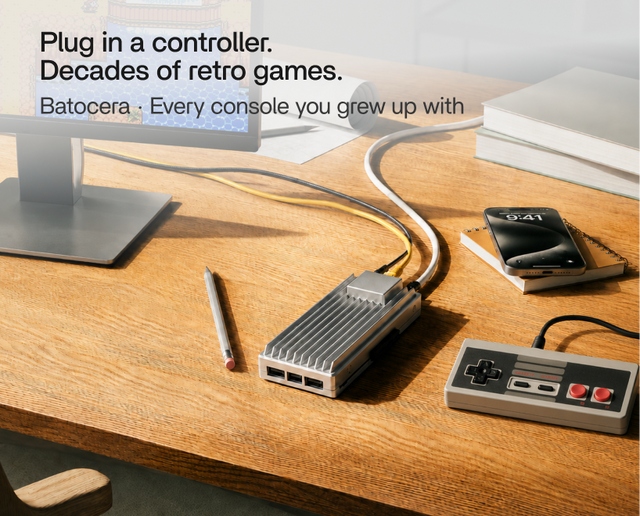
Can You Use Wake-on-LAN After a Complete Power Loss?
Sometimes—WOL needs standby power and firmware/NIC state to recover after AC returns; it cannot wake a machine while power is absent.


