
How to Set Up Cloud Export Sidecars for Correct Photo Dates


A cloud photo export may place capture time, description, location, or album data in JSON or XMP sidecars instead of embedding it in each image. Copying the media alone can make an importer fall back to file modification time and scatter old photos across the wrong years.
Repair the export in a staging copy, not in the only original. First pair every sidecar with its media file, identify the authoritative timestamp and time zone, then write or preserve metadata only after sample results survive a second scan. Quarantine ambiguous pairs instead of forcing a library-wide guess.
Inventory the Export Before Renaming Anything
Count media files, sidecars, unmatched sidecars, and media without sidecars. Cloud exports may split large libraries into archives, duplicate names, or append suffixes that make simple one-to-one filename assumptions unsafe.
Open several sidecars from different years and devices. Identify whether the export stores capture time as Unix seconds, an ISO timestamp, a formatted date, or multiple values such as creation and modification time.
Use a metadata inspector such as ExifTool to compare the embedded EXIF or QuickTime date with the sidecar. Do not overwrite a trustworthy embedded capture date merely because another timestamp exists.
Pair Sidecars With Media in a Staging Tree
Extract all export archives into a staging directory while preserving their internal paths. Keep an untouched copy or verified backup so filename experiments and metadata writes can be reversed.
Build a pairing report that records the media path, sidecar path, selected date, time zone information, and any ambiguity. Stop automatic processing for duplicate basenames, missing sidecars, or multiple candidate dates.
Normalize filenames only after pairing is complete. Renaming media first can sever the relationship with a JSON file whose name includes the original extension or an exporter-specific suffix.
Write the Smallest Necessary Date Change
Prefer the embedded original capture field when it is present and credible. Use the sidecar to fill missing or demonstrably incorrect values, and preserve the raw sidecar beside the staged media for auditability.
Handle time zones explicitly. A UTC timestamp displayed as local time can shift a photo across midnight, while a timestamp without a zone may need the device location or known household zone to be interpreted correctly.
Import only the corrected staging output into the photo service. The Immich storage reliability guide is relevant when that staging tree or external library lives on network storage.

Verify Dates Before the Full Import
Select samples around midnight, daylight-saving transitions, leap days, videos, edited copies, and screenshots. Inspect both the embedded metadata and the date shown after import.
Compare a second scan of the staged file with the pairing report. The written capture time should match the selected source, and unrelated tags such as camera model, GPS, orientation, and duration should remain intact.
Proceed in batches only when the sample passes. Keep the pairing report and untouched export until the entire library is imported, counts reconcile, and date-based albums or searches return expected results.
Frequently Asked Questions
Should I Set File Modification Time From the Sidecar? Only as a compatibility fallback. Preserve or write the proper embedded capture field first, because modification time changes during copies and is a weak long-term authority.
What If a Sidecar Has No Time Zone? Do not guess across the entire library. Group files by device, trip, or known location, document the assumption, and quarantine ambiguous records for review.
Should I Delete Sidecars After Import? Keep the untouched export and pairing report until a verified backup exists and the imported counts, dates, locations, and albums have been checked.

Recommended products

Support & Tips
More to Read
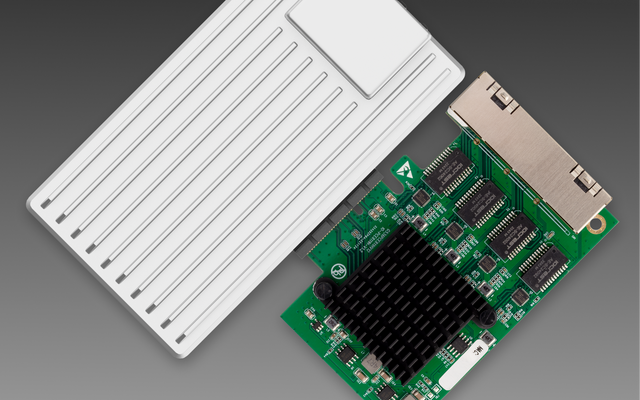
Can You Replace a Noisy Mini PC Fan Without Changing Thermal Control?
Yes—if the replacement matches the electrical interface, airflow, and feedback signals; connector fit alone does not preserve thermal control.
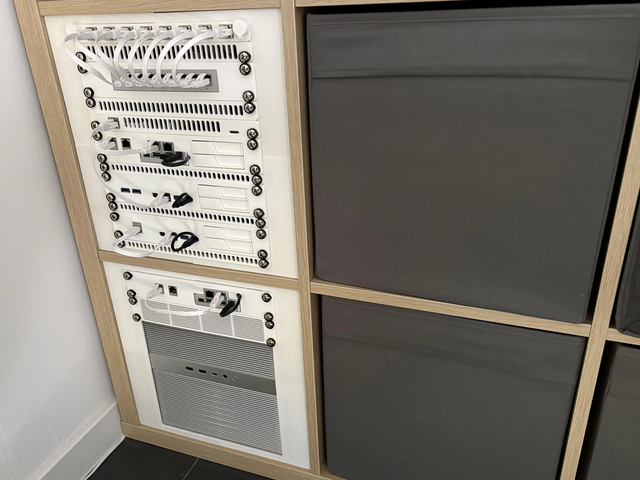
Can a Home Server Resume Services in Dependency Order After UPS Recovery?
Yes—use explicit boot dependencies and readiness checks; restart policies alone do not guarantee services become usable in the right order.

Can You Use Wake-on-LAN After a Complete Power Loss?
Sometimes—WOL needs standby power and firmware/NIC state to recover after AC returns; it cannot wake a machine while power is absent.


