
How to Move Jellyfin Data Without Losing Users, History, or Settings


To move Jellyfin without losing users or history, stop the source before copying its persistent data and keep the original instance untouched until the new one passes verification.
A home-server migration can fail even when every media file is present because Jellyfin state lives in data, config, metadata, and database paths. Inventory those mounts, copy them while writes are frozen, recreate the same paths and ownership, then test login, history, library access, and playback before retiring the source.
Freeze the Source and Inventory Persistent Paths
The source instance is still serving users. Begin with the least invasive check: Record Jellyfin data/config/cache paths, container mounts, UID/GID, version, and media locations; stop the container before copying state.
The useful observation is specific: all state paths are mounted, database path is hidden in a volume, only media is mapped. Record the result before changing another variable. backup before migration
Interpret the branch instead of guessing. If all persistent paths are known, continue; if a path is hidden, resolve it first; if only media is mapped, create a state backup before copying.
Copy Data, Config, and Database With Ownership Intact
The source is stopped and paths are inventoried. Begin with the least invasive check: Copy state directories first, compare file counts and sizes, then apply the destination UID/GID and confirm Jellyfin can read and write its database.
The useful observation is specific: database opens cleanly, permission denied appears, paths exist but libraries are empty. Record the result before changing another variable. local database path
Interpret the branch instead of guessing. If the database opens and paths match, continue; if permissions fail, correct ownership without deleting files; if libraries are empty, repair mount paths before rescanning.
Recreate the Runtime Before Testing the Result
Persistent data is copied and ownership is corrected. Begin with the least invasive check: Recreate the container with destination mounts, record the image version, and open the admin dashboard before changing libraries or users.
The useful observation is specific: users and libraries appear, startup migration runs, default setup wizard appears. Record the result before changing another variable.
Interpret the branch instead of guessing. If state appears, do not rescan yet; if migration runs, allow it to finish and keep the source; if the setup wizard appears, stop because the data mount is wrong.

Verify Users, History, Libraries, and Playback Before Cleanup
The new instance starts with copied state. Begin with the least invasive check: Log in as an existing user, inspect watch history and library permissions, play one Direct Play and one transcode, then restart once and repeat.
The useful observation is specific: all state and playback pass, one library is empty, users or history are missing. Record the result before changing another variable. migration verification path
Interpret the branch instead of guessing. If all checks pass twice, keep a final backup and retire the source later; if one state check fails, return clients to the source; if playback fails, repair the path or accelerator before cleanup.

Recommended products

Support & Tips
More to Read
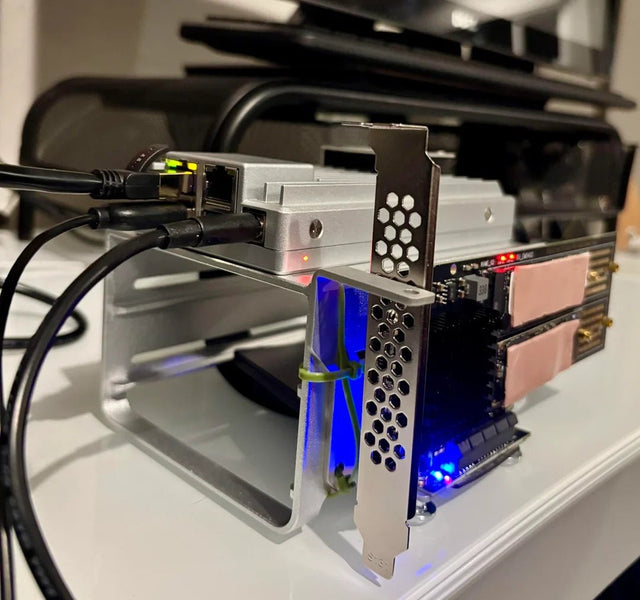
Can Jellyfin Safely Share a GPU or Accelerator With Another Container?
GPU sharing is conditional: verify device visibility and driver support, then run both workloads and watch for software fallback.
How to Tell Whether a Jellyfin Error Comes From the Client or Server
A Jellyfin error belongs to the client when it follows one device; it belongs to the server when multiple clients fail under the same...
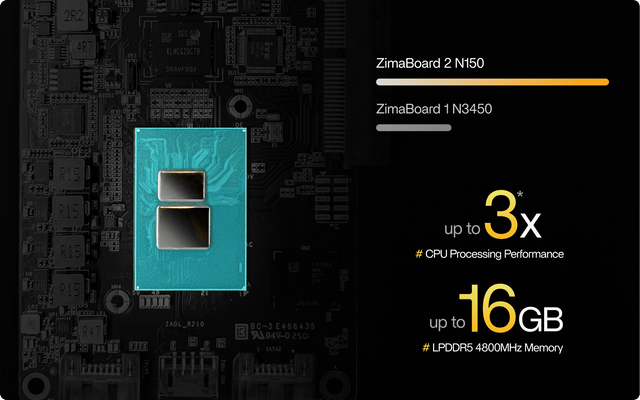
How to Configure Jellyfin Cache and Temporary Storage
Separate durable state, rebuildable cache, and temporary transcode storage, then verify capacity and permissions with a real playback test.


