
How to Tell Whether a Jellyfin Error Comes From the Client or Server


A Jellyfin error usually follows the client when one device fails while a control client works, and follows the server when multiple clients fail under the same media path. Start with a local control test before changing codecs or hardware.
Keep the server, account, media, and quality fixed while comparing the affected client with a known-good client, then compare direct local playback with the remote or proxied route. The result tells you whether to change client capability, Jellyfin transcode settings, or network routing, and when to stop because the evidence is mixed.
Use a Same-Server Control Client
One client reports a playback error. Begin with the least invasive check: Play the same item with the same account and quality on a control client. same-server control test
The useful observation is specific: control passes, both fail, control chooses a different playback mode. Record the result before changing another variable.
Interpret the branch instead of guessing. If only the affected client fails, the client boundary is favored; if both fail, inspect server or route; if modes differ, compare codec and subtitle path first.
Check Playback Mode and Server Logs
The control client also fails or requests the same server path. Begin with the least invasive check: Compare dashboard playback mode and corresponding FFmpeg or server log entries for affected and control sessions.
The useful observation is specific: Direct Play fails on both, transcode exits on both, only one client transcodes. Record the result before changing another variable. FFmpeg log evidence
Interpret the branch instead of guessing. If both sessions share a server error, the server boundary is favored; if only one transcodes, return to client capability; if logs are clean, test route and browser state.
Compare Direct Local and Remote Paths
Client and server ownership are not conclusive. Begin with the least invasive check: Use the same client and media over the LAN URL, then the remote or proxied URL.
The useful observation is specific: local passes, remote fails, both fail, remote passes, local fails. Record the result before changing another variable. local-versus-remote path
Interpret the branch instead of guessing. If only remote fails, keep the fault in proxy, DNS, routing, or bandwidth scope; if both fail, revisit server evidence; if local alone fails, inspect binding or local DNS.

Recheck the Original Trigger and Stop at the Owner
Ownership is assigned conditionally. Begin with the least invasive check: Apply one targeted change, then replay the original session and one control session.
The useful observation is specific: original passes and control stays stable, original still fails, both paths change. Record the result before changing another variable.
Interpret the branch instead of guessing. If the original passes and control remains stable, stop; if it still fails, undo the change and escalate within the assigned owner; if both change, return to the earliest uncontrolled variable.

Recommended products

Support & Tips
More to Read
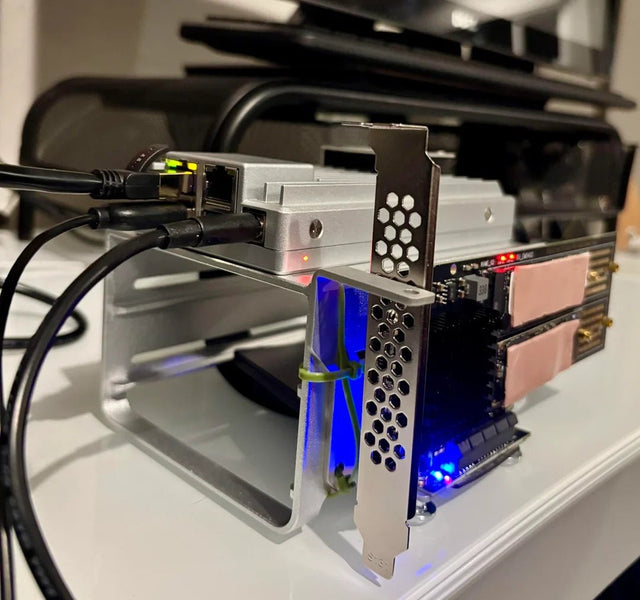
Can Jellyfin Safely Share a GPU or Accelerator With Another Container?
GPU sharing is conditional: verify device visibility and driver support, then run both workloads and watch for software fallback.
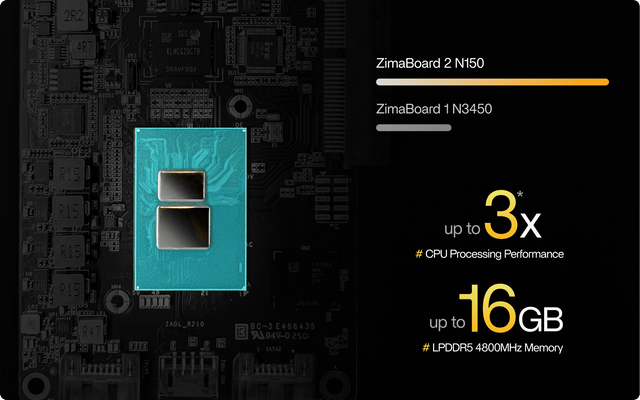
How to Configure Jellyfin Cache and Temporary Storage
Separate durable state, rebuildable cache, and temporary transcode storage, then verify capacity and permissions with a real playback test.
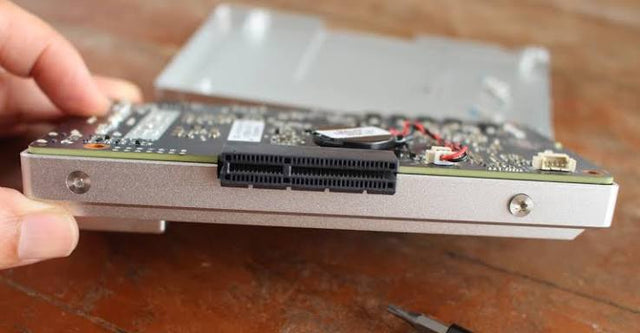
How to Prevent Jellyfin Backups From Capturing Inconsistent State
A complete file copy is not automatically consistent; freeze writes or snapshot atomically, capture all state paths, and prove the restore.


