
How to Build a Recoverable Jellyfin Deployment With Containers


Build a recoverable Jellyfin container deployment by making the runtime disposable, the persistent state explicit, and the restore procedure reproducible on a clean target.
The container image is only one recovery input. A working Jellyfin service also depends on configuration and database state, media mount locations, UID/GID ownership, device mappings for acceleration, ports, secrets, network names, and the exact image version that can read the restored data. The goal is not “Docker restarts automatically”; it is that a failed host can be rebuilt without guessing where the authoritative state lived.
Define the Recovery Unit Before Writing the Compose File
List what must survive complete container deletion: Compose or equivalent deployment definition, environment inputs, secrets recovery method, Jellyfin configuration and database, required metadata, plugin state, and the map to media storage. Mark cache and transcode directories separately so their loss does not receive the same backup priority as watch history or user settings.
A tested Docker Compose recovery guide describes a recoverable set as definitions, environment files, secrets, bind mounts or volumes, database-consistent copies, image references, and restore order. That is the correct abstraction for Jellyfin: recover the service contract, not merely a folder.
Write those inputs into a short recovery manifest. If you cannot rebuild from that list, the container is still coupled to undocumented host state. Do not add proxies, monitoring, or extra databases until the base Jellyfin recovery unit can be restored and validated independently.
Separate Replaceable Runtime From Persistent State and Media
The image should be replaceable; application state should not be. Mount the Jellyfin config/data path to explicit persistent storage and map media separately, preferably read-only where your workflow permits. Keep cache and transcode scratch space in their own role so a full temporary directory does not automatically become a database outage or backup explosion.
A recent Docker recovery guide separates Compose definitions, volumes or bind mounts, environment inputs, and off-host backups instead of treating the container filesystem as durable state. The pattern matters more than the exact directory names: each lifecycle gets an explicit host-side owner and restore method.
Prefer bind mounts when human-readable host paths make backup and troubleshooting clearer, or named volumes when your tooling reliably inventories and backs them up. Either can be recoverable. The failure is an unnamed or undocumented location whose contents are discovered only after the original host is gone.
Pin the Runtime and Record Host-Specific Interfaces
A recoverable deployment must know which Jellyfin version produced the current persistent state. Use an image reference with a version scope appropriate to your update policy and record the last known-good image. Also document container user IDs, render-device mappings, supplementary groups, network mode, published ports, and any reverse-proxy dependency.
Container updates can change the executable layer while leaving persistent state behind, so a reproducible self-hosting workflow needs explicit definitions rather than memory. A recent Docker self-hosting guide uses Compose precisely because the service configuration can be recreated from a declarative project directory rather than a long one-off command.
Do not assume an old image alone is rollback. A newer Jellyfin version can migrate persistent data, so true rollback may require the pre-upgrade state paired with the old runtime. Recovery documentation should therefore store version, state-copy timestamp, and deployment definition together.

Back Up Consistently and Prove the Restore in Isolation
Backups must capture a coherent application state and live outside the same failure domain as the active volume. Copying a running file-based database with an ordinary recursive copy can produce a set that looks complete but is not a valid recovery point. Use Jellyfin's application-aware backup path where appropriate or a controlled stop/snapshot method whose consistency behavior you understand.
The same principle appears in broader backup testing: a backup is only credible after a real restore test recreates a usable application rather than merely extracting files. For Jellyfin, bring the test up on a different port, keep production media read-only, and verify users, libraries, watch state, representative playback, plugins, and one restart.
Record restore time and every manual intervention. If the process needs a forgotten chmod, hidden environment value, or one-off device mapping, add it to the deployment contract and repeat the rehearsal. The restore test is finished only when a clean target can be rebuilt from the written inputs without borrowing mutable state from production.
Fail Closed When Required Mounts or Devices Are Missing
A container can start even when the intended media mount is absent or a GPU device was not exposed. That can create an empty library, unexpected software transcoding, or writes into a local fallback directory. A practical Compose service-readiness guide shows why “running” and “ready” are different states and why dependency checks should gate consumers. Recovery becomes safer when startup proves the critical paths before the service is allowed to behave as production.
ZimaSpace's Jellyfin service-stack migration uses this same boundary: validate mounts, persistent state, hardware access, playback, and restart behavior before the old path is retired.
Make mount presence, free space, config ownership, and accelerator visibility part of the preflight. If a required path fails, stop rather than launching against an empty directory. If acceleration fails, keep the service in a known degraded mode or stop according to your household target; do not let a silent fallback turn one missing device into a host-wide CPU problem.
Run Failure Drills Until the Container Is Boring to Rebuild
Test a container deletion, host reboot, bad image update, lost cache, missing media mount, and restore of application state into a clean directory. You do not need to destroy real media to test these paths. The objective is to prove which layer recovers automatically, which requires a backup, and which must fail closed.
A recoverable design should also prove that restored data can start the application in a disposable environment. An isolated restore-verification workflow uses temporary containers and health checks to test application data without touching production. Backup and rollback should be known before a new runtime first changes production state.
Stop adding architecture when the service definition is versioned, persistent paths are obvious, backups live elsewhere, a restore passes, and a replacement host can return Jellyfin inside the household recovery target. Add another service or host only when it solves a measured capacity or failure-domain requirement. Recoverability comes from explicit state and practiced restoration, not from container count.

Recommended products

NAS & Server Setup
More to Read
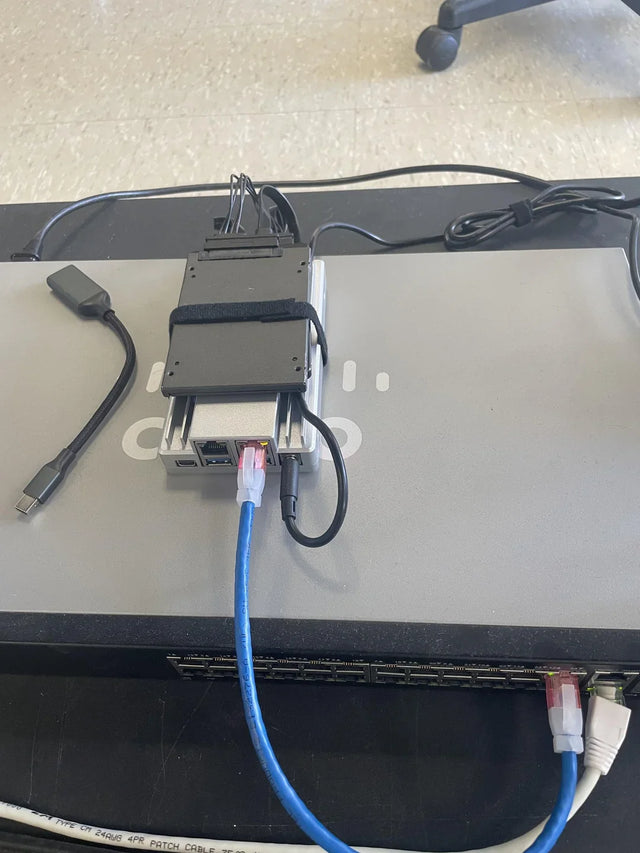
How AI-Like Analysis and Automation Change Jellyfin Storage and Compute Needs
Automation and adjacent AI analysis add scans, derived data, CPU/GPU work, cache, scratch space, and background scheduling beyond ordinary Jellyfin playback.
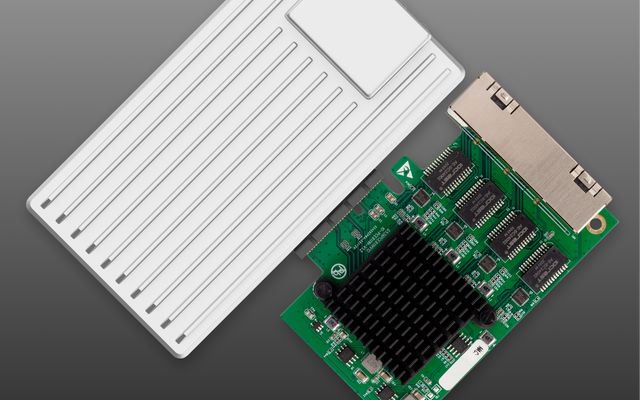
How to Integrate Jellyfin Into a Small Apartment or Rental Network
Build a rental-friendly Jellyfin network around stable local addressing, minimal wiring, quiet hardware, CGNAT-aware remote access, and reversible changes.
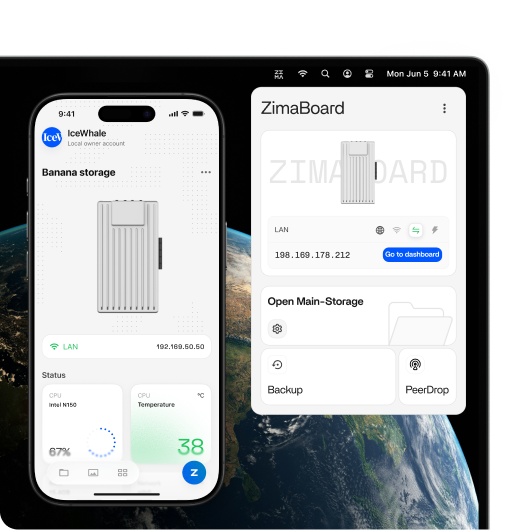
How Many Users and Background Jobs Should One Jellyfin Host Support?
Treat Jellyfin users and background jobs as one shared workload budget; capacity ends when playback latency, queues, or resource pressure becomes repeatable.


