
How to Integrate Jellyfin Into a Small Apartment or Rental Network


A Jellyfin server in an apartment or rental often has different constraints from a permanent home lab: limited Ethernet runs, an ISP-supplied router, shared walls, noise limits, little rack space, and sometimes CGNAT that prevents ordinary inbound port forwarding.
The best setup keeps the server stable without requiring permanent building changes. Use a predictable LAN address, place the server close to the main switch or router, keep the storage and cooling quiet, and choose a remote-access method that works with the actual ISP boundary instead of assuming you own a public IPv4 address.
Put the Server Where the Network Is Already Strong
Start near the router, switch, or structured wiring point rather than choosing a shelf only for appearance. A short wired connection from server to router removes one wireless hop from every client session and is easier to troubleshoot after a router reboot.
For an always-on server, the useful principle is to remove avoidable wireless variability from the common path. Cisco's current small-business networking guidance contrasts wired Ethernet's consistent dedicated link with the mobility and shared-radio tradeoffs of wireless networking. Clients can still use Wi-Fi; the server benefits most from the predictable backhaul.
If running new cable is not allowed, use an existing wall jack, a short visible cable with removable clips, or place the server beside the router. Avoid hiding a warm mini server inside a sealed cabinet just to keep the wiring invisible.
Give Jellyfin a Stable LAN Identity Without Reconfiguring the Building
Create a DHCP reservation on the apartment router if you control it. This keeps the server address predictable for local clients, reverse proxies, storage mounts, and administration without requiring a static address configured directly on the host.
If the landlord or building controls the upstream network, treat your own router as the household boundary when permitted. Double NAT is usually manageable for local Jellyfin use, but it changes how remote access must be designed.
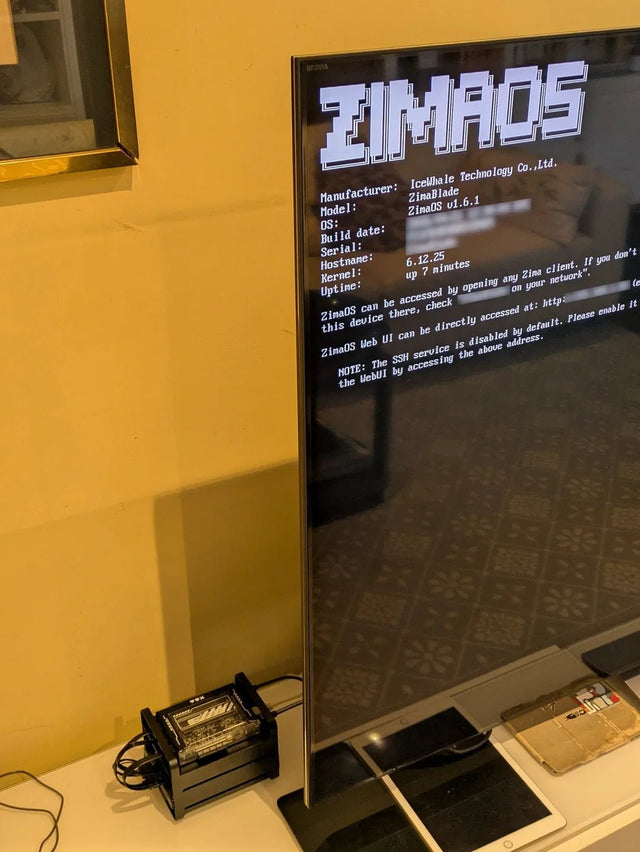
The ZimaSpace guide to home servers in rentals with limited wiring applies the same principle: prioritize reversible cabling, compact hardware, and network choices that can move with the tenant.
Assume Remote Access May Need to Work Without Port Forwarding
Apartment ISPs, mobile broadband, and some fiber providers place customers behind carrier-grade NAT. In that case, the local router does not control the public IPv4 translation, so forwarding a port on the apartment router cannot create an inbound public path by itself.
Jellyfin documents Tailscale as an option when ports cannot be opened, including CGNAT or ISP restrictions. A private mesh VPN avoids exposing Jellyfin publicly, although each remote client must participate in the private network.
If you do have a public address and want browser or TV clients that cannot run a VPN, use a deliberate HTTPS reverse-proxy path. Do not expose the Jellyfin application port directly merely because the router UI makes the rule easy to create.

Design Wi-Fi Around the Clients, Not the Server
A small apartment can have strong Wi-Fi because distances are short, but neighboring networks also create interference. Put the access point in a central open location and use 5 GHz or 6 GHz where client support and wall layout make it practical.
Test actual throughput from the television, tablet, or laptop to the wired Jellyfin host. A nominal Wi-Fi link rate is not the same as sustainable application throughput. One 4K remux plus another household transfer can expose weak placement even when a speed test looked good earlier.
Use Ethernet for stationary high-bitrate clients when an existing jack is available, but do not turn a rental into a cabling project when measured Wi-Fi already has stable headroom.
Keep the Hardware Quiet, Cool, and Easy to Move
A compact server or small NAS fits rentals well when it can remain cool under sustained transcoding and does not transmit fan or hard-drive noise through a bedroom wall. Rubber isolation and reasonable fan curves matter more in a small apartment than in a basement rack.
Keep backups on a removable or network destination that can leave with the server. Label power supplies, drive enclosures, and network cables so relocation does not turn into a new deployment.
FAQ
Can Jellyfin work in an apartment if the ISP uses CGNAT?
Yes. Local streaming is unaffected by CGNAT. Remote access can use a mesh VPN such as Tailscale, a tunnel or relay design, or an ISP-provided public IP instead of ordinary inbound port forwarding.
Do I need Ethernet to every Jellyfin client?
No. A wired server backhaul is the highest-value connection. Wi-Fi clients are fine when measured throughput and stability exceed their real media bitrate with household headroom.

Recommended products

NAS & Server Setup
More to Read

How AI-Like Analysis and Automation Change Jellyfin Storage and Compute Needs
Automation and adjacent AI analysis add scans, derived data, CPU/GPU work, cache, scratch space, and background scheduling beyond ordinary Jellyfin playback.

How Many Users and Background Jobs Should One Jellyfin Host Support?
Treat Jellyfin users and background jobs as one shared workload budget; capacity ends when playback latency, queues, or resource pressure becomes repeatable.
How to Reduce Heat and Drive Activity in an Always-On Jellyfin Setup
Lower Jellyfin heat and disk churn by reducing background work, using efficient acceleration, separating active app data, and testing standby.


