
How to Choose Home Assistant Hardware for a Quiet Living Space


Choose Home Assistant hardware for a living space by setting a noise limit first, then confirming that cooling, storage, radio placement, and recovery still work within it.
Turn “Quiet” Into a Room-Specific Requirement
Start with the room and listening distance, not the processor. A bedroom, living-room shelf, and closed utility cabinet tolerate different fan ramps, drive vibration, and power-supply noise. Observe the quietest period of the day and decide whether constant low airflow, occasional fan bursts, or only passive cooling is acceptable.
A current Home Assistant mini-PC guide treats noise, storage, USB layout, and 24/7 power as stronger differentiators than excess CPU performance. Its discussion of fan noise and enclosure choices is useful as a buying input, but model recommendations should still be checked against the actual room.
Reject a candidate when reviews describe tonal fan noise, frequent idle ramping, rattling storage, or a power brick that will sit close to listeners. A slightly larger enclosure with slower airflow can be easier to live with than the smallest box.
Match Cooling Design to the Real Workload
Estimate the normal Home Assistant load and the heaviest planned overlap: database maintenance, backups, dashboards, voice processing, camera analysis, or other containers. Passive hardware is attractive only when that peak can be sustained without thermal throttling or heating the surrounding cabinet.
A community build discussion frames low idle power, cooling quality, headless recovery, and storage endurance as a combined requirement for a quiet always-on system. Use that quiet-system requirement set as a checklist rather than adopting its preferred specification unchanged.
Choose fanless hardware for a light, measured workload with open airflow. Choose a quality slow-fan mini PC when the room accepts a low steady sound and the workload has short peaks. Move heavier camera or AI work out of the living area when quietness would otherwise require unsafe heat retention.
Prevent Storage and Radio Choices From Reintroducing Noise
Use solid-state storage for the active system and database when mechanical vibration would be audible. If bulk media or backup capacity requires hard drives, place those drives in a separate NAS or acoustically appropriate location rather than beside the seating or sleeping area.
Count USB ports by physical clearance, not only by number. Zigbee, Thread, Z-Wave, Bluetooth, and recovery media may need extension cables to reduce radio interference and make replacement possible. A cramped fanless box can become a poor fit if adapters block vents or adjacent ports.
Before buying extra capacity, use the measured outgrowth test to distinguish genuine workload demand from one noisy integration. Unused headroom does not improve acoustics if it requires a hotter processor and more aggressive cooling.

Check Power Behavior and Recovery Before Buying
Verify measured wall power where possible, but also check auto-start after power loss, headless boot, storage replacement access, firmware support, and whether the cooling profile can be controlled without proprietary desktop software. Low idle watts are not enough if recovery requires opening the enclosure in the living room.
Owners comparing low-power platforms report that the meaningful cost is the whole system at idle, not the processor label alone. The range of real idle-power experiences reinforces the need to compare complete configurations with their SSD, memory, radios, and power adapter attached.
Buy when the candidate stays within the room’s noise boundary during the heaviest planned workload, keeps radios and storage serviceable, and can recover unattended after an outage. Otherwise choose a separate equipment location before paying a premium for a silent enclosure.
Retest the chosen configuration after adding its final SSD, memory, USB radios, and enclosure position. Those changes can alter temperature and fan behavior enough to invalidate a bare-system noise test.

Recommended products

Buying Guide
More to Read
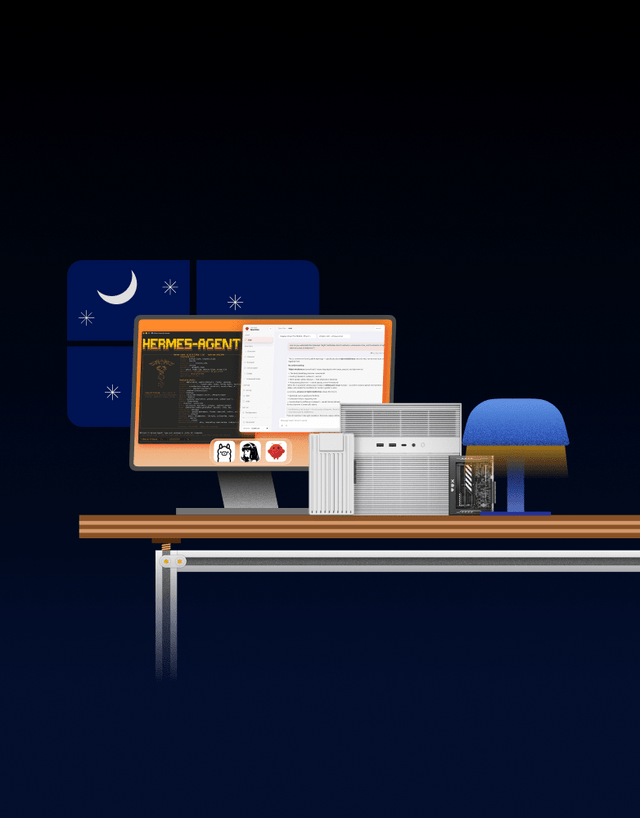
How to Choose Low-Power Hardware for Always-On Home Assistant
Compare Home Assistant systems by wall power and workload. Buy when energy, noise, reliability, or a measured service limit justifies replacement.
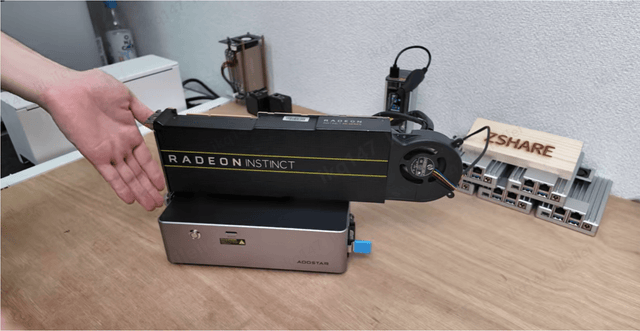
How to Choose a Home Assistant Server for a Shared Household
Size Home Assistant for household workloads, not headcount. Use measured peaks, durable storage, separate identities, and tested recovery to choose a host.
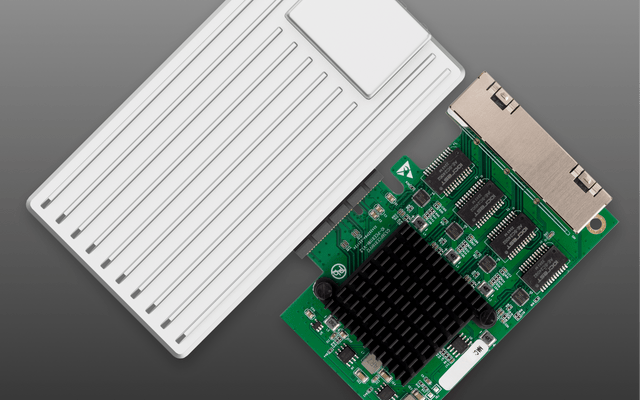
How to Choose a Home Assistant Server for Internet Outages
Outage-ready Home Assistant hardware starts with the local control path. Size power, storage, and recovery around actions that must continue without the WAN.


