
If Homepage starts on ZimaOS but the browser only shows Host validation failed, the container may be healthy. The error is a security check inside Homepage itself, not automatically a ZimaOS firewall or port problem.
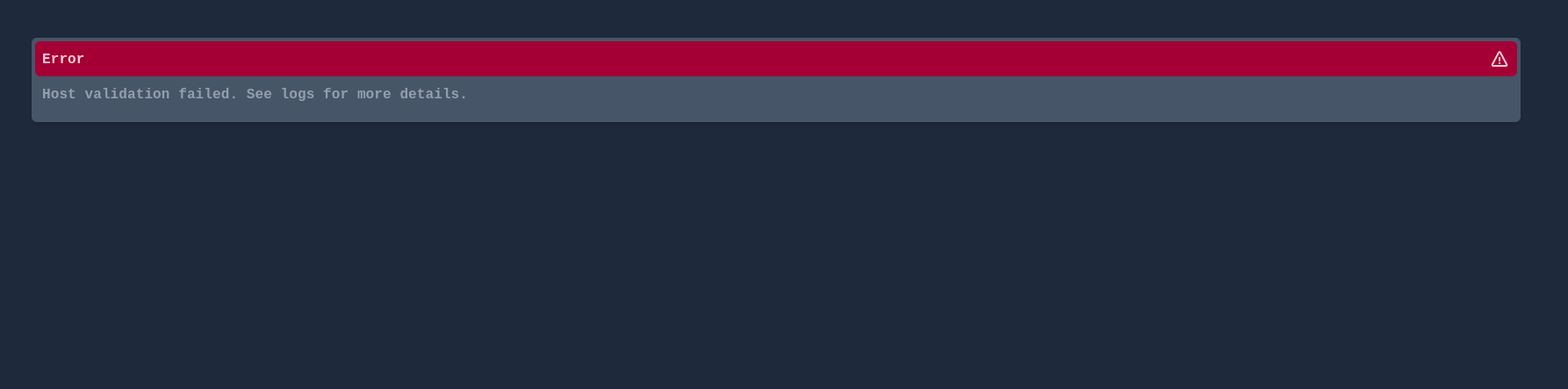
Why Homepage Rejects the ZimaOS IP
Homepage requires HOMEPAGE_ALLOWED_HOSTS when it is accessed through a hostname or IP other than its always-allowed localhost addresses. The value must match the host that Homepage sees in the request, sometimes including the port.
The current Homepage project explains that the variable is a comma-separated list and specifically tells users with this error to copy the exact rejected host from the application log.
Use the current host-validation rules from the Homepage project when choosing the value.
Read the Error Before Changing the Container
The useful part of the community reply was its troubleshooting order: confirm that Homepage is running on port 3000, then inspect the container log before changing environment variables. The log normally states which host was rejected.
For example, if the log rejects 192.168.1.20:3000, adding only a different IP or a domain name will not satisfy that request. Use the exact host you actually browse to.
Set HOMEPAGE_ALLOWED_HOSTS in the App Environment
In ZimaOS app settings, add or correct the environment variable so it contains the intended LAN IP, hostname, reverse-proxy name, or multiple comma-separated hosts.
HOMEPAGE_ALLOWED_HOSTS=192.168.1.20:3000The exact value above is only an example. Use the host reported by your own Homepage log.
Avoid Using * as the Default Fix
Homepage can disable the host check by setting the variable to *, but its current instructions explicitly say this is not recommended. The host check helps protect the application's API proxy from unexpected Host headers.
If Homepage is exposed beyond a trusted LAN, the upstream project also recommends a reverse proxy or VPN that enforces authentication and TLS.
Reverse Proxies Need Their Own Allowed Host
If you normally open Homepage through a domain behind Nginx Proxy Manager, Traefik, or another proxy, the host seen by Homepage may differ from the direct ZimaOS IP. Add the value the container log actually reports rather than guessing from the browser URL alone.
Homepage Host Validation FAQ
Does this error mean port 3000 is closed?
Not necessarily. If the Homepage error page loads, the request has already reached the application.
What value should HOMEPAGE_ALLOWED_HOSTS contain?
The exact hostname or IP that Homepage says it rejected, including the port when the log includes one.
Can I set HOMEPAGE_ALLOWED_HOSTS=*?
Homepage allows it but advises against it. Use an explicit allow-list whenever possible.
Was there a confirmed ZimaOS-specific bug in this thread?
No. The single community reply pointed to normal Homepage host validation, and current upstream Homepage behavior supports that explanation.


