
The original June 2024 IceWhale Community post is short: it points users to a BigBearCasaOS tutorial for installing Crafty Controller 4 on CasaOS. Crafty is a self-hosted web panel for creating, running, updating, backing up, and administering Minecraft servers.
Because the source post is historical and its linked app-store packaging can change, the installation details below use current Crafty project requirements rather than treating a 2024 third-party package as frozen forever.
What Crafty 4 Adds to a CasaOS Server
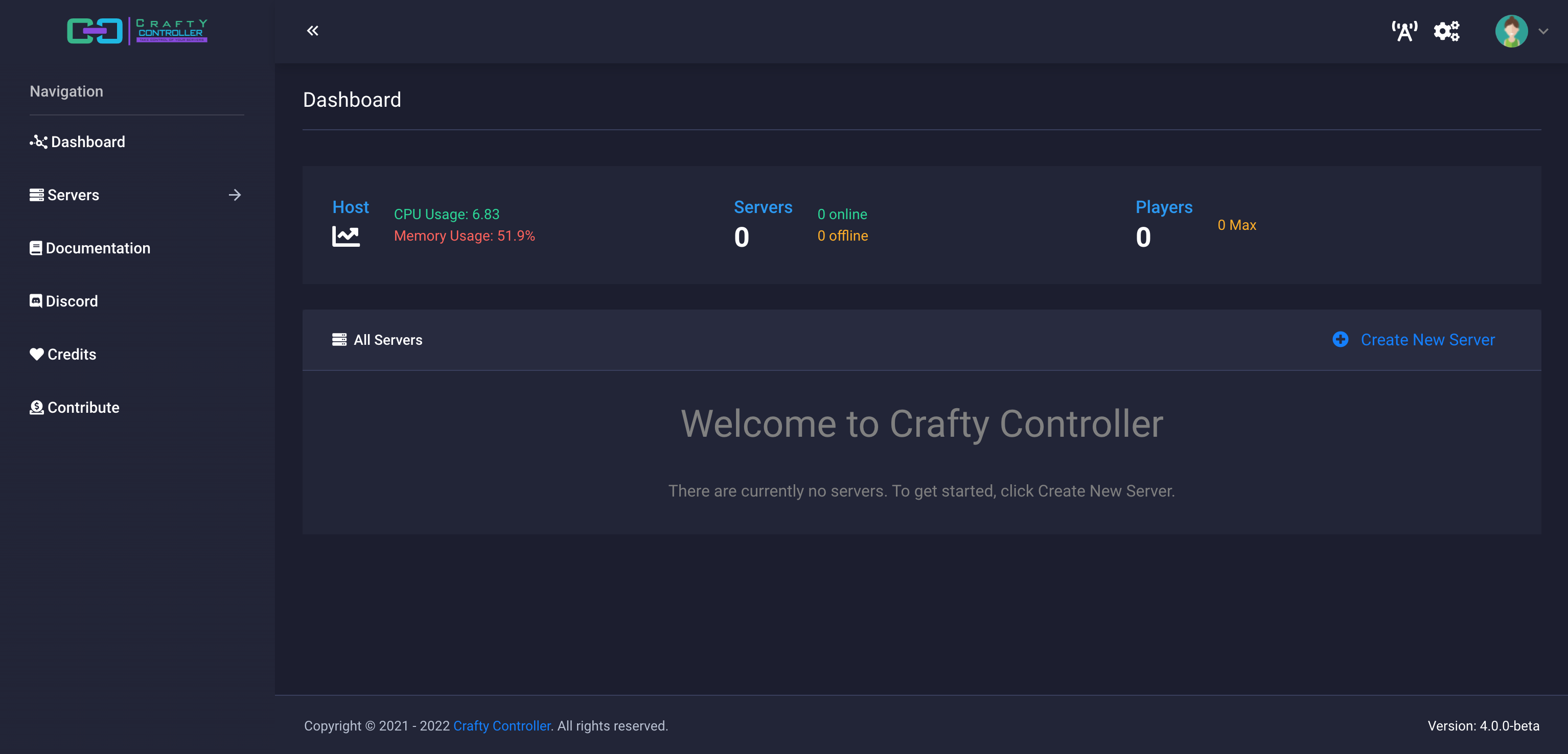
Crafty provides a browser-based control panel for Minecraft Java and Bedrock servers. It can create new servers, import existing ones, manage files and players, schedule tasks, monitor metrics, and keep server backups in persistent storage.
Prefer the Current Crafty CasaOS Package When Available
The Crafty project now has its own CasaOS installation instructions and warns that only the official app-store version receives official Crafty support. That is an important change from the original BigBearCasaOS-focused post.
Before installing a third-party package, check how Crafty currently expects CasaOS installations to be deployed and updated.
Know Which Ports the Container Needs
The current Crafty Docker configuration uses HTTPS port 8443 for the control panel, optional port 8123 for Dynmap, UDP 19132 for Bedrock, and a configurable range such as 25500-25600 for Minecraft servers.
The exact server ports you expose should match the Minecraft instances you create. Opening a large range without needing it increases complexity and should not be treated as a requirement.
Keep Crafty Data in Persistent Volumes
Current Crafty containers separate backups, logs, server files, configuration, and imports into persistent directories. On CasaOS, that means the host-side folders should live somewhere you intentionally back up rather than inside the disposable container filesystem.
The project's current container example is useful for understanding which Crafty paths need persistent storage and which ports are published.
Find the Generated Admin Password and Change It
For the current CasaOS package, Crafty stores the generated admin credentials in its AppData configuration folder. The project specifically recommends changing the generated password after the first login.
Crafty's panel uses HTTPS by default. A browser may warn about the self-signed certificate on a local installation; that is separate from whether the application itself is running.
Do Not Freeze the 2024 Java Assumptions
The linked BigBear discussion later accumulated Java-version troubleshooting for newer Minecraft releases. Those later community workarounds should not be copied as a permanent CasaOS recipe. Crafty itself continues to evolve, and modern Minecraft server versions can require newer Java runtimes.
Use the current Crafty server builder to select a supported server type and version instead of injecting a runtime into an old container unless the upstream project specifically calls for it.
Crafty 4 on CasaOS FAQ
Is the original BigBearCasaOS tutorial still the only way to install Crafty?
No. Crafty now publishes its own CasaOS installation workflow and recommends the officially supported app-store package.
Which port opens the Crafty dashboard?
Current Crafty instructions use HTTPS on port 8443.
Where should Minecraft server files be stored?
Keep them in persistent host volumes mapped to Crafty's server directory so container updates do not remove the server data.
Can Crafty manage both Java and Bedrock Minecraft servers?
Current Crafty server creation supports both Minecraft Java and Minecraft Bedrock workflows.


