
ZimaBoard 2 vs Radxa ROCK 5B: Home Server or AI SBC?
A decision-centered comparison of an x86 board built for storage and network services against an RK3588 SBC built for high-resolution media, embedded AI, and ARM development.
Updated September 21, 2026
ZimaBoard 2 832 vs Radxa ROCK 5B 8GB: Verdict and Best Use Cases
Start with the direct answer, then use the scenario matrix to see which NAS fits each workload.
The network-and-storage server option
The ZimaBoard 2 product page pairs an Intel N150 with 8GB LPDDR5, 32GB eMMC, two 2.5GbE interfaces, two powered SATA 3 ports, and an open-ended PCIe 3.0 x4 connector. The design prioritizes an always-on x86 server with direct disk and network connections.
The RK3588 compute and media option
ROCK 5B combines four Cortex-A76 and four Cortex-A55 CPU cores with Mali-G610 graphics, a 6-TOPS NPU, one 2.5GbE port, M.2 NVMe, optional eMMC, microSD, and extensive display and camera I/O. It is strongest when the workload is already validated for Arm and RK3588 acceleration.
| Use Case | Better Choice | Why |
|---|---|---|
| Mirrored SATA home NAS | ZimaBoard 2 | Two powered SATA ports and onboard eMMC keep data disks separate from the boot device. |
| Dual-port firewall or segmented server | ZimaBoard 2 | Two onboard 2.5GbE interfaces avoid using expansion for the second network port. |
| RK3588 NPU inference | ROCK 5B | The integrated 6-TOPS NPU supports compatible converted models and runtimes. |
| NVMe-based ARM application server | ROCK 5B | Its M.2 M-key interface provides a direct high-speed SSD path. |
| Mixed x86 container catalog | ZimaBoard 2 | Native x86-64 support removes the need to find or build Arm64 images. |
| Multi-display or camera appliance | ROCK 5B | RK3588 video, display, MIPI, and GPU capabilities better match embedded multimedia. |
ZimaBoard 2 832 vs Radxa ROCK 5B 8GB Specifications
The main table compares the closest standard configurations only, so higher-end SKUs do not distort the baseline comparison.
| Specification | ZimaBoard 2 | Radxa ROCK 5B |
|---|---|---|
| Primary configuration | ZimaBoard 2 832 | ROCK 5B 8GB |
| Processor | Intel N150, 4 cores, up to 3.60GHz | Rockchip RK3588, 4 × Cortex-A76 plus 4 × Cortex-A55 |
| Architecture | x86-64 | Arm64 |
| Memory | 8GB LPDDR5 4800 | 8GB LPDDR4X baseline; other capacities available |
| AI hardware | No integrated NPU listed | NPU rated up to 6 TOPS |
| Boot options | 32GB onboard eMMC | microSD and optional socketed eMMC |
| Fast storage | PCIe 3.0 x4 expansion path | M.2 M-key NVMe PCIe 3.0 x4 |
| Ethernet | 2 × 2.5GbE | 1 × 2.5GbE with optional PoE HAT |
| Native SATA | 2 × SATA 3 with power | No native SATA |
| Expansion emphasis | Open-ended PCIe for standard add-in cards | M.2, GPIO, MIPI camera/display, HDMI and USB-C display |
| Typical role | NAS, router, self-hosted apps, x86 lab node | Edge AI, media appliance, ARM desktop, camera project |
Primary comparison baseline: The primary comparison uses 8GB models. Both can run Linux services and both expose 2.5GbE, but the second ZimaBoard network port, native SATA, and x86 architecture point toward server infrastructure, while ROCK 5B's NPU, video engine, and embedded I/O point toward accelerated ARM applications.
Category-by-Category Comparison
What the specification differences mean for storage, networking, software, self-hosting, media, and local AI.
The First Stop Is the Software Architecture
An application that only publishes x86-64 binaries or container images favors ZimaBoard 2 before any hardware comparison. ROCK 5B can run a wide range of Arm64 Linux and Android software, but emulating x86 adds complexity and can remove the performance advantage suggested by its eight CPU cores.
ROCK 5B becomes attractive when the application is compiled for Arm64 and the kernel, device tree, GPU, NPU, or video drivers are supported by the selected system image. A feature on the board is not operational until the full software stack exposes it.
Category verdict: Use ZimaBoard 2 for x86 certainty; use ROCK 5B only when the Arm image and required acceleration path are already known.
Network Topology: One Fast Port or Two
ROCK 5B's single 2.5GbE port is enough for a fast application server, media endpoint, or compact NAS backed by an adapter. ZimaBoard 2 includes two 2.5GbE ports, which is more convenient for a router, firewall, isolated storage network, failover design, or multi-interface lab without consuming expansion.
Two ports do not automatically double a single transfer. Bonding, routing, failover, and network segmentation depend on the operating system, switch, and client topology. The advantage is having two independent physical interfaces available before adding hardware.
Category verdict: ROCK 5B is sufficient for one network path; ZimaBoard 2 wins when the second interface has a defined role.
Storage: Native SATA and eMMC vs NVMe and Adapters
ZimaBoard 2 can boot from onboard eMMC while two directly powered SATA disks hold data. This is a clean arrangement for a mirrored NAS, backup target, or media server. The PCIe slot remains available for a network card, HBA, accelerator, or NVMe adapter if the design grows.
ROCK 5B offers a direct M.2 NVMe path, microSD, and an eMMC socket, but no native SATA. It is excellent for a single fast SSD. A hard-drive array requires USB or PCIe/M.2 adaptation, separate power, and a physical enclosure, and those components become part of failure and recovery planning.
Category verdict: Choose ZimaBoard 2 for direct hard-drive storage; choose ROCK 5B for a compact NVMe-centered Arm system.
NPU and Media Acceleration Need a Validated Workload
ROCK 5B's RK3588 provides a 6-TOPS NPU, Mali-G610 GPU, and hardware for high-resolution video encode and decode. That combination can support vision, display, inference, and media tasks efficiently when the model and application work with the available runtime and drivers.
ZimaBoard 2 does not claim an integrated NPU. Its advantage is the open-ended PCIe slot and x86 software base, which can support a separately selected accelerator. That route costs more and requires card validation, but may provide a more familiar framework or a different memory and performance profile.
Category verdict: ROCK 5B wins for supported RK3588 workloads; ZimaBoard 2 wins when the required x86 accelerator ecosystem is the real constraint.
Pros, Cons, and Which One Should You Buy?
Bring the important trade-offs and final buyer recommendations together in one decision section.
Route the Workload Before Comparing Core Counts
Use four eliminators in order: required binary architecture, need for a second Ethernet port, need for native SATA, and availability of a validated RK3588 acceleration stack.
| Buyer | Recommended Model | Decision Rule |
|---|---|---|
| Two-drive NAS or backup server | ZimaBoard 2 832 | Native powered SATA and eMMC create a cleaner storage topology with fewer adapters. |
| Arm developer building an AI camera | ROCK 5B 8GB | Use its NPU and camera interfaces after validating the exact image, runtime, and model conversion path. |
| Home router plus application host | ZimaBoard 2 832 | Dual 2.5GbE and x86 software compatibility reduce expansion and image constraints. |
| NVMe-based media or display appliance | ROCK 5B 8GB | The RK3588 GPU, video engine, and display outputs align with the workload. |
Bottom line: ZimaBoard 2 is the more direct infrastructure board for storage and networking. ROCK 5B is the more specialized accelerated ARM board for media, cameras, and edge AI.
SKU Family: What Changes Above the Standard Models?
The head-to-head comparison stays focused on ZimaBoard 2 832 and Radxa ROCK 5B 8GB. Higher-end variants are explained separately here.
ROCK 5B Memory Tiers Do Not Remove I/O Differences
ROCK 5B memory variants can provide more application headroom, but every tier remains Arm-based with one 2.5GbE port and no native SATA. ZimaBoard 2 1664 adds memory and eMMC while retaining the dual-network, dual-SATA layout.
| Configuration | What Changes | Who It Fits |
|---|---|---|
| ZimaBoard 2 832 | 8GB memory and 32GB eMMC | Entry x86 server, router, or two-drive NAS |
| ZimaBoard 2 1664 | 16GB memory and 64GB eMMC | Heavier x86 container and service stack |
| ROCK 5B memory variants | RK3588 platform with optional eMMC and M.2 NVMe | Arm applications, NPU inference, media and camera projects |
Watch and Read More About ZimaBoard 2
Three creator videos and three related Zima articles add real-world context beyond the comparison tables.
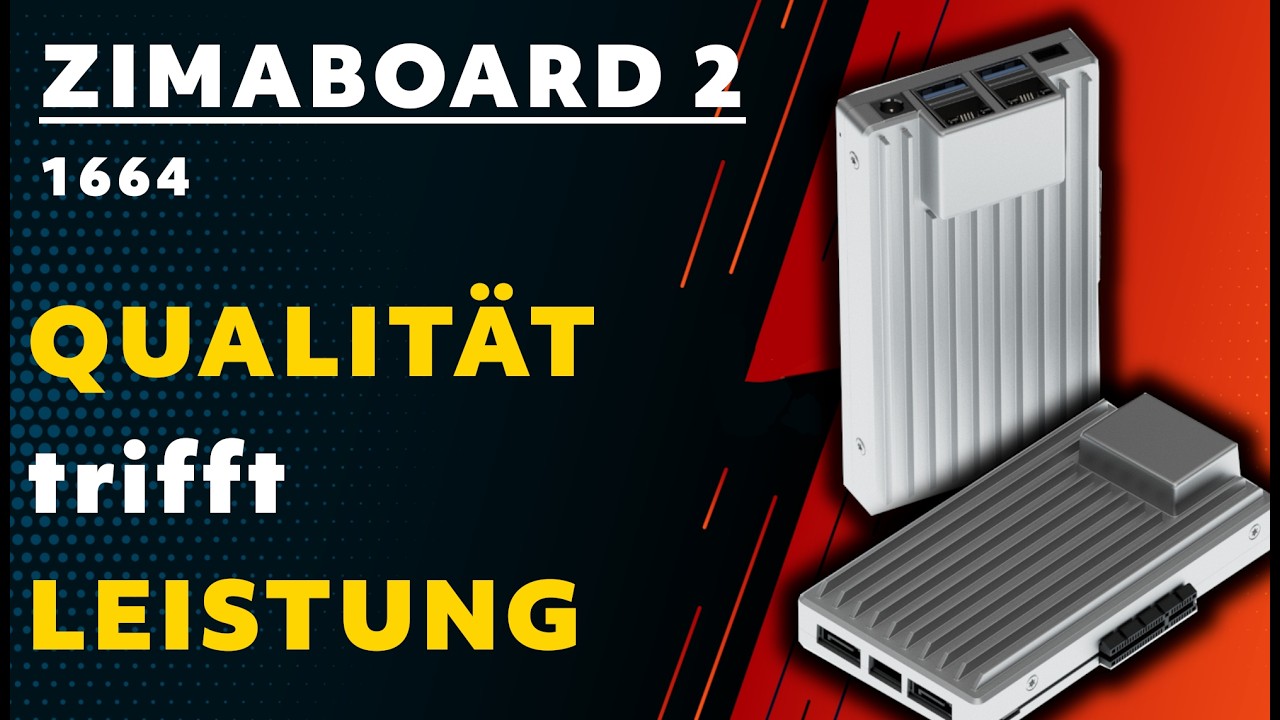
Watch Creator Videos




Frequently Asked Questions
Long-tail buying questions, SKU questions, and query fan-out from the comparison.
ZimaBoard 2 vs Radxa ROCK 5B FAQ
Is ROCK 5B x86-compatible?
No. ROCK 5B uses the Arm64 RK3588. Use native Arm64 applications or accept the limits and overhead of emulation.
How many Ethernet ports do the boards have?
ZimaBoard 2 has two 2.5GbE ports. ROCK 5B has one 2.5GbE port.
Does ROCK 5B support NVMe?
Yes. It provides an M.2 M-key PCIe 3.0 x4 interface for NVMe storage.
Can ROCK 5B connect SATA drives?
It has no native SATA ports. SATA requires a compatible adapter, separate drive power, mounting, and driver support.
Is the 6-TOPS NPU automatically useful for every AI model?
No. The model operators, format, runtime, kernel, and conversion toolchain must support RK3588's NPU.
Which is easier for Docker?
Both can run Docker. ZimaBoard 2 is simpler when the image set is x86-heavy; ROCK 5B works well when every required image publishes a supported Arm64 build.


