
ZimaBoard 2 vs ODROID-H4: Integrated Server or DIY Board?
A practical comparison between an integrated x86 home-server board and the base ODROID-H4, where the key choice is fixed server I/O versus replaceable memory, NVMe storage, and a hands-on bare-board bill of materials.
Updated September 23, 2026
ZimaBoard 2 1664 vs ODROID-H4: Verdict and Best Use Cases
Start with the direct answer, then use the scenario matrix to see which NAS fits each workload.
A fixed, server-ready x86 foundation
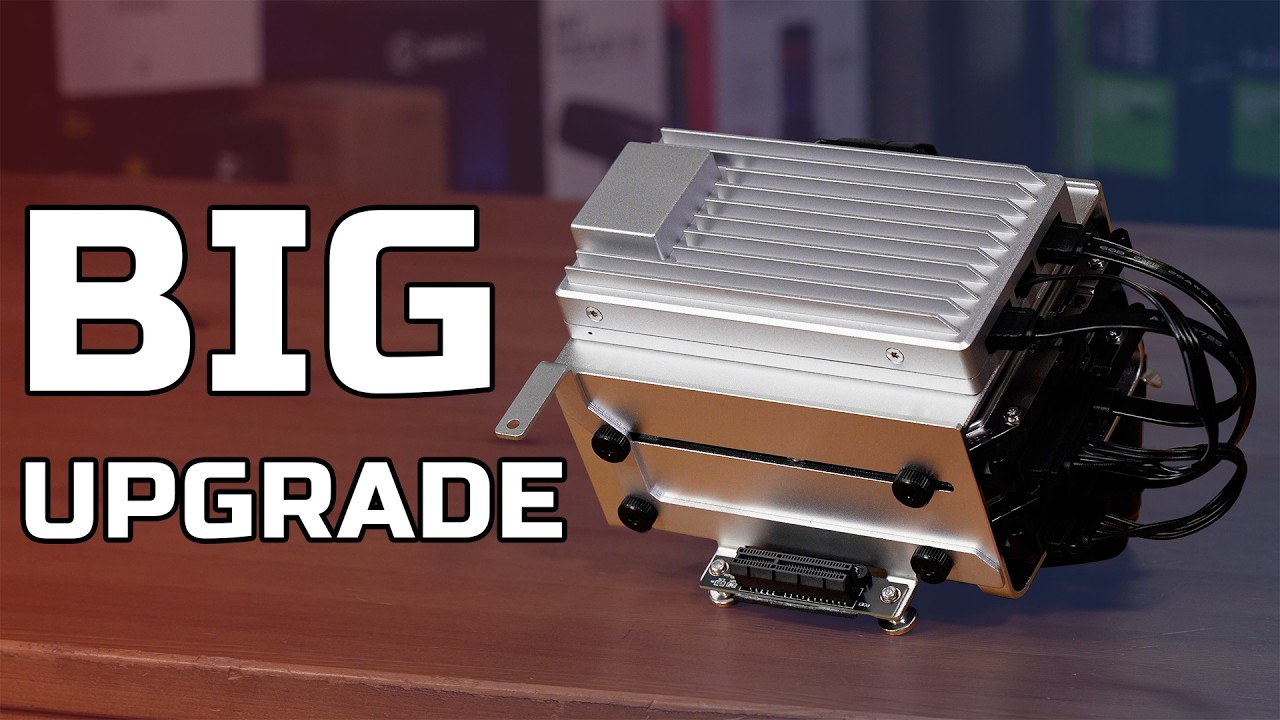
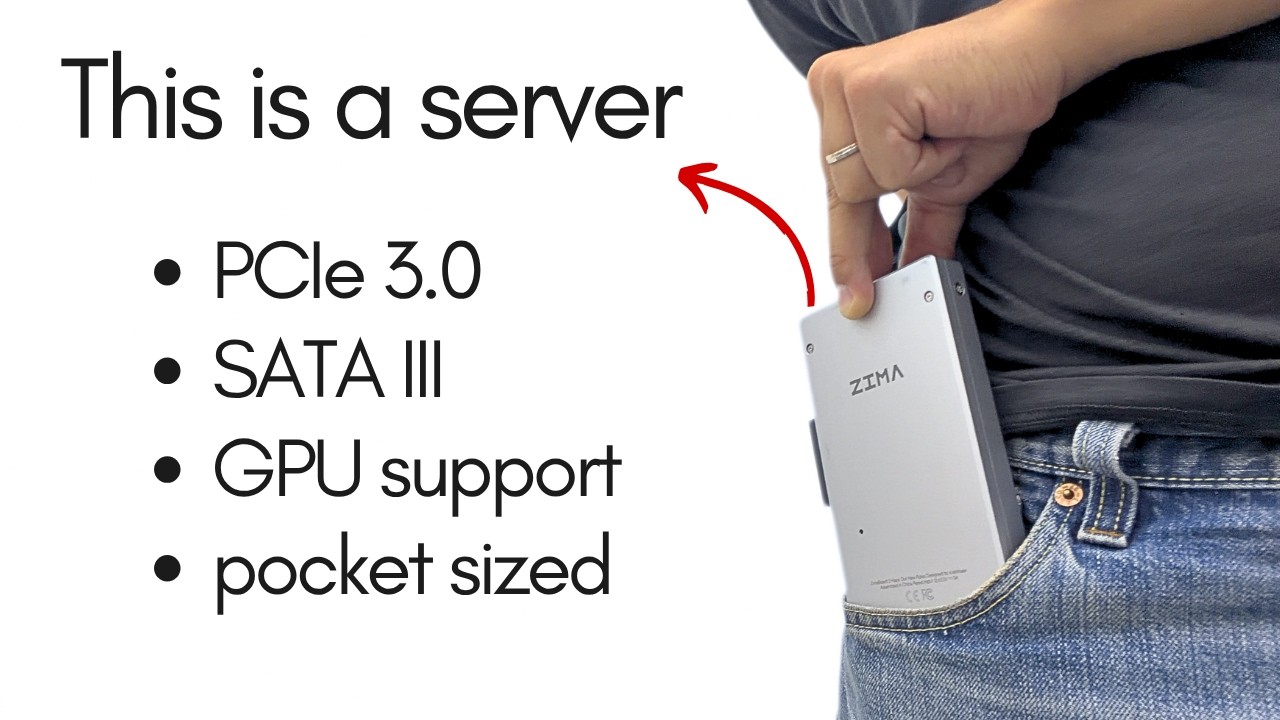
The ZimaBoard 2 product page combines Intel N150 at up to 3.6GHz, 16GB soldered LPDDR5-4800, 64GB eMMC, dual 2.5GbE, two powered SATA 3 ports, an external PCIe 3.0 x4 interface, and ZimaOS Plus. Its main advantage is the amount of server-specific hardware already decided before the first boot.
A configurable x86 bare board
The base ODROID-H4 uses Intel N97 with four cores and four threads up to 3.6GHz, one DDR5 SO-DIMM slot validated by Hardkernel up to 48GB, one 2.5GbE port, no native SATA ports, and an M.2 PCIe Gen3 x4 interface. The owner supplies memory, NVMe, enclosure, cooling, power, and operating system.
| Use Case | Better Choice | Why |
|---|---|---|
| Two-drive home NAS without a storage controller | ZimaBoard 2 1664 | Two powered SATA 3 ports and eMMC provide a direct system-plus-data layout. |
| Replaceable RAM above 16GB | ODROID-H4 | Its single DDR5 SO-DIMM is validated up to 48GB, subject to the exact module and firmware. |
| Dual-wired router or firewall | ZimaBoard 2 1664 | It has dual 2.5GbE; base H4 has one 2.5GbE port. |
| NVMe-first Linux appliance | ODROID-H4 | The dedicated M.2 PCIe Gen3 x4 slot keeps fast storage central to the build. |
| Fast start with a guided OS | ZimaBoard 2 1664 | ZimaOS Plus, eMMC, memory, and powered SATA reduce the initial component list. |
| Fully custom enclosure and operating system | ODROID-H4 | The bare-board design lets the builder choose each part, with more integration work. |
ZimaBoard 2 1664 vs ODROID-H4 Specifications
The main table compares the closest standard configurations only, so higher-end SKUs do not distort the baseline comparison.
| Specification | ZimaBoard 2 | ODROID-H4 |
|---|---|---|
| Primary configuration | ZimaBoard 2 1664 | ODROID-H4 base |
| Processor | Intel N150, 4 cores/4 threads, up to 3.6GHz | Intel N97, 4 cores/4 threads, up to 3.6GHz |
| Architecture | x86-64 | x86-64 |
| Memory | 16GB soldered LPDDR5-4800 | 1 × DDR5 SO-DIMM; officially validated up to 48GB |
| System storage | 64GB eMMC | No integrated eMMC; user supplies storage |
| Native SATA | 2 × powered SATA 3 | None on the base H4 |
| Ethernet | 2 × 2.5GbE | 1 × 2.5GbE |
| Fast storage | PCIe 3.0 x4 expansion; adapter-dependent NVMe | M.2 PCIe Gen3 x4 |
| Expansion | External PCIe 3.0 x4 | M.2 and board-level expansion; verify adapter use |
| Software starting point | ZimaOS Plus | User-selected Linux or another compatible OS |
| Build model | Integrated board with owner-provided enclosure and drives | Bare board with owner-selected RAM, NVMe, case, cooling, and power |
Primary comparison baseline: This page compares ZimaBoard 2 1664 with the base ODROID-H4, not the H4+ or H4 Ultra. Both use four-core x86 processors reaching 3.6GHz, but the platform designs diverge: ZimaBoard fixes 16GB memory and 64GB eMMC while adding dual 2.5GbE and two powered SATA ports; base H4 offers one 2.5GbE, no native SATA, a validated DDR5 SO-DIMM path, and M.2 PCIe Gen3 x4.
Category-by-Category Comparison
What the specification differences mean for storage, networking, software, self-hosting, media, and local AI.
Storage Topology: Powered SATA Versus NVMe-First Design
ZimaBoard 2 1664 can place ZimaOS Plus on its 64GB eMMC and attach two SATA devices with power. That makes a mirror, backup pair, or small media pool straightforward without turning the first storage decision into a USB or adapter project. The board still needs drive mounting, cables, and an independent backup strategy.
The base ODROID-H4 has no native SATA ports. Its dedicated M.2 PCIe Gen3 x4 slot is well suited to an NVMe system or application drive, but a multi-disk SATA pool requires an external enclosure, USB bridge, or a validated adapter design. That can be perfectly reasonable for an all-flash appliance, but it changes the power, recovery, and bandwidth plan.
Category verdict: ZimaBoard is the direct two-drive server; base H4 is the cleaner NVMe-first board.
Memory and First-Boot Cost: Fixed Simplicity Versus Upgrade Headroom
The ZimaBoard 2 1664 baseline includes 16GB soldered LPDDR5-4800. The capacity cannot be replaced later, but it is known before purchase and gives containers, indexing, and moderate self-hosting a clear starting point. The 64GB eMMC also means the board can boot without first buying a separate SSD.
ODROID-H4 uses one DDR5 SO-DIMM slot and is officially validated by Hardkernel with capacities up to 48GB. That is valuable for a larger service stack, database cache, or virtualization experiment, but the complete system cost includes the DIMM, NVMe device, power supply, enclosure, cooling, and operating-system setup. A bare-board price is not a working server price.
Category verdict: Choose ZimaBoard for a predictable integrated configuration; choose H4 when replaceable memory is worth the additional build decisions.
Networking: Dual 2.5GbE Versus One 2.5GbE Port
Two 2.5GbE interfaces make ZimaBoard 2 1664 useful as a router, firewall, isolated lab host, or storage server with separate wired paths. The second port is present before any expansion card is selected, so it does not consume the PCIe interface needed for another role.
Base ODROID-H4 provides one 2.5GbE port. That is enough for a one-uplink server, desktop-like appliance, or storage node on a conventional LAN, but a second interface requires a USB or PCIe-based plan. Buyers should not import the networking layout of H4+ or H4 Ultra into this base H4 comparison.
Category verdict: ZimaBoard wins for dual-interface networking; base H4 is adequate when one 2.5GbE uplink is enough.
Expansion and Ownership: Ready Server Path Versus Bare-Board Control
ZimaBoard exposes an external PCIe 3.0 x4 connection for a compatible NIC, storage controller, or accelerator. Its value is that the board already reserves two SATA ports and dual Ethernet for ordinary server work. Cards still require checking dimensions, power, airflow, drivers, and the final enclosure.
ODROID-H4 gives the builder direct control over the M.2 NVMe path, memory module, case, cooling, and operating system. That flexibility suits a custom Linux appliance or lab project, but every component becomes part of troubleshooting. The H4 is a bare board, not a complete four-drive NAS, and the base model should not be described with the port set of its larger variants.
Category verdict: ZimaBoard reduces server assembly; H4 rewards users who prefer to design the complete machine.
Pros, Cons, and Which One Should You Buy?
Bring the important trade-offs and final buyer recommendations together in one decision section.
Decide Which Parts You Want to Choose
The base H4 is attractive when memory and NVMe should remain replaceable. ZimaBoard is attractive when SATA, dual Ethernet, eMMC, and a guided software path should be present before the enclosure is built.
| Buyer | Recommended Model | Decision Rule |
|---|---|---|
| First two-drive home server | ZimaBoard 2 1664 | Use native powered SATA and eMMC, then add an enclosure and a real backup target. |
| Memory-heavy DIY Linux host | ODROID-H4 | Use the validated 48GB SO-DIMM ceiling after checking the module and workload. |
| Router with two wired network paths | ZimaBoard 2 1664 | Dual 2.5GbE is native and remains available for the server role. |
| All-flash single-board appliance | ODROID-H4 | The M.2 PCIe Gen3 x4 slot is the more direct fast-storage starting point. |
Bottom line: ZimaBoard 2 1664 is the better integrated home-server foundation, with fixed 16GB memory, 64GB eMMC, two powered SATA ports, and dual 2.5GbE. Base ODROID-H4 is the better component-level project when a replaceable DDR5 SO-DIMM, M.2 PCIe Gen3 x4, and a custom enclosure matter more than native SATA and a second Ethernet port.
SKU Family: What Changes Above the Standard Models?
The head-to-head comparison stays focused on ZimaBoard 2 1664 and ODROID-H4. Higher-end variants are explained separately here.
Do Not Compare H4 Family Variants as One Board
This article uses the base ODROID-H4. H4+ and H4 Ultra change the storage, networking, or processor envelope, so their specifications should not be copied into the base H4 table.
| Configuration | What Changes | Who It Fits |
|---|---|---|
| ZimaBoard 2 1664 | N150, 16GB LPDDR5 soldered, 64GB eMMC, dual 2.5GbE, two powered SATA | Integrated two-drive home server |
| ODROID-H4 base | N97, one DDR5 SO-DIMM validated to 48GB, one 2.5GbE, M.2 PCIe Gen3 x4, no native SATA | NVMe-first DIY x86 appliance |
| H4 family caution | H4+ and H4 Ultra are separate models with different I/O; verify the exact board | Buyers comparing a different Hardkernel variant |
Watch and Read More About ZimaBoard 2
Three creator videos and three related Zima articles add real-world context beyond the comparison tables.
Watch Creator Videos



Frequently Asked Questions
Long-tail buying questions, SKU questions, and query fan-out from the comparison.
ZimaBoard 2 vs ODROID-H4 FAQ
Is this the base ODROID-H4 or H4+?
It is the base ODROID-H4. It uses N97, one 2.5GbE port, an M.2 PCIe Gen3 x4 slot, and no native SATA ports. H4+ specifications should not be substituted.
Which board has native SATA?
ZimaBoard 2 1664 has two powered SATA 3 ports. The base ODROID-H4 has no native SATA ports and needs an external or adapter-based storage path.
How much RAM can ODROID-H4 use?
The base H4 has one DDR5 SO-DIMM slot, and Hardkernel validates capacities up to 48GB. Confirm the exact module, firmware, and operating-system behavior before purchase.
Does base ODROID-H4 have two Ethernet ports?
No. The base H4 has one 2.5GbE port. ZimaBoard 2 1664 has dual 2.5GbE. Do not borrow H4+ or H4 Ultra networking specifications.
Which board is better for NVMe?
Base H4 provides a direct M.2 PCIe Gen3 x4 starting point. ZimaBoard can add NVMe through a compatible PCIe adapter, while its native advantage is powered SATA and eMMC.
Does ODROID-H4 include memory and storage?
The base board is a DIY component. Budget for the DDR5 SO-DIMM, M.2 or other storage, case, cooling, power, and operating system.
Which is easier for a first home server?
ZimaBoard 2 is usually easier because memory, eMMC, dual Ethernet, powered SATA, and ZimaOS Plus are integrated. H4 is better for builders who want to select every component.


