
ZimaBoard 2 vs MINISFORUM MS-01: Compact Server or Workstation?
A scale-aware comparison between a low-power fanless server board and a much more expandable workstation-class mini PC for storage, networking, virtualization, and PCIe projects.
Updated September 21, 2026
ZimaBoard 2 832 vs MS-01 i9-13900H: Verdict and Best Use Cases
Start with the direct answer, then use the scenario matrix to see which NAS fits each workload.
The integrated x86 server board
The ZimaBoard 2 product page combines Intel N150, 8GB LPDDR5, 32GB eMMC, dual 2.5GbE, two powered SATA 3 ports, and an open-ended PCIe 3.0 x4 slot. ZimaOS Plus is preinstalled, so storage and services can start without first selecting RAM, a boot SSD, or an enclosure.
A high-expansion homelab workstation
MS-01 offers Intel Core i5-12600H, i9-12900H, or i9-13900H/HK options, two DDR5 SO-DIMM slots up to 96GB, three M.2 NVMe positions, a half-height single-slot PCIe 4.0 connector (x16 physical/x8 electrical), dual 10GbE SFP+ and dual 2.5GbE, plus dual USB4. It is a compact workstation, not a direct low-power board substitute.
| Use Case | Better Choice | Why |
|---|---|---|
| Always-on low-power utility server | ZimaBoard 2 | N150, eMMC, powered SATA, and a 12V board supply fit a focused service role. |
| Many VMs or containers | MS-01 | Higher-core H-series CPUs and up to 96GB replaceable DDR5 provide much more headroom. |
| Two-drive NAS | ZimaBoard 2 | Native powered SATA avoids a PCIe HBA or USB enclosure. |
| High-speed SFP+ lab | MS-01 | Two 10GbE SFP+ ports are integrated. |
| PCIe networking or accelerator | MS-01 | The half-height PCIe 4.0 slot supports a validated single-slot card. |
| Small quiet router | ZimaBoard 2 | Lower power and dual 2.5GbE are easier to justify than MS-01's workstation capacity. |
ZimaBoard 2 832 vs MS-01 i9-13900H Specifications
The main table compares the closest standard configurations only, so higher-end SKUs do not distort the baseline comparison.
| Specification | ZimaBoard 2 | MINISFORUM MS-01 |
|---|---|---|
| CPU | Intel N150, 4 cores, up to 3.60GHz | Core i5-12600H/i9-12900H/i9-13900H or HK options |
| Memory | 8GB or 16GB LPDDR5 onboard | 2 × DDR5 SO-DIMM, up to 96GB |
| System storage | 32GB/64GB eMMC | 3 × M.2 NVMe positions |
| Native SATA | 2 × powered SATA 3 | No native SATA bay; NVMe and external storage focus |
| Networking | 2 × 2.5GbE | 2 × 10GbE SFP+ plus 2 × 2.5GbE |
| PCIe | Open-ended PCIe 3.0 x4 | Half-height single-slot PCIe 4.0; x16 physical/x8 electrical |
| USB and display | USB 3.1, MiniDP | 2 × USB4 plus HDMI and USB ports |
| Memory architecture | Soldered LPDDR5 | Replaceable dual-channel DDR5 |
| Role | Low-power server board | Workstation-class mini PC / homelab host |
Primary comparison baseline: MS-01 is not a larger version of the same product. ZimaBoard 2 is a low-power board with 8GB or 16GB fixed memory, eMMC, two powered SATA, and dual 2.5GbE. MS-01 is a much higher-ceiling platform with H-series CPU options, socketed memory, three NVMe slots, multiple high-speed network interfaces, USB4, and a PCIe card slot.
Category-by-Category Comparison
What the specification differences mean for storage, networking, software, self-hosting, media, and local AI.
Compute and Memory: This Is a Capacity Decision
ZimaBoard 2's N150 is efficient for routing, file services, small containers, and focused home-server jobs. Its fixed 8GB or 16GB memory is clear and predictable, but cannot grow when a service stack becomes a virtual-machine host.
MS-01's CPU choices range from Core i5-12600H through i9-13900H/HK, and two DDR5 SO-DIMMs can reach 96GB. That makes it suitable for several VMs, build jobs, databases, and heavier media workflows. It also raises power, cooling, and budget expectations; unused cores are not a reason to buy it by themselves.
Category verdict: MS-01 wins decisively for concurrency and memory expansion; Board 2 wins when low-power, bounded workloads are the goal.
Storage: Native SATA Simplicity vs NVMe Density
Two powered SATA 3 ports let ZimaBoard 2 host a mirror with a separate eMMC boot device. That is a straightforward home-NAS topology with replaceable, inexpensive drives and no HBA.
MS-01 trades native SATA for three M.2 NVMe positions. This is excellent for all-flash pools, VM datastores, and compact high-IOPS projects, but a hard-drive array needs a PCIe HBA or external enclosure. The PCIe slot can help, though it then has to share the small-system physical and cooling budget.
Category verdict: Use Board 2 for direct SATA; use MS-01 for dense NVMe and VM storage.
Networking: 2.5GbE Utility vs SFP+ Lab Fabric
ZimaBoard 2's dual 2.5GbE is enough for a home router, firewall, storage network, or segmented lab. The open PCIe slot can add another interface if the deployment grows.
MS-01 includes dual 10GbE SFP+ and dual 2.5GbE, enabling a high-speed switch fabric, virtualized network lab, or workstation storage path without sacrificing its PCIe slot. SFP+ requires compatible optics or DACs and a switch; the headline port count is useful only when the rest of the network can use it.
Category verdict: MS-01 is the clear high-speed networking platform; Board 2 is simpler and more power-conscious.
Expansion and Thermals: Open Board vs Dense Workstation
ZimaBoard 2's open-ended PCIe 3.0 x4 accepts a broad class of cards, but the owner must provide mounting, airflow, and power. Its small N150 footprint makes a quiet service node plausible.
MS-01's half-height PCIe 4.0 slot is faster and more mechanically constrained: the card must fit the height, length, thickness, power, and driver envelope. H-series cooling and multiple NVMe devices also require sustained thermal planning. A workstation enclosure solves more of the build, but the constraints are tighter than a desktop tower.
Category verdict: MS-01 offers more bandwidth; Board 2 offers a simpler low-power project.
Pros, Cons, and Which One Should You Buy?
Bring the important trade-offs and final buyer recommendations together in one decision section.
Pick the Workload Ceiling Before the Chassis
The first question is not which CPU benchmarks higher. Ask whether the finished machine needs SFP+, more than 16GB RAM, three NVMe devices, USB4, or a half-height PCIe card. If any is a hard requirement, MS-01 earns consideration; otherwise Board 2 is the more proportionate server.
| Buyer | Recommended Model | Decision Rule |
|---|---|---|
| Low-power router or two-drive NAS | ZimaBoard 2 832 | Native SATA and dual 2.5GbE fit the job without workstation overhead. |
| Virtualization lab | MS-01 i5/i9 | Socketed memory and H-series CPU options leave room for VMs. |
| 10GbE SFP+ storage host | MS-01 | Dual SFP+ ports are integrated. |
| Compact PCIe experiment | Depends | MS-01 has higher PCIe bandwidth but stricter card fit; Board 2 is simpler for standard cards. |
Bottom line: ZimaBoard 2 is the efficient server board for focused storage and networking. MS-01 is the compact workstation for high-memory virtualization, all-flash storage, SFP+ networks, and serious PCIe expansion; its extra capability is valuable only when the workload uses it.
SKU Family: What Changes Above the Standard Models?
The head-to-head comparison stays focused on ZimaBoard 2 832 and MS-01 i9-13900H. Higher-end variants are explained separately here.
MS-01 CPU and Memory Tiers Matter
MS-01's i5, i9, and HK variants share the expansion concept but differ in sustained performance, cooling, and value. ZimaBoard 2 832 and 1664 are fixed-memory choices. Compare the complete CPU, DIMM, NVMe, PCIe-card, and network budget.
| Configuration | What Changes | Who It Fits |
|---|---|---|
| ZimaBoard 2 832 | N150, 8GB, 32GB eMMC, dual SATA, dual 2.5GbE | Efficient two-drive server |
| ZimaBoard 2 1664 | N150, 16GB, 64GB eMMC, same I/O | Bigger service stack |
| MS-01 i5/i9 | H-series CPU, up to 96GB DDR5, 3 NVMe, SFP+ and PCIe | Virtualization and high-speed homelab |
Watch and Read More About ZimaBoard 2
Three creator videos and three related Zima articles add real-world context beyond the comparison tables.
Watch Creator Videos
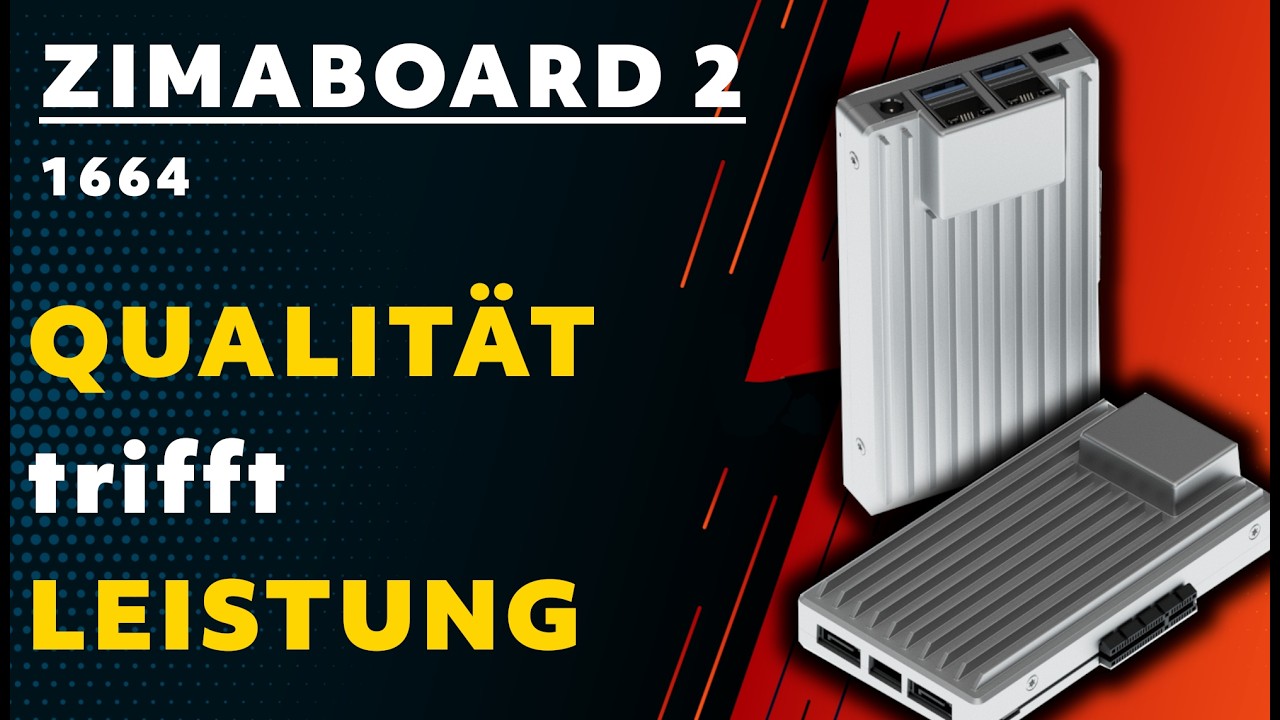
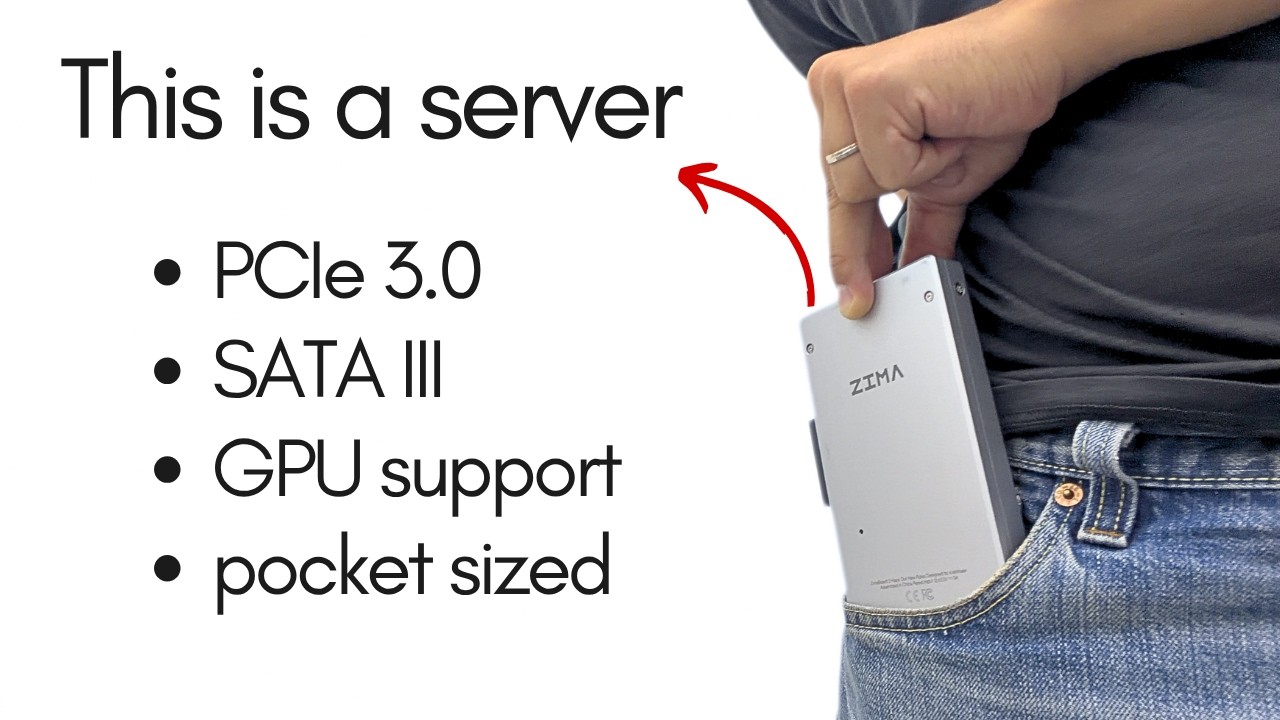
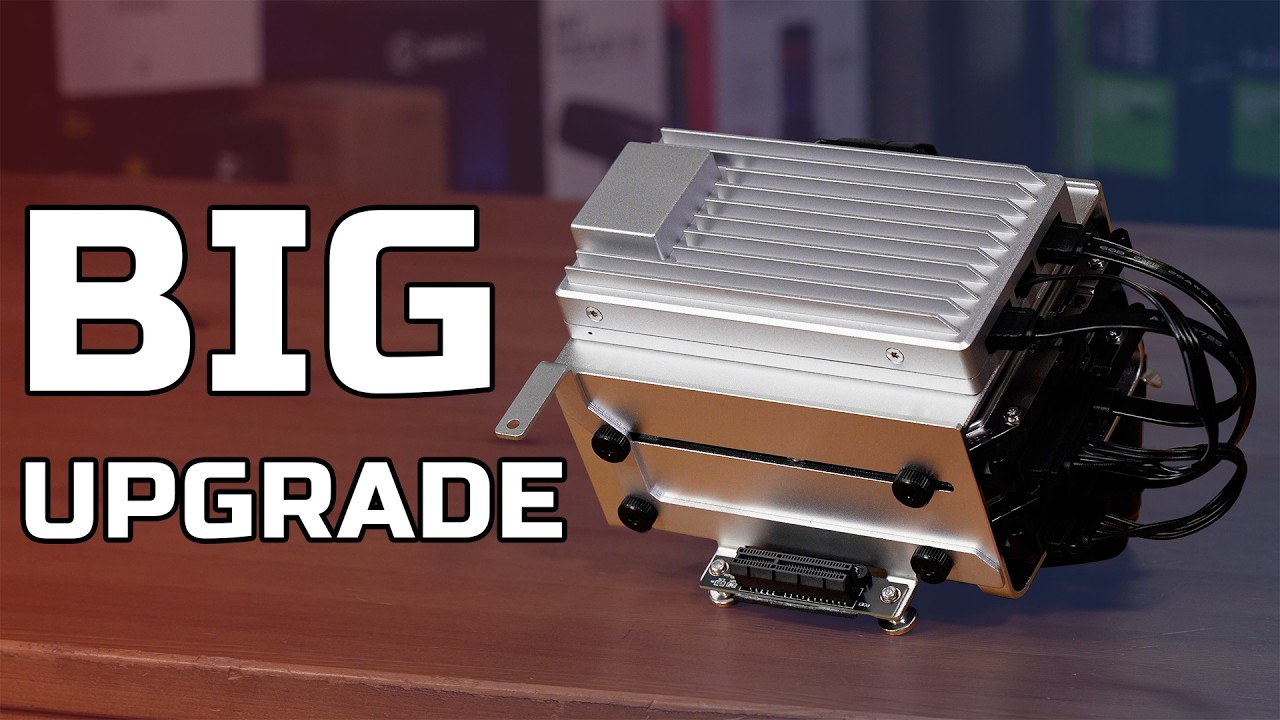


Frequently Asked Questions
Long-tail buying questions, SKU questions, and query fan-out from the comparison.
ZimaBoard 2 vs MINISFORUM MS-01 FAQ
Is MS-01 overkill for a basic NAS?
Often, yes. If two SATA drives and dual 2.5GbE cover the requirement, ZimaBoard 2 is the more proportionate platform.
Can MS-01 use SATA drives?
It has no native SATA bay in this comparison. Use a compatible PCIe HBA or external enclosure and plan power and drive mounting.
How much RAM can MS-01 support?
MINISFORUM lists two DDR5 SO-DIMM slots and configurations up to 96GB; verify DIMM compatibility and the chosen CPU SKU.
Does MS-01 have 10GbE?
Yes, the official layout lists dual 10GbE SFP+ plus dual 2.5GbE.
Which has lower power draw?
ZimaBoard 2's N150 board is designed for a much lower power envelope. MS-01's H-series CPU, memory, NVMe, and networking can draw substantially more under load.
Which PCIe slot is easier to use?
ZimaBoard 2's open-ended x4 is mechanically open; MS-01 is faster but limited to a compatible half-height single-slot card.


