
ZimaBlade vs MINISFORUM UN100P: NAS Board or Mini PC?
A practical comparison of a board-first x86 server and a compact UN100P N100 mini PC, focused on native storage, network topology, included components, displays, and low-power home-server roles.
Updated September 21, 2026
ZimaBlade 7700 vs UN100P 16GB/512GB: Verdict and Best Use Cases
Start with the direct answer, then use the scenario matrix to see which NAS fits each workload.
A compact x86 storage board
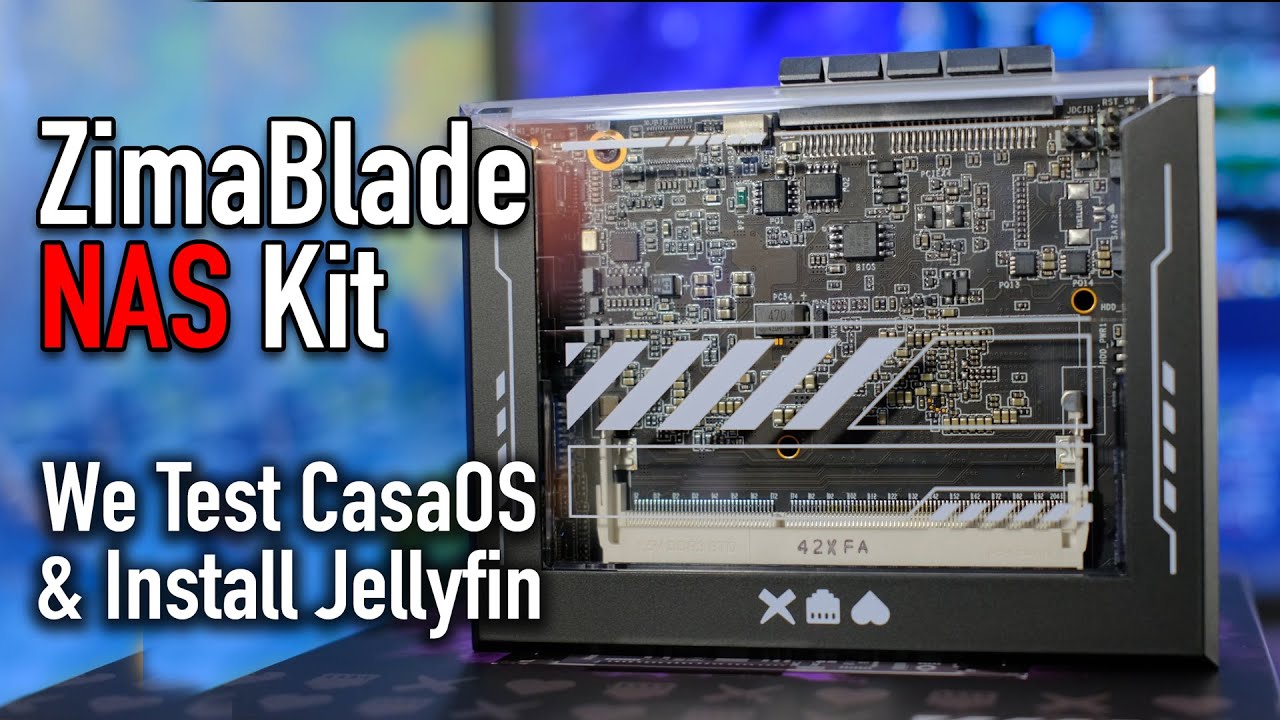
The ZimaBlade product page uses an Intel Atom x7-E3950, accepts up to 16GB DDR3L SO-DIMM memory, includes 32GB eMMC, and exposes two powered SATA ports, one Gigabit Ethernet port, Mini DisplayPort, USB, and a PCIe 2.0 x4 interface. It is a board for focused NAS, Docker, router, and maker-server builds rather than a finished mini PC.
A complete N100 mini PC with triple-display support
UN100P uses Intel N100 with 16GB RAM and 256GB or 512GB SSD options, a 2.5GbE port, Wi-Fi 6, Bluetooth 5.2, dual HDMI plus USB-C display output, and a 2.5-inch SATA expansion path. It is designed as a compact PC; its single wired network port and one-drive expansion make it a different kind of server base from ZimaBlade.
| Use Case | Better Choice | Why |
|---|---|---|
| Mirrored SATA data set | ZimaBlade 7700 | The two powered connectors are ready for a direct pair of data drives. |
| Three-screen office station | MINISFORUM UN100P | Dual HDMI plus USB-C display output is the defining advantage. |
| Wireless-first placement | MINISFORUM UN100P | Wi-Fi 6 and Bluetooth are integrated in the enclosed system. |
| PCIe storage or networking experiment | ZimaBlade 7700 | UN100P does not expose an equivalent open add-in slot. |
| One fast system disk and one data disk | MINISFORUM UN100P | The NVMe SSD plus 2.5-inch path is a compact two-volume arrangement. |
| Custom airflow and drive mounting | ZimaBlade 7700 | The board leaves the physical server design to the builder. |
ZimaBlade 7700 vs UN100P 16GB/512GB Specifications
The main table compares the closest standard configurations only, so higher-end SKUs do not distort the baseline comparison.
| Specification | ZimaBlade | MINISFORUM UN100P |
|---|---|---|
| Processor | Intel Atom x7-E3950, 4 cores, up to 2.0GHz | Intel N100, 4 cores/4 threads, up to 3.40GHz |
| Memory | Up to 16GB DDR3L SO-DIMM | 16GB baseline |
| System storage | 32GB eMMC | 256GB or 512GB SSD options |
| Data storage | 2 × powered SATA 3 | One 2.5-inch SATA expansion path plus SSD |
| Ethernet | 1 × 1GbE | 1 × 2.5GbE |
| Wireless | No onboard Wi-Fi listed | Wi-Fi 6 and Bluetooth 5.2 |
| Display | Mini DisplayPort 1.4 | 2 × HDMI plus USB-C; up to three displays |
| Expansion | PCIe 2.0 x4 | USB and internal storage expansion; no exposed PCIe slot |
| Form factor | Open server board | Enclosed mini PC |
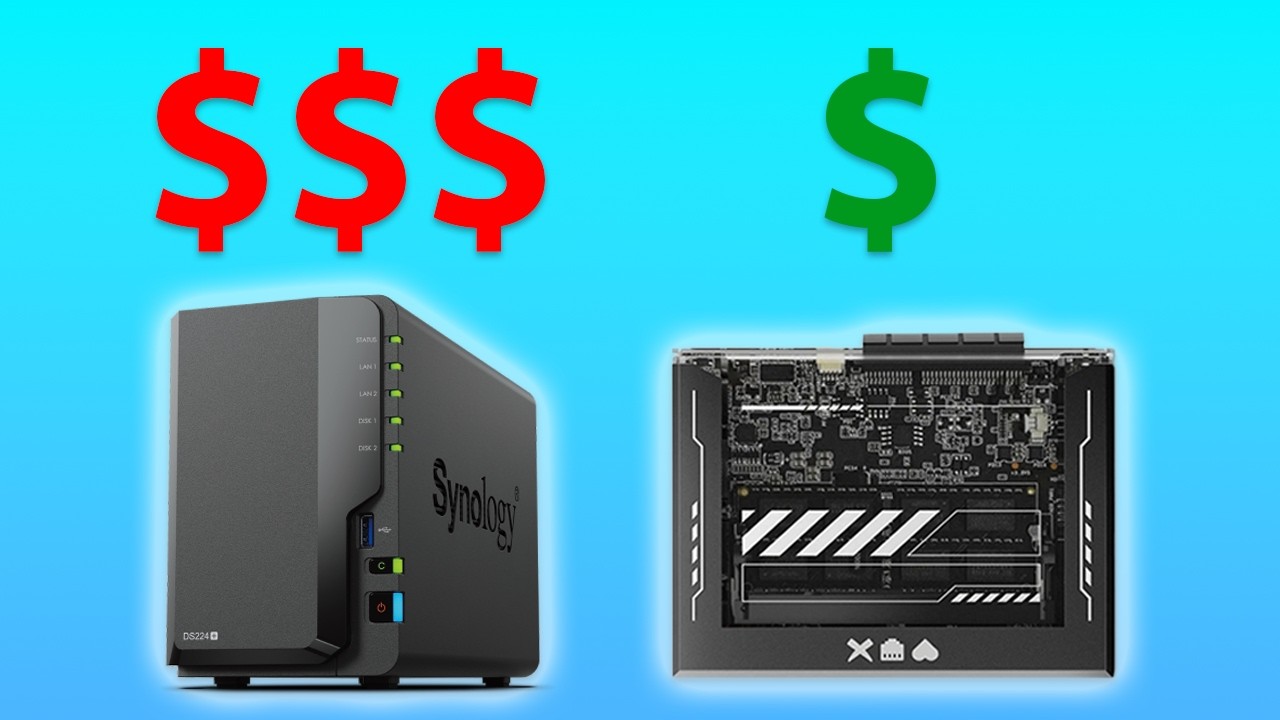
Primary comparison baseline: The baseline compares ZimaBlade 7700 with UN100P 16GB/512GB. UN100P has the newer N100, larger SSD, wireless, 2.5GbE, and a complete enclosure. ZimaBlade has the older E3950 but its two powered SATA ports and exposed PCIe 2.0 x4 make the server topology more direct.
Category-by-Category Comparison
What the specification differences mean for storage, networking, software, self-hosting, media, and local AI.
UN100P Is the Finished Computer; ZimaBlade Is the Storage Skeleton
UN100P packages an N100, 16GB memory, a 256GB or 512GB SSD, wireless, display outputs, cooling, and a small enclosure. It is a coherent micro-desktop that can host light services without first sourcing a case or system disk.
ZimaBlade 7700 begins with 32GB eMMC and two powered SATA 3 ports. That is less generous as a desktop bundle but more explicit as a two-drive server foundation. The owner supplies mounting, airflow, and any PCIe accessories.
Category verdict: UN100P wins day-one completeness; ZimaBlade wins when the attached-drive topology is the actual requirement.
Drive Redundancy Is the Deciding Storage Question
A ZimaBlade mirror can place the operating environment on eMMC and data on two directly powered SATA devices. The arrangement is easy to explain and keeps the PCIe 2.0 x4 path available for a future card.
UN100P's internal SSD and 2.5-inch expansion path are useful for a system volume plus one additional disk. They do not create a universal two-disk redundant pool; an external enclosure or network target changes the design and its recovery points.
Category verdict: Choose ZimaBlade for a native two-drive plan; choose UN100P for a compact single-data-drive computer.
Network and Display Ports Point in Opposite Directions
ZimaBlade has one 1GbE port and Mini DisplayPort. Its PCIe interface can be used for expansion, but adding a faster NIC is a project with card, power, and cooling constraints.
UN100P has one 2.5GbE port, Wi-Fi 6, dual HDMI, and USB-C display support for up to three screens in the common specification. That is a stronger office, signage, or media-client arrangement, even though it is not a dual-wired router platform.
Category verdict: UN100P is the better display and wireless device; ZimaBlade is the better card-oriented server board.
CPU Similarity Does Not Remove the Build Difference
The E3950 is an older four-core Atom platform capped at 2.0GHz. For file services and modest containers, its practical value comes from SATA and PCIe rather than raw compute.
UN100P's N100 reaches up to 3.40GHz and benefits from an enclosed cooler and a larger SSD. It is more comfortable as a general-purpose micro-PC, but sustained transcoding, virtualization, and databases still need workload testing.
Category verdict: The UN100P bundle is the modern convenience option; ZimaBlade remains the deliberate I/O choice.
Pros, Cons, and Which One Should You Buy?
Bring the important trade-offs and final buyer recommendations together in one decision section.
Decide Whether the Device Is a PC or a Storage Appliance
The two products overlap in low-power x86 workloads but not in the way they attach disks and present themselves to the user. Start with the finished physical layout, then weigh CPU and memory.
| Buyer | Recommended Model | Decision Rule |
|---|---|---|
| Two-drive backup server | ZimaBlade 7700 | Powered SATA keeps the storage path direct. |
| Finished desktop or kiosk | MINISFORUM UN100P | Included memory, SSD, wireless, and displays reduce build work. |
| PCIe card experiment | ZimaBlade 7700 | The exposed PCIe 2.0 x4 path is the deciding interface. |
| Single-link media host | MINISFORUM UN100P | The enclosed mini PC has newer integrated graphics, cooling, and display I/O. |
Bottom line: MINISFORUM UN100P is the better complete mini PC for displays, Wi-Fi, a supplied SSD, and one 2.5GbE uplink. ZimaBlade 7700 is the better small server board when two powered SATA devices or a PCIe 2.0 x4 project are non-negotiable.
SKU Family: What Changes Above the Standard Models?
The head-to-head comparison stays focused on ZimaBlade 7700 and UN100P 16GB/512GB. Higher-end variants are explained separately here.
UN100P Bundles and the ZimaBlade Board Baseline
UN100P commonly appears with 16GB memory and 256GB or 512GB storage. ZimaBlade 7700 has a different cost model: up to 16GB DDR3L SO-DIMM, 32GB eMMC, two native SATA ports, one 1GbE port, and PCIe 2.0 x4, but no finished chassis.
| Configuration | What Changes | Who It Fits |
|---|---|---|
| ZimaBlade 7700 | up to 16GB DDR3L SO-DIMM, 32GB eMMC, two native SATA and one 1GbE | Two-drive server |
| MINISFORUM UN100P baseline | Seller or SKU-dependent memory, SSD, wireless, and enclosure | Finished mini PC |
Watch and Read More About ZimaBlade
Three creator videos and three related Zima articles add real-world context beyond the comparison tables.
Watch Creator Videos



Frequently Asked Questions
Long-tail buying questions, SKU questions, and query fan-out from the comparison.
ZimaBlade vs MINISFORUM UN100P FAQ
What does ZimaBlade include for storage?
It includes 32GB eMMC and two powered SATA 3 ports. It does not include the NVMe SSD bundle found in many mini PCs.
Can UN100P host a mirrored pair internally?
Its common layout is an SSD plus one 2.5-inch SATA path, so a two-drive mirror is not guaranteed. Confirm the exact chassis or use external storage.
Does UN100P have more wired bandwidth?
Its common 2.5GbE port is faster than ZimaBlade's 1GbE port, but UN100P still has one wired port. Wi-Fi 6 adds convenience, not a second deterministic Ethernet path.
Why would someone choose the older E3950 board?
For the two powered SATA connectors, exposed PCIe 2.0 x4, eMMC boot device, and a custom server layout. It is an I/O decision rather than a CPU-generation decision.
How many displays can UN100P drive?
The common specification lists dual HDMI plus USB-C output for up to three displays, subject to the operating system and adapter path.
Does ZimaBlade include Wi-Fi?
No onboard Wi-Fi is listed. Add a compatible USB or PCIe adapter if wireless is required.
Which is easier for a first build?
UN100P is easier as a complete PC. ZimaBlade is easier only when its direct SATA and PCIe interfaces remove more complexity than the missing enclosure adds.


