Run Plex, Pi-hole, Proxmox, or even Minecraft - 24/7, cool and silent. ZimaBoard 2 handles media streaming, firewalls, homelabs, and AI containers with ease. Low power, high reliability.
Native SATA & PCIe - no hats, no hassles. Plug in 2.5" HDDs/SSDs, install a 10G NIC, GPU, or NVMe adapter. It's ready for your personal storage or expansion needs.
Dual 2.5G Ethernet built-in. Ideal for fast local NAS, low-latency remote access, or routing multiple network services at home.
Run what works for you - ZimaOS, TrueNAS, Proxmox, Debian, pfSense… Users love testing different OS setups for backups, Plex servers, Docker labs, or cluster builds.
Small, hackable, and kind of cute.Many call it "a mini server that looks like a toy but runs like a beast." Perfect for creative DIYers and tech lovers.
We offer 14-Day Money-Back Guarantee after delivery. Try it out risk-free!
Need Help?
For tech support, join our Discord Community - real geeks, pro users, and Zima devs are always around to help.
Construye tu propio cortafuegos de alto rendimiento para casa u oficina en minutos.
Toma el control de tu red con el Kit Cortafuegos ZimaBoard 2 (832), un paquete todo en uno diseñado para creadores, autoalojadores y profesionales de TI que buscan alto rendimiento en un formato compacto.
Qué hay dentro
ZimaBoard 2 - Procesador Intel N150 Quad-Core, puertos Ethernet duales 2.5GbE, puertos SATA III duales, RAM LPDDR5x de 8GB/16GB, eMMC de 32GB/64GB, ZimaOS preinstalado.
Listo para ejecutar pfSense, OpenWRT, OPNsense y ZimaOS, etc.
Hasta 4× 2.5 GbE Conectividad para enrutamiento avanzado o configuraciones multi-LAN.
Refrigeración silenciosa asistida por ventilador para operación continua 24/7.
Diseño compacto que cabe en cualquier escritorio, rack o mini laboratorio.
Perfecto para
Cortafuegos o router para laboratorio en casa
Puerta de enlace VPN o centro de acceso remoto
Dispositivo IoT de borde seguro
Pruebas de red y captura de paquetes
Ahora el modelo ZimaBoard 2 832 & 1664 está listo para enviar, bienvenido a mejorar tu configuración NAS. Asegura el tuyo temprano y sé de los primeros en potenciar tu red con ZimaBoard 2.
Used to run my selfhosted services with docker on my Synology NAS for years and decided I needed more powerful and dedicated hardware for this purpose with lower power consumption...
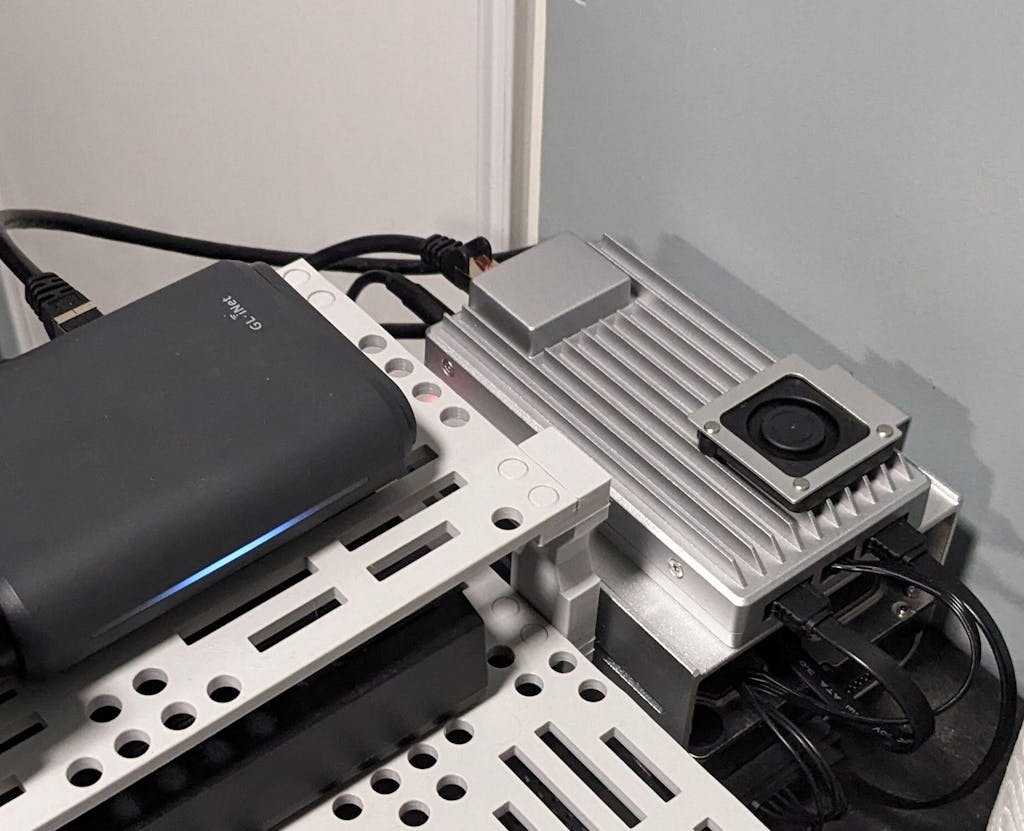
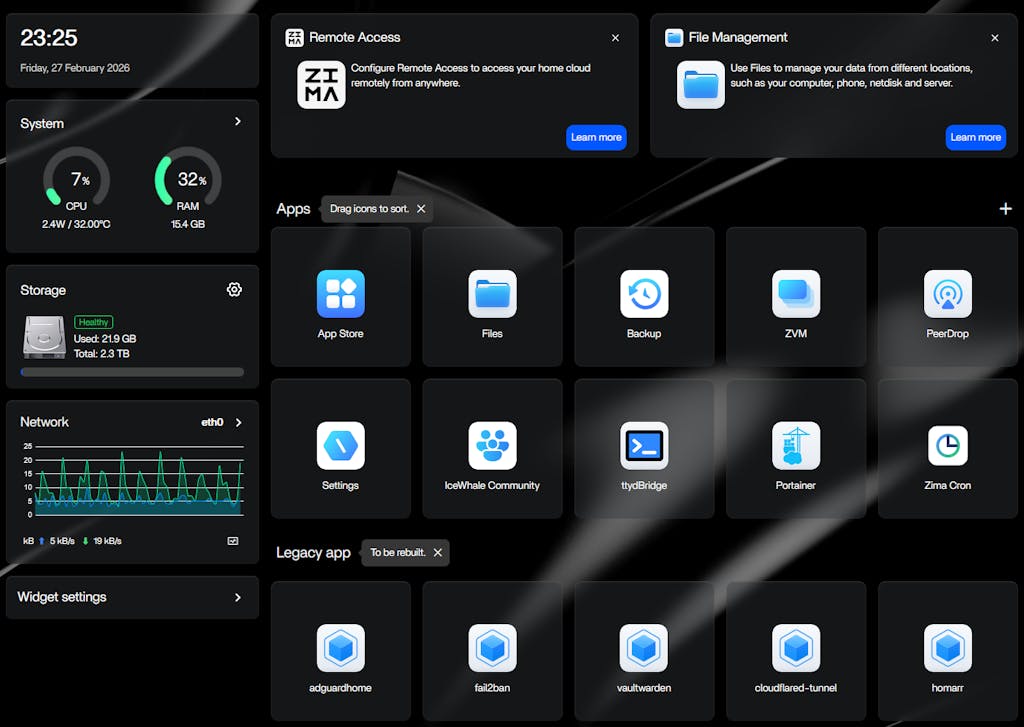
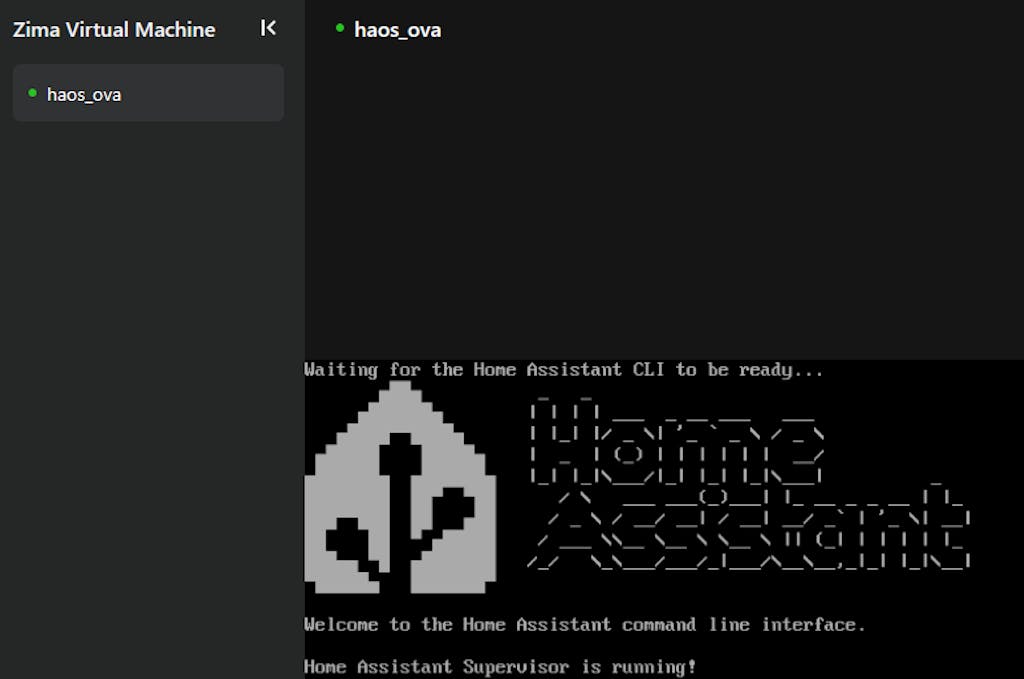
Now my Zimaboard 2 1664 (with 2TB 3.5" SATA HDD and 250GB 2.5" SATA SSD) is running my password manager, mediacenter, local DNS + adblocker, home assistant (fully managed in ZVM) and is much snappier than my 8 years old NAS and with very low power budget compared to my NAS.
Home Assistant and password manager are made available externally with cloudflare tunnel (cloudflared docker container).
Every container managed as stack in portainer (installed from the Zima appstore)
Perfect selfhosting device for me ... poweful but power efficient.
Not a single second of regret, would buy again (to build a cluster?).
Little trick/tip it you want your VM to auto start on zimaboard reboot ... can be achieved with the following commands in ttybridge :
sudo virsh list --all (to get your vm id/name)
then :
sudo virsh autostart (to set your vm to autostart when your zimaboard reboots)




 ZimaCube 2 NAS doméstico de nube personal Desde $799.00 USD /
 ZimaBoard 2 - Servidor doméstico de placa única de alto rendimiento Desde $339.00 USD /
 ZimaBlade - Servidor de placa única para usuarios nativos digitales


