
ZimaBoard 2 vs Raspberry Pi 5: Home Server or Maker SBC?
A practical choice between an x86 server board with native storage and fast networking and the best-known Arm maker platform with wireless, GPIO, cameras, and a huge learning ecosystem.
Updated September 21, 2026
ZimaBoard 2 832 vs Raspberry Pi 5 8GB: Verdict and Best Use Cases
Start with the direct answer, then use the scenario matrix to see which NAS fits each workload.
Purpose-built for wired home-server roles
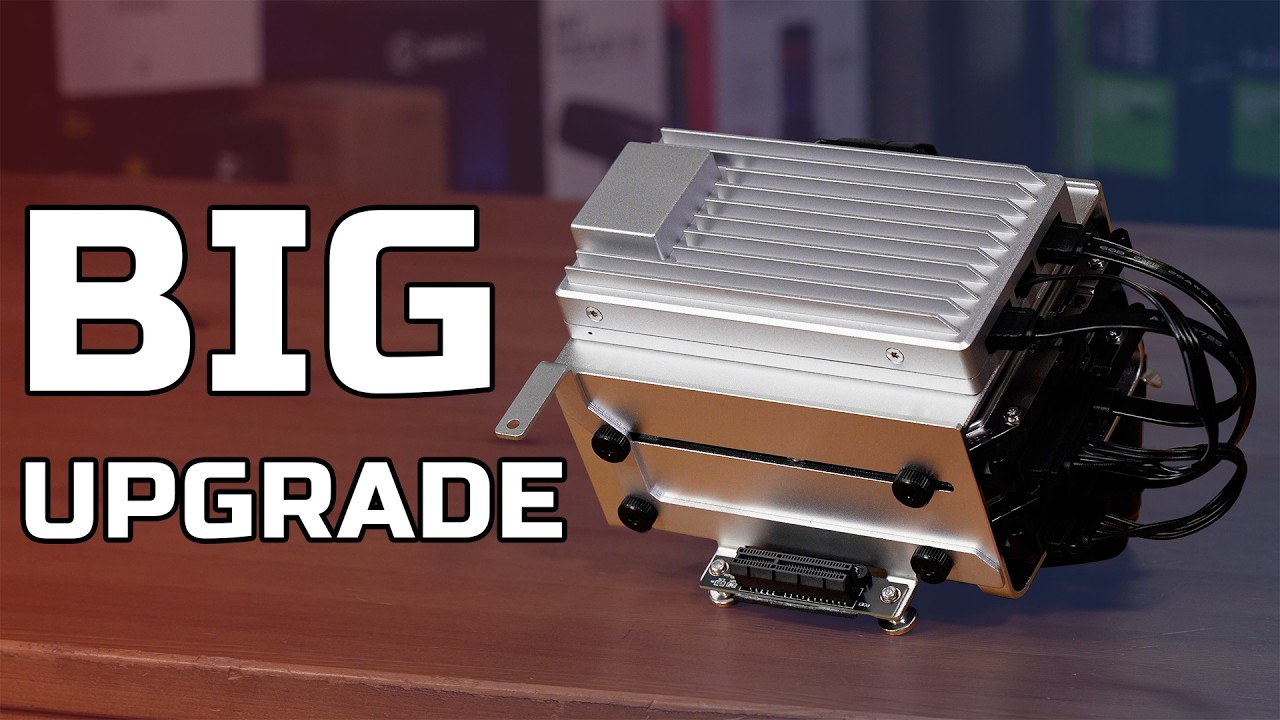
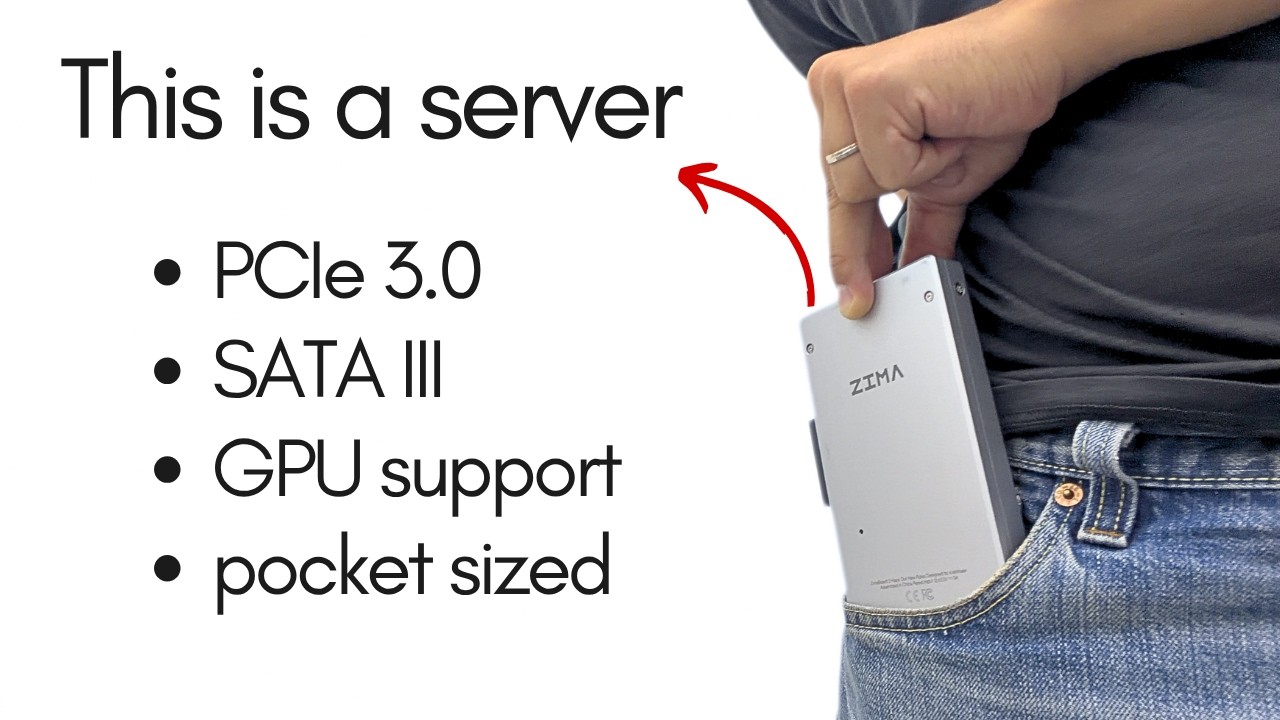
The ZimaBoard 2 product page includes Intel N150, 8GB LPDDR5, 32GB eMMC, dual 2.5GbE, two powered SATA 3 ports, and an open-ended PCIe 3.0 x4 slot. It is configured around storage, network services, Docker, media, and x86 application compatibility.
Purpose-built for accessible computing and making
Raspberry Pi 5 uses a 2.4GHz quad-core Arm Cortex-A76 processor, 8GB LPDDR4X in this baseline, Gigabit Ethernet, Wi-Fi, Bluetooth, microSD, PCIe 2.0 x1, two four-lane MIPI camera/display connectors, dual 4K60 HDMI, and the standard 40-pin header.
| Use Case | Better Choice | Why |
|---|---|---|
| Two-drive SATA NAS | ZimaBoard 2 | Native powered SATA, eMMC boot, and dual 2.5GbE reduce adapters and raise the network ceiling. |
| GPIO, sensors, and robotics | Raspberry Pi 5 | The 40-pin ecosystem and extensive HAT, tutorial, and accessory support fit maker workflows. |
| x86-only application or VM | ZimaBoard 2 | Intel architecture runs x86-64 software natively. |
| Wi-Fi-connected classroom or desktop | Raspberry Pi 5 | Wireless networking, Bluetooth, dual HDMI, and Raspberry Pi OS are integrated into the platform. |
| Router with two wired interfaces | ZimaBoard 2 | Two 2.5GbE ports are onboard; Raspberry Pi has one Gigabit Ethernet port. |
| Lowest-friction learning project | Raspberry Pi 5 | Its documentation, community, starter kits, and known hardware patterns reduce research time. |
ZimaBoard 2 832 vs Raspberry Pi 5 8GB Specifications
The main table compares the closest standard configurations only, so higher-end SKUs do not distort the baseline comparison.
| Specification | ZimaBoard 2 | Raspberry Pi 5 |
|---|---|---|
| Primary configuration | ZimaBoard 2 832 | Raspberry Pi 5 8GB |
| Processor | Intel N150, 4 cores, up to 3.60GHz | Broadcom BCM2712, 4 × Arm Cortex-A76 at 2.4GHz |
| Architecture | x86-64 | Arm64 |
| Memory | 8GB LPDDR5 4800 | 8GB LPDDR4X-4267 baseline; other capacities available |
| Boot storage | 32GB eMMC onboard | microSD; NVMe requires a HAT or adapter |
| Ethernet | 2 × 2.5GbE | 1 × Gigabit Ethernet with optional PoE+ HAT |
| Wireless | No onboard wireless listed | Dual-band Wi-Fi 5 and Bluetooth 5.0/BLE |
| Native SATA | 2 × SATA 3 with power | No native SATA |
| PCIe | Open-ended PCIe 3.0 x4 | PCIe 2.0 x1 FFC interface |
| Maker I/O | Server-oriented PCIe and SATA | 40-pin header and 2 × four-lane MIPI camera/display |
| Display and cooling | Mini DisplayPort 1.4; fanless board | Dual 4K60 micro-HDMI; active cooling recommended for best sustained performance |
Primary comparison baseline: The 8GB configurations create a fair memory baseline, but the products are optimized for different ownership models. ZimaBoard 2 minimizes storage and network adapters for an always-on server. Raspberry Pi 5 maximizes accessibility, wireless connectivity, maker I/O, and community support.
Category-by-Category Comparison
What the specification differences mean for storage, networking, software, self-hosting, media, and local AI.
Choose the Ecosystem Before Comparing Processor Labels
ZimaBoard 2's x86-64 architecture is the safer route for software that distributes only Intel/AMD binaries, x86 container images, or conventional PC operating systems. Raspberry Pi 5 uses Arm64, and its strongest experience comes from Raspberry Pi OS and applications, libraries, and containers that explicitly support that architecture.
Raspberry Pi's ecosystem advantage is larger than a specification table can show. Official accessories, HATs, cases, cameras, community tutorials, classroom material, and troubleshooting history can shorten a maker project's path. ZimaBoard 2 instead reduces friction for storage and server workloads through its hardware layout and ZimaOS environment.
Category verdict: Choose ZimaBoard 2 for x86 server compatibility; choose Raspberry Pi 5 when its ecosystem is part of the solution.
A NAS Is Defined by the Storage Path
ZimaBoard 2 provides two powered SATA 3 connections and onboard eMMC. A mirrored pair of 3.5-inch or 2.5-inch drives can hold data while the operating system remains separate. Dual 2.5GbE increases the network ceiling and allows a second wired role without an adapter.
Raspberry Pi 5 boots from microSD by default and exposes PCIe 2.0 x1 for fast peripherals. An M.2 HAT enables NVMe, while SATA disks normally depend on USB or additional adapter hardware and separate power. This can make a capable small server, but reliability, cable layout, bridge behavior, and power recovery depend on the selected accessories.
Category verdict: ZimaBoard 2 is the direct two-drive NAS; Raspberry Pi 5 is acceptable when the storage plan is intentionally small or accessory-based.
Networking: Dual 2.5GbE vs Wireless Convenience
ZimaBoard 2's two 2.5GbE interfaces suit a router, firewall, storage server, isolated lab, or device that needs two independent wired networks. Raspberry Pi 5 has one Gigabit Ethernet port plus dual-band Wi-Fi and Bluetooth, which is convenient for placement, peripherals, and mobile or educational projects.
Wireless convenience does not replace wired throughput or a second physical interface in every server role. Conversely, a headless sensor, classroom computer, smart-home controller, or portable prototype may benefit more from onboard Wi-Fi and Bluetooth than from multi-gigabit Ethernet.
Category verdict: Choose ZimaBoard 2 for wired network infrastructure; choose Raspberry Pi 5 for flexible wireless placement and peripheral connectivity.
Expansion: Standard Card or Maker Header
ZimaBoard 2 exposes an open-ended PCIe 3.0 x4 slot. Compatible network cards, storage controllers, accelerators, and other PC-style devices can connect directly, subject to power, cooling, mounting, lanes, and drivers. The form is well suited to a stationary homelab build.
Raspberry Pi 5 exposes PCIe 2.0 x1 through a compact FFC connector and retains the 40-pin GPIO header plus camera/display transceivers. This favors HATs, sensors, relays, cameras, displays, and compact embedded accessories. Sustained workloads also need a suitable 5V/5A supply and active cooling for the best performance.
Category verdict: ZimaBoard 2 is the standard-PCIe platform; Raspberry Pi 5 is the GPIO, camera, and HAT platform.
Pros, Cons, and Which One Should You Buy?
Bring the important trade-offs and final buyer recommendations together in one decision section.
Pick the Project That Surrounds the Board
A bare board is only one part of the finished system. Compare the required drives, power supply, cooling, case, network adapters, HATs, cameras, and software images before treating the lower board price as the lower total build cost.
| Buyer | Recommended Model | Decision Rule |
|---|---|---|
| Home user building a permanent NAS | ZimaBoard 2 832 | Native SATA, eMMC, dual 2.5GbE, and x86 software create the cleaner server build. |
| Student, educator, or first-time maker | Raspberry Pi 5 8GB | Community material and standardized accessories make experiments easier to reproduce. |
| Firewall, router, or wired lab node | ZimaBoard 2 832 | Two onboard 2.5GbE ports avoid USB network adapters. |
| Camera, robotics, or GPIO automation project | Raspberry Pi 5 8GB | MIPI, GPIO, HATs, wireless, and Raspberry Pi software align with the work. |
Bottom line: ZimaBoard 2 is the better home-server board; Raspberry Pi 5 is the better maker and learning platform. The correct answer follows the surrounding storage, network, accessory, and software ecosystem.
SKU Family: What Changes Above the Standard Models?
The head-to-head comparison stays focused on ZimaBoard 2 832 and Raspberry Pi 5 8GB. Higher-end variants are explained separately here.
Memory Size Is a Secondary Choice
Raspberry Pi 5 is available in several memory capacities up to 16GB, while ZimaBoard 2 offers 8GB and 16GB models. More memory helps larger workloads but does not add SATA or 2.5GbE to Raspberry Pi, and it does not add GPIO, cameras, or wireless to ZimaBoard 2.
| Configuration | What Changes | Who It Fits |
|---|---|---|
| ZimaBoard 2 832 | 8GB LPDDR5 and 32GB eMMC | NAS, router, media, and x86 self-hosting |
| ZimaBoard 2 1664 | 16GB LPDDR5 and 64GB eMMC | Larger x86 service or container stack |
| Raspberry Pi 5 variants | 1GB through 16GB LPDDR4X options | Maker, desktop, education, camera, and Arm projects |
Watch and Read More About ZimaBoard 2
Three creator videos and three related Zima articles add real-world context beyond the comparison tables.
Watch Creator Videos



Frequently Asked Questions
Long-tail buying questions, SKU questions, and query fan-out from the comparison.
ZimaBoard 2 vs Raspberry Pi 5 FAQ
Can Raspberry Pi 5 run a home server?
Yes. It can run file sharing, media, automation, and containers when the software supports Arm64. Storage and networking may require more accessories than ZimaBoard 2.
Does Raspberry Pi 5 have SATA?
No native SATA is provided. SATA storage normally uses USB or a compatible PCIe/HAT adapter with separate drive power.
Which board has faster networking?
ZimaBoard 2 has two 2.5GbE ports. Raspberry Pi 5 has one Gigabit Ethernet port plus onboard Wi-Fi.
Does ZimaBoard 2 have GPIO like Raspberry Pi?
It is not built around the Raspberry Pi 40-pin HAT ecosystem. Its main expansion path is an open-ended PCIe 3.0 x4 slot.
Does Raspberry Pi 5 need active cooling?
Raspberry Pi states that the board performs best with active cooling under heavier load. Cooling choice should be included in the build cost and enclosure plan.
Which is better for Docker?
ZimaBoard 2 is simpler for x86 images; Raspberry Pi 5 works well for images that publish Arm64 versions. Check every required service before selecting the architecture.


