
ZimaBoard 2 vs Intel N150 Mini PC: Same Silicon Class, Different Build
A decision-focused comparison of ZimaBoard 2 and the newer N150 mini-PC class, where the processor is similar but the storage, networking, enclosure, and ownership model differ.
Updated September 21, 2026
ZimaBoard 2 832 vs N150 mini PC 16GB/512GB: Verdict and Best Use Cases
Start with the direct answer, then use the scenario matrix to see which NAS fits each workload.
The integrated x86 server board
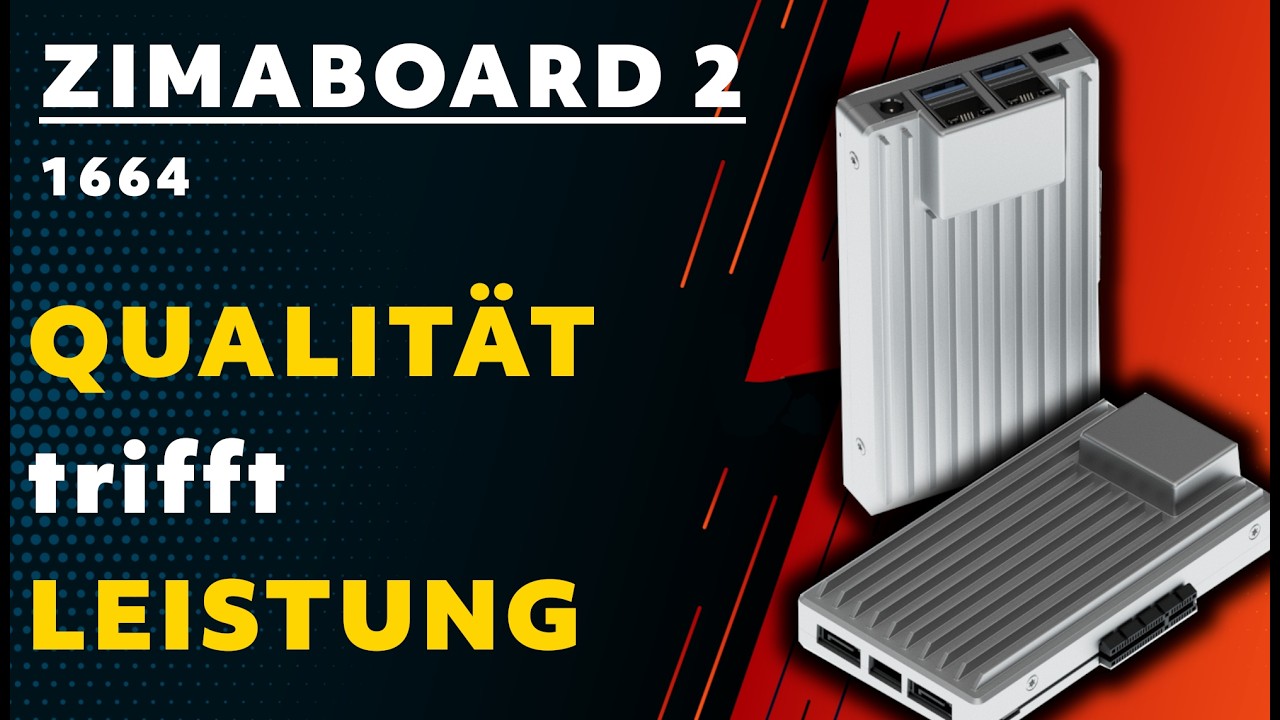
The ZimaBoard 2 product page combines Intel N150, 8GB LPDDR5, 32GB eMMC, dual 2.5GbE, two powered SATA 3 ports, and an open-ended PCIe 3.0 x4 slot. ZimaOS Plus is preinstalled, so storage and services can start without first selecting RAM, a boot SSD, or an enclosure.
A newer low-power N150 mini PC
A representative N150 mini PC includes the same four-core, up-to-3.60GHz processor family, 16GB memory, a 512GB NVMe SSD, one 2.5GbE port, Wi-Fi 6, multiple display outputs, and compact active cooling. Unlike ZimaBoard 2, the category normally hides the expansion and drive-power details inside a small enclosure.
| Use Case | Better Choice | Why |
|---|---|---|
| Two-drive server | ZimaBoard 2 | Native powered SATA is the direct path. |
| Quiet office desktop | N150 mini PC | Complete enclosure, SSD, Wi-Fi, and displays shorten setup. |
| Two-link 2.5GbE appliance | ZimaBoard 2 | Two ports are onboard. |
| Media box with one NVMe | N150 mini PC | Larger included SSD and familiar display outputs are convenient. |
| PCIe accelerator | ZimaBoard 2 | Open-ended x4 expansion is exposed. |
| Low-power x86 container host | Tie | The same N150 class makes storage and I/O, not the CPU label, decisive. |
ZimaBoard 2 832 vs N150 mini PC 16GB/512GB Specifications
The main table compares the closest standard configurations only, so higher-end SKUs do not distort the baseline comparison.
| Specification | ZimaBoard 2 | Intel N150 Mini PC |
|---|---|---|
| CPU | Intel N150, 4 cores, up to 3.60GHz | Intel N150, 4 cores/4 threads, up to 3.60GHz |
| TDP class | 10W-class board platform | 6W processor; mini-PC power limits vary |
| Memory | 8GB or 16GB LPDDR5 onboard | Often 8GB/16GB/32GB, model-dependent |
| Boot storage | 32GB/64GB eMMC by SKU | Commonly 256GB or 512GB NVMe |
| SATA | 2 × powered SATA 3 | One bay or none, depending on enclosure |
| Networking | 2 × 2.5GbE | Usually 1 × 2.5GbE plus Wi-Fi |
| Expansion | Open-ended PCIe 3.0 x4 | Usually USB and M.2 only |
| Media | Intel integrated graphics and MiniDP | Intel integrated graphics with HDMI/DP-class outputs |
| Thermals | Fanless/open deployment | Active fan and enclosed heatsink |
Primary comparison baseline: Because both sides use Intel N150, this is one of the closest processor matchups in the set. The decision moves to platform details: ZimaBoard 2 provides fixed memory, eMMC, two powered SATA ports, dual 2.5GbE, and PCIe; the mini PC typically provides a larger NVMe SSD, Wi-Fi, displays, and a finished enclosure.
Category-by-Category Comparison
What the specification differences mean for storage, networking, software, self-hosting, media, and local AI.
Identical CPU Does Not Mean Identical Server
An N150 mini PC and ZimaBoard 2 can run many of the same x86-64 applications. Yet ZimaBoard 2 exposes interfaces that a mini PC normally does not: two SATA ports with power, two 2.5GbE controllers, and open-ended PCIe 3.0 x4. Those interfaces define router, NAS, and accelerator use more than clock speed does.
The mini PC's advantage is integration. Its N150 is paired with an SSD, memory, cooler, chassis, wireless module, and video outputs. For a single-link server or desktop, that can mean fewer parts and a lower setup risk.
Category verdict: With matched N150 silicon, choose based on I/O and deployment rather than benchmark headlines.
Storage: eMMC Plus SATA or NVMe Plus a Small Bay
ZimaBoard 2's eMMC is a modest boot device, but using it for the system while two SATA drives carry data is a clean small-NAS design. A PCIe storage adapter can extend the plan without giving up the native SATA pair.
N150 mini PCs usually boot from a faster and larger NVMe SSD, which is attractive for desktops, containers, and local caches. The hidden question is where data drives go: some cases include one 2.5-inch bay, others have only M.2, and many have no drive power path for a two-disk array.
Category verdict: Board 2 wins for directly attached data drives; the mini PC wins for an immediately roomy system disk.
Networking: Two Fast Ports vs One Plus Wireless
Dual 2.5GbE allows a ZimaBoard 2 to be placed between WAN and LAN, isolate storage traffic, or connect two lab segments. It also leaves PCIe free for another device.
The typical N150 mini PC has one 2.5GbE port and Wi-Fi 6. That is a strong combination for a desktop, streaming endpoint, or one-uplink host. It is not a substitute for two wired ports when routing or deterministic storage traffic is the requirement.
Category verdict: Use the board for wired topology; use the mini PC when Wi-Fi and one uplink are enough.
Thermals, Noise, and the Cost of Expansion
The board's open or fanless deployment can be quiet, but the user is responsible for airflow, drive heat, and mounting. A PCIe card or several disks may require an enclosure and additional cooling.
A mini PC's fan and heatsink are already matched to the N150 package and are usually easier to deploy on a desk. That convenience can become a limitation under sustained loads if the small enclosure throttles or if an internal SSD shares thermal headroom with the CPU.
Category verdict: A complete mini PC is simpler to cool; a board is easier to expand when the build is planned correctly.
Pros, Cons, and Which One Should You Buy?
Bring the important trade-offs and final buyer recommendations together in one decision section.
Use the Same-CPU Test: What Must Be On the Outside?
List the ports, disks, and network links that must remain accessible after the build is finished. If the list includes two SATA drives, dual 2.5GbE, or a PCIe card, pick ZimaBoard 2; if it is one SSD, one uplink, and displays, pick the mini PC.
| Buyer | Recommended Model | Decision Rule |
|---|---|---|
| Matched N150 service node | ZimaBoard 2 832 | Its server I/O is the meaningful differentiator. |
| Desk PC or signage box | N150 mini PC | Enclosure, SSD, displays, and wireless are ready to use. |
| Two-disk backup target | ZimaBoard 2 832 | Powered SATA avoids a USB-storage chain. |
| Single-link media host | N150 mini PC | Use the larger NVMe and Intel media engine with the supplied cooling. |
Bottom line: ZimaBoard 2 is the stronger N150 server board; an N150 mini PC is the more convenient N150 computer. When compute is equal, the better purchase is the one whose storage and network interfaces remain useful after the first month.
SKU Family: What Changes Above the Standard Models?
The head-to-head comparison stays focused on ZimaBoard 2 832 and N150 mini PC 16GB/512GB. Higher-end variants are explained separately here.
N150 SKUs Are Not Interchangeable
N150 mini PCs may differ in memory type, SSD slot, Ethernet count, Wi-Fi card, SATA bay, and power limits. The ZimaBoard 2 832 and 1664 SKUs are more explicit about memory and eMMC, but still require a physical deployment plan.
| Configuration | What Changes | Who It Fits |
|---|---|---|
| ZimaBoard 2 832 | 8GB LPDDR5, 32GB eMMC, dual SATA, dual 2.5GbE | Compact wired server |
| ZimaBoard 2 1664 | 16GB LPDDR5, 64GB eMMC, same I/O | Heavier service node |
| N150 mini PC | N150, seller-dependent RAM/NVMe/SATA/Wi-Fi | Finished one-link computer |
Watch and Read More About ZimaBoard 2
Three creator videos and three related Zima articles add real-world context beyond the comparison tables.
Watch Creator Videos


Frequently Asked Questions
Long-tail buying questions, SKU questions, and query fan-out from the comparison.
ZimaBoard 2 vs Intel N150 Mini PC FAQ
Are the processors the same?
Both baselines use Intel N150, but firmware, cooling, power limits, and memory can change sustained behavior.
Does an N150 mini PC have two 2.5GbE?
Usually it has one 2.5GbE port, but verify the exact model. ZimaBoard 2 has two.
Which is better for a two-drive NAS?
ZimaBoard 2, because its two SATA 3 connections include drive power. A mini PC needs an external or custom storage solution.
Which boots faster?
A mini PC's NVMe SSD may boot faster than eMMC, but service startup also depends on the OS and workload.
Can the board run as a desktop?
Yes, with compatible OS, display, keyboard, and enclosure choices, though the mini PC is more convenient for that role.
Is 6W versus 10W a direct power comparison?
No. Processor TDP and complete-system draw are different measurements; storage, memory, fans, and adapters add to the platform total.


