


ZimaBoard 2 Review: Early Hardware, Power and Thermal Tests


Thank you to Michael Klements of The DIY Life for putting an early ZimaBoard 2 through a first-generation comparison, power measurements, a sustained thermal test, and network-storage transfers. His review is especially useful because it shows both the appeal of a small fanless server and the temperature rise that a short demonstration can miss.
Early-review context: the video was published on April 22, 2025, followed by a written review on May 5. The sample has an Intel N150, 8GB of LPDDR5, 32GB of eMMC, and a supplied 12V/3A adapter. The thermal test uses passive cooling without an added fan. These are historical sample and bundle details, rather than specifications for every ZimaBoard 2 sold today. All measurements below are Michael's, rather than new tests by this article's author.
Watch the original review: Michael Klements / The DIY Life's ZimaBoard 2 Review: Early Hardware, Power and Thermal Tests.
Unboxing and the changes from the original ZimaBoard
The packaging has a practical second use: its cardboard carrier can hold the board and two 2.5-inch drives while the owner gets started. The accessory pack includes the dual SATA cable, power supply, and quick-start material. Michael highlights the cast aluminum enclosure, which doubles as the passive heatsink. Its solid construction changes the feel of the board without adding an onboard fan.
Alongside the original ZimaBoard, the layout remains recognizable. The important changes are inside and at the interfaces: the Intel N150 replaces the Celeron N3450, memory moves to LPDDR5, both Ethernet ports move from Gigabit to 2.5GbE, and the exposed PCIe connection advances from Gen 2 x4 to Gen 3 x4. The reviewed pair both have 8GB of RAM and 32GB of eMMC, so the newer sample's benefit is not simply a larger boot drive.

| Feature in Michael's comparison | Original review board | Early ZimaBoard 2 sample |
|---|---|---|
| Processor | Celeron N3450 | Intel N150 |
| Memory | 8GB LPDDR4 | 8GB LPDDR5 |
| Built-in storage | 32GB eMMC | 32GB eMMC |
| Ethernet | Two Gigabit ports | Two 2.5GbE ports |
| Exposed expansion | PCIe Gen 2 x4 | PCIe Gen 3 x4 |
The resulting proposition is a compact x86 system with useful wired interfaces and room for external expansion. It still needs appropriate storage, cables, and physical support to become a finished NAS. Its open expansion slot is convenient for experimentation, but a long adapter or loose SSD changes the space required on a shelf.
Choose memory first, then plan storage expansion
Michael opens the enclosure and shows why the memory decision belongs at purchase. The LPDDR5 and eMMC are soldered to the board. They are not replaceable SODIMMs or a removable boot SSD. SATA drives and PCIe storage can add capacity, but an SSD cannot substitute for insufficient RAM when several services or virtual machines compete for working memory.
The preloaded interface makes the initial setup approachable. Connect the board to the LAN, identify its address or use the client discovery workflow, and finish account setup from another computer. The video uses CasaOS terminology while the visible early dashboard carries ZimaOS branding and includes storage and ZVM functions. Treat those screens as a record of the early review build; consult the current ZimaOS documentation for a present-day installation.

A sensible first session is small: check the software version, create a normal working account, verify the intended data drive, and start one service. Booting successfully does not establish that every application or virtual machine fits the memory budget. Leave room for the host, filesystem activity, and services that run in the background.
The current ZimaBoard 2 configuration options include choices beyond this early 8GB/32GB sample. Compare those current options directly when buying. For a later look at the 16GB/64GB version, our Platima Tinkers review follows setup, add-in hardware, and a teardown in a different software period.
Power: approximately 7W idle and 16W under the demonstrated load
Michael measures the board using a FNIRSI bench power supply. At idle, with CPU activity around 3%, consumption is approximately 7W. During the demonstrated virtual-machine CPU stress workload, it rises to roughly 16W. These are useful measurements of the tested board-side setup, rather than an AC-wall measurement of a populated server.
The distinction matters when planning an always-on installation. A power adapter has conversion losses, and extra SATA drives, USB devices, or a PCIe card add their own demand. The processor's advertised base-power figure is also a different quantity from whole-board consumption. None of these should be silently substituted for the measured 7W or 16W values.
The supplied early adapter is rated at 12V and 3A, or 36W. That rating describes its output capacity, not the amount of power the board constantly draws. It also does not establish that any combination of drives and expansion cards fits the available budget. Check the current bundle and the requirements of every attached device before turning an experiment into a permanent assembly.
Passive cooling: watch the trend over forty minutes
The thermal test is the review's most consequential result. In a room at approximately 20°C, Michael runs sustained CPU stress without an added fan. After about seven minutes, the CPU is around 70°C and the case reaches roughly 56°C in the thermal-camera view. The temperature continues climbing rather than settling quickly.

| Elapsed stress time | Reported CPU temperature | Additional observation |
|---|---|---|
| About 7 minutes | 70°C | Case approximately 56°C |
| About 15 minutes | 77°C | Temperature still rising |
| About 30 minutes | 87°C | Case approximately 68°C |
| About 41 minutes | 90°C | Reviewer stops the stress test |
The test ends because Michael stops it at 90°C. It does not demonstrate an indefinitely cool full-load system, and it does not establish a crash or permanent hardware failure. It shows that this early sample's passive arrangement continues warming during the particular sustained workload. The distinction is useful for owners choosing between intermittent home services and long CPU-heavy jobs.
Keep the heatsink exposed to moving room air and avoid enclosing it tightly between other warm devices. For sustained work, consider suitable active airflow and repeat a long test in the final mounting position. A comfortable result during a short file copy does not predict temperatures after an hour of computation. Ambient temperature and neighboring drives also change the conditions from Michael's open-bench test.
Fanless describes the board's cooling hardware. A completed server can still make noise through hard drives, an expansion-card fan, or an added enclosure fan. Choose the full assembly around the intended location, especially if it will sit beside a desk or in a bedroom.
Three SSDs make two very different storage pools
The storage build adds a 2TB NVMe SSD through a PCIe adapter and two 1TB 2.5-inch SATA SSDs. Michael mounts the assembly in a printed 1U shelf, using the board's side mounting points to keep the parts together. The NVMe drive becomes an independent pool. The two SATA SSDs are combined as a striped RAID 0 pool with roughly 2TB of nominal capacity.

RAID 0 uses the members together for capacity and throughput, but provides no drive-failure redundancy. Losing either SATA member can lose the striped pool. It is therefore a useful demonstration configuration, rather than a recommendation to keep the only copy of family photos on that array. Capacity, redundancy, and backup are separate decisions.
The network-storage test uses a 1GB workload across a 2.5GbE connection. The reported NVMe result is approximately 240MB/s write and 260MB/s read. The SATA RAID 0 result is approximately 230MB/s write and 260MB/s read. Those figures describe the tested network path, client, and short workload.

The similar numbers do not prove that the drives have identical raw performance. The Ethernet connection limits the end-to-end transfer, and a short test may also be influenced by caching. Faster local storage can benefit concurrent work or local applications while making little difference to one client already near the network's practical limit. Use a larger representative dataset before predicting a complete library migration time.
Turn the demonstration into an everyday home server
Michael also demonstrates browser-based file movement with PeerDrop. It illustrates the usefulness of a small server as a bridge between devices, but a completed transfer is not an automatic backup policy. Decide where the permanent copy belongs, which folders receive scheduled protection, and how a deleted or corrupted file will be recovered.
The official ZimaOS 3-2-1 backup workflow provides a starting point for separating working storage from independent protection. Our Smart Life private-cloud project carries that idea into a phone-photo workflow. In both cases, a test restore is more informative than an app tile that says a job has completed.
For light services and occasional transfers, this review shows why a compact x86 board is attractive. For sustained processing, the same review supplies a reason to plan airflow. Start with the actual memory requirement, add the drives and adapters needed for the job, and then repeat power and temperature checks on that finished configuration.
FAQ
Is this a review of the current 16GB version?
No. Michael tested an early 8GB LPDDR5 and 32GB eMMC sample in 2025. Current configurations and accessories should be checked separately.
Can its RAM and eMMC be replaced?
They are soldered on the reviewed board. Capacity expansion uses external SATA or PCIe storage; it does not upgrade system RAM.
Did the board fail at 90°C?
The reviewer stopped the stress test at that reading after approximately 41 minutes. The reported sequence is a rising-temperature test, not evidence of a crash.
Are the power figures measured at the wall?
They come from the bench-supply setup and exclude the power of a later populated storage and expansion build.
Why are the SATA and NVMe network results close?
The test goes through 2.5GbE and uses a short 1GB workload. It does not isolate the drives' maximum local throughput.
Where can I see the original written follow-up?
Michael's May 2025 ZimaBoard 2 written review accompanies the video. Its launch-period availability and pricing are historical.
Conclusion
Michael Klements' early review shows a meaningful interface and processor upgrade in a small, solid enclosure. Its strongest practical evidence is the combination of modest measured power, usable 2.5GbE storage transfers, and a thermal test long enough to reveal continued warming. Choose the right memory configuration at purchase, keep RAID 0's limits explicit, and match cooling to sustained workload. Those decisions matter more to a dependable home server than a short first-boot demonstration.

Recommended products

Zima Campaign Hub
More to Read
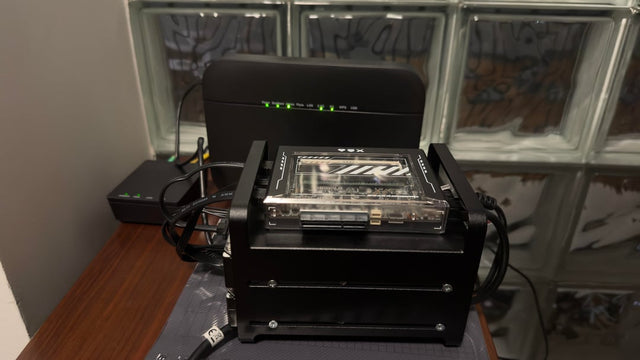
A First ZimaBlade 7700 NAS: Two 8 TB Drives and Learning CasaOS
A first ZimaBlade 7700 build pairs two 8 TB drives with CasaOS, raising practical questions about temperatures, shutdown and a recoverable backup workflow.
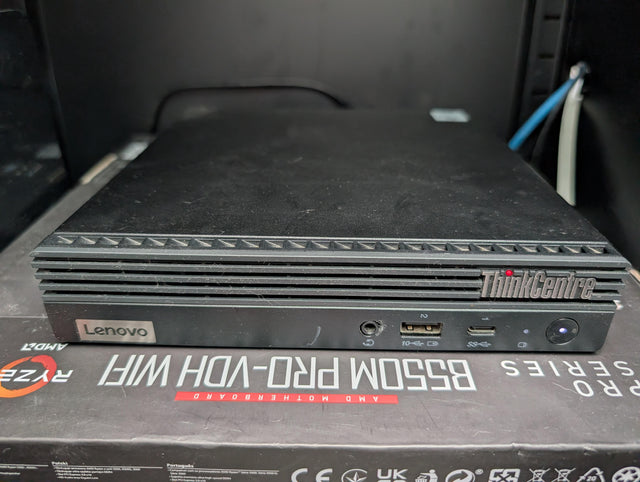
A Lenovo M80q ZimaOS Server for a Child’s Minecraft World
A reused Lenovo M80q runs ZimaOS and a child’s Minecraft server beside a 16 TB disk. Original photos show the hardware, dashboard and storage...
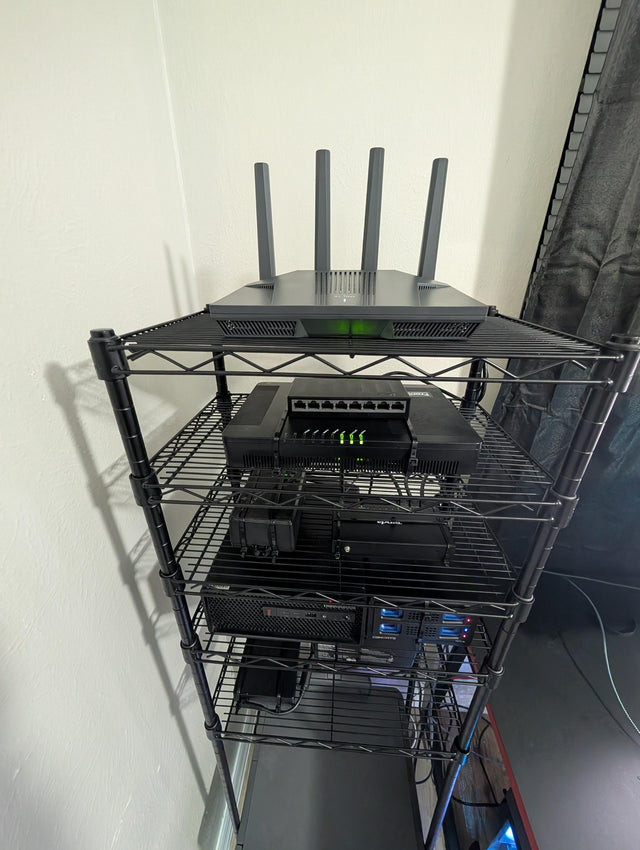
A P360 Ultra Homelab with ZimaOS Storage and Cockpit-Managed VMs
A P360 Ultra combines Ubuntu, Cockpit-managed VMs, ZimaOS storage and remote access, with a mirrored enclosure and a clear inventory of separate roles.


