
From Desk to Remote Backup: My ZimaBoard 2 DIY NAS Building Story


I am currently pursuing a Master's degree in Engineering Management in Germany, while also working as a product manager. My daily work and studies have given me a natural sensitivity to "efficient tools." But in my private life, I'm more like a "technology disassembly enthusiast"—obsessed with DIY projects and 3D printing. I've disassembled almost all of my consumer electronics, always trying to understand their working principles and then optimizing them to better suit my needs. For me, the charm of open technology lies in the "sense of control," and building a DIY NAS that perfectly meets my needs is the core goal of this exploratory desire.

Encountering ZimaBoard 2: From Finding a Motherboard to the Opportunity of Crowdfunding
Initially, my core need was clear: to find a suitable motherboard and build my own DIY NAS. While browsing various technical videos, I stumbled upon user reviews of the ZimaBoard 1, ZimaBoard SE, and ZimaCube NAS – their design concepts and features instantly caught my eye.
Intending to learn more, I visited the Zima website and happened to see the ZimaBoard 2 Kickstarter campaign. At that moment, I felt the timing was perfect: its features (suitable for home servers, supporting flexible expansion) perfectly matched my expectations for a NAS, with no unnecessary redundancies or functional shortcomings. So, I decisively purchased the ZimaBoard 2 basic version and began my DIY NAS journey.

Core Configuration: Creating an Energy-Saving Remote NAS That Turns On "On Demand"
Currently, the core role of the ZimaBoard 2 is my personal NAS, and the most crucial requirement is "access to backups anytime, anywhere" – after all, I frequently travel between school and the studio and need to retrieve files at any time. To make the device "smarter," I implemented a small design: connecting it to a smart switch so it only turns on when needed. This saves unnecessary energy consumption, reduces wear and tear during inactive periods, and extends the device's lifespan.
Regarding hardware and system compatibility, I chose the solution that best suits my current needs:
- System: Directly using the device's built-in ZimaOS, requiring no additional installation and offering a low learning curve;
- Storage: Equipped with two 4TB Western Digital Gold enterprise-grade hard drives in JBOD configuration—this not only meets current storage needs but also leaves room for future expansion, maximizing flexibility;
- Setup experience: The entire process was much simpler than I expected. The modular design of the ZimaBoard 2 allowed me to easily configure it according to my own ideas, without wasting time on complex wiring or setup.
Currently, I'm also researching media center software, planning to add "entertainment functions" to this NAS to enrich its uses.
Surprise and Recognition: A "Desktop Gem" Combining Aesthetics and Performance
During my time using the ZimaBoard 2, two things particularly surprised me:
First, its design and build quality. I initially thought these kinds of hardware devices were all "feature-heavy, aesthetics-light," but the ZimaBoard 2 shattered my preconceived notions. It feels substantial and high-quality in hand; its futuristic design makes it look like a refined decorative piece even when placed directly on a desk, without being obtrusive. This balance of function and aesthetics is something I've never experienced with other devices before.

Secondly, its practical value is undeniable. "Access backups anytime, anywhere" sounds simple, but for me, it solves a major problem—no more worrying about files being lost or carrying a USB drive. Data can be accessed simply by opening my phone or computer, significantly improving my efficiency in studying and working.
One-sentence Recommendation: For Those Who Value "Data Control."
If I were to recommend the ZimaBoard 2 to a friend, I would say without hesitation: "If you want complete control over your data and usage scenarios, you must buy it—its highly customizable nature allows you to break free from the limitations of ready-made devices and freely build a system that perfectly suits your needs."

Join the Community to Unlock More Useful Information!
Welcome to the IceWhale Discord community! We'll be releasing more detailed ZimaBoard setup tutorials, user case studies, and product updates to help you easily navigate the digital world and find the perfect hardware platform for every passion.

Recommended products

Zima Campaign Hub
More to Read
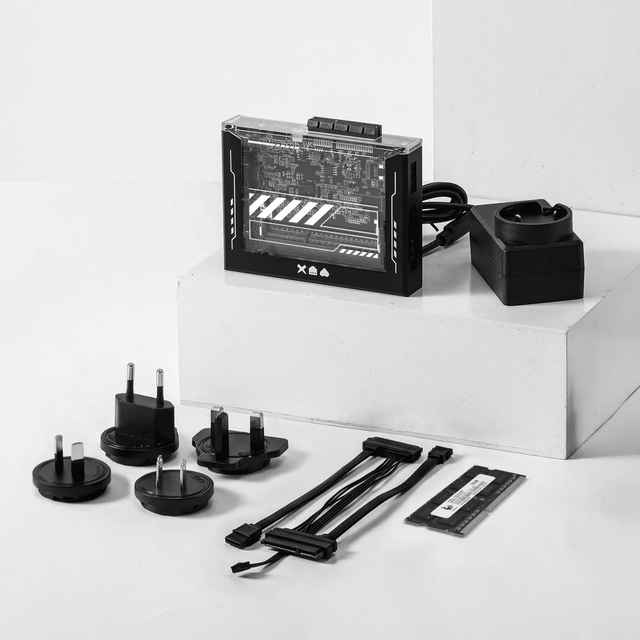
ZimaBlade Is Now ZimaBoard SE: What Changes and Which Kit to Choose
ZimaBlade becomes ZimaBoard SE with installed 8GB or 16GB RAM, 64GB eMMC and ZimaOS Plus. Compare specifications, Starter and NAS Kits, pricing and FAQs.
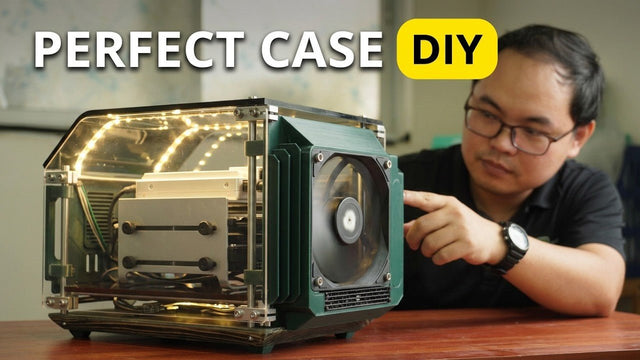
How The TKT Works Builds a Custom Acrylic Case for ZimaBoard 2
Follow The TKT Works’ custom ZimaBoard 2 case build, covering the rod frame, acrylic panels, front display, cable routing, and cooling considerations.
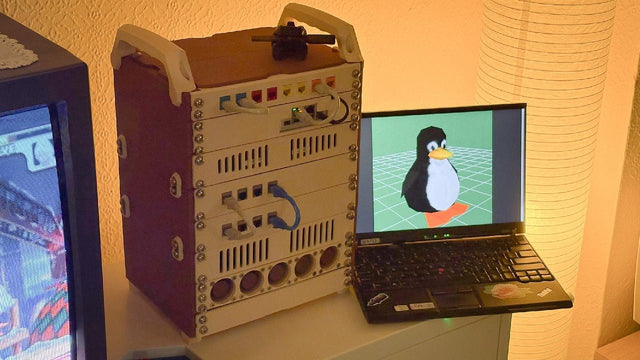
How kabuto Builds a Modular 10-Inch Homelab with ZimaBoard 2
Explore kabuto’s modular 10-inch homelab with ZimaBoard 2, printed patch panels, reused hardware, Immich, Nextcloud, and remote access through Tailscale.


