


A First ZimaOS Laptop Server for Photos and the Next Hardware Move


Thank you to u/Firemanlouvier for sharing the first working stage of a ZimaOS server on an old laptop. The initial job is straightforward: copying photos from a phone while retaining the originals. Getting that working quickly raises the next question—what happens to the data drives when the laptop is eventually replaced?
The original Reddit discussion follows that question into storage migration, unfamiliar Linux terminology and the wish to share an Immich library with family. It records a beginner’s operating questions, including an unresolved decision about whether the software arrangement fits their needs.
The First Useful Job Is Keeping Another Copy of Phone Photos
The owner describes the laptop CPU as underpowered, but gives no exact processor model or benchmark. The meaningful achievement is that the server is running and receiving photos. Those files remain duplicates of the phone’s existing collection at the stage described in the replies.

Starting with duplicated files gives the owner a concrete way to learn without immediately making the server the only home for the collection. It also makes the next task visible: understand where the copy lives and how it would be recovered after changing the host.
The screenshot supports that a dashboard is accessible, but it does not establish a complete photo-library workflow, the laptop’s specifications or a tested restore procedure. Those details should stay separate from the successful first boot.
The Migration Question Begins Before the New Hardware Arrives
The original question asks whether hard drives must be formatted when replacing the old laptop with a better machine. No completed migration is reported. A commenter explains that changing the host and erasing a data drive are separate actions, while also noting that recognizing an existing filesystem or pool depends on the new installation.
| Question | What the thread establishes |
|---|---|
| Current host | An old laptop running ZimaOS; exact model not supplied |
| Present use | Loading phone photos while keeping the originals |
| Hardware change | Considering a better replacement machine |
| Drive migration | Asked about, without a completed or verified outcome |
| Photo application | Exploring Immich and family access |
| Cooling observation | Stock laptop cooling; owner reports around 65°C under load |
That distinction prevents a common overreach: advice in a comment is not proof that every ZimaOS drive layout can be moved unchanged. The source does not identify the filesystem, encryption state, connection method or a multi-disk array that would allow a precise migration recipe.
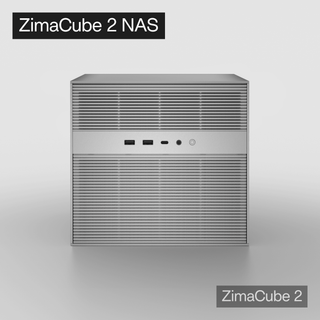
For readers comparing a future dedicated machine, the ZimaCube 2 NAS product page is a hardware reference. The creator’s actual machine in this story remains the reused laptop.
Operating-System Installation and Data Recovery Are Separate Tasks
The official ZimaOS installation guide is the appropriate reference for installing the operating system on a target drive. It should not be read as a guarantee that an unidentified data layout will be recognized or imported afterward.
The commenter’s practical suggestion is to preserve another copy of important files and keep data drives disconnected while installing on the new boot device. That suggestion addresses accidental disk selection; it does not replace checking the actual filesystem and recovery procedure before reconnecting the data.
A useful record for a similar move would identify the boot device, each data drive and the files each contains. If a storage interface offers an operation described as formatting or initializing, that is a different decision from mounting existing data. This article does not prescribe an import command because the necessary layout details are absent.
The ZimaBlade family-photo troubleshooting story provides a companion account of why application data and the files people recognize as their photo library both matter.
New Terminology Becomes Part of Running the Server
The owner initially distinguishes ZimaOS from Linux and Windows, then asks whether its separate download means it uses a different kernel. Replies explain the idea of a Linux distribution. The useful learning point is that a dedicated server interface still sits on an operating system with storage and application-management behavior beneath it.
The official ZimaOS project repository is a primary reference for the system itself. The thread’s casual descriptions of its underlying distribution should not be promoted into a technical specification.
That terminology matters when a task moves beyond the dashboard. A container, an application’s data directory and a physical drive are different things. Knowing which one a proposed operation affects makes it easier to assess instructions before acting on valuable files.
Our Pi-hole-to-family-server story follows another owner as a small initial use expands into household responsibilities. Here, those responsibilities are beginning with a photo copy and a planned host change.
Immich Introduces a Family-Access Requirement
In a later reply, the owner identifies Immich as the next area they are exploring. They want a way for nontechnical family members to share photos without depending on Tailscale. The thread does not establish a working remote-access arrangement or a completed migration to another operating system.
This changes the success criterion. A personal administrator reaching a dashboard is one task; relatives consistently reaching the right application and library is another. Accounts, application configuration and the chosen connection method need to work together for that household use.
The Immich backup documentation adds an important data distinction for a future deployment: library files and database information both belong in the recovery plan. That guidance applies if the owner adopts Immich; the post does not prove a complete Immich library was already running.
The final replies leave software suitability open. The owner considers changing their arrangement rather than reporting that every family-access requirement has been solved. Preserving that uncertainty makes the account useful to beginners defining what they actually need.
The Dashboard Temperature Is an Observation to Investigate
A commenter asks about cooling after seeing the screenshot. The owner says the laptop uses its stock cooler and reports a temperature around 65°C under load, while noting that the dashboard sensor is not reading correctly.
The reported load temperature and the dashboard display are different pieces of evidence. Neither identifies a cooling fault on its own. The source does not specify the processor, monitoring tool, load duration or ambient temperature needed for a reliable comparison.
The useful lesson is to check what a displayed number represents before treating it as an operating limit. In this story, the owner’s actual next decisions concern understanding storage, moving the host and making family photo access workable.
FAQ
Has the owner already moved to a new laptop?
No verified hardware migration is described. The discussion begins with planning that change.
Must the data drives be formatted?
The thread does not supply enough information for a universal answer. Installation, mounting existing data and formatting are different operations.
Is Immich already working for the whole family?
The owner is exploring it and asking about access. A completed family-sharing deployment is not established.
Does the dashboard prove the laptop is overheating?
No. The owner reports an incorrect sensor display and a separate load-temperature observation without a controlled test.
Conclusion
This first ZimaOS server reaches a useful starting point: an old laptop can receive another copy of phone photos. The next questions are operational rather than cosmetic—how the files survive a hardware change, what application state must be preserved and how relatives will reach the library. The story stays open at that decision point, with the original photo copies providing a practical base for further learning.
Welcome to the ZimaSpace community! Share your setup, ask questions, and explore practical build guides, real user stories, and product updates with fellow self-hosters.

Recommended products
Zima Campaign Hub
More to Read
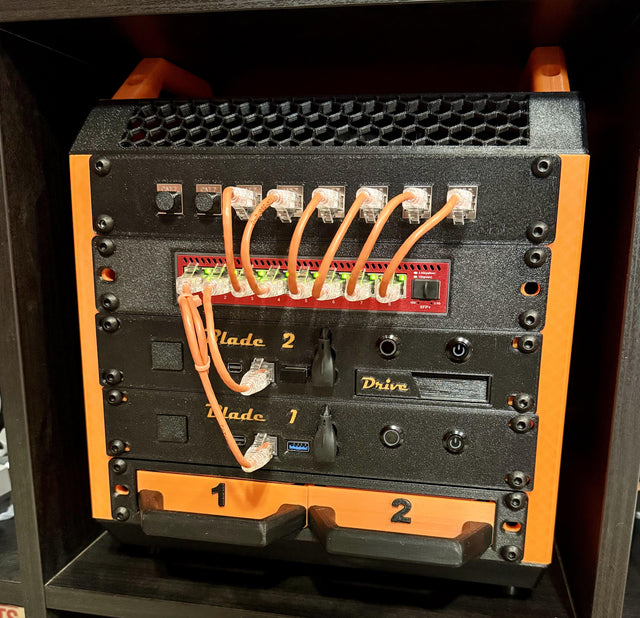
Two ZimaBlades in a Printed Rack with Numbered Drive Drawers
Two ZimaBlades run ZimaOS in a custom printed rack. One NAS is configured while the owner works on network apps, cooling and finishing connections.
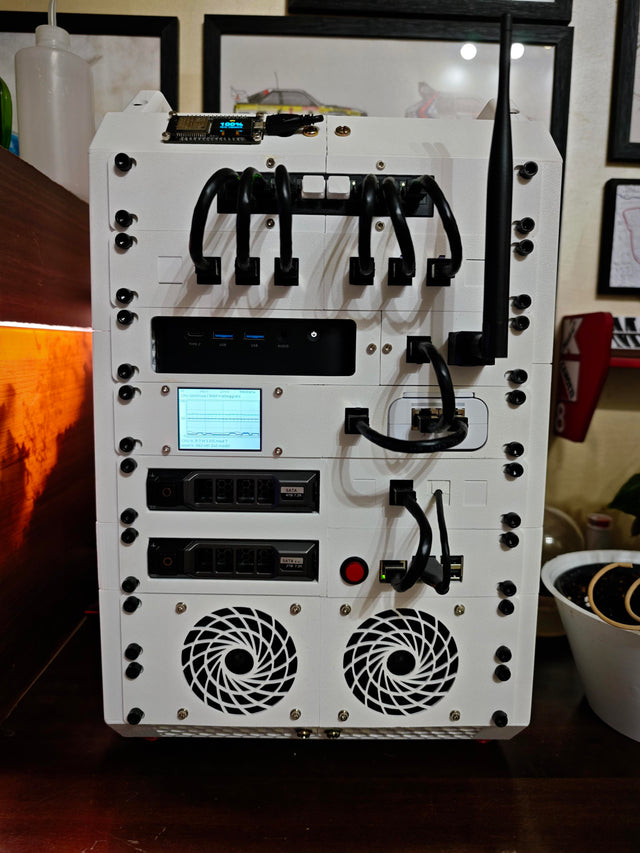
A ZimaBlade TrueNAS Mirror in a Printed Three-Machine Homelab
A printed rack gives ZimaBlade two mirrored 4 TB disks beside a Raspberry Pi and Ryzen mini PC, with front displays, drive bays and...

A Ryzen ZimaOS Media Server Built from Parts Already on Hand
A Ryzen 2700X tower starts with ZimaOS, Jellyfin, Pi-hole and Tailscale, while storage upgrades and energy readings stay in their reported context.


