
Home Assistant for Families: How Identity and Permissions Shape the Experience


Separate identities improve a family's Home Assistant experience only when authentication, permissions, dashboards, history, and administrator powers match each person's real household role.
A parent, partner, child, guest, and caregiver may all need different combinations of lighting, climate, locks, cameras, history, and configuration access. One shared login removes attribution and makes every device equally trusted. Separate accounts create a foundation, but the result still depends on what Home Assistant can authorize, what a dashboard merely hides, and which integrations enforce their own permissions.
Identity Establishes Who Performed an Action
An identity connects a login session to a person or system. In a family home, that association supports personal dashboards, presence, notifications, audit interpretation, and account revocation. Shared credentials erase those distinctions: the system may record an action, but the household cannot reliably tell which person initiated it.
Home Assistant onboarding guides commonly recommend creating distinct people and users rather than treating the household as one operator. This walkthrough of Home Assistant users illustrates how people, accounts, and permissions enter the configuration model.
Identity alone does not restrict capability. A named account can still have broad access, and a device tracker entity is not the same as an authenticated user. The useful relation is person to credential to session to action. Keeping those nodes separate prevents presence detection from being mistaken for authorization.
Authentication and Authorization Solve Different Problems
Authentication asks whether the session belongs to the claimed account. Authorization asks whether that account may perform a specific action or view specific information. A strong password and multi-factor authentication can protect account entry, yet they do not determine whether a child should change integrations or a guest should view camera history.
Access-control models separate subjects, resources, actions, and policy. This access-control model guide explains why role-based and rule-based decisions go beyond proving identity, a distinction that transfers directly to shared-home administration.
The family experience improves when each account authenticates independently and receives only the capabilities required for its role. It degrades when convenience collapses authentication and authorization into one household credential. Account sharing also makes offboarding difficult because changing one password disrupts everyone.
Dashboards Personalize Experience but Do Not Guarantee Security
A dashboard can present the rooms, controls, and information relevant to one person. That reduces clutter and accidental taps, especially for children, guests, or wall tablets. However, removing a card from a view is a presentation choice unless the underlying API and entity access are also restricted.
Family-oriented dashboard advice often recommends specialized views for rooms and users. The examples in this article on custom household views demonstrate the usability value, while the security boundary remains separate.
This distinction matters for sensitive resources. A camera, lock, alarm panel, or occupancy history should not rely on obscurity in a dashboard layout. Treat views as experience design and permissions as enforcement. If the platform or integration lacks the needed resource-level control, do not claim the hidden card is a protected boundary.

Shared History Creates Communal Privacy Questions
Home Assistant can combine presence, device use, climate, energy, doors, media, and other events into a detailed account of household life. That history can help automation and diagnostics, but it also reveals routines among people who did not necessarily choose identical levels of visibility. Family privacy is therefore relational, not only a defense against outsiders.
Research on communal smart-home privacy finds that many systems provide limited support for negotiating data use among family members. The study of communal privacy experiences supports treating household members as distinct stakeholders rather than one consent unit.
Permissions shape trust when they determine who can inspect presence, cameras, locks, or historical activity. Retention shapes it too: limiting how long sensitive details remain can reduce exposure even when several members legitimately need current control. A good shared experience makes these boundaries predictable rather than surprising.
Least Privilege Reduces the Cost of Mistakes
Most household members need daily control, not system administration. Administrator powers may include changing integrations, users, networks, automations, backups, and security settings. Giving those powers to every account increases the impact of a stolen phone, reused password, accidental edit, or curious guest.
Least privilege grants only the access needed for a task and only for as long as required. This practical least-privilege guide explains why reducing standing authorization limits both compromise and ordinary human error.
The useful family model has few administrators, named daily-use accounts, and separate machine credentials for integrations or wall displays where possible. Recovery access should be protected but available. Convenience remains important, yet it should come from clear interfaces and appropriate automation rather than universal administrative authority.
Where Home Assistant Permission Granularity Falls Short
Home Assistant's available user and administrator distinctions may not express every family policy at entity, room, history, or time-window level. A dedicated dashboard can simplify access, but it cannot create authorization the backend does not enforce. Some integrations also expose capabilities according to their own service and device rules.
Fine-grained guest and family access has been a visible roadmap concern. Reporting on the Home Assistant privacy roadmap identifies limited guest and family controls as a known challenge rather than a solved capability.
The claim therefore stops at the platform's real enforcement boundary. Do not promise a child account can be denied one exact entity or a guest can see only one history stream without verifying the current capability. Use separate networks, separate interfaces, or a narrower external control path when the required authorization cannot be represented safely.
Build a Family Access Matrix Before Adding Accounts
Create rows for administrator, adult member, child, guest, caregiver, wall display, and machine integration. Create columns for daily controls, locks and alarms, cameras, presence, history, automations, integrations, users, backups, and remote access. Mark view, control, administer, or no access for each intersection.
Other smart-home platforms are also moving toward explicit admin, member, settings, and activity distinctions. Coverage of household access tiers shows why device control, settings, and history are separate permission dimensions rather than one broad family role.
Map every desired cell to an enforceable Home Assistant or integration capability, and label unsupported cells instead of hiding them. Use the ZimaSpace principle of a limited standard user as the broader home-server boundary. Review the matrix when a person, device, or remote-access path changes.

Recommended products

Tech & AI HUB
More to Read
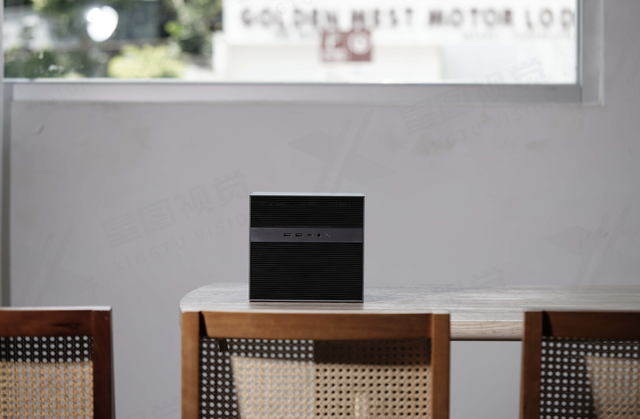
Can a Local AI Gateway Enforce a Hard Context Limit Before GPU Allocation?
A mechanism-first explanation of hard context gate, its shared-resource tradeoffs, three query-fanout FAQs, and a practical verification protocol.
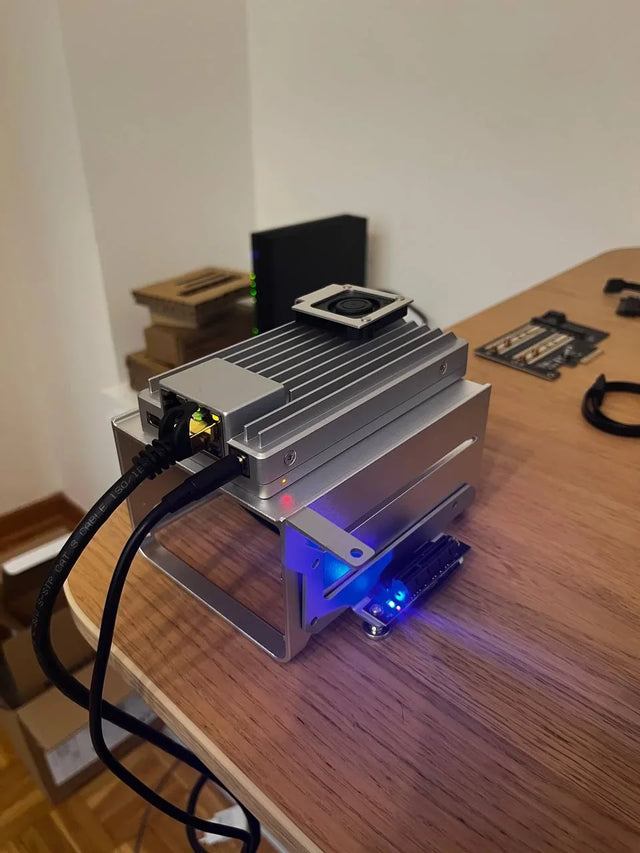
Can a Home AI Server Memory-Map Model Weights From a Remote NAS Over 2.5GbE?
A mechanism-first explanation of remote nas model memory mapping, its shared-resource tradeoffs, three query-fanout FAQs, and a practical verification protocol.
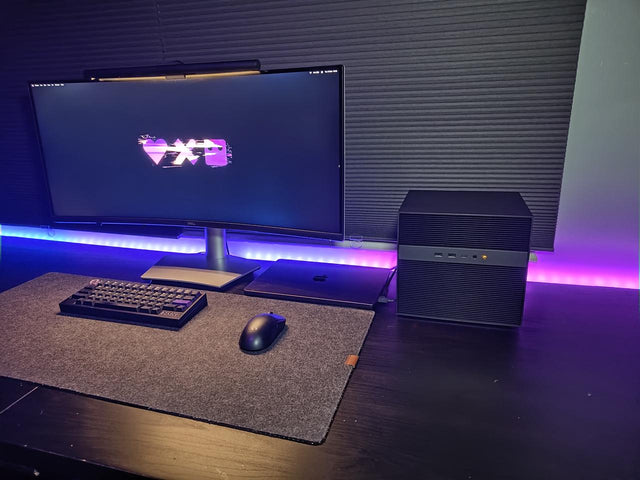
Can Multiple Containers Share One Integrated GPU Without Leaking Workloads?
A mechanism-first explanation of shared igpu container isolation, its shared-resource tradeoffs, three query-fanout FAQs, and a practical verification protocol.


