
Can You Use Wake-on-LAN After a Complete Power Loss?


Sometimes. Wake-on-LAN cannot work while AC power is absent because the network adapter needs standby power. After AC returns, it works only if firmware restores the adapter to a listening state and the network link comes back.
This differs from waking after an ordinary software shutdown. Some systems lose WOL configuration across a full power drain until they complete one normal boot. That distinction determines the safe configuration, validation method, and rollback point. That distinction determines the safe configuration, validation method, and rollback point.
Trace the power and packet path
Enable WOL in firmware and the operating-system driver, then confirm the desired shutdown state is supported. Keep the NIC, switch, and router powered when you expect a remote wake.
After restoring AC, look for link LEDs and a switch port link. No link usually means the NIC is not receiving standby power or firmware did not rearm it.
Send the magic packet from the same LAN first. Routed or VPN WOL adds broadcast, ARP, and firewall variables that can hide the basic power-state problem.
Use a full-sequence decision test
Record the MAC address and successful normal-shutdown wake first. Then shut down, unplug AC long enough for lights to go dark, restore AC, and wait for the link before sending the packet.
Repeat at least three times because timing-dependent firmware behavior can look reliable once. Check whether fast boot, deep sleep, or ErP settings disable standby power.
Classify the result with the table below.
| Observed state | Verdict | Next action |
|---|---|---|
| Link returns after AC; packet wakes host | WOL viable | Test remotely |
| No link after AC restore | NIC not listening | Use AC-recovery power-on |
| Local packet works; remote fails | Network delivery problem | Fix VPN/broadcast path |
Choose a recovery policy when WOL is unreliable
If WOL never rearms after AC loss, set firmware to power on automatically when AC returns. This is more deterministic for unattended servers than waiting for a packet the NIC cannot hear.
Use the ZimaSpace UPS shutdown-chain guide to keep shutdown and recovery policies aligned.
An independent Wake-on-LAN overview explains the standby-power and supported-state requirements.
A managed PDU, BMC, or tested smart relay can be a fallback, but it should not cut power to a running filesystem. Prefer firmware AC recovery over improvised hard power cycling.

Retest from the real remote path
After local testing passes, send the packet through the actual VPN or management host. Confirm routing, firewall, and broadcast handling without exposing a public WOL port.
Test one UPS-driven shutdown and AC return. The server should either auto-start or present a live NIC link and accept WOL before dependent services time out.
Proceed when the entire unplug, restore, and wake sequence repeats reliably. Stop relying on WOL if the link stays dark, firmware settings reset, or remote packet delivery cannot be secured.

Recommended products

Support & Tips
More to Read
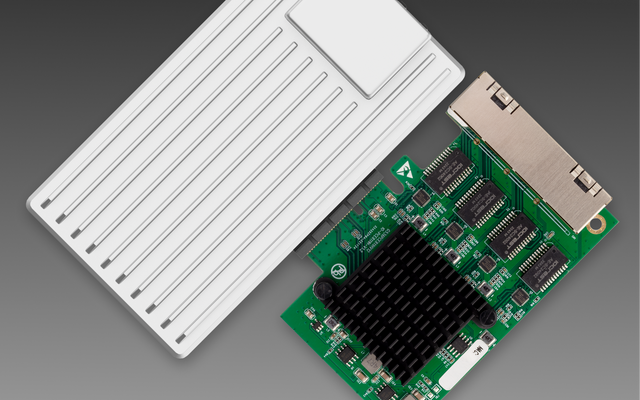
Can You Replace a Noisy Mini PC Fan Without Changing Thermal Control?
Yes—if the replacement matches the electrical interface, airflow, and feedback signals; connector fit alone does not preserve thermal control.
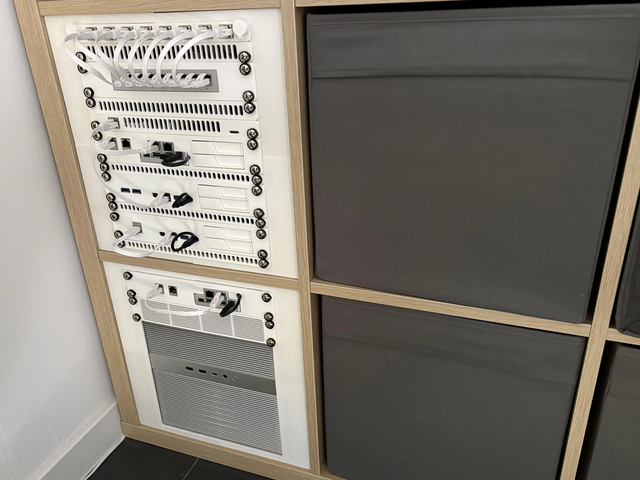
Can a Home Server Resume Services in Dependency Order After UPS Recovery?
Yes—use explicit boot dependencies and readiness checks; restart policies alone do not guarantee services become usable in the right order.
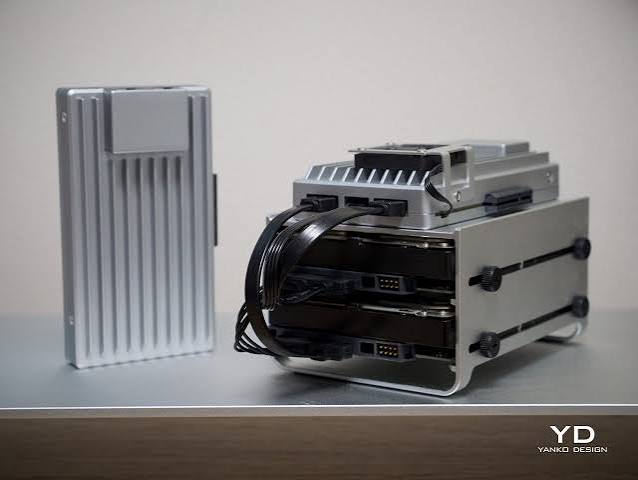
Can a Mini PC Run Without a Display After a BIOS Reset?
Usually yes, but a BIOS reset can restore display, boot, halt, and power settings that prevent reliable headless startup.


