
Why Does Immich Output Differ Between Native and Browser Clients?


Immich output can differ because native and browser clients transform the same server response through different requests, caches, decoders, and rendering pipelines.
A photo may appear immediately in a desktop browser but load slowly, crop differently, or fail in a phone app on the same account. The server is only one stage; the client’s network behavior, stored state, platform permissions, and media capabilities determine the final visible result.
The Server Response Is Not the Final Display
Immich can return the same asset identity and derivative while two clients display it differently. Each client must schedule requests, receive bytes, decode media, apply orientation or layout, and paint the interface. A delay or visual difference introduced after the response does not require different database content.
The ZimaSpace Immich data-path article separates database selection from media response and client-visible completion. That model prevents a common diagnostic mistake: treating every slow or inconsistent screen as evidence that the server generated a different answer.
Measure two timestamps where possible: when the API response finishes and when the media becomes visibly usable. If response timing matches but display timing diverges, focus on decoding, rendering, local storage, and platform state. If the responses differ, move earlier to requests, account scope, or server processing.
Native and Browser Clients Generate Different Request Patterns
A native app may prefetch timeline items, retry in the background, synchronize uploads, or batch requests differently from a browser tab. The browser has its own connection limits, caching rules, service workers, and page lifecycle. Identical scrolling gestures therefore need not create identical traffic.
A community case reports the browser interface being reachable while the mobile application rejects the server endpoint. The exact configuration is not general evidence about every client, but it demonstrates that web-page delivery and native API validation can follow different request and URL expectations.
Capture a short request trace for the same account, album, and network path. Compare endpoint URLs, status codes, request concurrency, transferred derivative sizes, and retry intervals. A burst visible only in one client explains different pressure without requiring a change to Immich’s stored asset.
Caches and Media Decoders Change the Apparent Result
Browsers and native applications retain different thumbnails, application assets, credentials, and decoded media. They can also choose different hardware decode paths or derivative formats. One client may reuse a warm thumbnail while another downloads or decodes it again, making the server appear inconsistent when client state differs.
A community discussion about an alternative native Android client argues that client implementation choices can shape responsiveness and user experience. It is not a controlled benchmark, but it supports the architectural fact that separate front ends do not expose one identical execution path.
Clear only the client cache under test, preserve the server state, and repeat a known asset. Then compare immediate repetition without clearing. If the gap collapses after warming, client reuse matters. If one format always fails, inspect codec support, derivative choice, and hardware decoding rather than database placement.

Run a Paired-Client Difference Test
Choose one account, one known album, one image, and one video. Put both clients on the same network and record server version, client version, URL, and cache condition. Test login, timeline response, full-image opening, video start, and one search in the same order.
A SailfishOS community project discussing a native Immich client highlights that a separate client implementation must make its own choices about platform integration and user experience. That reinforces why client identity is a real variable even when every implementation talks to the same backend.
Mark the first divergence as request, response, transfer, decode, render, or permission. Change only that layer: URL, cache state, media format, client permission, or application version. The explanation is accepted only when the controlled change removes the difference without altering server records or user ownership.

Recommended products

Tech & AI HUB
More to Read
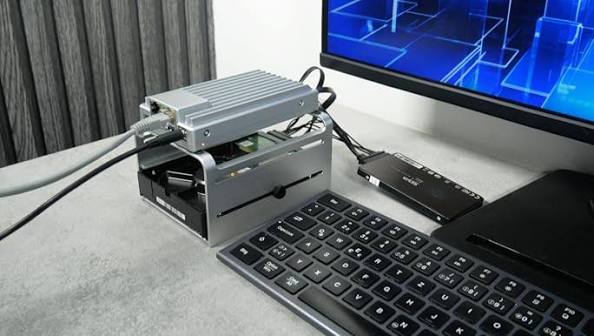
Why Does Immich Reprocess Existing Data After an Upgrade?
Immich may reprocess assets when an upgrade invalidates earlier derivatives, metadata, models, or job state; repeated endless work is a separate fault.
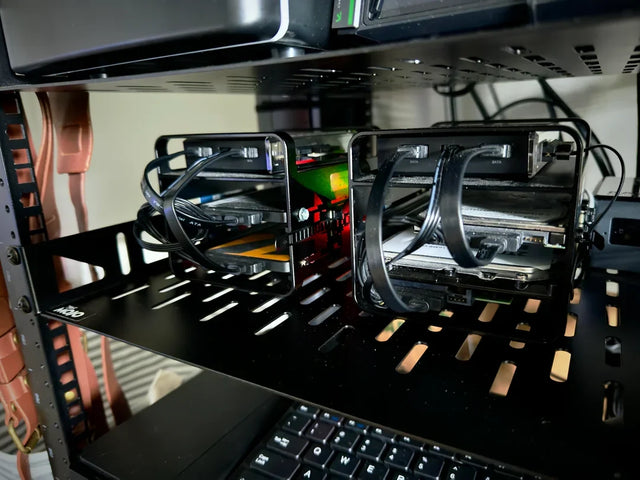
What Dependencies Most Often Set the Real Immich Performance Ceiling?
Immich is capped by the slowest dependency on each measured path, so upload, search, browsing, and playback can have different ceilings.

Immich Networking: How Discovery, DNS, and Routing Produce Reachability
Immich is reachable only when endpoint selection, DNS, routing, NAT or proxy handling, TLS, and application response form one valid path.


