
Why Does Jellyfin Increase Fan Noise During Multi-User Home Streaming?


Jellyfin fan noise usually rises because concurrent users trigger video work, hardware-acceleration fallback, storage activity, or a thermal limit—not because streaming is inherently loud.
Does noise begin with one client, only with subtitles or HDR, or whenever several users watch together? Note playback mode, codec, GPU engine use, CPU temperature, drive activity, and fan speed while reproducing the same household mix. The first goal is to identify which stage changed.
Check whether users turned Direct Play into transcoding
Open the active session details and compare Direct Play, remux, and transcode for each client. Browser, television, and mobile profiles may accept different codecs or subtitle formats. If one unsupported client forces software conversion, CPU temperature can rise sharply even when other users Direct Play.
Repeat the same title with subtitles off and with a client known to Direct Play. Hardware-accelerated transcoding can reduce CPU work, but only when the driver and codec path are actually active (hardware-transcoding verification).
If the noise begins only when a particular client joins, compare that session’s codec, subtitle, HDR, and playback mode with a known Direct Play client. The difference identifies the added server work.
Separate compute noise from storage and cooling noise
Stop new playback and run the same library scan or backup alone. If fans remain loud while no transcode is active, watch disk I/O, CPU background processes, and thermal sensors. Artwork extraction, subtitle processing, or a saturated HDD can create a different noise signature than GPU or CPU conversion.
Clean airflow and check fan curves only after the workload is known. A fan curve cannot fix a missing hardware decoder, and moving cache to faster storage cannot fix a CPU-only HDR path.
If fan speed rises while no transcode is active, check scheduled scans, artwork extraction, backup jobs, and drive activity. A storage or background-work spike has a different fix from a codec fallback.
Validate the fix under the original user mix
Apply one reversible change: use a compatible client, disable a forced subtitle burn-in, enable the verified hardware path, or move a background job. Restart once, then reproduce the same number of users, titles, subtitles, and remote conditions. Recovery is proven when fan behavior, playback mode, and temperatures remain stable through the full session.
Escalate when temperatures exceed the hardware’s safe range, fans surge with no measurable workload, or the device throttles and drops frames after the reversible checks. Replace cooling hardware only after the software and playback path have been ruled out.
After the change, repeat the same user count and title mix for the full session. A short quiet interval is not recovery if the device becomes loud again after cache warm-up or a second stream.

Set the Escalation Boundary for Thermal Noise
Keep the configuration when the original multi-user workload completes without dropped frames, sustained thermal throttling, or unsafe temperatures. Record the fan and playback behavior as the new baseline.
Stop the session when temperatures continue rising, playback begins dropping frames, or the fan remains at maximum with no measurable workload. Let the device cool before changing firmware or opening the enclosure.
Escalate for service or replacement when the same noise appears during idle, the fan sensor is inconsistent, or cooling cannot hold the original workload after software and path checks.

Recommended products

Support & Tips
More to Read
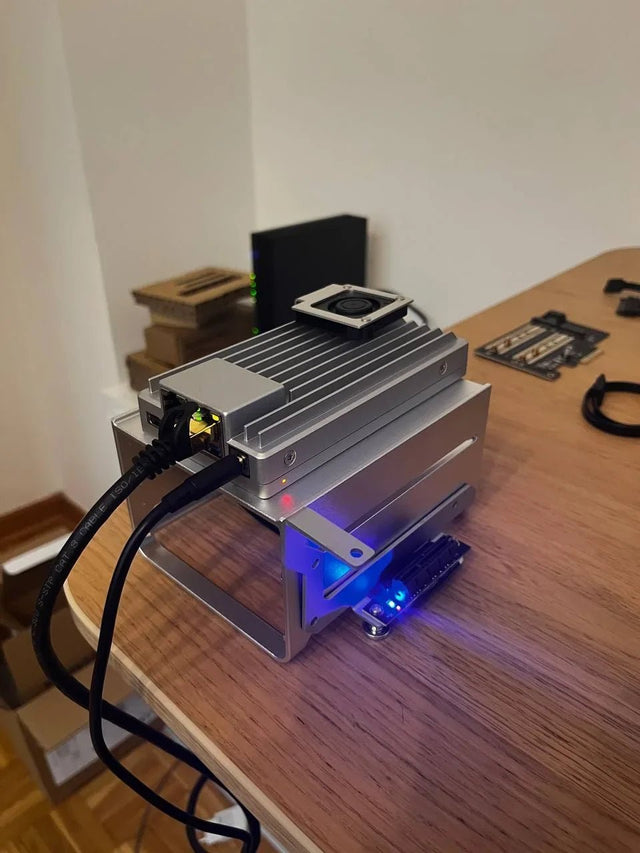
How to Optimize Jellyfin Database Connections for Concurrent Containers
Start with one database owner and measured SQLite lock behavior; add a different backend only when concurrency and recovery justify the complexity.
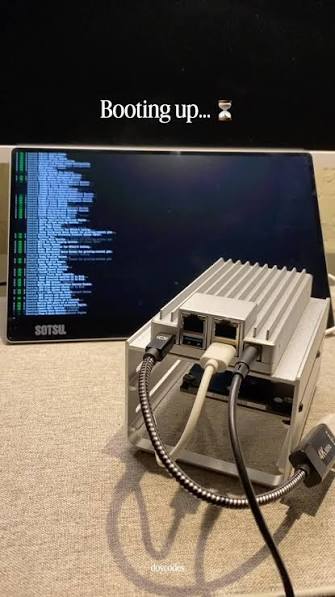
How to Prevent Duplicate Jobs or Imports in Jellyfin
Duplicate work usually comes from overlapping schedulers or more than one writer; assign one owner, one path, and one completion check.
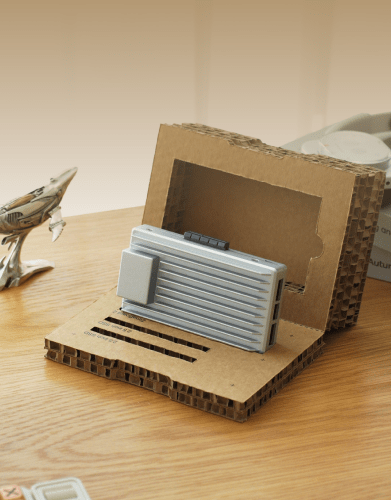
How to Repair Jellyfin After Its Database Volume Fills Up
Stop writes, preserve the database and WAL files, free space without deleting state blindly, then verify integrity and the original workload.


