
USB DAS Troubleshooting Guide for Disconnects, Power, and UAS Errors


The safe approach is to treat capture the failure signature, change one variable at a time, and apply only the matched fix as a sequence of observable gates, not a single command.
On a Linux home server with a USB direct-attached storage enclosure, the practical risk is USB DAS disks disconnect, reset, or vanish under load. Record the current identity and recovery point, start with the least invasive discriminator, interpret pass and fail results before changing another variable, and stop when storage becomes unstable or the only recoverable copy would be exposed. The workflow below ends only after the original workload succeeds or the evidence reaches an escalation boundary.
Capture the exact disconnect signature
Stop write-heavy applications and collect journalctl -k -f or dmesg -w while reproducing the same transfer. Record timestamps, USB topology, bridge vendor and product IDs, negotiated speed, device serials, mount state, and the first error before later reset messages obscure the initiating event.
A resolved Ask Ubuntu case shows a typical UAS abort and disconnect case where UAS abort messages and device disappearance must be read together. Treat that signature as a scoped observation, not proof that every disconnect is a UAS bug.
Stop testing and protect data if resets repeat during writes, the filesystem turns read-only, the drive clicks, or SMART and device error counters increase. Do not run filesystem repair across an unstable USB path.
Separate power and signal problems first
Reproduce the workload with the original enclosure, then change only one item: cable, host port, power brick, or powered hub where appropriate. Keep drive, filesystem, workload, and duration constant. A bus-powered multi-drive enclosure that fails only under spin-up or simultaneous writes points toward power even if idle reads look clean.
Inspect whether the link falls back in speed, resets on connector movement, or fails only through a front-panel port or extension. Replace a suspect cable with a short certified cable and avoid adapters during the control test. If the error follows one port or host, keep the enclosure out of scope until controller and power management are tested.
This branch passes when the original load stays connected across two cold starts and a sustained transfer after a single hardware-path change. If every cable and port fails at the same transaction pattern, move to bridge protocol and enclosure-versus-drive tests.
Test UAS as a compatibility branch, not a default culprit
Confirm the device currently uses uas and capture its exact USB ID. Only after reproducing UAS-specific aborts should you test the same device with a temporary, correctly scoped usb-storage quirk or a host known to use the bulk-only path. Expect lower queue depth or performance during this discriminator.
A Linux Mint troubleshooting thread recommends watching kernel logs for UAS errors to expose UAS-related errors while the device is connected. Use the comparison to ask whether the resets disappear under the same load; merely seeing the word uas in a log does not prove causation.
If bulk-only transport is stable twice while UAS repeatably fails, retain the workaround only for that vendor/product ID and check enclosure firmware or replacement options. If both transports fail, remove the quirk and continue to power, bridge, thermal, or drive isolation.

Make errors follow the drive or the enclosure
Place the suspect drive in a known-good enclosure or direct SATA path, and place a known-good spare in the suspect DAS. Run the same non-destructive read test before any write stress. Errors that follow the drive implicate its media or controller; errors that stay with the DAS implicate bridge, backplane, cooling, cable, or power.
The related ZimaSpace drive-versus-enclosure troubleshooting guide provides the paired-swap decision in more detail. Use it after transport testing so a bridge fault is not mistaken for bad media and a failing drive is not hidden by repeated enclosure resets.
Recovery passes when the original workload remains stable across reconnect, reboot, and sustained I/O, with no new kernel resets or device errors. Escalate or replace the component when the fault follows it consistently; if results remain mixed, stop writes, image critical data through the most stable path, and retain the logs for hardware support.

Recommended products

Support & Tips
More to Read
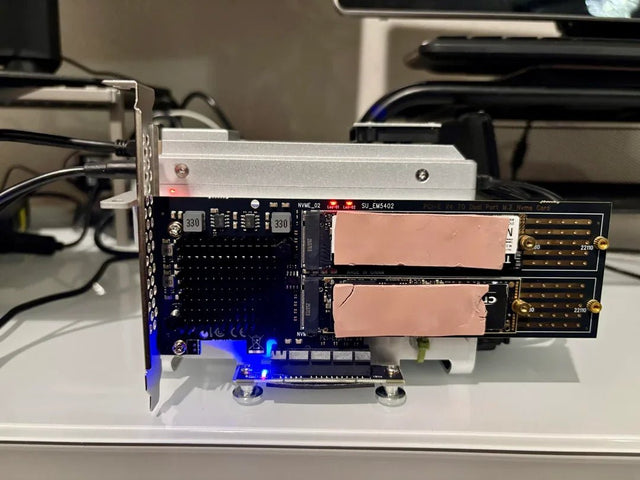
Borg Backup Migration Guide for Moving a Repository to New Storage
Move a Borg repository as one consistent object: stop writers, preserve keys and identity, verify restores, then update clients while retaining the source.
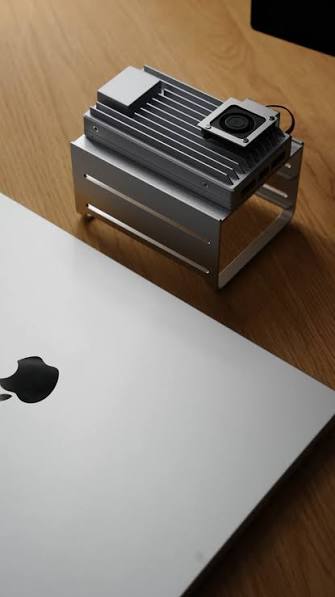
Restic Repository Maintenance Workflow: Check, Prune, Compact, and Test Restore
Restic has no separate compact command: prune performs repacking. Protect locks and free space, recheck afterward, and finish with an isolated restore.
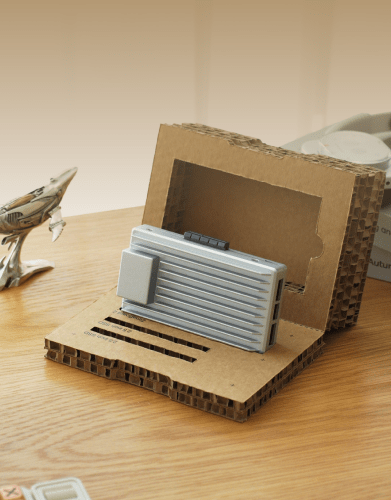
Time Machine NAS Recovery Guide for Broken or Abandoned Backup History
Keep the old bundle. Separate NAS access, destination identity, image damage, and abandoned history before choosing repair or a new chain.


