
Why Does Constant Server Fan Noise Make Concentration More Difficult?


Constant fan noise can make concentration harder when it is tonal, fluctuating, close to the listener, or linked to unpredictable workload bursts.
The useful question is not whether the server is objectively loud, but which acoustic feature repeatedly captures your attention. Separate airflow from bearing tone, drive vibration, and fan-speed hunting; then compare matched work sessions before touching the cooling curve. Never trade safe temperatures for silence.
Identify the Sound That Breaks Focus
Listen from the normal working position and describe the sound without relying on a phone decibel reading. Steady broadband airflow, a narrow whine, cyclic ramping, mechanical ticking, and desk vibration have different causes and different fixes.
a systematic review found a limited association between low-frequency noise and some higher-order cognitive tasks, although the evidence quality is limited and effects vary by exposure. That makes a personal matched-session test more useful than assuming every audible fan will impair everyone.
Record when attention breaks: during silence, reading, coding, calls, or only when the fan changes speed. A stable sound that fades into the background needs a different response from a repeating ramp that signals every indexing burst.
Correlate Noise With Server Telemetry
Log CPU temperature, drive temperature, fan RPM, and workload while noting each distracting event. If the noise aligns with thumbnails, backups, scrubs, or transcoding, the source may be workload scheduling rather than inadequate hardware.
If RPM oscillates around one threshold, add safe hysteresis or a longer response time when the firmware supports it. Do not invent a custom fan curve until you know which sensor controls the fan and have tested the hottest sustained workload.
A tone that continues at fixed RPM can indicate a bearing, grille, cable, or resonant panel. Power down safely before inspecting physical clearance, dust, loose screws, and fan orientation. Never stop a fan by hand while the system is running.
Test Placement Before Replacing Hardware
Move the server temporarily to a stable, ventilated surface away from the desk and repeat the same task. If the sound drops sharply, the furniture or distance is amplifying it. Soft isolation feet can reduce structure-borne vibration, but they must not block vents or make the chassis unstable.
ZimaSpace quiet-NAS guide for bedrooms and home offices distinguishes fan tone, drive noise, vibration, workload timing, and listener distance. Use that framework to decide whether the next step is placement, scheduling, storage isolation, or cooling work.
A ventilated closet or adjacent room can be effective only if cabling, airflow, temperature monitoring, and service access remain safe. Closing a server in furniture may improve the desk sound while raising inlet temperature and causing the fans to run faster.

Compare Focus With a Controlled A/B Test
Choose a thirty-minute reading or editing task and perform it twice at a similar time of day. In one session, keep the server in its normal state; in the other, move it safely or postpone the noisy job. Record interruptions and task completion, not just annoyance.
controlled research shows different office-noise types can affect cognitive tasks differently, so a single sound-pressure number cannot predict concentration. A matched A/B test captures your room, distance, workload, and sensitivity without pretending to produce a clinical result.
If performance improves only when fan ramping disappears, tune scheduling or hysteresis first. If a constant tone remains disruptive, increase distance or address the mechanical source. If neither condition changes focus, look at notifications, visual interruptions, sleep, or task design instead.
Preserve Cooling While You Reduce Noise
After every change, run a sustained workload and confirm that CPU, storage, and expansion devices stabilize within their normal safe ranges. Also verify that the fans can still accelerate when the system gets hotter than the quiet idle state.
Replace a worn fan with a compatible model only after checking connector type, voltage, dimensions, airflow direction, control mode, and minimum start speed. A quieter specification on paper is not useful if the fan stalls or cannot cool the chassis under load.
Keep the change only if both conditions hold: concentration improves in repeated sessions and thermal behavior remains safe. If noise is new, rough, scraping, or accompanied by overheating or shutdowns, treat it as a hardware fault rather than an ergonomics problem.

Recommended products

Support & Tips
More to Read
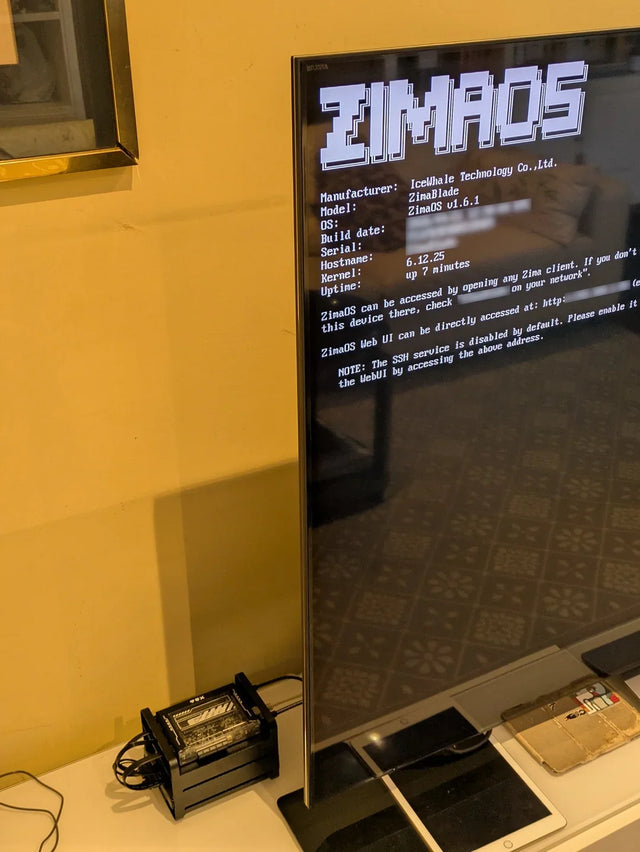
Why Does a Warm Mini PC Under the Desk Make a Small Office Uncomfortable?
Measure wall power and room temperature, clear the exhaust path, and compare placement before changing cooling hardware.
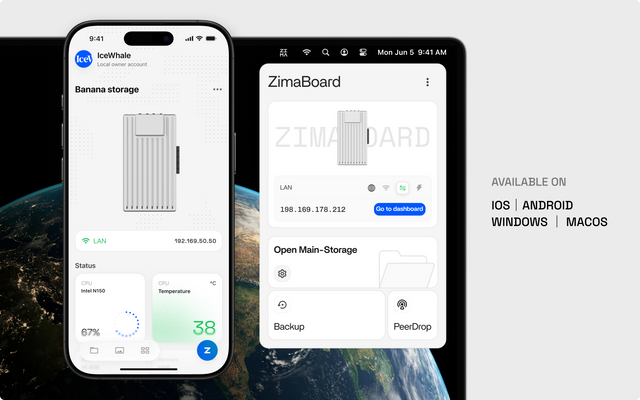
What Screen Distance Helps When Watching Several Server Dashboards?
Start at a comfortable arm's-length range, scale dashboard text, and verify posture instead of chasing one universal distance.
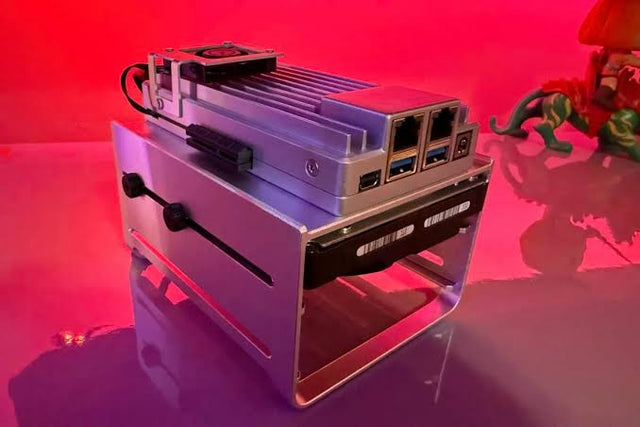
How to Reduce Glare When Reviewing Photos on a NAS-Connected Monitor
A controlled method for separating reflections from brightness and preserving consistent photo-review decisions.


