
NAS Share Shows Old Files After Storage Replacement: Checks and Fixes


Old files after storage replacement usually come from the wrong mounted path, an export still targeting the old tree, a stale SMB session, or a duplicate server identity.
Start with one filename that should disappear and one that should appear, then compare the local NAS filesystem, active export target, a genuinely fresh client session, and the server address that session reached. That order separates storage and namespace faults from client caching without risking writes to two copies. Keep both storage sets intact until the matched repair survives a service reload, NAS reboot, and access from two clients.
Compare the replacement storage with the local NAS view
Choose one old filename that should be gone and one new filename that must appear. Check both on the NAS shell and web file manager, record the mounted device or dataset, mountpoint, filesystem ID, pool status, and file hashes, then compare them with the migration manifest.
A ZimaSpace NAS migration protection workflow keeps the source, destination, and verification copy intact until counts and representative data match. Apply that boundary here before deleting the old pool or changing the share: stale content may prove the replacement never mounted where expected.
If the NAS itself shows the old tree, inspect mount order, failed automounts, bind mounts, dataset mountpoints, and a directory hidden beneath another mount. Do not clear client caches until the server-side path and device identity show the intended replacement.
Verify the active share target and namespace
Read the live SMB or NFS export configuration and resolve symlinks, bind mounts, container paths, and aliases to the final filesystem location. Compare the export target with the verified replacement mount, not with a friendly share label that may have survived migration.
An Unraid community case used disk share and user share comparison to distinguish files present on disk shares from a stale user-share view. Treat that as a scoped discriminator: if the direct local or disk path is current but the namespace is old, repair the export layer rather than recopying data.
Reload only the affected share service after saving its configuration and confirming no writes are in progress. A pass makes a fresh local namespace query show the new tree; a fail returns the service to the previous configuration while mount and namespace logs are preserved.
Separate one stale client from a stale server session
Open the share from a second client or a new user session that has never enumerated it. Record server address, share name, credentials, negotiated protocol, open handles, and whether the old and new filenames differ between clients. Repeatedly refreshing the same file browser is not a clean session test.
A Synology community discussion reports SMB cache changes the symptom where clearing the SMB cache or restarting Samba changed the symptom. Use that as evidence that a session or service cache can be involved, not as a reason to disable caching across the NAS.
Close applications with open handles, disconnect only the affected mapping, clear saved credentials or referrals only when that branch is proven, and reconnect. If the clean client was already stale, return to the server target and identity layers instead of applying client-wide registry changes.

Check server identity and validate the matched fix
Compare DNS answers, IP addresses, SMB server identity, aliases, DFS referrals, VPN routes, and saved mappings. A replacement NAS can reuse a friendly name while an old address, namespace target, or container still serves the previous tree. Test a verified direct address only as a discriminator, not a permanent bypass.
Apply the smallest repair: correct the mount or export target, reload one share, reconnect one client, expire one referral, or update one DNS record. Compare file count and hashes across the local path and share, create and remove a disposable file, and verify expected permissions.
Restart the share service and NAS during a maintenance window, then reconnect two clients and the application that originally stayed stale. Close only when all paths show the replacement tree across reboot; roll back if writes land on different copies, and escalate ambiguous identities before either storage set is erased.

Recommended products

Support & Tips
More to Read
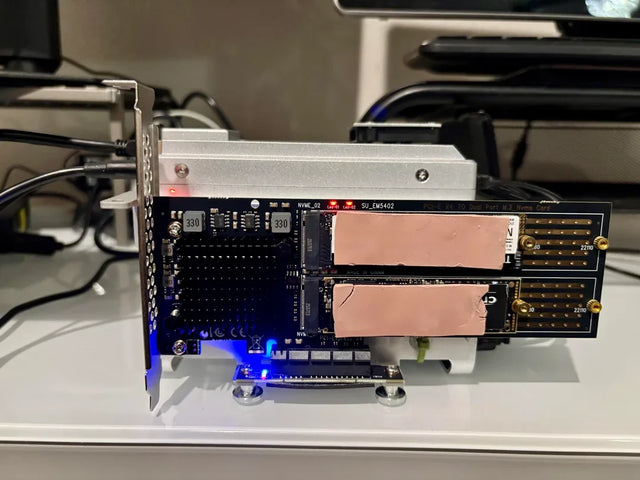
Mini PC Cooling Maintenance Guide for Fans, Vents, and Thermal Baselines
Use repeatable idle and load readings. Clean external airflow first, confirm fan behavior, and open the chassis only when evidence survives a controlled retest.
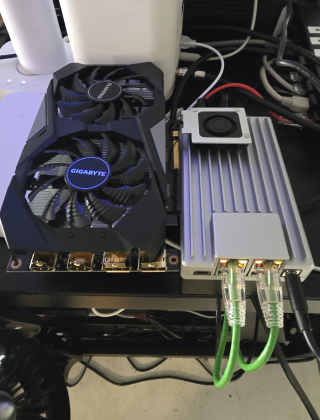
Home Server Firmware Update Checklist for BIOS, Boot Order, and Devices
Capture versions, UEFI entries, storage and passthrough state first. Update one layer at a time and keep console plus rollback access until validation passes.
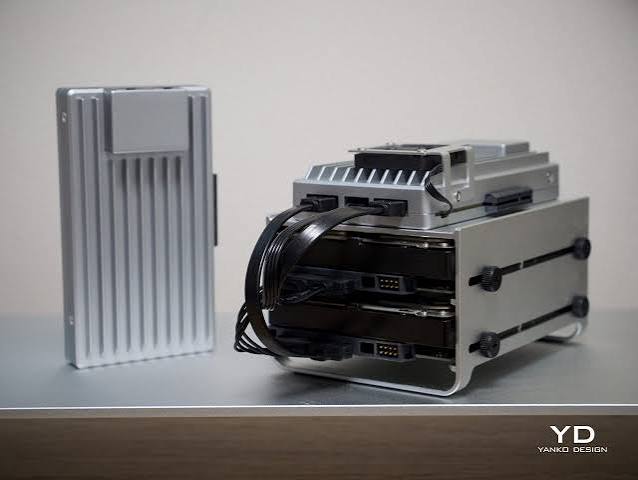
UPS Shutdown Testing Guide for Hosts, VMs, Containers, and Storage
A pass requires every writer to stop before storage and every host to finish before cutoff, with enough measured battery margin for retries.


