
Signs That a Home Assistant Database Needs Maintenance or Replacement


A large Home Assistant database does not automatically need replacement. Size growth, slow history, or a file that stays large after purge usually calls for retention, filtering, storage, or repack work first. Replacement becomes more reasonable when the database cannot be opened consistently, repeated integrity errors appear, or Home Assistant has already isolated it as corrupt.
Separate “maintenance needed” from “state no longer trustworthy.” The first category should preserve useful history. The second should protect the failed database, restore a known-good copy or start a new Recorder database, and investigate why corruption happened before normal writes resume.
Rapid Growth Is a Maintenance Signal Before It Is a Replacement Signal
Check the estimated Recorder size and daily growth. If a few noisy entities, long raw-history retention, or unnecessary events dominate the database, reduce the incoming workload before deleting the whole file.
Home Assistant's current storage guidance recommends purging old Recorder data, filtering what gets recorded, and adjusting retention when the database becomes too large.
If growth slows after filtering or retention changes, the database itself may be healthy. Continue monitoring rather than resetting history merely because the absolute file size looks uncomfortable.
A Large File After Purge May Need Repack, Not Replacement
Deleting old rows can free space inside the database for reuse without shrinking the file on disk. Repack rewrites the database so filesystem space can be reclaimed.
Run that work only with adequate free space and a tested backup. A slow or large database during repack is not evidence that the data should be discarded.
Repeated Malformed or Integrity Errors Are Stronger Warning Signs
Database errors such as malformed pages, failed integrity checks, repeated I/O errors, or corruption that returns after a clean restore deserve a different response from ordinary growth. Preserve the file and stop destructive maintenance while you determine whether storage, power loss, memory pressure, or the filesystem is contributing.
Unrecoverable SQLite corruption is a recovery event rather than a normal maintenance condition: Home Assistant can move a damaged Recorder database aside and start a new database so the rest of the system can remain online. That is a much stronger replacement signal than ordinary size growth or slow history queries.
If you need a low-level SQLite check, PRAGMA integrity_check can examine database consistency. Work on a copy or during a controlled maintenance window when using manual database tools.

Replacement Makes Sense When Recorder State Cannot Be Trusted
Replacement means either restoring a known-good database or allowing Home Assistant to create a new one when preserving history is less important than returning Recorder to service. It is not a first-line performance optimization.
Choose replacement when the database repeatedly fails to open, corruption persists across normal recovery attempts, a known-good backup is safer than repair, or losing old history is acceptable and configuration state is otherwise healthy.
The ZimaSpace guide to capturing state before risky application maintenance is useful here: preserve a rollback artifact before purge, repack, manual SQL repair, or database replacement.
Use the Failure Pattern to Choose the Next Action
| Symptom | First action | Replacement? |
|---|---|---|
| Database growing quickly | Filter noisy entities / shorten retention | No |
| File stays large after purge | Plan repack with free-space headroom | No |
| History queries slow during disk contention | Measure storage latency | Usually no |
| Malformed or integrity errors | Preserve file, check storage, restore/test copy | Possibly |
| Repeated corruption after recovery | Investigate storage/power and restore known-good state | Often |
Do not delete home-assistant_v2.db solely because Home Assistant feels slow. Prove whether the problem is data volume, maintenance, storage service time, or actual corruption first.
FAQ
Should I delete home-assistant_v2.db to make Home Assistant faster?
Usually no. Deleting it discards Recorder history and may hide the real cause. Reduce unnecessary recording, check storage and free space, and use purge or repack appropriately before choosing replacement.

Recommended products

Support & Tips
More to Read
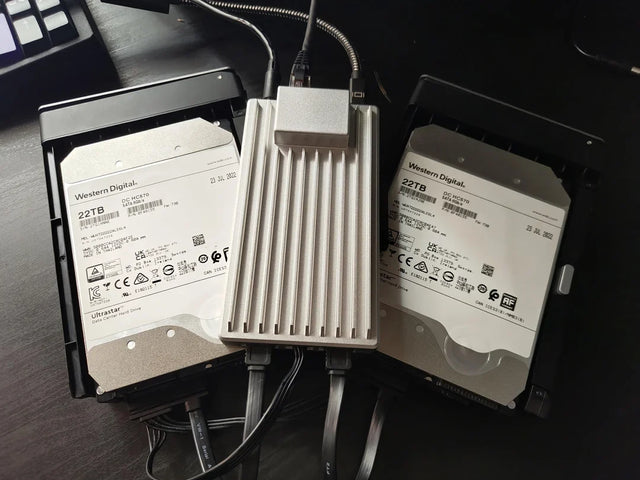
How Many Concurrent Users Can Home Assistant Handle Before It Slows Down?
Home Assistant has no fixed useful user limit: benchmark active clients with real dashboards and entity updates, then stop before repeatable latency appears.
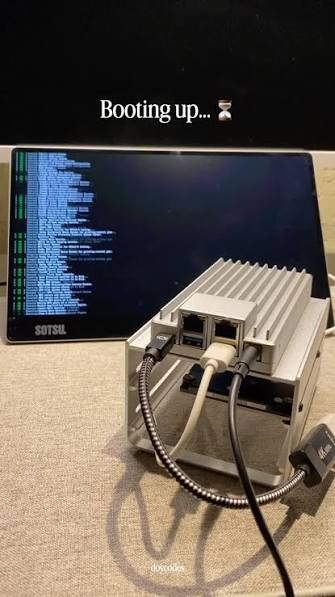
Can Home Assistant Use an External Database Without Breaking Upgrades?
An external Recorder database can survive upgrades, but adds its own availability, schema-migration, backup, restore, and version responsibilities.
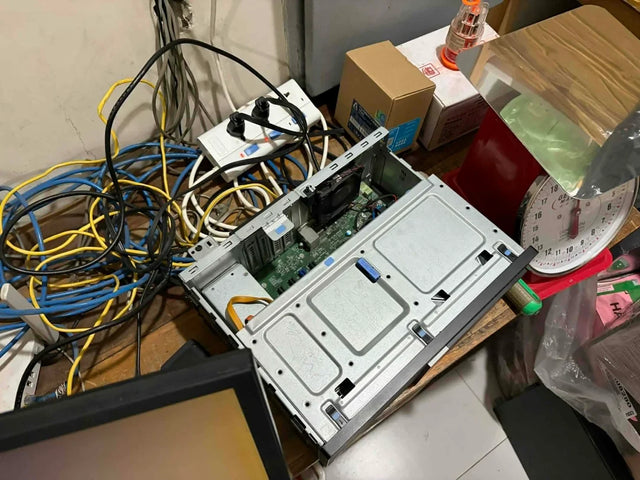
How to Test Whether DNS Is Causing Home Assistant Connection Failures
Prove a Home Assistant DNS failure by testing the same hostname from the affected path, comparing direct IP reachability, and checking A/AAAA answers.


