
What Are the First Signs That a USB DAS Enclosure Is Failing?


The earliest enclosure warning is usually a repeatable transport problem, not a single slow copy.
Watch for disconnect-and-reconnect events, transfer stalls, drives vanishing together, or errors that appear only when several bays are busy. Protect irreplaceable data first, then isolate the cable, power brick, bridge, disk, and host one variable at a time; smoke, scorching, or repeated write-time drops are immediate stop conditions.
Separate a warning pattern from one harmless event
Record exactly what disappears: one disk, every disk in the enclosure, or the whole USB device. One drive dropping can still be a bay or disk problem, while all bays resetting at the same timestamp points more strongly to shared power, bridge, cable, or host connectivity.
Check the system log around the event for USB resets, device enumeration, command timeouts, and filesystem I/O errors. A recurring reset followed by the same disks reappearing is more useful evidence than a benchmark average because it shows the transport path actually restarted.
Repeat only a bounded read workload. If the event occurs under simultaneous reads, after warming up, or when another disk spins up, note that trigger; do not keep forcing writes merely to make the symptom easier to reproduce.
Rule out the cable, port, and power supply first
Power the server and enclosure down before reseating connectors. Replace the USB cable with a short known-good cable of the correct rating, move to a direct motherboard port, and remove unpowered hubs or extension leads from the path.
A resolved troubleshooting discussion recommends replacing the USB cable before condemning the drive. If the fault follows the old cable or one loose connector, the enclosure itself has not yet been proven bad.
Verify the power adapter label, connector fit, and heat without opening the brick. If all disks reset together during spin-up or heavy access and a correct known-good adapter clears the symptom, replace the adapter; never substitute a supply with the wrong voltage or polarity.
Test whether heat, a bay, or the bridge owns the fault
Let the enclosure cool, then run the same read workload while logging temperature and elapsed time. A failure that returns after a similar warm-up interval suggests thermal stress, but clean airflow must be restored before treating the bridge as defective.
Move one healthy sacrificial drive between bays and repeat the bounded test. A failure that follows one bay implicates its connector or backplane; several healthy drives failing only through the same enclosure implicates the shared bridge or power path.
Do not use a disk with the only copy of important data as the test load. The home-server OS guide can help locate where USB and storage logs are exposed on appliance-style NAS systems versus general Linux hosts.

Confirm the failed layer and choose the exit
Attach the suspect disk through a different known-good interface and place a known-good disk in the suspect enclosure. If the fault follows the disk, investigate that disk; if it stays with the enclosure path, the enclosure, bay, bridge, cable, or adapter is responsible.
After replacing the isolated part, rerun the original workload from a cold start and again after the prior warm-up time. Recovery means no resets, no new transport or I/O errors, and stable disk visibility across a host reboot and enclosure power cycle.
Replace the enclosure when multiple known-good drives fail through it, one bay repeatedly corrupts transport, or the bridge continues resetting with known-good cable and power. Escalate data recovery instead of experimenting if unreadable data has no verified second copy.

Recommended products

Support & Tips
More to Read
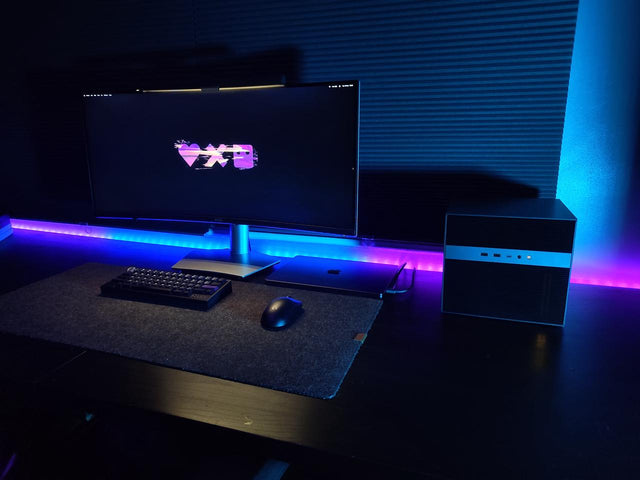
What Display Brightness Helps Reduce Eye Fatigue During Long NAS File Reviews?
There is no universal brightness percentage; match a white screen to the room, control glare, keep text legible, and validate during a timed review.
How to Reduce Neck Strain When a Home Server Console Is Mounted Too Low
Move routine work off the low console or raise the visual target safely while keeping the keyboard lower and retesting a real admin session.
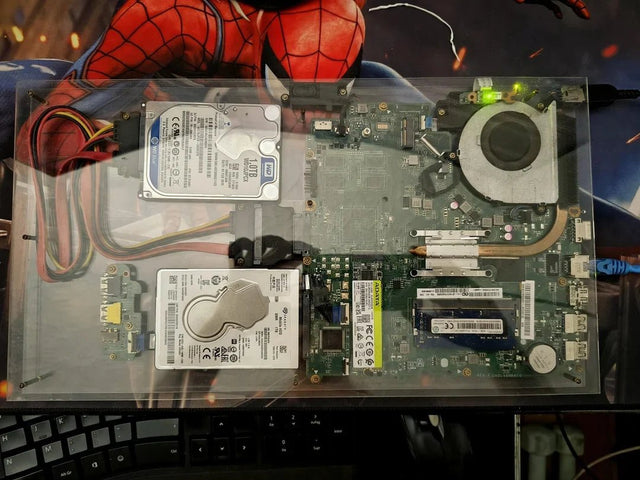
Why Do My Eyes Feel Tired After Monitoring a Bright Server Dashboard at Night?
Night dashboard fatigue often combines brightness mismatch, glare, sustained focus, and reduced blinking; adjust one factor and retest safely.


