
A Student Homelab Setup for Coding Classes, Cybersecurity Labs, and Media Storage


A student homelab can support coding classes, cybersecurity practice, and media storage on one physical machine when the stable and experimental workloads do not share the same trust, network, or recovery boundary.
The first rule is to keep coursework and media as protected data while treating security targets, test networks, and disposable virtual machines as rebuildable. The lab should never probe systems, networks, or accounts the student does not own or have permission to test.
Map the three workloads before installing software
List the coding services that must persist, such as Git repositories, databases, build tools, and preview applications. Mark their ports, data paths, memory use, and whether classmates need access.
Define cybersecurity exercises by operating systems, number of simultaneous VMs, isolated network needs, snapshots, and expected destructive actions. Vulnerable targets and attack tools belong in a lab-only network with no route to roommates, campus infrastructure, or family storage.
Estimate the media library, client formats, simultaneous streams, and backup requirement. Media capacity can grow quickly, but playback usually needs less memory than several security VMs running together.
Create stable, lab, and storage zones
Place host management, Git, and protected application state in the stable zone. Use normal user accounts for coursework and separate administrator credentials so classroom commands do not automatically become host-level changes.
Create an isolated virtual switch or host-only network for security targets. Start with no outbound route; add a controlled update path only when the exercise requires it, then remove the path before testing.
Use the table as the baseline boundary and record every exception.
| Decision area | Assessment | Boundary |
|---|---|---|
| Stable zone | Git, databases, management | Protected and backed up |
| Lab zone | Vulnerable targets and tools | Isolated and disposable |
| Storage zone | Media and coursework copies | Mounted first with quotas |
Allocate resources and start services in a safe order
Reserve host memory, disk space, and CPU before assigning resources to guests. Set limits for media indexing, build jobs, and VMs so a class exercise cannot make storage shares or SSH management unresponsive.
Mount persistent storage before starting databases, Git services, and media applications. Keep disposable VM disks and caches in a separate area, and use quotas so snapshots or packet captures cannot fill the protected volume.
A related ZimaSpace student homelab learning path connects Linux, Git, containers, databases, and recovery across a semester.
An independent cybersecurity lab walkthrough shows how virtual machines and isolated targets support hands-on practice without requiring a large physical rack.

Verify isolation, recovery, and everyday use
From a security-test VM, confirm that protected media shares, the host management address, roommate devices, and the upstream network are unreachable unless a documented rule explicitly permits access. Treat unexpected reachability as a failed configuration.
Reboot the host and verify stable mounts, Git, databases, and media services return before optional lab guests. Restore one repository and one application database, and recreate a disposable target from its template.
The setup passes when coding work survives lab resets, the security network cannot escape, media playback remains usable under expected load, and protected data restores from another copy. Stop adding guests if the host begins swapping, storage fills, or isolation rules become unclear.

Recommended products

NAS & Server Setup
More to Read
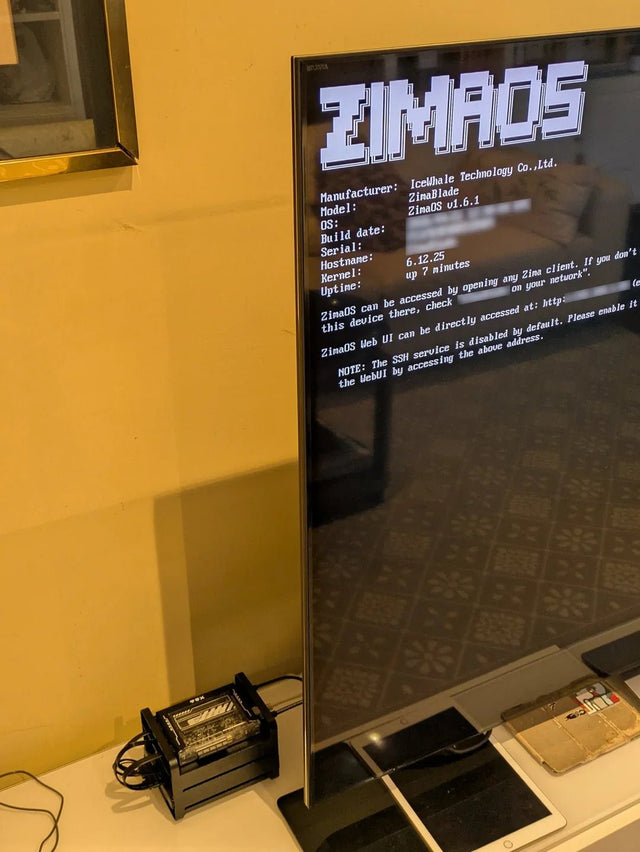
Why Do Computer Science Students Benefit From a Separate Linux Lab Machine?
A separate Linux machine helps when projects need persistent services or safe failure; a laptop VM remains better for portable, resettable coursework.
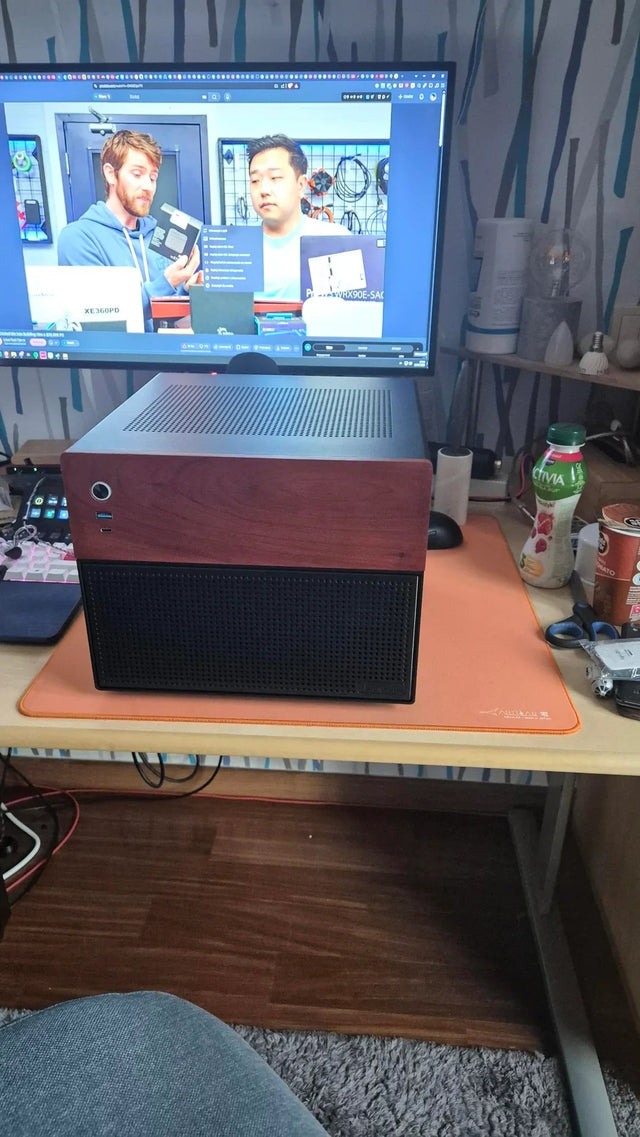
What Can a Low-Power Home Server Replace in a Shared Student Apartment?
A small server can consolidate shared local services, but it should not replace off-site backup, personal privacy boundaries, or guaranteed cloud uptime.
How to Build a Dorm-Room Home Server Without Taking Over the Only Desk
A dorm server should fit one small, quiet, low-power service boundary with contained cables, private access, and recovery outside the room.


