
How to Size a Home Server for Jellyfin and HDR Playback With Subtitles


Size a Jellyfin server for HDR and subtitles by testing the exact client-file-subtitle combinations that trigger Direct Play, tone mapping, or burn-in.
HDR playback is easy on the server when a capable client accepts the original video, audio, container, and subtitle path; the same file can become a heavy conversion on another screen. Build a small workload matrix, reserve hardware acceleration for unavoidable video work, keep CPU headroom for filtering and fallback stages, and validate the worst household case before increasing RAM, adding a GPU, or splitting compute from storage.
Build the Sizing Matrix From Clients, HDR Formats, and Subtitle Types
List the screens that matter: the main HDR television, any SDR television or projector, browsers, phones, tablets, and remote clients. For each one, test representative 4K HEVC HDR files with no subtitles, simple text subtitles, and the image-based or styled subtitle formats that actually exist in your library.
Record the resulting playback path instead of writing “4K capable” beside the device. The same client may Direct Play one HDR title, remux another because of its container or audio, and require video conversion when subtitles cannot be rendered locally. That path is the input to server sizing.
Do the test at the bitrate and frame rate you really keep. A short demo clip does not prove that a full high-bitrate movie, an unusual subtitle track, or a remote quality limit will follow the same route.
Separate Native HDR Playback From HDR-to-SDR Conversion
When an HDR-capable client can accept the source, the server mostly moves bytes and the compute requirement stays modest. The hard case appears when the destination needs SDR or another incompatible output and the server must decode, transform color and brightness, and encode a new video stream.
For unavoidable conversion, configure and verify hardware-accelerated Jellyfin transcoding on the actual host rather than assuming the GPU is active because a dashboard option is enabled. Hardware media engines can remove a large amount of general CPU work, but the complete path still depends on codecs, drivers, filters, permissions, and the client request.
Size for the conversion you truly need, not for every HDR file in the library. If only one remote SDR device requires tone mapping, one validated heavy path is the relevant baseline. If two household users can trigger that path at the same time, test two concurrently before calling the server sufficient.
Treat Subtitle Burn-In as a Separate Sizing Switch
Subtitles are not a small decoration in the server budget. Text tracks that the client can render may preserve Direct Play, while image-based or otherwise incompatible subtitles can require the server to render them into every video frame, turning a low-load session into a full video pipeline.
An independent guide to subtitle-driven transcoding highlights PGS and VobSub as common cases that can push Jellyfin toward burn-in when the client cannot render them directly. Keep a text-based SRT option when it fits the content, but preserve original tracks when quality or styling matters and size the server for the clients that still require burn-in.
Test subtitles with the same HDR file because the two requirements can stack. A server may need decode, subtitle rendering, HDR-to-SDR tone mapping, scaling, and encoding in one request. That combined path—not “4K” by itself—is the scenario most likely to expose an undersized or partially accelerated setup.

Allocate CPU, Media Engine, and Memory as Different Roles
Use the hardware video engine for supported decode, filtering, tone-mapping, and encode stages when the platform can accelerate them. Keep CPU capacity for Jellyfin itself, audio conversion, subtitle-related work that falls back to software, database activity, and other services sharing the host.
Memory is usually not the first bottleneck in HDR playback, so do not treat 32GB as a video-quality upgrade. A Jellyfin-focused host can stay modest if the workload is mostly Direct Play; add memory when other containers, virtual machines, large caches, or concurrent background services create measured pressure.
The sizing stop condition is resource behavior under the target pipeline. If the GPU/video engine has headroom, CPU is not pegged by fallback stages, memory is not swapping, and playback maintains buffer margin, more cores or RAM will not improve that tested stream.
Keep App Data Fast and Give Transcode Scratch Enough Throughput
Place Jellyfin configuration, database, metadata, and cache on low-latency solid-state storage. Keep bulk movies and episodes on capacity storage that can deliver their source bitrates reliably, and keep the transcode workspace on a path that will not fill the system disk during long sessions.
If media lives on a separate NAS, include the compute-to-storage link in the test. A heavy transcode reads the original source across that path before sending the new output to the client, while a concurrent backup or file transfer may be using the same link.
When playback fails, use the same branch-by-branch method described in diagnosing Jellyfin buffering under subtitles or HDR conversion: first identify Direct Play versus transcoding, then isolate subtitles, tone mapping, hardware acceleration, storage, and network behavior. Do not buy more compute until the active bottleneck is identified.
Validate One Worst-Case Stream, Then Add Concurrency Deliberately
Create a repeatable validation set containing the most demanding HDR source, the subtitle format most likely to require burn-in, and the least capable client you actually support. Start with one session and record playback state, CPU, GPU/video-engine use, transcode speed or buffer health, memory, and temperatures.
Only after one path is stable should you add the second simultaneous user or background task that represents real household overlap. The purpose is not to discover a universal stream count; it is to find the concurrency level your exact media, clients, and hardware can sustain without exhausting one stage.
Stop scaling when the busiest expected combination passes repeatedly with headroom. Add or change hardware only when the measured failure has a named owner: a missing codec path needs a different media engine, repeated software fallback needs more CPU or better acceleration, storage contention needs a topology change, and heavy concurrency that cannot coexist may justify a dedicated transcoding node.

Recommended products

NAS & Server Setup
More to Read
How to Reduce Heat and Drive Activity in an Always-On Jellyfin Setup
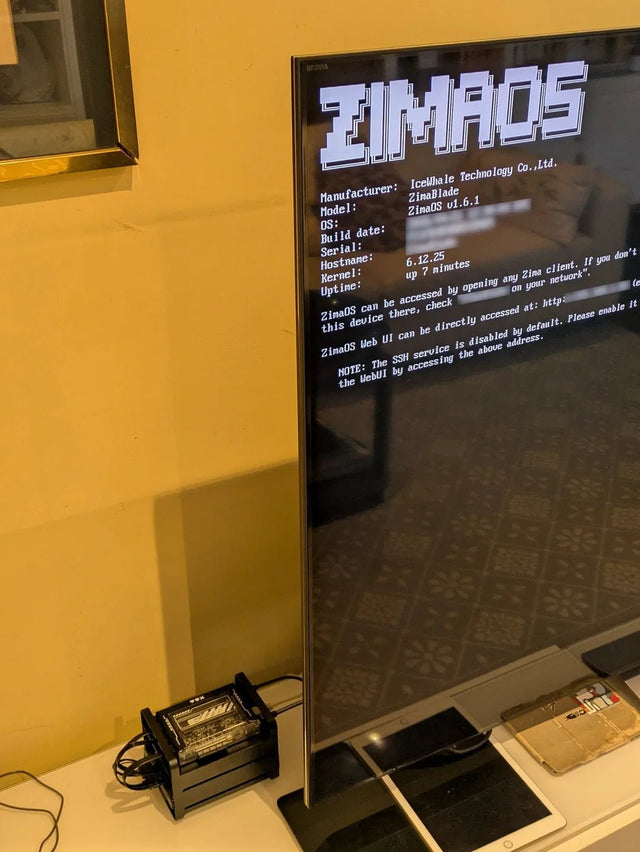
Lower Jellyfin heat and disk churn by reducing background work, using efficient acceleration, separating active app data, and testing standby.
How to Isolate Jellyfin on a Server Shared With Resource-Heavy Services
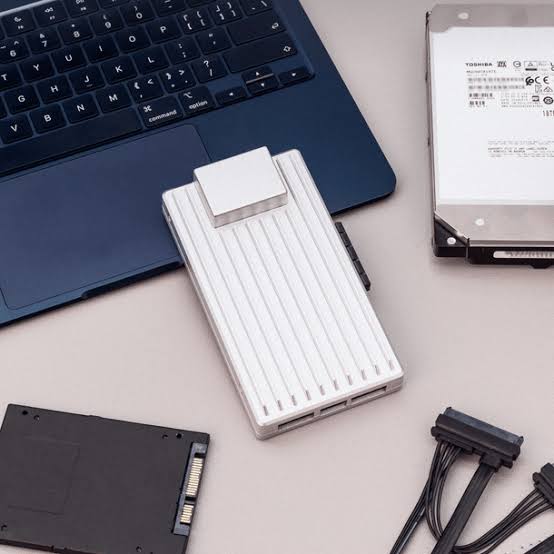
Keep Jellyfin stable on a shared host by isolating the resource that actually conflicts—CPU, memory, GPU, storage I/O, or task timing—not every service.

A Jellyfin Workflow Blueprint for Multi-User Home Streaming
Build multi-user Jellyfin around real concurrent playback paths, user permissions, client capability, bandwidth, and a recovery-tested server workflow.


