
How to Isolate Jellyfin on a Server Shared With Resource-Heavy Services


Sharing one server between Jellyfin and AI, photo indexing, VMs, backups, downloaders, or other heavy services can work well when the contention boundary is explicit. Containers separate processes and filesystems, but they do not automatically reserve CPU cycles, memory, storage queues, or GPU engines.
The practical design is to protect Jellyfin's playback deadline, then constrain or reschedule the neighbor that repeatedly violates it. Do not split the entire server because two services can theoretically compete; split or limit the resource that actually becomes saturated under the real overlap.
Measure the Shared Peak Before Adding Limits
Run one representative Jellyfin playback case, then add the resource-heavy service in its normal peak state. Record first-frame time, buffering, transcode speed, CPU, memory pressure, storage latency, and GPU activity.
The existing ZimaSpace analysis of peak overlap and the first contended resource provides the diagnosis; this setup guide starts after that diagnosis and turns the identified conflict into an isolation policy.
Only constrain a resource when the same resource repeatedly lines up with playback degradation. Otherwise the limit can reduce performance without solving the actual conflict.
Use CPU Limits to Bound Batch Work, Not to Starve Jellyfin
CPU-heavy indexing, compression, software encoding, or builds can occupy every available core. A Jellyfin Direct Play session may still be fine, while audio conversion, subtitle burn-in, or a software fallback can suddenly need CPU headroom.
Docker's resource-control model lets operators set CPU quotas, CPU shares, or cpusets instead of leaving every container unconstrained. Use soft priority first when occasional borrowing is useful; use a hard ceiling when a batch job repeatedly takes all cores.
Do not give Jellyfin an artificially tiny CPU limit just because hardware transcoding is enabled. Library work, audio conversion, plugins, and unsupported codec paths still use the CPU.
Reserve Memory by Preventing One Neighbor From Triggering Host Pressure
Jellyfin itself often runs comfortably in modest memory, but the host also uses RAM for filesystem cache and other services. A photo indexer, VM, database, or local AI model can consume enough memory to trigger reclaim, swap, or an OOM kill.
Set hard limits on services whose memory growth is optional or batch-oriented, and leave the host enough headroom to keep the kernel and filesystem cache healthy. A memory cap is useful when it prevents a neighbor from destabilizing the whole machine; it is harmful when it forces constant swapping that increases storage latency.
Watch pressure and swap behavior under the actual workload rather than relying on “used RAM” alone.

Treat the GPU as a Shared Accelerator With a Queue
Jellyfin hardware transcoding can be efficient, but the same GPU may also run AI inference, computer vision, rendering, or video encoding. Even when the GPU has enough total compute, video engines, memory, copy engines, and thermal power remain finite.
Jellyfin's hardware-acceleration model confirms that fixed-function media engines offload video conversion from the CPU. That improves efficiency, but it does not guarantee zero interference from other GPU users.
If AI can be paused during streaming, scheduling may be enough. If both workloads must remain low-latency at the same time, use separate accelerators or move one service to another host.
Protect the Storage Queue From Backup and Indexing Bursts
Media reads can be sequential and forgiving until a backup, torrent move, photo scan, or VM creates unrelated random I/O on the same device. Mechanical media disks are especially sensitive when the head is forced between multiple independent workloads.
Separate Jellyfin app data and transcode cache from bulk media where practical, then schedule large write-heavy jobs outside peak viewing. If two services must overlap, use I/O controls at the container, cgroup, VM, or storage layer instead of hoping the filesystem scheduler always favors playback.
The pass condition is user-visible: playback remains within the intended latency and buffering target while the heavy neighbor is running at its planned limit.
Escalate From Scheduling to Limits to Physical Separation
| Observed conflict | Smallest useful response |
|---|---|
| Nightly backup hurts evening playback | Move backup window |
| Indexer uses every CPU core | CPU shares/quota or cpuset |
| AI model triggers reclaim/OOM | Memory cap or separate service window |
| GPU inference delays transcodes | Schedule, separate accelerator, or separate host |
| VM/backup saturates media disk | Separate storage path or I/O control |
Move Jellyfin to its own machine only when the required overlap still breaks playback after the smallest reasonable isolation steps. A second host should solve a measured failure boundary, not compensate for an unknown configuration problem.

Recommended products

NAS & Server Setup
More to Read
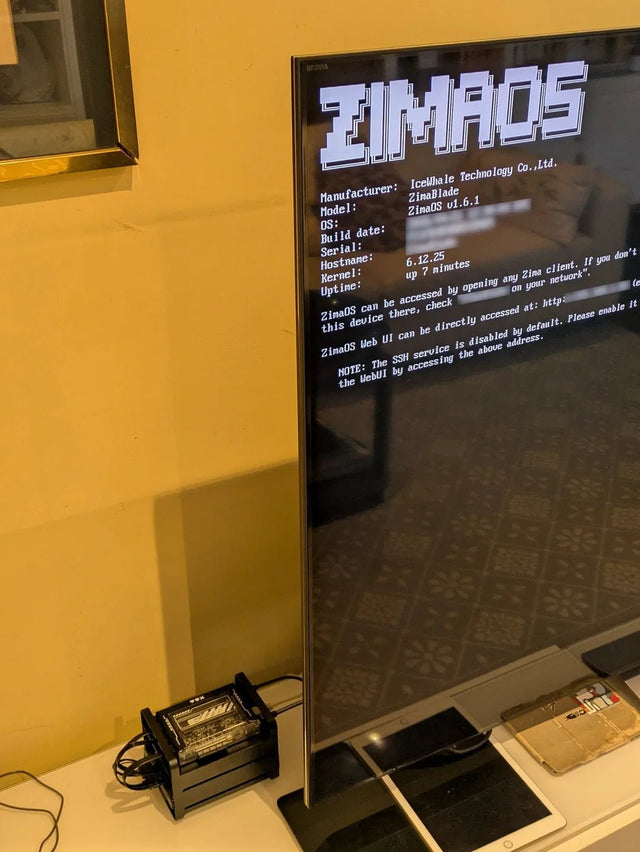
How to Reduce Heat and Drive Activity in an Always-On Jellyfin Setup
Lower Jellyfin heat and disk churn by reducing background work, using efficient acceleration, separating active app data, and testing standby.
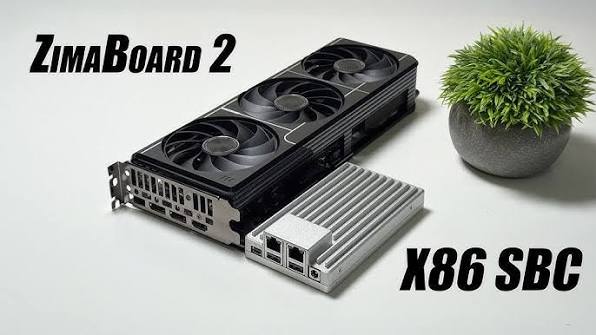
A Jellyfin Workflow Blueprint for Multi-User Home Streaming
Build multi-user Jellyfin around real concurrent playback paths, user permissions, client capability, bandwidth, and a recovery-tested server workflow.

A Dual-Storage Jellyfin Setup With SSD Metadata and HDD Data
Use SSD for latency-sensitive Jellyfin app data and HDD for bulk media, then protect the SSD state separately and validate HDD wake and mixed-I/O...


