


How Network Topology Changes Home Assistant Reliability


Home Assistant becomes more reliable when its critical control path has fewer network dependencies, not when the network simply has more VLANs, faster links, or more switches.
Start with the path a real automation uses: device or radio, local network, Home Assistant, and the actuator that must respond. Then add segmentation only where it creates a useful security or failure boundary. Every router hop, DNS dependency, multicast reflector, wireless bridge, and container network adds another component that can fail, so topology should be judged by what still works during a fault.
Map the Critical Control Path Before Segmenting Anything
Draw the smallest path required for lighting, climate, locks, leak detection, or any other household function that should survive an internet outage. A wired Home Assistant host with a stable local address and local radio coordinators usually gives that path fewer moving parts than a controller that depends on multiple Wi-Fi hops or cloud relays.
Use the ZimaSpace analysis of Home Assistant discovery and routing to separate the questions “can the device be discovered?” and “can the service actually be reached?” before changing the topology.
Record the switch, access point, router, DNS resolver, multicast helper, broker, border router, and radio involved in each critical path. If a single nonessential service sits in several paths, removing that dependency may improve reliability more than buying faster networking hardware.
VLANs Improve Isolation but Add Discovery and Routing Work
An IoT VLAN can reduce trust between devices, but multicast discovery normally stops at a subnet boundary. Home Assistant may therefore lose sight of a device even when ordinary routed IP connectivity still works. A practical IoT VLAN troubleshooting example shows how mDNS reflection, stateful firewall rules, and in some cases source-address behavior become part of the control path.
Do not respond by opening the entire IoT network to the trusted LAN. Permit only the flows the controller and devices actually need, keep reply traffic stateful, and document the reason for every cross-zone rule. A recent zone-based firewall walkthrough is a useful reminder that a firewall-engine change can alter the exact rules needed even when the intended policy stays the same.
After segmentation, verify both discovery and command execution. An entity appearing in Home Assistant does not prove that replies, callbacks, firmware discovery, or state pushes can cross the same boundary.
Matter and Thread Make IPv6 Part of the Reliability Boundary
Matter over Thread is especially sensitive to topology because discovery uses multicast while Thread devices communicate over IPv6 through a border router. A segmented design must therefore preserve more than IPv4 reachability. A 2026 Matter-over-Thread VLAN implementation demonstrates the combination of mDNS reflection, IPv6 routing, and firewall policy required for commissioning and ongoing communication.
That makes “the web interface loads” an insufficient network test. Confirm that the phone used for commissioning, Home Assistant, the Thread border router, and the Thread mesh can exchange the required IPv6 traffic. If the network team disables multicast or IPv6 as a blanket hardening measure, Matter devices can become intermittent while ordinary dashboards still look healthy.
Prefer the simplest segmentation that meets the security objective. Complex enterprise-style filtering can be appropriate, but a home topology is not more robust merely because it has more zones.

Place Home Assistant Where Discovery-Heavy Devices Can Reach It Predictably
Home Assistant can live on a trusted LAN while devices live on an IoT VLAN, on a dedicated automation VLAN, or in a multi-interface arrangement. The best placement is the one that keeps the critical device path explicit and testable. A Home Assistant VLAN placement comparison highlights why discovery-heavy devices can turn over-segmentation into a permanent multicast-maintenance task.
Keep the controller on wired Ethernet when possible, reserve or statically manage its address, and make local DNS resilient if hostnames are used by automations or companion services. If Home Assistant runs in Docker, treat container networking as another topology layer: host, bridge, macvlan, and routed container networks expose different multicast and addressing behavior.
Do not move Home Assistant between segments at the same time you change firewall policy or container networking. Change one boundary, test it, then continue. Otherwise a failed discovery event gives no clear indication which layer caused it.
Test Failure Domains Instead of Assuming the Diagram Is Reliable
Reliability is demonstrated by fault tests. Disconnect the internet, stop the local DNS resolver, reboot one access point, restart the router, disable the mDNS reflector, and isolate one VLAN in separate maintenance windows. Record which automations continue, which devices recover automatically, and which require manual intervention.
Segmented networks also need a casting and discovery policy for services that intentionally cross zones. A segmented UniFi example shows why multicast forwarding and narrow stateful rules should be designed together rather than added as emergency exceptions.
| Topology | Main reliability benefit | New dependency to test |
|---|---|---|
| Single LAN | Fewest routing and discovery layers | One broad failure and trust domain |
| Trusted + IoT VLAN | Better device isolation | Firewall and multicast reflection |
| Dedicated automation VLAN | Clearer smart-home boundary | Cross-VLAN clients, DNS, IPv6, discovery |
| Multiple HA interfaces | Can reduce routed discovery friction | More complex addressing and policy |
Choose the smallest topology that passes the household’s outage tests. Add another segment only when its security or fault-isolation benefit is worth the additional dependency and recovery procedure.

Recommended products

NAS & Server Setup
More to Read
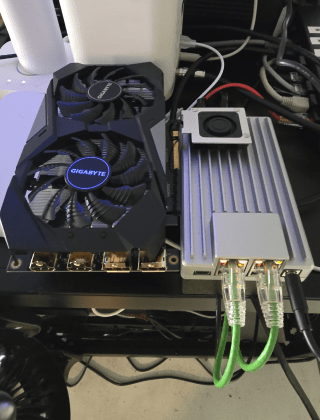
Can a Dorm Server Run Quietly Enough for Sleep, Study, and Video Calls?
Yes—a dorm server can stay unobtrusive when hardware is low-power, storage vibration is controlled, heavy jobs are scheduled, and noise is tested in the...
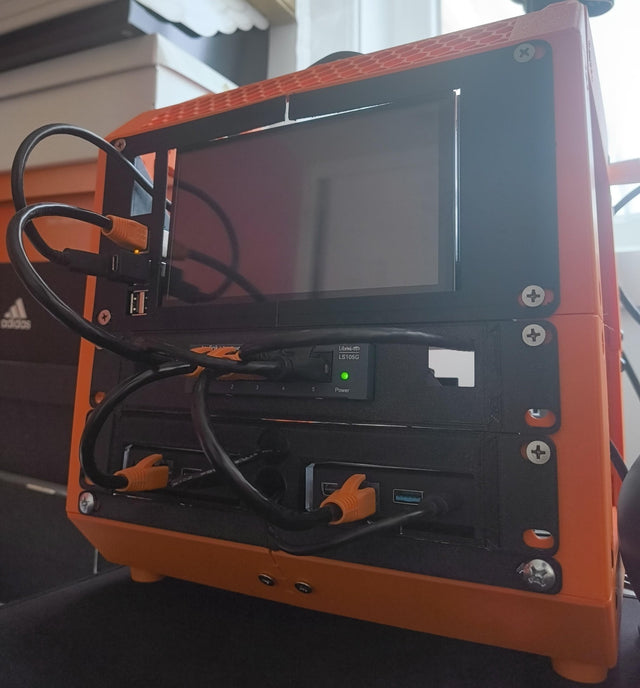
A Student Homelab That Can Move From Dorm Room to First Apartment
Keep a student homelab portable by separating services from room-specific networking, minimizing hardware, backing up state, and rehearsing a clean move.
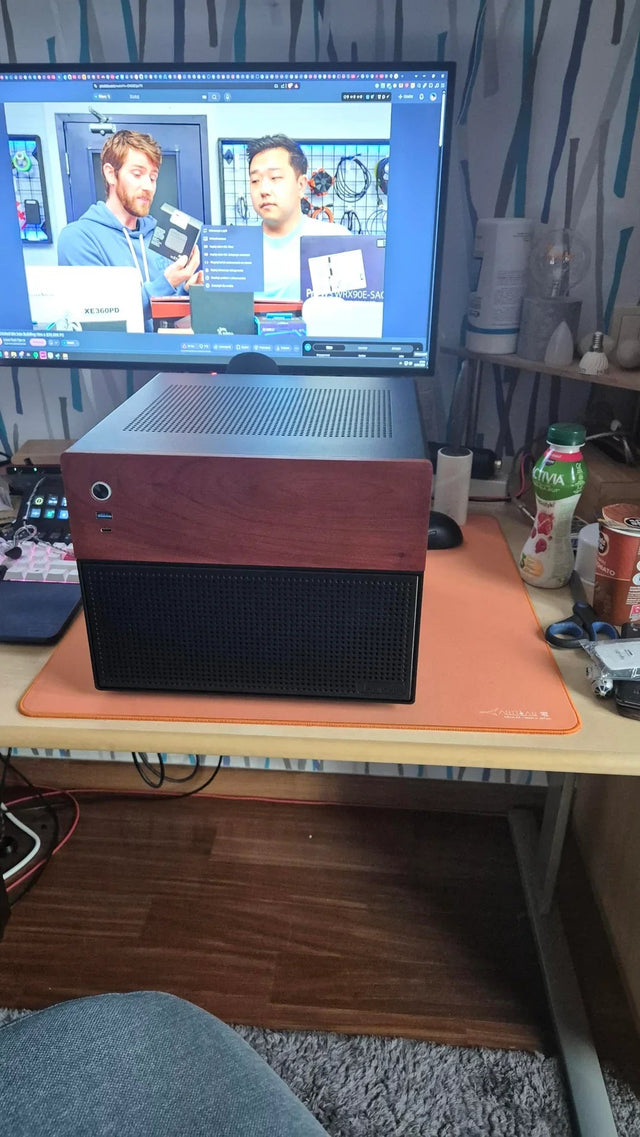
How to Share One Home Server With Roommates Without Sharing Accounts or Private Files
Give every roommate a named identity, private storage, and only the shared roles they need; keep administration, backups, and offboarding separate.


